
We may earn a commission if you buy through links on this page. It never changes a score or a ranking. How we make money
The bottom line
Useful remote support tools, but small teams should budget for paid seats and test the join experience.
ScreenConnect gives IT teams remote support, unattended access, privileged access controls, camera sharing, event automations, and a choice of cloud or on-premises hosting. That range is appealing if remote troubleshooting is a core job, but a free plan isn’t listed and the trial duration isn’t published.
The pricing page lists annual-billing equivalents from $30 per month for one license to $47 per concurrent technician on Standard. Reddit users report friction with the Windows client download and a cloud outage, so weigh the feature set against the cost and your users’ ability to join sessions.
Good fit if
- IT support teams fixing user devices
- Teams managing unattended devices
- Businesses needing on-premises hosting
Skip it if
- Teams that need a free plan
- Users seeking published monthly billing
- Support teams needing more than ten sessions per tech
ScoresHow it rates
What works
- Remote support and unattended access in one tool
- Privileged access can provide one-time administrator access
- Camera sharing supports real-time troubleshooting
- Choose cloud or on-premises hosting
- Standard and Premium include unlimited unattended agents
What doesn't
- No free plan is listed
- Monthly-billing prices are not published
- Trial duration is not published
- Standard allows up to three sessions per tech
- Reddit users report client-download and join issues
01Who ConnectWise ScreenConnect is for
ScreenConnect is for IT support teams that need to troubleshoot other people’s devices or manage computers remotely. It fits a small team when remote support is regular work, not an occasional favor: One covers a solo user, while Standard is licensed per concurrent technician and is aimed at small support teams. The pricing page lists Standard at $47 per concurrent tech per month on annual billing, so three concurrent technicians come to $141 per month equivalent.
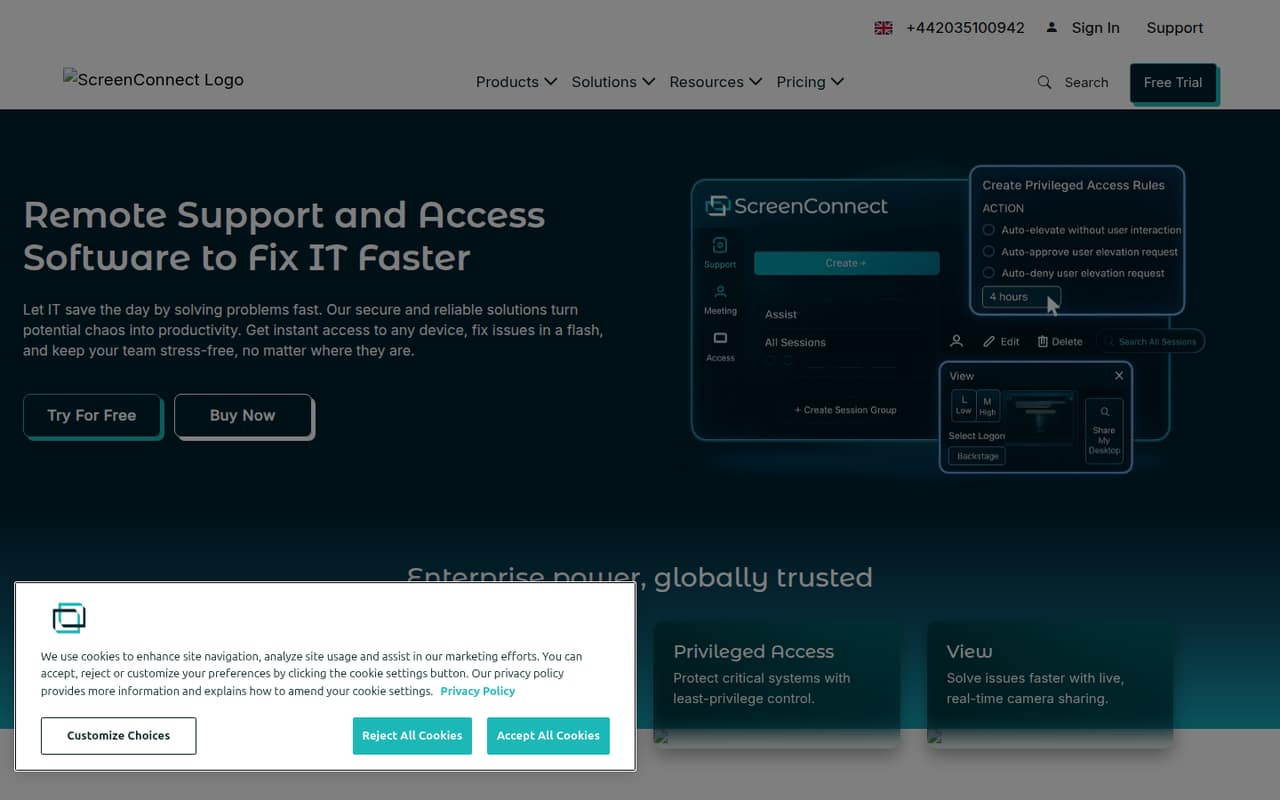
The product combines remote support and unattended access with privileged access controls, camera sharing, and event automations. Teams can choose cloud or on-premises hosting. That makes it worth considering if you need more than a basic remote connection, particularly one-time administrator access or rules triggered by session events. If your team only needs occasional support, the lack of a free plan and the paid-seat floor may be hard to justify. The right plan depends on how many technicians need to work at the same time, not just total headcount.
02ConnectWise ScreenConnect free plan and trial
The pricing information lists no free plan. A free trial is listed, but ConnectWise doesn’t publish its duration, so ask the vendor how long you can evaluate the product and what the trial includes before planning a rollout.
The cheapest listed paid option is One, at $30 per month as an annual-billing equivalent. It includes one license, one session, and 10 unattended access agents. That makes it a possible entry point for one person supporting a small set of devices, but it is not a free tier and the price for month-to-month billing isn’t published.
If you need multiple concurrent technicians or more than one session at a time, check Standard instead. It costs more, but includes up to three sessions per tech and unlimited unattended access agents. Confirm licensing and trial terms with ConnectWise before committing.
03What a small team pays for ConnectWise ScreenConnect
The pricing page lists One at $30 per month for one license, with annual billing. For a team of three concurrent technicians, Standard is $47 per tech per month, or $141 per month equivalent. For five concurrent technicians, that works out to $235 per month equivalent. Monthly-billing prices aren’t published, and the listed figures are annual-billing prices shown as monthly equivalents.
Standard includes up to three sessions per tech and unlimited unattended access agents. If each tech needs up to 10 sessions, Premium is $57 per concurrent tech per month: $171 for three techs or $285 for five, as annual-billing monthly equivalents. Remote Access (Unattended Access) is a separate option listed at $35 per month for a minimum of 25 agents, with unlimited simultaneous connections. The pricing details don’t specify add-ons, and Enterprise pricing is custom. For a small team, the main cost drivers are concurrent technician seats and the session limit you need.
04Getting started with ConnectWise ScreenConnect
ConnectWise doesn’t publish a setup time in the pricing information, so ask the vendor what deployment and onboarding involve for your hosting choice. The product offers cloud or on-premises hosting; choose that first, then confirm how technicians and unattended devices will be set up. The available feature details don’t list required integrations, so we wouldn’t budget for a specific integration without checking the docs or asking ConnectWise.
End-user joining may need attention during rollout. In one Reddit thread, users described browser-based joining as unreliable and reported that the WindowsClient.zip route could lead to SmartScreen warnings, UAC prompts, antivirus alerts, and extra guidance for less technical users. That is a report from users, not a guarantee every customer will see the same issue. Before putting it in front of a whole team, ask ConnectWise about current client distribution and test the join instructions with the people who will receive support.
05When small teams outgrow ConnectWise ScreenConnect
The first upgrade trigger is session capacity. One includes one session; Standard allows up to three sessions per tech, and Premium raises that to 10. A team that regularly needs more than 10 sessions per technician should ask ConnectWise about Enterprise, whose pricing is custom. Standard and Premium list unlimited unattended access agents, so the listed agent allowance is less likely to be the reason to move up.
The second trigger is cost: the annual-billing equivalent rises from $47 to $57 per concurrent tech when moving from Standard to Premium. A five-tech team would pay $285 per month equivalent for Premium, before any custom Enterprise terms. Consider a different tool if you need a free tier or published monthly billing.
Reddit users also report client-join friction and a cloud outage affecting a region. Those reports don’t establish how often problems happen, but teams with little tolerance for remote support interruptions should ask about incident communication and test their fallback process.
From the threadsWhat users say
Reddit sentiment is mixed to negative in the discussions available: users describe end-user installation friction and a cloud outage, alongside frustration with support updates. These are individual reports, not a measure of all customers.
end users are constantly hitting roadblocks like SmartScreen warnings, UAC prompts, and antivirus false positives
The browser-based join method has proven unreliable,
they eventually updated the status page but took long enough
I've tried running the script in rmm and no luck yet. Also opened a case with cw but so far silence on that front too
Questions people ask
Does ConnectWise ScreenConnect have a free plan?
No free plan is listed. The pricing page lists a free trial, but ConnectWise doesn’t publish its duration. Ask the vendor what features and limits apply during the trial. The cheapest listed paid plan is One, at $30 per month as an annual-billing equivalent.
How much does ScreenConnect cost for a small team?
Standard is listed at $47 per concurrent technician per month with annual billing. That is $141 per month equivalent for three concurrent technicians or $235 for five. Monthly-billing prices aren’t published, and the listed rates are annual-billing equivalents.
What is the difference between Standard and Premium?
Standard includes up to three sessions per tech and unlimited unattended access agents. Premium includes up to 10 sessions per tech and unlimited unattended access agents. The pricing page lists annual-billing equivalents of $47 and $57 per concurrent technician per month, respectively.
Can we host ScreenConnect on our own servers?
Yes. ScreenConnect offers cloud or on-premises hosting. The available pricing details don’t specify on-premises deployment requirements or costs, so ask ConnectWise what infrastructure, licensing, and setup are needed for your organization.
How many unattended devices can ScreenConnect manage?
One includes 10 unattended access agents. Standard and Premium list unlimited unattended access agents. The separate Remote Access (Unattended Access) option has a 25-agent minimum, scales up to 1,000 agents, and directs teams with 1,001 or more agents to contact sales.
Sources
- ConnectWise ScreenConnect homepage
- ConnectWise ScreenConnect pricing, compiled via web search from screenconnect.com, saasrat.com
- Reddit: Is anyone else losing their mind with the ScreenConnect WindowsClient.zip experience
- Reddit: Prevent ConnectWise ScreenConnect
- Reddit: ConnectWise ScreenConnect phishing email on my phone; am I in danger?
- Reddit: ConnectWise ScreenConnect - Down