We may earn a commission if you buy through links on this page. It never changes a score or a ranking. How we make money
If your team just needs to reach a few existing computers, start with remote access software rather than a virtual desktop platform. We’d shortlist Splashtop for small-team access, Jump Desktop if an individual-focused free option could cover your needs, and RemotePC if its shared-team price works out better than the Solo headline. Before choosing, check what the free tier allows, whether the listed starting price applies per seat or computer, and how many devices your team can manage.
Quick picksThe shortlist
 SplashtopSplashtopBest overall · $2.50/mo
 Jump DesktopJump DesktopBest free · $6.39/mo
 RemotePCRemotePCBest budget · $1.84/mo
 Royal TSRoyal TSBest for admins · $65/mo
 RustDeskRustDeskBest self-hosted · $11.88/mo
 AnyViewerAnyViewerBest for support · $3.99/mo
 ParsecParsecBest for creative teams · $8.33/mo
 UltraViewerUltraViewerBest for Windows · $3.99/mo
01Compared at a glance
| Tool | Score | From | Free plan | Trial |
|---|---|---|---|---|
| SplashtopSplashtop | 7.5 | $2.50/mo | Yes | — |
| Jump DesktopJump Desktop | 7.8 | $6.39/mo | Yes | 14 days |
| RemotePCRemotePC | 7.2 | $1.84/mo | No | 7 days |
| Royal TSRoyal TS | 7.6 | $65/mo | Yes | 30 days |
| RustDeskRustDesk | 8.0 | $11.88/mo | Yes | — |
| AnyViewerAnyViewer | 7.0 | $3.99/mo | Yes | — |
| ParsecParsec | 7.5 | $8.33/mo | Yes | 14 days |
| UltraViewerUltraViewer | 6.3 | $3.99/mo | Yes | — |
02The picks, in detail
- Best overallSplashtopSplashtop
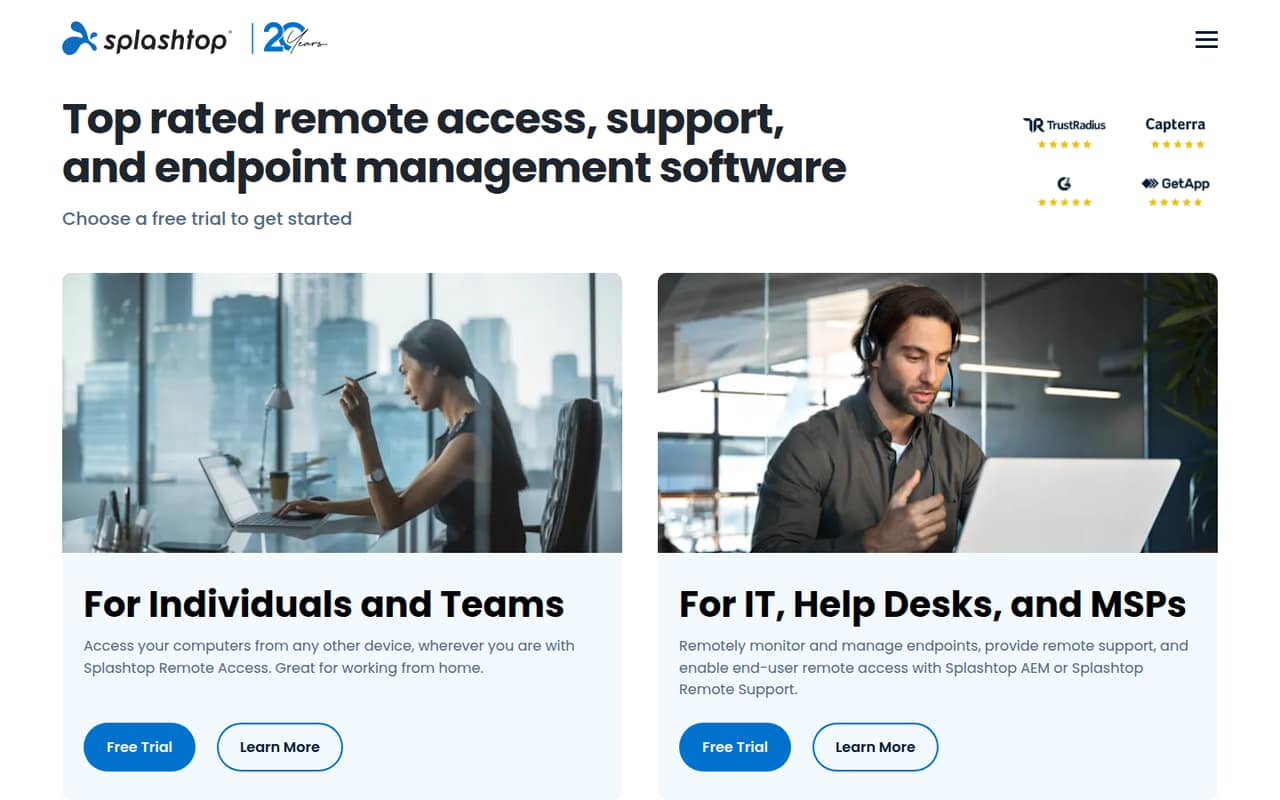
Splashtop is positioned for small teams accessing work computers, and its listed starting price is $2.50 with per-seat pricing. That makes it a sensible first quote to compare against your headcount. The free-plan limits and add-ons need checking, though: the listed starting price alone does not tell you what a few seats will cost.
What works
- Remote access, support, and endpoint management options
- Pro includes multi-monitor support and session recording
- Pro supports up to three users on one computer
What doesn't
- No general free remote-access plan is described
- Pro costs more as each seat is added
- Enterprise pricing is custom
- Best freeJump DesktopJump Desktop
Jump Desktop has a free option described as generous for individuals, plus paid controls for teams that need them. Its listed starting price is $6.39. It suits a small group if individual access is enough to start; check which team controls are included before relying on the free option for shared administration.
What works
- Free plan allows unlimited computers and connections
- Connect through apps or a web browser
- Teams Pro includes five Access Groups
What doesn't
- Free plan is limited to one virtual display
- Teams pricing rises with each user
- iPhone and iPad app prices are unpublished
- Best budgetRemotePCRemotePC
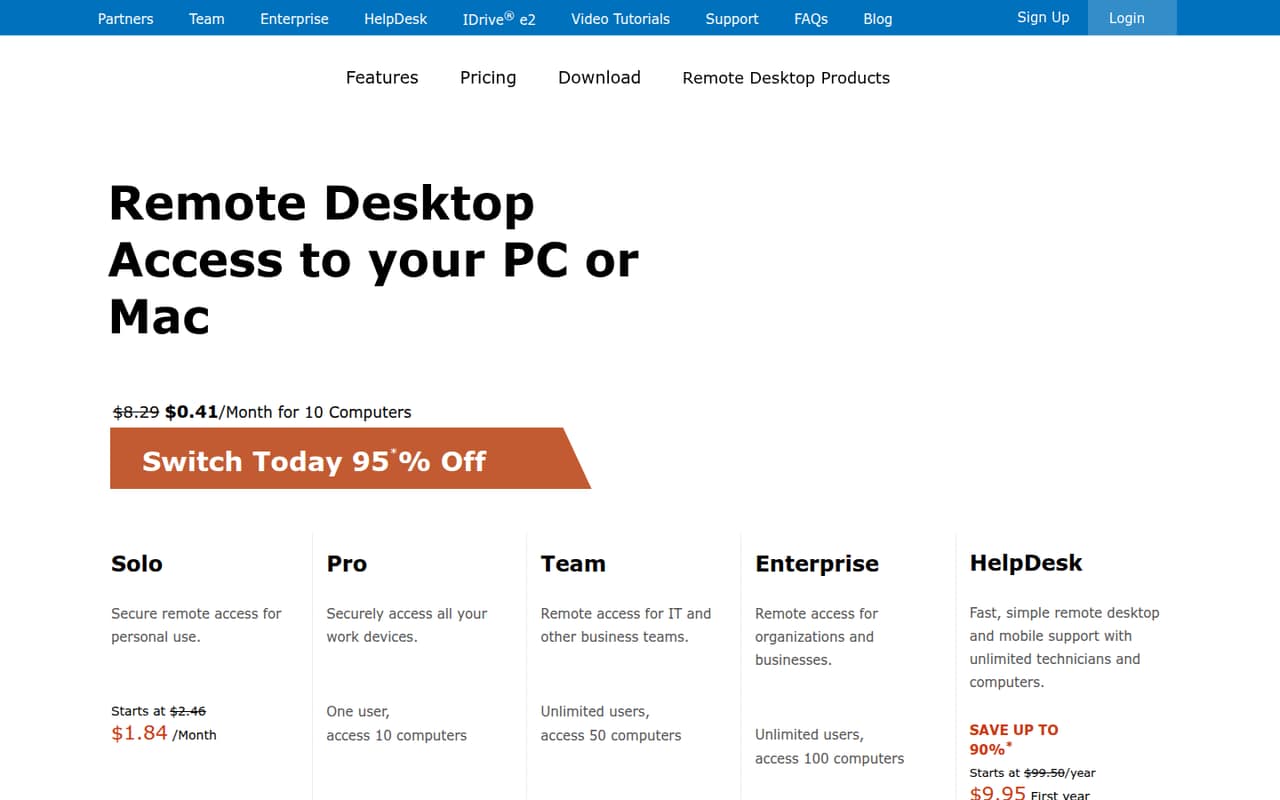
RemotePC’s listed starting price is $1.84, and it is aimed at small teams sharing remote access. But the Solo headline is not the team price: shared use costs more. Ask for a quote based on your seats and computers, and compare that total with other tools before treating the entry price as your budget.
What works
- Connects to Windows, Mac, and Linux computers
- Includes file transfer and remote printing
- Supports multi-monitor viewing and switching
What doesn't
- No free plan
- Trial feature details are not listed
- Solo covers only one computer
- Best for adminsRoyal TSRoyal TS
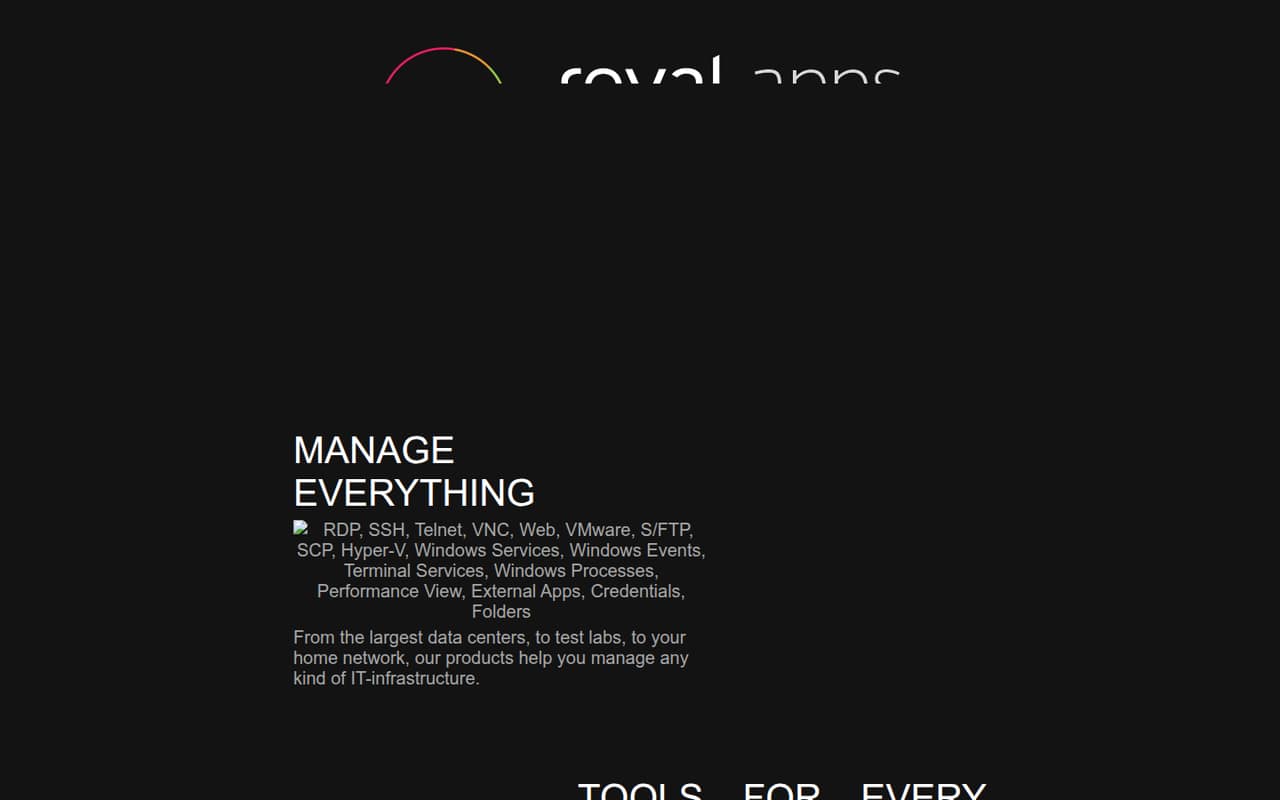
Royal TS is a good fit for IT admins handling different connection protocols, and its free option covers 10 connections. The listed starting price is $65. That free allowance may be enough for a small team’s connection list, but check what counts as a connection and whether the paid license fits how your team shares access.
What works
- Free plan includes 10 connections and 10 credentials
- One-time individual license works across multiple devices
- Supports remote connections using different protocols
What doesn't
- Free plan is limited to one document
- Paid licenses cost $65 per user
- Maintenance pricing after year one is not published
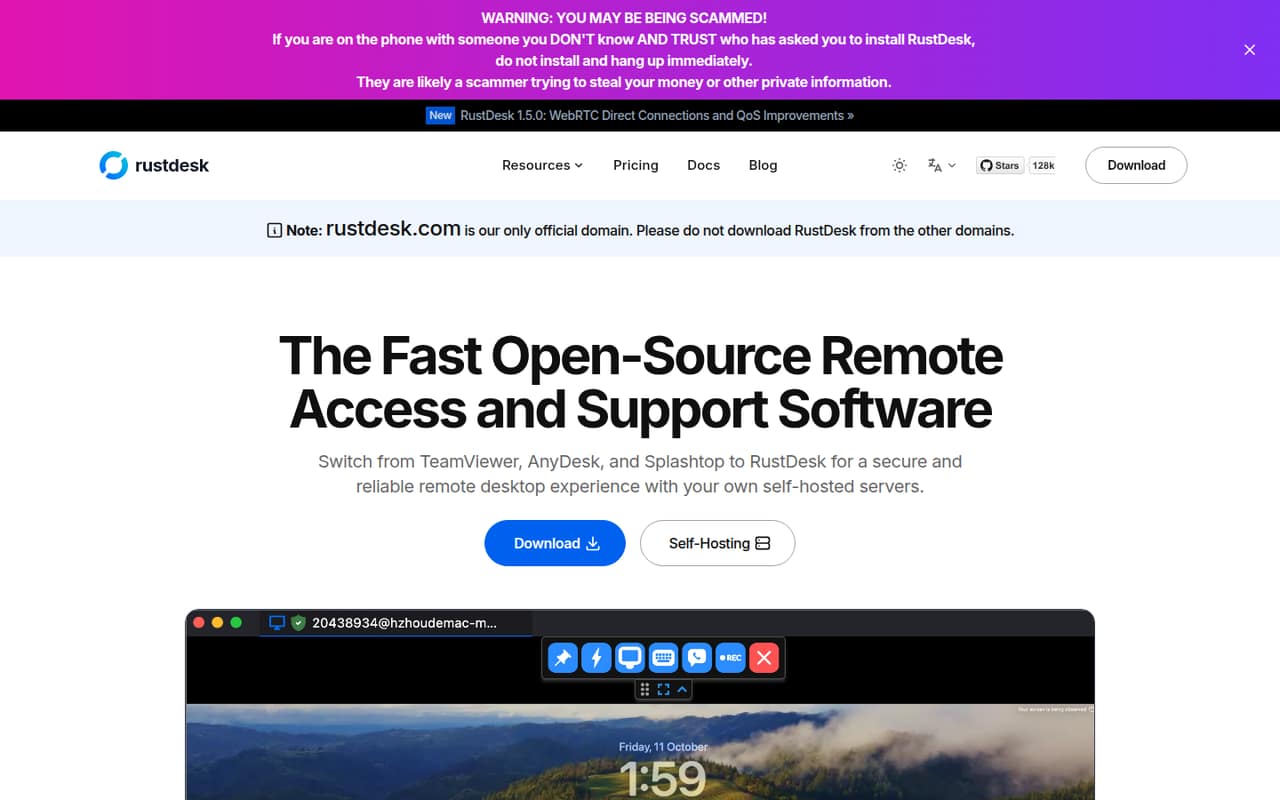
- Best self-hostedRustDeskRustDesk
RustDesk suits technical teams that want self-hosted remote access and more control over their data. Its listing includes a free plan and a starting price of $11.88. The trade-off is setup and ongoing management: choose it only if someone on the team is ready to handle that work.
What works
- Free, open-source self-hosting option
- Data stays under your control
- Supports Windows, macOS, Linux, and Android
What doesn't
- Self-hosting requires infrastructure and configuration
- Paid plans are billed annually only
- Some public Wi-Fi may block its ports
- Best for supportAnyViewerAnyViewer
AnyViewer offers a free remote-access option and is aimed at small teams supporting computers and handling occasional file transfers. Its listed starting price is $3.99. Annual billing and team limits are worth checking before you roll it out, especially if you expect more technicians or supported computers over time.
What works
- Free plan includes two simultaneous sessions
- Free plan supports 10 connected devices
- Unattended access uses one click or a security code
What doesn't
- Free file transfers are limited to 500 KB/s
- Paid plans have no standalone monthly price
- Team plan may be more seats than a tiny team needs
- Best for creative teamsParsecParsec
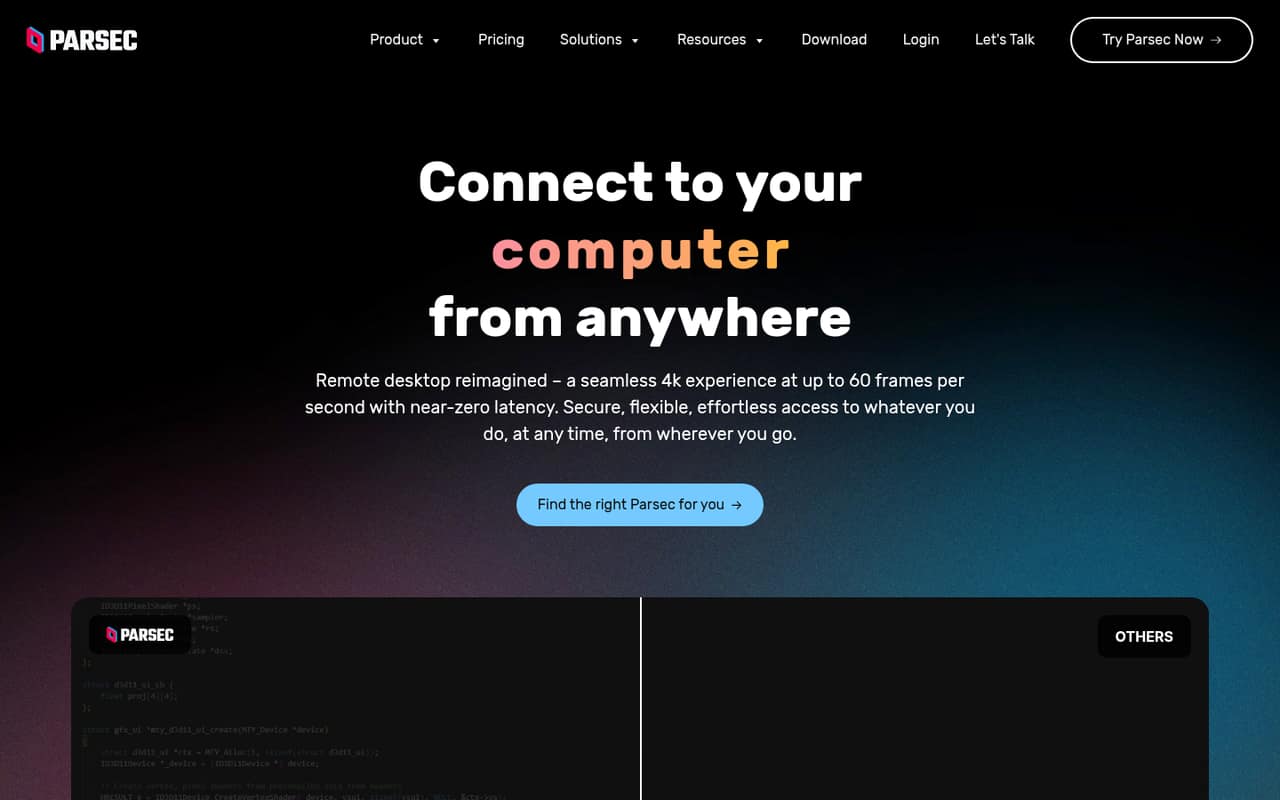
Parsec offers free remote access and is a fit for artists who need Wacom support or small teams that need SSO. The listed starting price is $8.33. Its main budget caution is team administration: costs can rise as seats add up, so ask for the price at your expected team size.
What works
- Free plan includes encrypted peer-to-peer connections
- Paid plans support up to three monitors
- Individuals plan includes pressure-sensitive Wacom support
What doesn't
- Teams costs $30 per seat with annual billing
- Guest access costs $25 per invitation
- Enterprise is annual billing only
- Best for WindowsUltraViewerUltraViewer
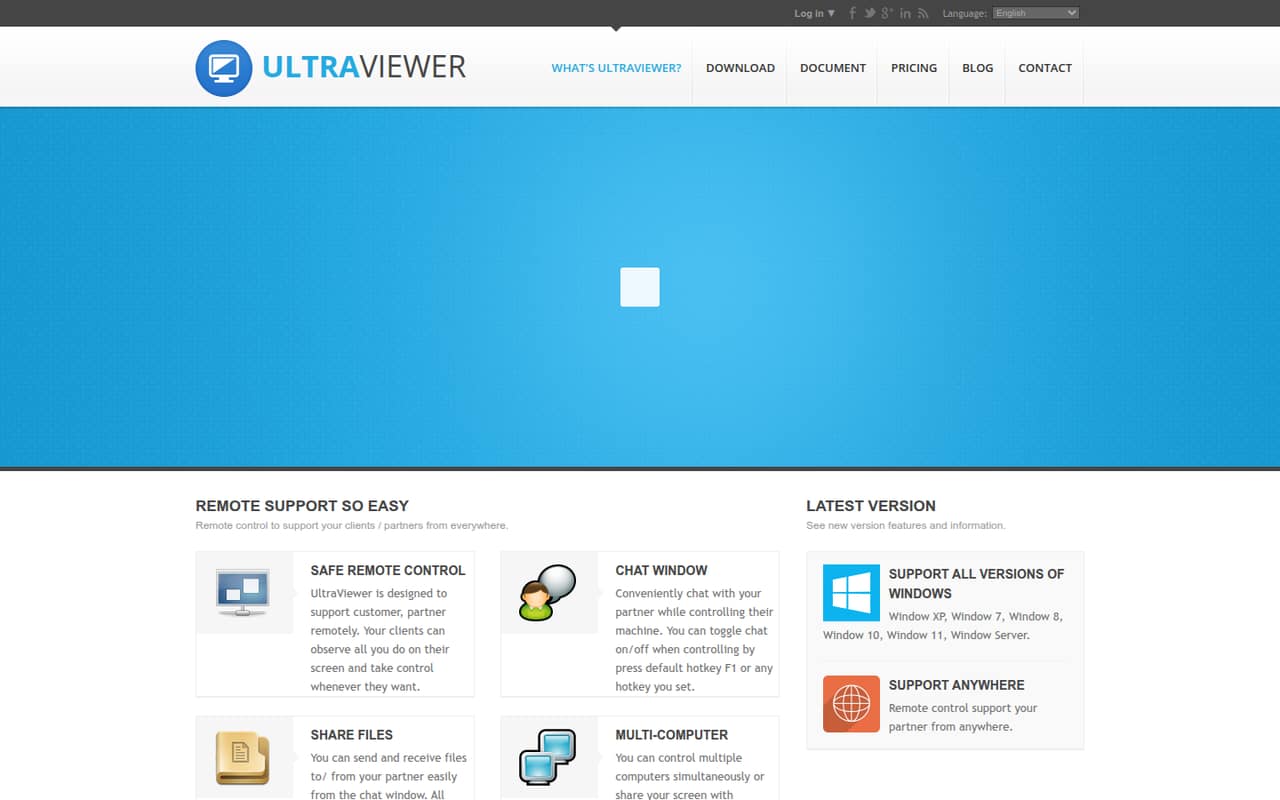
UltraViewer is a budget-minded option for simple support on Windows, with a free plan and a listed starting price of $3.99. The free-plan limits are unclear, so confirm they cover your support pattern before making it the team standard. It is less suitable if your team needs access across other desktop platforms.
What works
- Homepage describes the software as freeware
- Chat and file sharing are included features
- Partner can observe and take control
What doesn't
- Free-plan limits aren’t published
- Monthly-billing prices aren’t listed
- Extra license prices aren’t listed
03How we chose
We ranked these tools for a team of one to ten, weighing free-plan coverage, listed starting prices, the likely cost for a few seats, setup effort, and stated plan or device limits. A low entry price did not automatically win: RemotePC’s shared-team use costs more than its Solo headline, while Parsec’s team administration can get expensive as seats add up. We also considered whether the product suits a small-team job or requires more infrastructure work. Vendor docs and Reddit sentiment are useful checks for billing units, permissions, and setup steps; we make no hands-on testing claims.
04Compare the cost for your actual team
A listed starting price is a starting point, not a team budget. Check what the price applies to—seats, computers, or another unit—and ask for the total at your expected team size. Splashtop’s listing starts at $2.50 and highlights per-seat pricing, while RemotePC starts at $1.84 but costs more for shared team use than its Solo headline. Those figures are not enough on their own to calculate a three- or ten-person bill.
Also check free-plan limits before making them part of your workflow. Jump Desktop’s free option is described as generous for individuals, Royal TS includes 10 free connections, and Parsec offers free remote access. Their free options suit different jobs. Ask vendors about billing terms, add-ons, seat minimums, and what happens when you add computers or users.
05Match setup effort to the job
Keep the setup proportional to what you need. For reaching work computers, compare straightforward remote-access options first. If you manage different protocols, Royal TS is aimed at admins juggling varied connections. If you want to self-host, RustDesk may suit a technical team, but its setup and management work are part of the decision. Teams delivering virtual apps or desktops may need a different category of product, such as Citrix Workspace, where custom pricing and setup can be a lot for a small team.
Think about the next step up, too. Royal TS’s free option covers 10 connections, UltraViewer’s free-plan limits are unclear, and Parsec’s team administration can get expensive as seats grow. Before rollout, ask how access is shared, what permissions are available, and what changes when you add people or devices. Check vendor docs for setup requirements and use Reddit reports as additional context, not a substitute for confirming plan details.
Questions people ask
Is there a good free remote access option for a small team?
It depends on the job. Jump Desktop’s free option is described as generous for individuals, Royal TS includes 10 free connections, and Parsec offers free remote access. Check whether the plan supports shared team administration: Jump Desktop’s paid controls are aimed at teams, and Parsec’s team administration can get expensive as seats add up.
How much does remote access software cost for three people?
The listed starting price may not tell you the cost for three seats. Splashtop lists a $2.50 starting price and per-seat pricing, while RemotePC says shared team use costs more than its Solo headline. Ask each vendor for a quote at your seat and computer count, including add-ons and billing terms.
Should a small team self-host remote access software?
Self-hosting can suit a technical team that wants more control, but account for setup and ongoing management. RustDesk is positioned for teams that self-host and manage the setup. If no one on your team can own that work, compare hosted options and ask vendors what configuration and maintenance they require.
When should a small team switch to a different tool?
Revisit your choice when your team’s seat or computer count pushes up the bill, a free-plan limit blocks shared work, or setup and administration take more effort than the access job warrants. Parsec flags rising costs as seats add up; Royal TS has 10 free connections, so track how many you need.