
We may earn a commission if you buy through links on this page. It never changes a score or a ranking. How we make money
The bottom line
Strong school safety coverage, but custom pricing leaves small teams guessing at the cost.
ContentKeeper Secure Internet Gateway combines cloud filtering for managed devices with inline filtering on campus networks. Its stated features include OCR alerts, controls for some YouTube features, SSL inspection and proxy detection.
For a small school IT team, the main drawback is budget uncertainty: the vendor offers custom quotes, with no published starting price, free plan or trial. Ask for pricing and setup requirements before committing.
Good fit if
- School IT teams managing devices
- Schools needing on-campus filtering
- Teams focused on student safety
Skip it if
- Buyers needing a published price
- Teams seeking a free gateway
- Organizations outside the school setting
ScoresHow it rates
What works
- Cloud filtering for managed devices
- Inline filtering on campus networks
- Supports Chromebooks, Windows, macOS and iPads
- OCR alerts can flag concerning text
- Proxy detection helps block bypass attempts
What doesn't
- Pricing is available only by custom quote
- No free plan is listed
- No free trial is listed
- Monthly and annual billing details are unpublished
- Setup effort and integrations need vendor confirmation
01Who ContentKeeper Secure Internet Gateway is for
ContentKeeper Secure Internet Gateway is aimed at schools that need web filtering and student safety controls across managed devices and campus networks. It may suit a small IT team of one to ten people responsible for keeping school devices and network access within policy. The software is designed for the school environment, rather than as a general-purpose gateway for a small business.
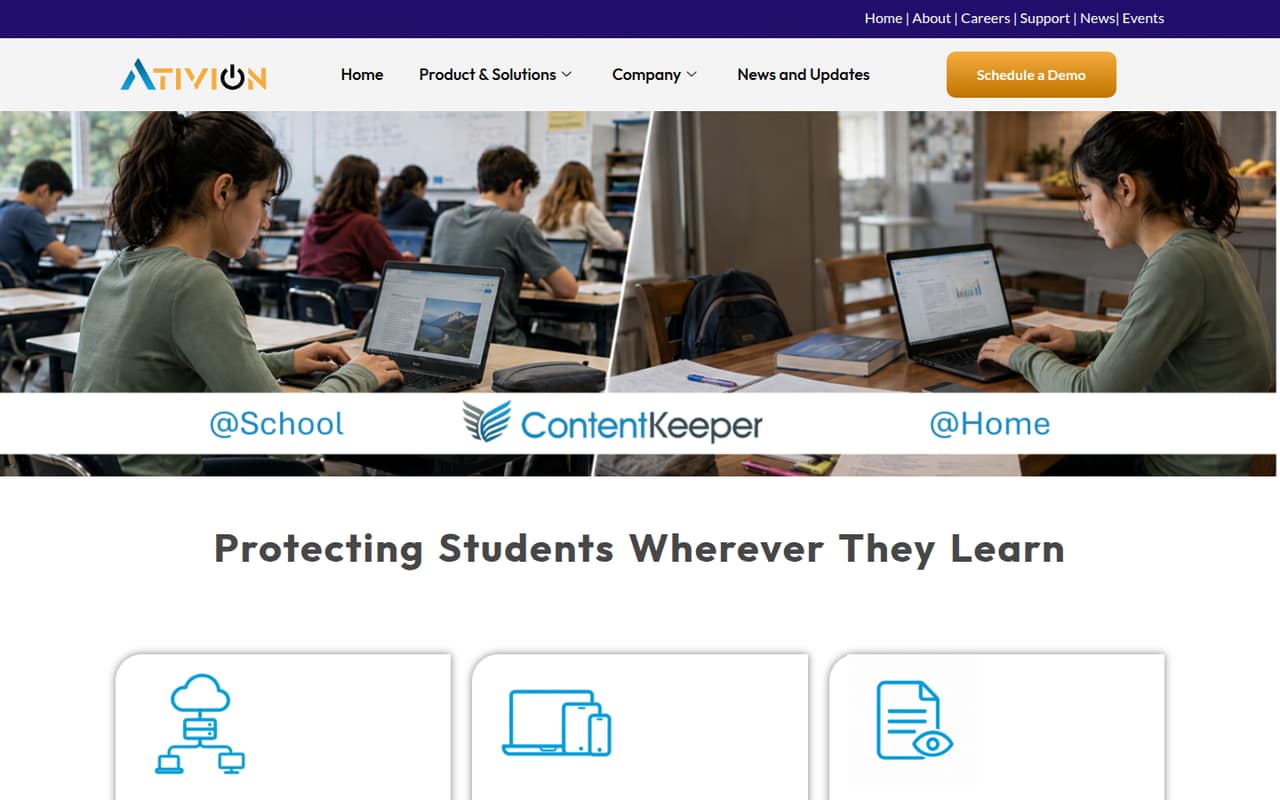
In plain terms, it applies filtering in two places: through cloud protection for managed devices and inline filtering on campus. The stated device coverage includes Chromebooks, Windows, macOS, iPads and BYOD devices. Staff can also use OCR alerts to catch concerning text, while video controls can limit features such as YouTube Shorts and comments without blocking all approved educational videos. SSL inspection and proxy detection add ways to identify activity beyond a site's domain and deter bypasses. The fit depends on your school’s requirements and budget; the vendor does not publish a standard price to compare.
02ContentKeeper Secure Internet Gateway free plan and trial
The vendor does not list a free plan or free trial for ContentKeeper Secure Internet Gateway. That means a small school team should not plan on using a free tier to evaluate its filtering, OCR alerts or video controls before budgeting for it.
The listed route in is a custom quote for organizations requesting the Custom/Enterprise plan. The vendor does not publish a starting price, so there is no stated cheapest monthly or annual option to use as a budget baseline. Ask the vendor whether it offers a temporary evaluation, what the evaluation covers, and whether any setup or service fees apply. Until those details are confirmed, treat access as quote-based rather than free.
03What a small team pays for ContentKeeper Secure Internet Gateway
The pricing page lists a Custom/Enterprise option for organizations requesting a quote. It does not publish a starting price or per-person rate. That leaves the cost for one person, three people or five people unknown; there is no reliable per-seat calculation to provide. Monthly and annual billing details are also unpublished.
This is a school-focused platform, so ask whether the quote is based on users, devices, network size or another measure. Confirm whether the same price covers cloud filtering for managed devices and inline filtering on campus, and request separate monthly and annual totals if both are available. The pricing information lists no add-ons, so a small team should ask whether OCR safeguarding, SSL inspection, video controls or other stated capabilities carry extra charges. Until the vendor supplies a quote, a school with a tight budget cannot compare its actual cost with a per-seat alternative.
04Getting started with ContentKeeper Secure Internet Gateway
The hybrid design means a school will need to account for both managed devices using cloud protection and devices filtered inline on campus. That makes deployment more involved than choosing a single browser setting, but the vendor does not publish a setup timeline or a step-by-step checklist in the information available to buyers. We would not assume a specific rollout effort without discussing the school’s network and device setup with ContentKeeper.
The stated coverage includes Chromebooks, Windows, macOS, iPads and BYOD devices. Before signing, ask the vendor which configuration steps apply to each group, how policies are assigned, and what staff need to do to review OCR alerts or reports. Also confirm whether it integrates with your existing device-management and identity systems; those integrations are not listed in the published details summarized here. Have the vendor walk through a typical campus and remote-device setup so your small team can estimate the work.
05When small teams outgrow ContentKeeper Secure Internet Gateway
For this product, outgrowing the tool may mean that the school’s needs change, not that it hits a published seat limit. The vendor does not publish a user or device cap in the available pricing details, and the custom-quote model offers no public tier ladder to show when an upgrade is required. Ask for written limits on devices, networks, policies and reporting before committing, especially if enrollment or the number of managed devices is likely to grow.
A different tool may be worth comparing if your team needs transparent per-seat costs, a self-serve plan or a free trial: none is listed for ContentKeeper. Likewise, if you need integrations or setup details confirmed before purchase, make those a condition of the evaluation rather than assuming they are included. The product’s school-focused hybrid filtering may fit a growing campus, but the quote needs to clarify how coverage and price change as the environment expands.
Questions people ask
Is ContentKeeper Secure Internet Gateway safe?
It is designed for school web filtering and online safety, with features including SSL inspection, proxy detection and OCR alerts for concerning text. Those features can help staff identify activity or content that may need attention, but they do not guarantee that every risk will be detected. Ask the vendor how alerts are handled and what policies your school must configure.
What is ContentKeeper Secure Internet Gateway?
It is a school-focused web filtering and student safety platform. The product combines cloud protection for managed devices with inline filtering on campus networks, with central policy controls and reporting. Its stated features also include video controls, OCR safeguarding, SSL inspection and real-time analysis to identify suspected proxy sites.
Which devices does ContentKeeper Secure Internet Gateway support?
The stated device coverage includes Chromebooks, Windows devices, macOS devices, iPads and BYOD devices. The product uses cloud filtering for managed devices and inline filtering for devices on campus networks. Ask the vendor which configuration steps and coverage terms apply to your school’s specific device mix.
Does ContentKeeper Secure Internet Gateway have a free plan or trial?
The vendor does not list a free plan or free trial. The listed option is a custom quote for organizations requesting the Custom/Enterprise plan. Ask the vendor whether an evaluation is available and whether it includes the features, devices and setup support your school would need.
How much does ContentKeeper Secure Internet Gateway cost?
The vendor lists custom pricing by quote, with no published starting price or per-seat rate. Monthly and annual billing details are not published either. Ask for a quote based on your number of devices and networks, and confirm whether the features you need or any setup work affect the total.