
We may earn a commission if you buy through links on this page. It never changes a score or a ranking. How we make money
The bottom line
Useful for quick file conversions; confirm free limits and budget for separate subscriptions if your team needs them.
Convertio handles conversions between 300+ formats in a browser, with cloud processing and no software installation. Its free plan is available, but the pricing page doesn’t publish its limits.
Paid plans start at $6.99 per month with annual billing, or $11.99 month-to-month. That’s reasonable for occasional conversions, but the pricing page doesn’t publish team or seat billing.
Good fit if
- Teams converting files occasionally
- People who want browser access
- Users needing many file formats
Skip it if
- Teams needing published free-plan limits
- High-volume work on a tight budget
- Teams requiring clear seat pricing
ScoresHow it rates
What works
- Supports more than 300 file formats
- Runs in a browser without installation
- Cloud conversions do not use computer capacity
- Custom settings include quality and codec
- Paid plans list clear file-size limits
What doesn't
- Free-plan allowances are not published
- No team or seat pricing is listed
- Paid plans cap file size and credits
- Reddit comments disagree about safety
- One Reddit commenter reports an upload problem
01Who Convertio is for
Convertio fits a solo operator or a small team that occasionally needs to change a file from one format to another. The homepage lists more than 300 formats and over 25,600 conversion types, covering tasks such as changing a media file’s format or adjusting settings such as quality, aspect ratio, and codec.
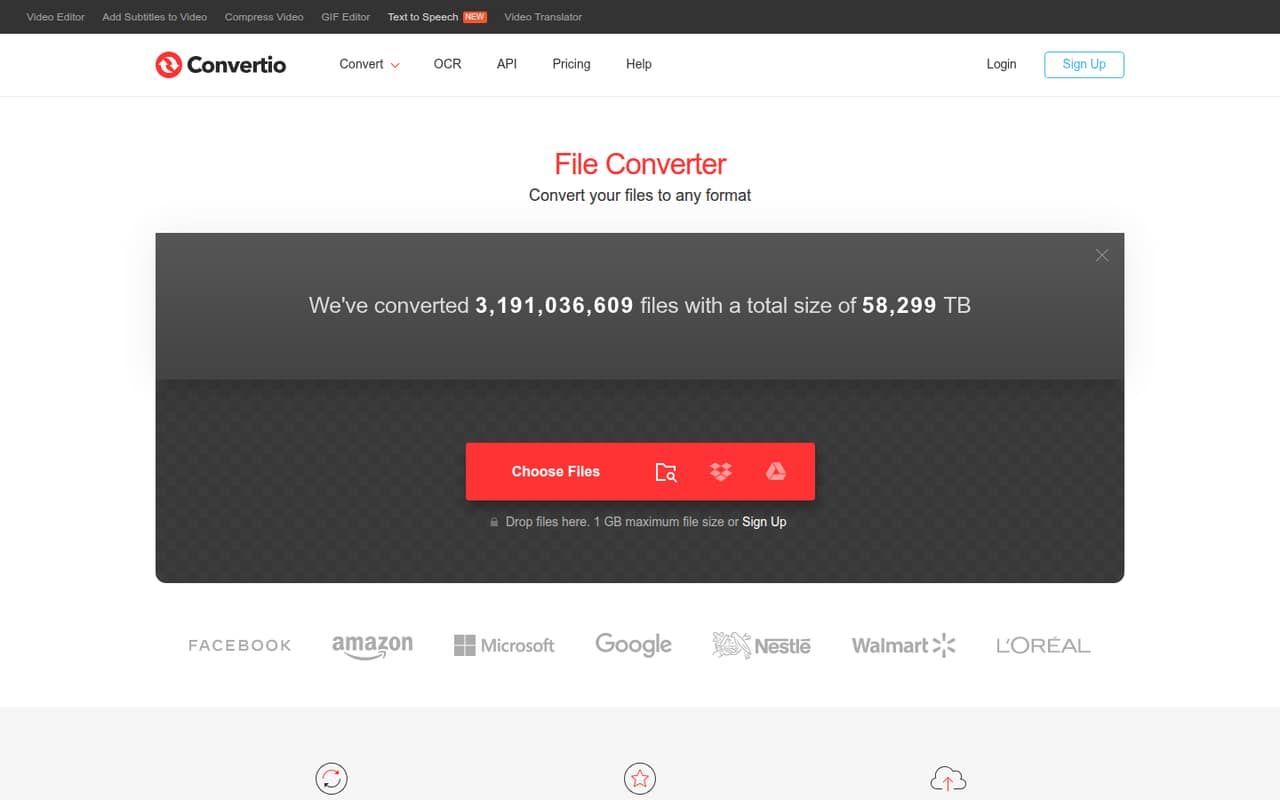
It runs in a browser, and conversions happen in the cloud, so there’s no software installation and the work doesn’t use your computer’s capacity. That’s handy when a teammate needs a quick conversion without adding another desktop app to the team’s setup.
For a team of 1–10, the main question is how often people convert files and whether they need separate accounts. The pricing page lists individual plan limits and prices, but doesn’t publish seat or team billing. If conversions are central to your work or involve lots of large files, check the limits before choosing a plan.
02Convertio free plan and trial
Convertio has a free plan, but the pricing material doesn’t publish its file-size limit, conversion-credit allowance, concurrency, or other specific inclusions. That makes it hard to tell whether it will cover a recurring team workflow. We’d try the free option for an occasional conversion, then confirm the current limits with Convertio before depending on it for work.
A free trial isn’t listed. The cheapest published paid option is Lite: $11.99 per month, or $6.99 per month when billed annually. Lite includes a 1 GB maximum file size, 1,000 conversion credits per month, and 50 concurrent conversions. Monthly plans can be canceled anytime; annual plans are billed yearly. Those limits are more concrete, but may be more than a very occasional user needs.
03What a small team pays for Convertio
Lite is the cheapest paid plan. The pricing page lists it at $11.99 per month, or $6.99 per month with annual billing. That annual rate is $83.88 for one subscription, billed yearly. If three people each need a subscription, budget $35.97 monthly or $20.97 per month equivalent with annual billing ($251.64 billed yearly). For five, the math is $59.95 monthly or $34.95 per month equivalent ($419.40 billed yearly).
Those team totals are arithmetic for separate subscriptions, not published team pricing: Convertio doesn’t list seat billing. Lite includes 1 GB per file, 1,000 monthly credits, and 50 concurrent conversions. Basic costs $22.99 monthly or $13.99 per month billed annually, with a 3 GB file limit and 3,000 credits. The page also lists an add-on of 15,000 credits monthly for $55, or $45 per month billed yearly. Check whether credits are shared across users before budgeting for a team.
04Getting started with Convertio
Setup should be light for a basic conversion: Convertio works in a browser, and the homepage says there’s no software download or installation. The service processes conversions in the cloud, so teams don’t need to set up desktop conversion software just to use it.
For day-to-day use, the practical questions are which formats you need and whether your file sizes fit the plan. The homepage says most conversion types offer custom settings such as quality, aspect ratio, and codec. That gives users options without requiring a separate editing application for those adjustments.
For automation, Convertio offers API access with documentation and a PHP example. The listed material doesn’t name other integrations, so ask the vendor if you need a particular workflow connection. Reddit feedback is mixed rather than a reliable setup guide: one commenter said they couldn’t upload a file, while another said they used the service regularly.
05When small teams outgrow Convertio
You may need to upgrade when files exceed Lite’s 1 GB maximum, monthly use goes past 1,000 credits, or 50 concurrent conversions aren’t enough. Basic raises those limits to 3 GB, 3,000 credits, and 100 concurrent conversions; Pro lists 10 GB, 10,000 credits, and unlimited concurrent conversions. Custom lists a 20 GB maximum and up to 1 million credits.
The trade-off is price: Pro costs $44.99 month-to-month or $25.99 per month billed annually, while Custom costs $54 or $32.42, respectively. Those rates are per listed plan, and team seat pricing isn’t published, so costs can add up if each person needs a subscription.
A growing team may also want confirmed seat management or named integrations before standardizing on the tool; ask Convertio what it offers. Reddit comments include both routine-use reassurance and a complaint about being unable to upload, plus conflicting safety opinions. Treat those as individual reports, not a security assessment.
From the threadsWhat users say
The Reddit comments show mixed sentiment: some commenters say they use the service regularly without trouble, while others raise safety concerns or report an upload issue. These are individual opinions, not verification of Convertio’s security or reliability.
bro i use converto every other day. its safe
Bro i literally need to convert an mp3 to ogg and i can't upload files.... bruhh
have been using these sites for good amount of time and haven't been experiencing any problems, but still afraid that they aren't safe ,_,
it is malicious
Questions people ask
Is Convertio free?
Convertio has a free plan, but the published pricing details don’t specify its file-size limit, conversion credits, or concurrency. If you need predictable capacity for a team, check the current free-plan terms with Convertio. Its cheapest published paid plan is Lite, starting at $6.99 per month with annual billing.
How much does Convertio cost?
The Lite plan costs $11.99 month-to-month or $6.99 per month when billed annually. Basic starts at $22.99 monthly, Pro at $44.99, and Custom at $54. Annual rates are listed as monthly equivalents and billed yearly. Convertio doesn’t publish team or seat pricing.
What file formats does Convertio support?
Convertio’s homepage lists support for more than 300 file formats and over 25,600 conversion types. It also says most conversion types offer custom options, including quality, aspect ratio, and codec. Check the converter for the specific input and output formats your team needs.
Does Convertio keep uploaded files?
Convertio’s homepage says uploaded files are deleted instantly and converted files are deleted after 24 hours. That is the vendor’s stated policy; it is not an independent security assessment. If your files are sensitive, review the current privacy terms and ask Convertio about your requirements before uploading.
Can my team automate conversions with Convertio?
Convertio offers API access, documentation, and a PHP example. The published details here don’t list other integrations or team features, so confirm compatibility with your stack and ask the vendor about account or seat management. For simple, occasional conversions, the browser-based service doesn’t require installation.