
We may earn a commission if you buy through links on this page. It never changes a score or a ranking. How we make money
The bottom line
Great deployment value if you can handle servers; less simple than managed hosting.
Coolify gives small technical teams a way to deploy apps, databases, and services to servers they connect over SSH. Self-hosted is free and has no feature limits, while the Cloud option starts at $5 per month or $4 per month with annual billing.
The trade-off is setup: your team still needs to choose and manage server infrastructure. Reddit users describe convenient Git-based deployments, but one Django developer also reported struggling with the internal reverse proxy.
Good fit if
- Technical teams with server experience
- Teams hosting several small projects
- Budget-conscious self-hosters
Skip it if
- Teams wanting zero server admin
- Nontechnical teams without deployment help
- Teams needing published seat pricing
ScoresHow it rates
What works
- Free self-hosted plan includes all features
- Supports several Docker and build workflows
- Offers one-click databases and services
- Automates Let's Encrypt certificates
- Cloud includes unlimited deployments per server
What doesn't
- Self-hosting means managing server infrastructure
- Team subscription pricing is not published
- Cloud fees don't include a published server price
- Setup can involve reverse-proxy troubleshooting
- No free trial is listed
01Who Coolify is for
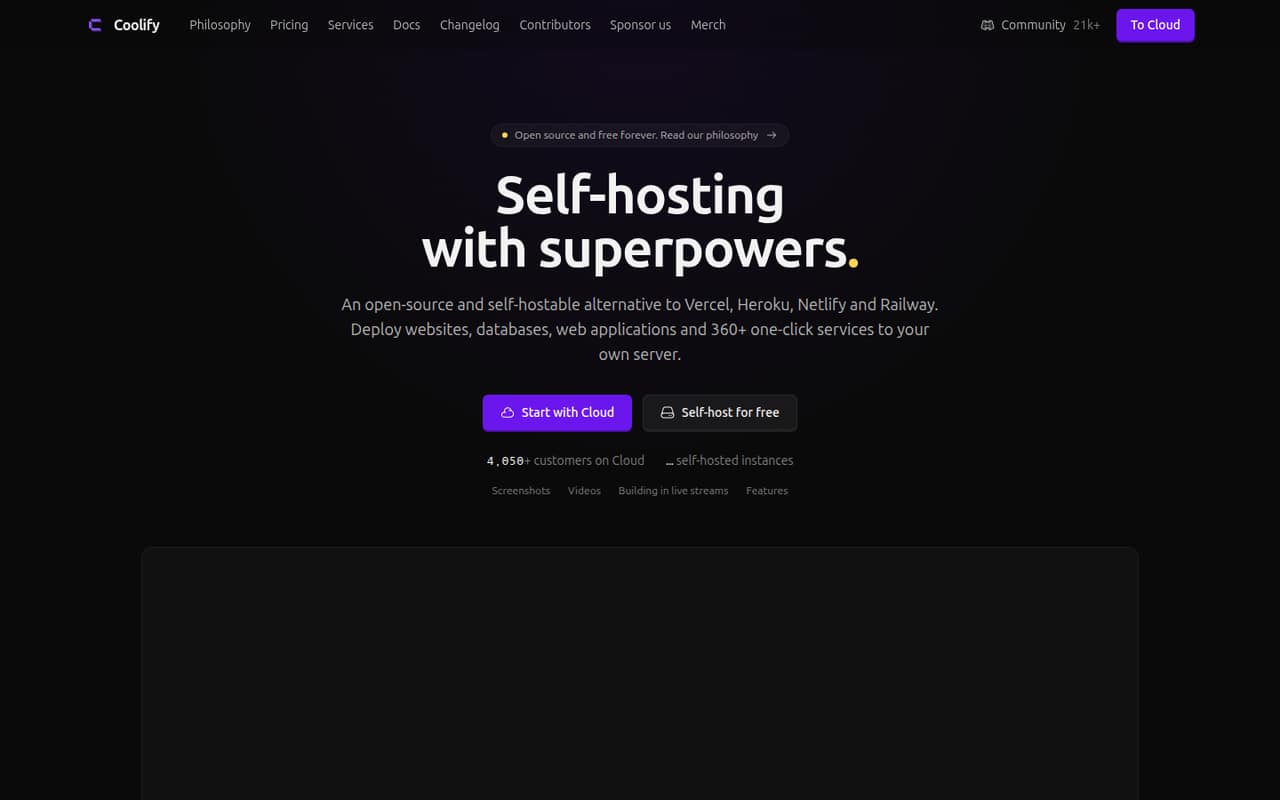
Coolify suits a small technical team that wants to deploy apps without paying a separate managed platform fee for every project. It gives you a web interface for deploying websites, applications, databases, and services to servers you connect over SSH. A Git push can trigger a deployment, and you can choose among Nixpacks, Railpack, Dockerfile, Docker Compose, or prebuilt Docker images.
For a team of one to ten, the appeal is strongest when someone can look after the server as well as the app. Self-hosted costs nothing for the Coolify software, and the pricing page lists all features with no feature limits. You still need server infrastructure, and your team owns that operating work. If you want Coolify managed for you, Cloud starts at $5 per month, with two connected servers included. It is a practical fit for teams with multiple small projects and tighter budgets than managed platforms allow.
02Coolify free plan and trial
The Self-hosted plan costs $0 per month and includes all features, no feature limits, community support with a community of 20,000+ members, and automated or self-managed updates. That makes it more than a limited demo: you can use the full feature set while hosting Coolify on your own infrastructure.
The trade-off is that your team must provide and manage the server Coolify runs on. Coolify also offers a Cloud plan for teams that want managed Coolify hosting, starting at $5 per month. The pricing lists no free trial. If the team wants Cloud, budget for the base subscription and check the separate team-subscription requirement; its price is not published.
03What a small team pays for Coolify
For one person, Self-hosted is $0 per month for the Coolify software. Cloud starts at $5 monthly, or $4 per month with annual billing, and its base price connects two servers. The pricing lists unlimited deployments per server, but that does not mean unlimited servers.
For three or five people, there is no published per-seat price to multiply. The listed Cloud base remains $5 monthly or $4 monthly billed annually, but Coolify says teams require an additional subscription per team, and it does not publish that price. So we can't give a reliable total for a team workspace at either size. Team size and connected-server count are different cost questions: each additional Cloud server is $3 monthly, or $2.40 per month with the listed annual discount. Ask Coolify for the team subscription price before choosing Cloud. Self-hosted remains free for the software, though your infrastructure has its own cost.
04Getting started with Coolify
Coolify is a deployment interface, not a substitute for having a server. Your team connects servers over SSH, chooses a build method, and configures the app or service to deploy. For a typical app, the day-one pieces include a connected server, a deployment source, a domain, and any database the app needs. Coolify supports several build formats, one-click databases, automatic Let's Encrypt certificates, and S3-compatible database backups.
Expect more setup work than with a fully managed app platform: someone needs to understand the server and its deployment configuration. Reddit reports vary. One commenter described a Git push triggering deployments and pull requests getting preview subdomains; a Django developer said they spent a week wrestling with Coolify's internal reverse proxy before using Raw mode. Those accounts are useful warnings, not a promise of how setup will go for your stack.
05When small teams outgrow Coolify
Coolify does not publish feature caps for Self-hosted, and Cloud includes unlimited deployments per server. The pressure points are more likely to be operational than a listed deployment quota: your team may want someone else to manage infrastructure, or may need a clear support and team-subscription price before expanding access. Cloud costs also rise when you connect more than its two included servers.
Reddit feedback is mixed rather than uniformly positive. One commenter in a self-hosting discussion said they had no issues with two of three projects they were testing. Another user, in a Django deployment discussion, reported spending a week wrestling with the internal reverse proxy before switching to Raw mode. If your team cannot spare time for server and proxy troubleshooting, a managed deployment platform may be a better fit. If you stay with Coolify, confirm the additional team subscription cost before growing the workspace.
From the threadsWhat users say
Reddit users describe Coolify as useful for deploying several projects and appreciate its active community. Reports are not all smooth: one user described reverse-proxy friction, so teams should expect some operational learning rather than a fully managed experience.
I'm currently testing out coolify, haven't had issues yet with 2/3 projects
Det bedste ved Coolify er, at et git push bare deployer, og at hver pull request automatisk får sin egen preview på et subdomæne
I gave coolify a try and spent a week wrestling it's internal reverse proxy before giving up
Coolify er bare Docker, Traefik og Let's Encrypt med et UI og et API ovenpå
Questions people ask
Is Coolify free to use?
Yes. Coolify lists its Self-hosted plan at $0 per month, with all features and no feature limits. You provide the infrastructure for running it. The Cloud plan is a paid option for managed Coolify hosting, starting at $5 per month.
How much does Coolify Cloud cost?
The Cloud base price is $5 per month, or $4 per month with annual billing, and connects two servers. Additional servers cost $3 per month each, or $2.40 per month each at the listed annual discount. Teams also require an additional subscription, but its price is not published.
Do I need my own server to use Coolify?
For Self-hosted, yes: you run Coolify on your own infrastructure and connect servers over SSH to deploy apps and services. Coolify also offers a Cloud option for managed Coolify hosting. Its listed base price connects two servers; the server infrastructure price itself depends on the infrastructure you use.
What can Coolify deploy?
Coolify can deploy websites, applications, databases, and services to connected servers. It supports Nixpacks, Railpack, Dockerfile, Docker Compose, and prebuilt Docker images. Its one-click database options include PostgreSQL, MySQL, MariaDB, MongoDB, Redis, KeyDB, Dragonfly, and ClickHouse.
Does Coolify include SSL certificates and backups?
Coolify automatically sets up and renews Let's Encrypt certificates for custom domains. It can also back up databases to S3-compatible storage and supports one-click rollbacks to previous builds. Check the setup requirements for your own domains, storage, and server before relying on these features.