
We may earn a commission if you buy through links on this page. It never changes a score or a ranking. How we make money
The bottom line
A strong fit for data-heavy apps; more platform than most small teams need.
Couchbase brings database, search, caching, analytics, and AI capabilities together, with options for cloud, data center, mobile, and edge deployments. Capella Free is a useful place to prototype, but production pricing is based on nodes and usage rather than seats.
We’d consider it when an app needs offline sync, operational analytics, or several data capabilities in one platform. For a small team that just needs a straightforward database, the setup and pricing model may be more than necessary.
Good fit if
- Offline-first mobile app teams
- Apps with operational analytics needs
- Teams consolidating data services
Skip it if
- Teams seeking simple per-seat pricing
- Basic projects needing only a database
- Buyers needing published monthly totals
ScoresHow it rates
What works
- Free Capella tier includes 1 node and 8GB
- Combines storage, search, caching, analytics, and AI
- Supports mobile and edge workloads
- Offers SQL-based access for existing SQL skills
- Managed and self-managed deployment options
What doesn't
- Production pricing is per node per hour
- Monthly and annual totals are not published
- Multi-AZ plans require multiple nodes
- Some mobile and AI pricing requires a sales inquiry
- Database operations may add work for small teams
01Who Couchbase is for
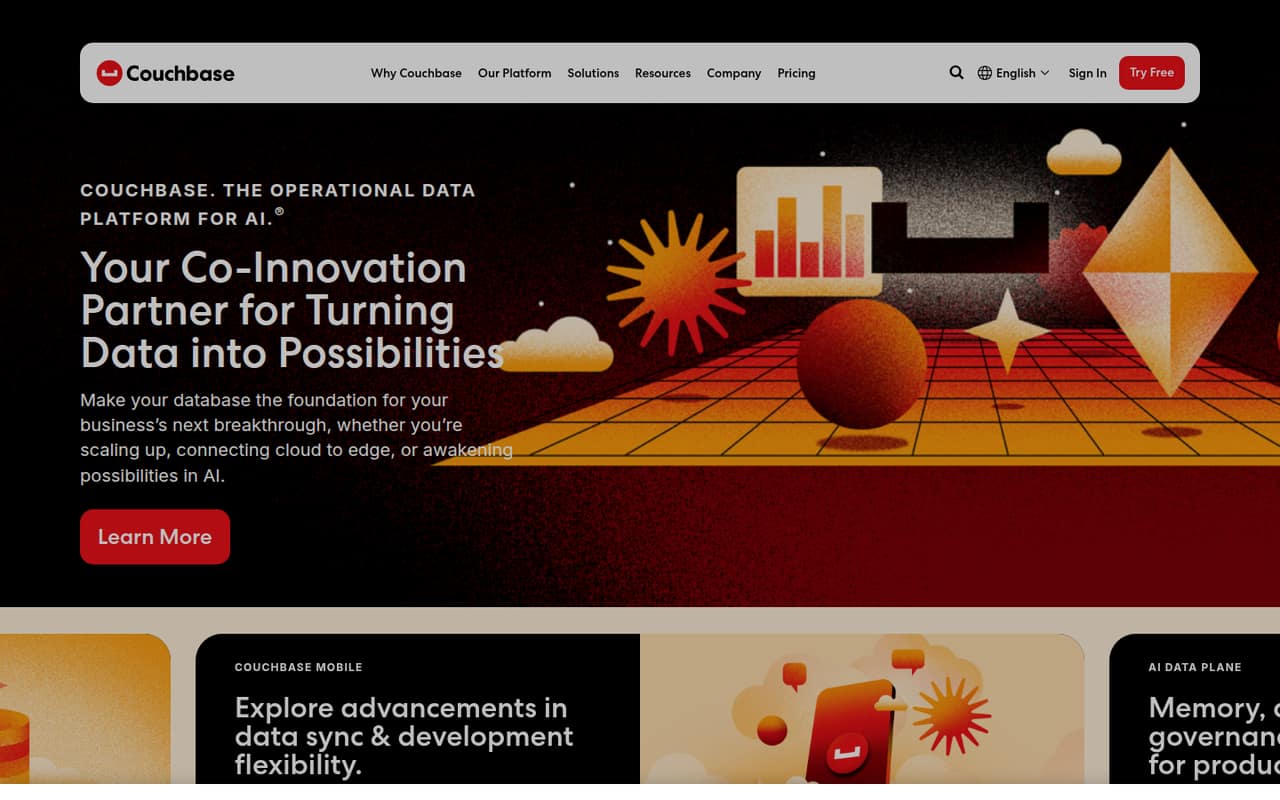
Couchbase is for teams building applications that need more than a basic place to store records. Its platform combines storage, search, caching, analytics, and AI capabilities. The homepage says it can run in the cloud, a data center, or mobile and edge environments, with operational analytics and data synchronization.
For a 1–10-person team, the case is strongest when the app needs offline access, mobile sync, real-time analysis of operational data, or several of those capabilities together. Existing SQL skills may help teams work with the platform. It is less compelling if you just need a simple database for a small internal tool: the product's breadth and node-based pricing can be a lot to manage for that job. We’d start with Capella Free for a prototype, then price the actual cluster before committing to production.
02Couchbase free plan and trial
Capella Free is a genuine no-cost entry point for prototyping and small projects. The pricing page lists one node, 8GB, SQL++, key-value, and search, plus forum support. That gives a small team room to try core data access and search features without paying for a managed Capella node.
The free plan is not positioned as a production tier in the pricing list, and it does not list the multi-node availability and uptime terms shown on paid plans. A free trial is not listed. For managed production, Capella Basic is the cheapest published entry: from $0.15 per node per hour, with a one-node minimum. It lists a 24-hour backup interval, XDCR, Analytics, and Eventing. Check the plan details against your availability and backup needs before moving a live workload.
03What a small team pays for Couchbase
Couchbase does not price Capella by seat, so one person, three people, and five people do not have separate per-seat totals. Capella Basic starts at $0.15 per node per hour with a one-node minimum. The pricing page lists no monthly or annual total; ask the vendor for an estimate based on your node count, usage, and region. Capella Developer Pro starts at $0.35 per node per hour and lists three nodes for multiple availability zones. Enterprise starts at $0.49 per node per hour with a three-node minimum.
Other charges can add up. Capella backups are listed at $0.07/GB per month in AWS N. Virginia; cloud-provider snapshots are listed at 0.14/GB credits per month. Operational Insights Capella storage and backup charges are separate, and vary by plan. Data transfer fees vary by usage; the pricing page says they are under 10% of most customers’ bills. Get a workload-specific quote before budgeting.
04Getting started with Couchbase
A prototype can start on Capella Free, which lists one node and core query, key-value, and search capabilities. The product also offers a managed Capella service or Couchbase Enterprise for teams running clusters in their own cloud. Which route fits depends on whether your team wants the provider to manage the service or wants to operate its own cluster.
Couchbase says teams can use existing SQL skills, but that does not remove the work of configuring a database, shaping data, and deciding how the app will use it. The platform's range—from search and analytics to mobile sync—means setup effort depends on the use case. A Reddit discussion about Kubernetes databases warns that operating stateful databases there can add maintenance work; commenters recommend considering a database service instead. That discussion is general advice, not a Couchbase-specific setup guide. Confirm deployment steps and required integrations with the vendor for your app.
05When small teams outgrow Couchbase
Couchbase does not have seat limits to outgrow. The pressure points are node count, availability needs, storage, and the effort of operating a database platform. A team moving from a one-node Basic setup to multiple availability zones needs at least three nodes on Developer Pro; Enterprise also has a three-node minimum. Those choices can raise costs, while the pricing page does not publish fixed monthly totals.
A growing team may also need a paid tier for its uptime target, backup interval, or enterprise controls. Ask the vendor to price the intended topology and expected storage before upgrading. In one Reddit thread about hybrid-storage key-value databases, a commenter described a customer finding Couchbase and Redis costly as data grew, citing memory, host, and licensing costs. Another commenter said Couchbase handles the use case out of the box. Those are individual reports, not a general cost forecast; track resource use and revisit alternatives if the bill or operational burden no longer fits.
From the threadsWhat users say
The small amount of Reddit discussion is mixed: some commenters praise Couchbase's capabilities, while others raise cost and operational concerns. Those comments are anecdotal and do not establish how it will perform for a particular team.
Couchbase it’s free too. I’m using that one with my team and it’s great!
Couchbase does all this out of the box
Do not run databases in K8s. DBs thrive on RAM and I/O. Kube is too many layers of abstraction for the best performance
too expensive as data sizes kept growing - such that memory, hosts and licensing costs became prohibitive
Questions people ask
What does Couchbase software do?
Couchbase is an operational data platform for applications, AI, and edge workloads. It combines storage, search, caching, analytics, and AI capabilities. The homepage also describes hybrid and edge deployment, operational analytics, replication, and data synchronization for mobile and offline settings.
Does Couchbase have a free plan?
Yes. Capella Free lists one node, 8GB, SQL++, key-value, and search, with forum support. It is intended for prototyping and small projects. The pricing list does not present it as a production tier with the multi-node availability terms available on paid plans.
How much does Couchbase cost for a small team?
Capella Basic starts at $0.15 per node per hour, with a one-node minimum. Couchbase does not publish a fixed monthly or annual total, and the service is priced by node rather than by seat. Ask for a quote based on your node count, usage, and region.
Can Couchbase support offline-first mobile apps?
Couchbase lists mobile and offline capabilities, and Couchbase Mobile includes Couchbase Lite and Sync Gateway licensing, peer-to-peer syncing, SQL++, and full-text search. Its price is not published; the vendor asks buyers to request pricing. Confirm the licensing and sync setup for your app before choosing it.
What is the difference between Capella Basic and Developer Pro?
Capella Basic starts at $0.15 per node per hour and lists a one-node minimum, a 24-hour backup interval, and a 99.5% uptime SLA for multi-node clusters. Developer Pro starts at $0.35 per node per hour and lists three nodes for multiple availability zones, backups up to every hour, and a 99.99% uptime SLA for multi-node clusters.