We may earn a commission if you buy through links on this page. It never changes a score or a ranking. How we make money
A team of 1–10 probably doesn’t need an expensive database platform by default. PostgreSQL is our best general-purpose starting point if someone on the team can manage setup; DuckDB is a strong free pick for SQL analytics. For a hosted option, compare Neon and MongoDB Atlas against your app’s data model and actual usage. Several picks have free plans or no license cost, but that doesn’t mean production hosting or maintenance is free. Listed starting prices range from $5 for Redis Cloud to $178.33 for MySQL’s paid server licenses, so check what the price covers before budgeting.
Quick picksThe shortlist
 PostgreSQLPostgreSQLBest overall · Free
 DuckDBDuckDBBest free analytics · Free
 MySQLMySQLBest familiar SQL · $178.33/mo
 SQLiteSQLiteBest embedded data · $125/mo
 NeonNeonBest hosted Postgres · $15/mo
 MongoDB AtlasMongoDB AtlasBest document apps · $8/mo
 MariaDBMariaDBBest open-source SQL · Free
 Redis CloudRedis CloudBest hosted Redis · $5/mo
 ClickHouseClickHouseBest large analytics · Custom
 UpstashUpstashBest serverless toolkit · $10/mo
01Compared at a glance
| Tool | Score | From | Free plan | Trial |
|---|---|---|---|---|
| PostgreSQLPostgreSQL | 8.4 | Free | Yes | — |
| DuckDBDuckDB | 8.4 | Free | Yes | — |
| MySQLMySQL | 7.2 | $178.33/mo | Yes | 30 days |
| SQLiteSQLite | 8.0 | $125/mo | Yes | — |
| NeonNeon | 7.5 | $15/mo | Yes | — |
| MongoDB AtlasMongoDB Atlas | 7.3 | $8/mo | Yes | — |
| MariaDBMariaDB | 7.3 | Free | Yes | — |
| Redis CloudRedis Cloud | 7.2 | $5/mo | Yes | — |
| ClickHouseClickHouse | 7.6 | Custom | No | 30 days |
| UpstashUpstash | 7.6 | $10/mo | Yes | — |
02The picks, in detail
- Best overallPostgreSQLPostgreSQL
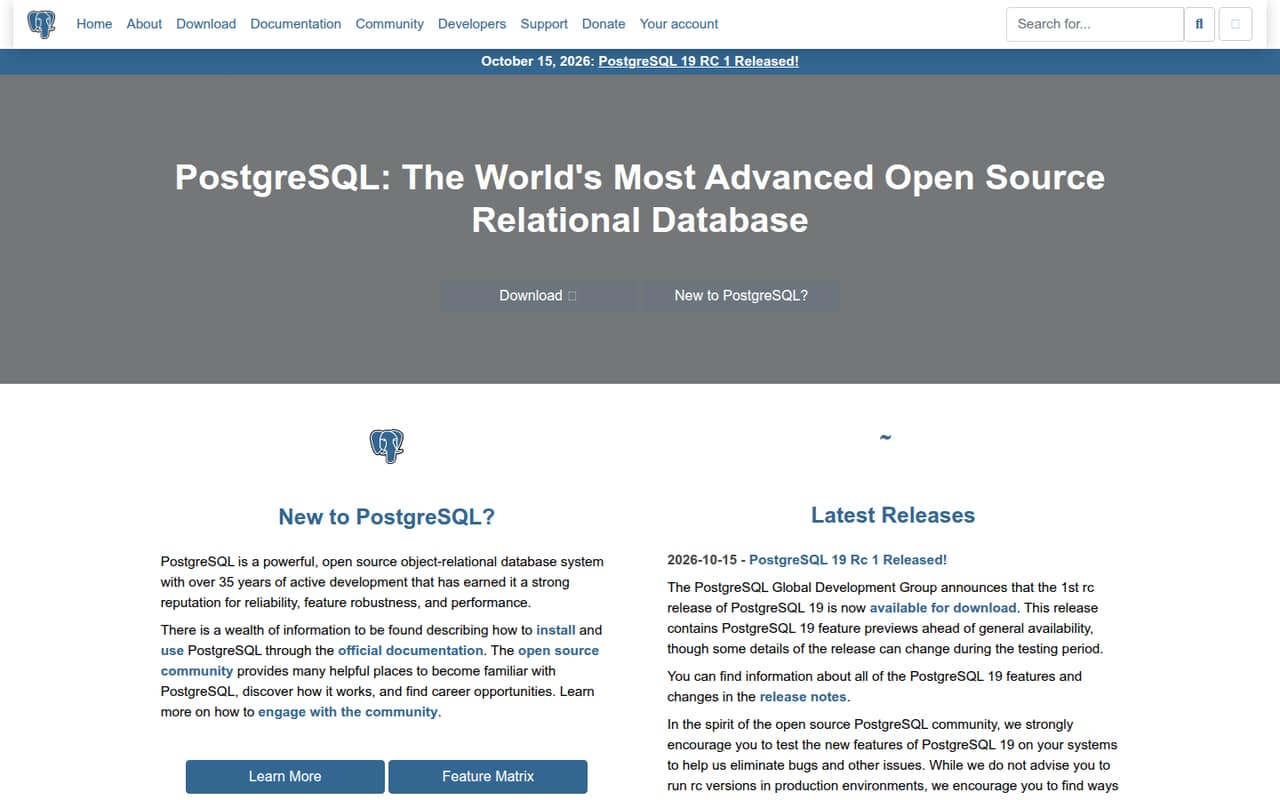
PostgreSQL costs nothing to license and suits teams building database-backed apps or watching software costs. The trade-off is setup and ongoing operation: your team needs to manage it, and the listed starting price doesn’t cover that work. For a few seats, there’s no per-seat license to budget for. Choose PostgreSQL when someone can own the setup; consider a managed option if that work would distract your small team.
What works
- Free for commercial and noncommercial users
- No published seat or usage limits
- Open-source with an OSI-approved license
What doesn't
- No paid plans are listed
- Hosting and operating costs aren't published
- Seat and usage limits aren't published
- Best free analyticsDuckDBDuckDB
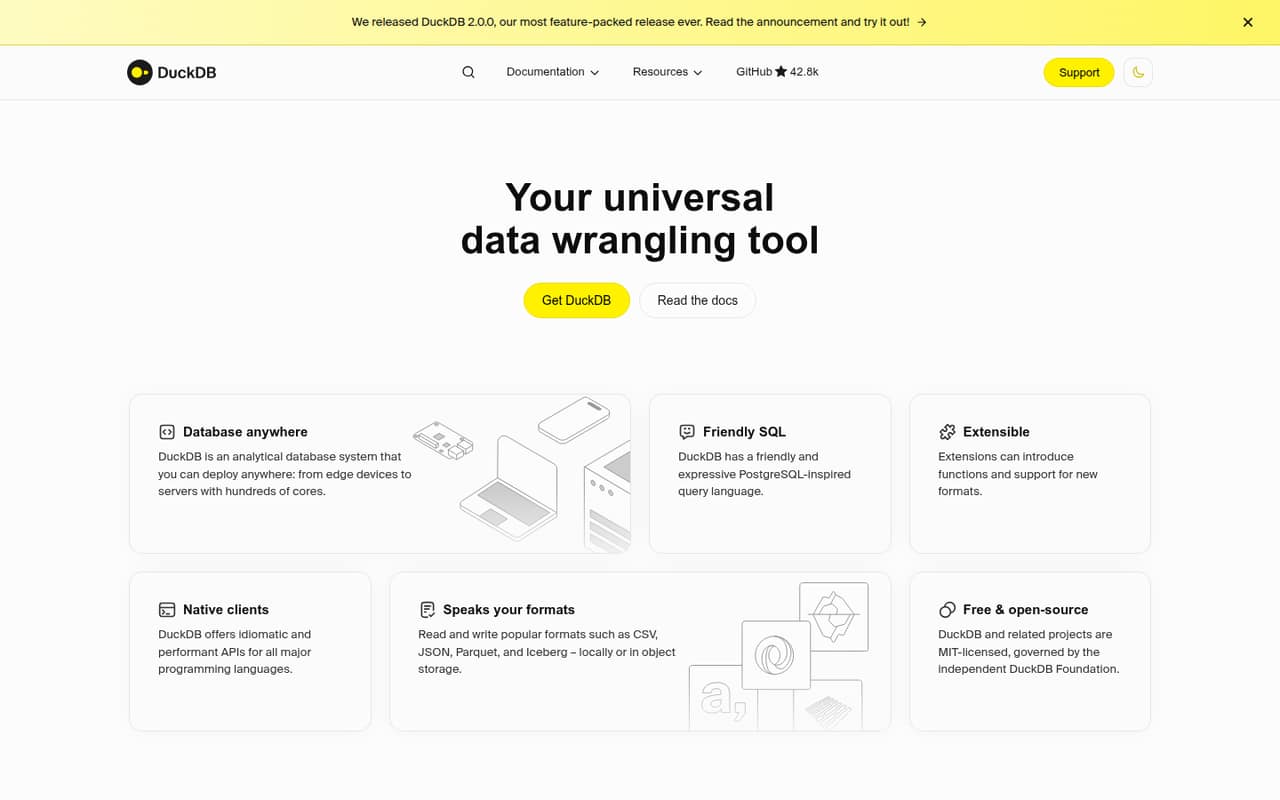
DuckDB is free and built for SQL analytics, budget-conscious data work, and Python-based pipelines. That makes it a practical pick when a small team needs to explore or process data without adding a license bill. Its fit is narrower than a general app database, and some technical setup is involved. The listed starting price is not available, so confirm any costs for the way you plan to deploy it.
What works
- Free for personal and commercial use under MIT
- No usage limits are listed
- Runs in-process or on devices and servers
What doesn't
- No paid plan or managed-service price is published
- Setup assumes some SQL or development knowledge
- Support terms are not published
- Best familiar SQLMySQLMySQL
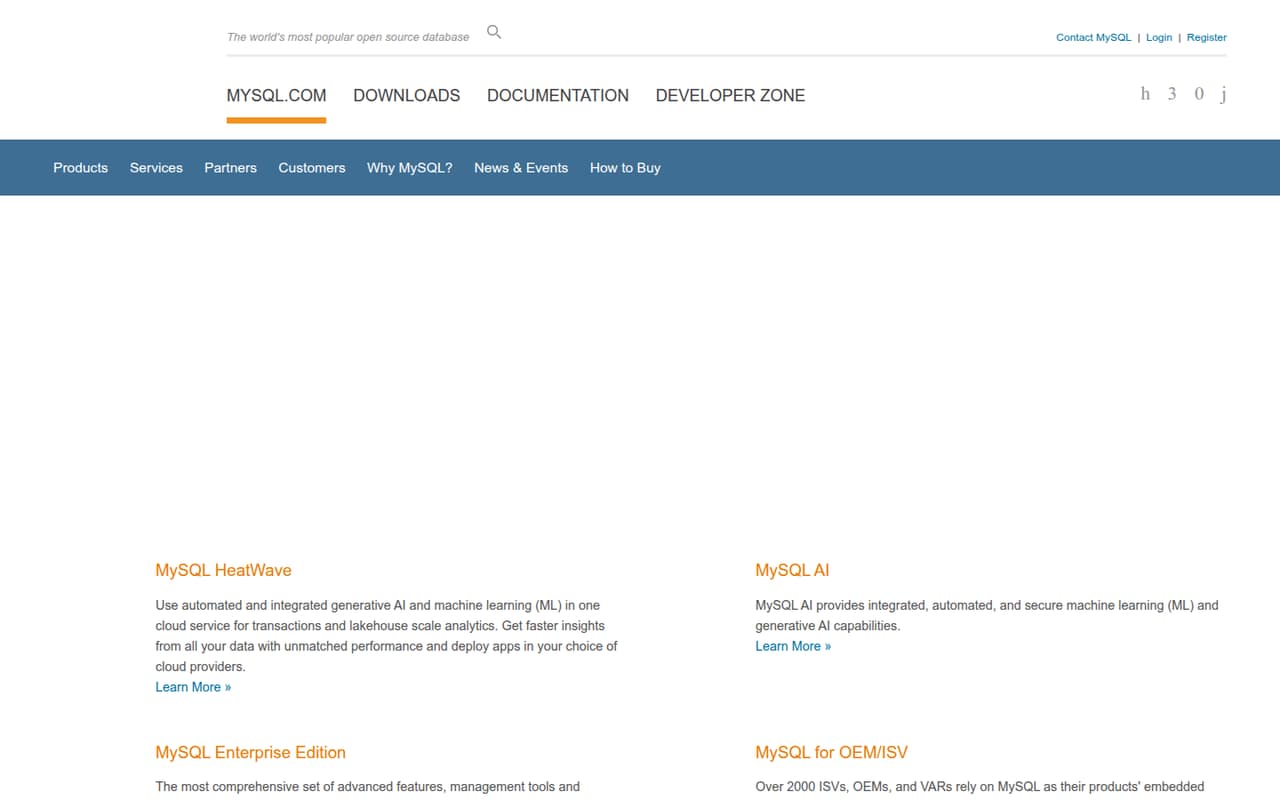
MySQL is a sensible choice for teams already using it or starting with a free database. The listed paid server licenses start at $178.33, so check what that covers before you move from a free setup to production. The source doesn’t publish a per-seat price, making a simple few-seat total unavailable. It’s a good fit when MySQL matches your app and your team is prepared to budget for production needs.
What works
- Community Edition is free under GPL
- Community governance and early access builds
- Paid editions include management tools
What doesn't
- Paid licenses are priced per server
- Monthly prices are not published
- Socket limits determine paid plan tiers
- Best embedded dataSQLiteSQLite
SQLite is free and fits apps storing data on devices, local databases, and read-mostly data. It keeps licensing simple for a budget-conscious team, but it is not the right default when many clients need shared access. The listed paid starting price is $125, though the free option may be enough for a suitable use case. Choose it for embedded or local data rather than assuming it will serve every team database need.
What works
- Core engine is public domain and free
- Implements a full-featured SQL database
- Small and self-contained by design
What doesn't
- Paid annual maintenance starts at $1,500
- Free support is through a public forum
- Not a fit for every networked workload
- Best hosted PostgresNeonNeon
Neon offers a free Postgres starting point and is aimed at app prototypes, database branches, and applications with intermittent loads. Its listed starting price is $15, but paid costs depend on usage rather than team size, so a seat count won’t tell you the bill. This can suit a small team that wants a hosted option and values branches. Check how your expected usage affects the total before relying on the free tier.
What works
- Free plan allows unlimited team members
- Free plan includes 100 projects
- Database branches support isolated environments
What doesn't
- Paid plans are usage-based, not fixed fees
- Launch compute and storage add to bills
- Scale lists a typical $701 monthly spend
- Best document appsMongoDB AtlasMongoDB Atlas
MongoDB Atlas is a fit for small teams building document-based apps or adding search to a database. The listed starting price is $8 and there is a free plan, but the team still needs to handle setup and monitor usage. The source doesn’t list a per-seat price, so compare expected usage rather than multiplying a seat rate. Choose Atlas for a clear document-data fit, not simply because it has a free entry point.
What works
- M0 Free includes 512 MB of storage
- Paid plans start at $8 monthly
- Supports document queries and transactions
What doesn't
- M0 Free is limited to 512 MB
- Flex costs vary with monthly usage
- Production clusters are billed hourly

- Best open-source SQLMariaDBMariaDB
MariaDB is a free, flexible database server for technical teams that want to avoid per-seat fees. Its main cost for a small team is the setup and management work your own people need to take on. The listed starting price is not available, and the source doesn’t give a paid per-seat figure. Consider it when your team is comfortable managing a database server; choose a hosted service if owning that work is the bigger cost.
What works
- Community Server is listed at $0
- No per-seat pricing for Community Server
- Packages, containers, Kubernetes, Windows, and brew listed
What doesn't
- No free-trial details are published
- Cloud costs depend on hourly usage
- Enterprise Platform pricing requires a quote
- Best hosted RedisRedis CloudRedis Cloud
Redis Cloud has a free plan and a listed starting price of $5. It suits small teams building real-time apps or AI apps that need vector search, while avoiding the task of maintaining a Redis server themselves. The source doesn’t publish a per-seat cost, so check capacity and deployment needs when estimating production spend. Pick it for a Redis-shaped need, not as a default replacement for a general-purpose database.
What works
- Free plan includes one shared-cloud database
- Essentials starts at $5 per month
- Includes caching, streaming and search
What doesn't
- Free plan is limited to 30 MB
- Pro has a $200 monthly minimum
- No published seat-based pricing
- Best large analyticsClickHouseClickHouse
ClickHouse is aimed at teams querying large analytical datasets and can help avoid per-seat pricing. Its listed starting price is not available, and the team needs the skills to manage its infrastructure and data engineering. That makes it a better fit for a small team with a real analytics workload and technical ownership than for a team seeking the easiest database to operate. Ask about hosting costs before committing to a production setup.
What works
- Open-source version can run locally for free
- Columnar storage is built for analytical queries
- SQL supports sophisticated data analysis
What doesn't
- Cloud billing depends on compute and storage usage
- Cloud trial lasts 30 days, not a permanent free plan
- Joins may take more planning, per Reddit users
- Best serverless toolkitUpstashUpstash
Upstash offers a free Redis tier and a listed starting price of $10. It fits developers adding serverless Redis, variable-traffic workloads, queues, or workflows. The listed description also points to fixed-price options, but it doesn’t give a per-seat total, so check the pricing details against your expected use. It’s worth considering when you need those specific serverless features; a conventional database may be simpler if you don’t.
What works
- Free Redis plan includes 250 MB data
- Fixed Redis plans start at $10 monthly
- No per-seat charge for small teams
What doesn't
- Free plan has a 500K-command monthly limit
- Pay-as-you-go costs depend on command volume
- Fixed-plan read regions add monthly fees
03How we chose
We ranked these tools for a team of 1–10, prioritizing a useful free plan or no license cost, the listed starting price, and whether a few seats create a clear extra charge. We also weighed setup effort: self-managed servers ask more of a small team than a hosted service, while usage-priced plans need monitoring. Plan limits and workload fit matter as much as the headline price. Documentation and Reddit sentiment are useful secondary checks; we favor details buyers can verify over anecdotal claims. We did not claim hands-on testing or benchmarks.
04Match the database to the work
Start by asking what the data needs to do. A database for an app is not automatically the right tool for local device data or large-scale analytics. PostgreSQL and MySQL are options for teams building database-backed apps; SQLite is aimed at embedded and local data; DuckDB focuses on SQL analytics; MongoDB Atlas targets document-based apps. For real-time features, Redis Cloud may fit better than a general-purpose database. These are not interchangeable just because they all store data. Write down the workload, who will operate the system, and what the team needs to query. If the use case is still vague, start with a free option that fits the data model rather than paying for specialized features before you need them.
05Budget for the real cost
A free plan or free license can keep the first bill low, but it doesn’t tell you the full cost of running a database. A self-managed option puts setup and maintenance on your team; a hosted one may charge based on usage or capacity. The listed starting prices here aren’t all per-seat prices, so don’t multiply them by your headcount unless the vendor says to. Before choosing, check the pricing page for plan limits, what happens when usage grows, and whether the price covers the deployment you need. Ask the vendor about any unpublished production or support costs. Also decide who will manage updates, access, and recovery. If no one has time to own those tasks, a hosted option may be worth paying for.
Questions people ask
Can you give me some examples of database software?
Examples include PostgreSQL, MySQL, SQLite, MongoDB Atlas, and Neon. They serve different needs: SQLite is suited to embedded or local data, MongoDB Atlas to document-based apps, and DuckDB to SQL analytics. Choose by workload and setup needs, not by name recognition alone.
Is Neo4j better than SQL?
Not by default. Neo4j is aimed at graph-first applications and graph analytics, so it may fit when connected data is central to the project. SQL databases such as PostgreSQL or MySQL suit other database-backed app needs. Pick the model that matches your data and queries.
Which is harder, SQL or Excel?
It depends on what you already know and what you need to do. Excel can be easier to start with for spreadsheet work; SQL requires learning query syntax and working with a database. For repeatable queries across business data, SQL may be the better fit.
What are the top 5 data management tools?
For small teams choosing database software, five options to compare are PostgreSQL, DuckDB, MySQL, SQLite, and Neon. They cover different needs, from app databases to analytics and embedded data. This is a shortlist, not a universal ranking for every data-management task.