
We may earn a commission if you buy through links on this page. It never changes a score or a ranking. How we make money
The bottom line
Worth a look for business video, but small teams should confirm seats and billing before signing up.
Dacast brings live streaming, video hosting, VOD management, and monetization into one platform. It fits organizations that need control over business video, but it is more platform than a small team needs for occasional broadcasts.
There is no free plan, and the published prices conflict on monthly versus annual billing. We’d ask Dacast for a written quote showing included seats, streaming limits, and any add-ons before choosing a plan.
Good fit if
- Organizations streaming live events
- Teams managing live video and VOD
- Businesses monetizing video content
Skip it if
- Teams seeking a free video host
- Real-time review needing very low latency
- Buyers needing clear per-seat pricing
ScoresHow it rates
What works
- Supports live and on-demand video
- Includes video monetization tools
- Offers live transcoding channels
- Supports API integration for VOD
- Lists 24/7 customer support
What doesn't
- No free plan
- Monthly price listings conflict
- Included seats aren't clear for standard plans
- Some features carry unpublished add-on prices
- A Reddit user reported unreliable streaming
01Who Dacast is for
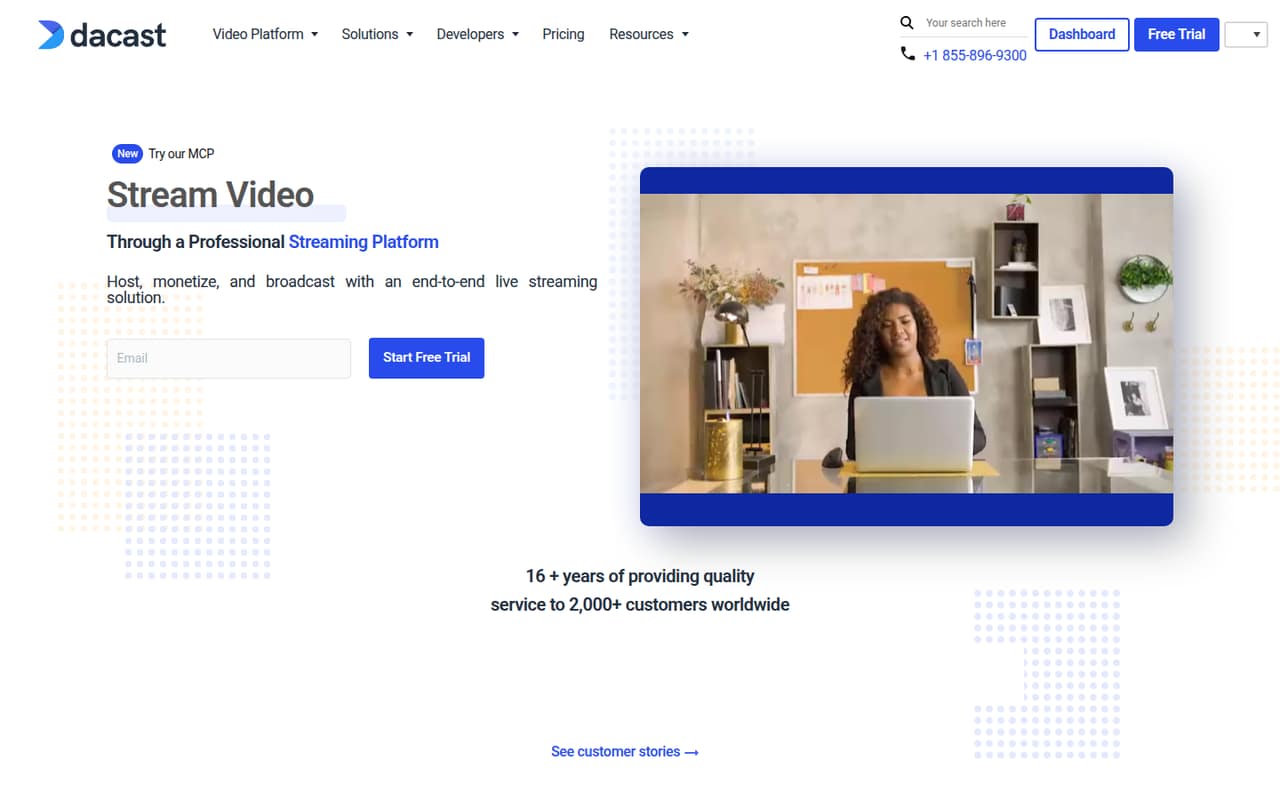
Dacast is for businesses and organizations that need to host, broadcast, and monetize video—not just put up an occasional team update. Its homepage names corporate communication, sports, entertainment, churches, and live events as use cases. The platform covers live streaming, on-demand video, and OTT delivery, with API integration for VOD management.
For a small team of one to ten, it can make sense when video is part of the service you provide: for example, a paid event, a subscription library, or regular customer broadcasts. It is harder to justify if you only stream now and then or can use a simpler free service. Starter is listed at $29 per month in the comparison table or $39 per month on plan cards billed annually, so budget carefully and confirm which rate applies. The pricing page does not make standard-plan seat allowances clear, which matters when a few coworkers need access.
02Dacast free plan and trial
Dacast does not offer a free plan. The pricing page lists a 14-day free trial, but does not publish what usage limits, features, or support are included during the trial. Ask Dacast whether the trial covers your expected live streaming, storage, monetization, and team access before relying on it for an event.
The cheapest listed way in is Starter. The comparison table shows $29 per month, while the plan cards list $39 per month billed annually. Starter includes 2.4 TB per year, 500 GB of storage, three live transcoding channels, and five hours of simulcasting. Those are paid-plan allowances, not confirmed trial limits. If you need video hosting beyond a short evaluation, plan on a paid subscription and verify the rate in writing.
03What a small team pays for Dacast
The lowest listed plan is Starter: $29 per month in the comparison table, or $39 per month on a plan card billed annually. The page does not reconcile those figures. At those base rates, a solo user would pay $29 or $39 monthly, depending on which listing applies. But Dacast does not clearly state how many seats come with Starter, so a firm total for three or five people is not published.
Dacast lists additional team members at $10 per user per month. If one seat were included and each extra person were billed separately, three people would cost $49 or $59 per month, and five would cost $69 or $79. Treat those as conditional estimates, not confirmed quotes; ask which seats are included and whether the add-on follows the same billing schedule.
Other possible costs include $0.30 per GB for bandwidth overages and $0.15 per GB for storage overages. Multi-CDN and China delivery cost extra, with pricing available from Dacast. Paywall, advertising, and phone support are also listed as add-ons on some plans, but their prices are not published.
04Getting started with Dacast
Dacast is designed to cover hosting, broadcasting, and video management in one service. That could reduce the number of separate tools a small team needs, but the available product details do not specify a setup timeline or a step-by-step onboarding process. Plan time to configure a channel, prepare the stream, and check how viewers access live or on-demand video before an important broadcast.
One Reddit poster says their team uses OBS to capture video and Dacast to distribute it. That is a user-reported workflow, not a claim about a specific official integration. Dacast supports API integration for VOD management, which may matter if video needs to connect to an existing app or site. Ask the vendor what technical setup your workflow requires, especially for paywalls, OTT delivery, and team permissions. Dacast lists 24/7 customer support, but support costs may depend on the plan or add-ons.
05When small teams outgrow Dacast
The first pressure point may be cost clarity rather than raw capacity. Starter lists three live transcoding channels, five hours of simulcasting, 500 GB of storage, and 2.4 TB per year. A team with more concurrent live needs, heavier video traffic, or more storage may need a larger plan or pay overage charges. Scale lists unlimited live transcoding channels, but its rates also conflict: $165 per month on a plan card billed annually versus $199 per month in the comparison table.
More collaborators can add $10 per user per month, and the included seat count for standard plans is unclear. Ask Dacast for the seat total and a full quote before inviting a growing team. User sentiment is cautious: one Reddit poster described using Dacast unreliably for livestreams and VOD, while another said latency was too high for real-time remote review. If reliability or very low latency is central, validate that use case before building a paid workflow around Dacast.
From the threadsWhat users say
The available Reddit discussion is mixed but leans negative: users mention latency concerns and one team reports unreliable use. It is a small set of comments, so treat it as a warning to validate your own workflow, not a broad verdict.
I tried Dacast and Castr, they do exactly what I want, but latency is too high for our needs
We have used Dacast unreliably as a livestreaming platform for our subscription customers and the host VODs within our Web app and mobile apps
maybe it had something to do with corresponding the OBS settings to the platform's (Dacast) recommendations perhaps?
What kind of latency are you looking for? SRT may not be the best protocol for that need
Questions people ask
What is Dacast used for?
Dacast is an online video platform for hosting, monetizing, and broadcasting live and on-demand video. Its listed use cases include corporate communication, sports, entertainment, churches, and live events. It also supports OTT delivery and API integration for VOD management.
Does Dacast have a free plan?
No. Dacast does not list a free plan. It lists a 14-day free trial, but the trial’s usage limits and included features are not published. Ask Dacast what the trial covers before using it to test a real event or paid video workflow.
How much does Dacast cost for a small team?
Starter is listed at $29 per month in the comparison table and $39 per month on a plan card billed annually. The pricing page does not reconcile these rates or clearly state standard-plan seat allowances. Additional team members are listed at $10 per user per month.
Can Dacast stream live video and host VOD?
Yes. Dacast is described as supporting live event broadcasts and on-demand video management. Starter lists three live transcoding channels, while the Scale plan lists unlimited channels. A Reddit poster reports using OBS to capture video and Dacast to distribute it.
Does Dacast support video monetization?
Dacast lists video monetization tools, including paywall and advertising options as add-ons on some plans. The pricing page does not publish prices for those add-ons. Ask Dacast which plan supports your monetization method and whether it carries an extra charge.