
We may earn a commission if you buy through links on this page. It never changes a score or a ranking. How we make money
The bottom line
Best for small engineering teams committed to OpenTelemetry and willing to monitor usage costs.
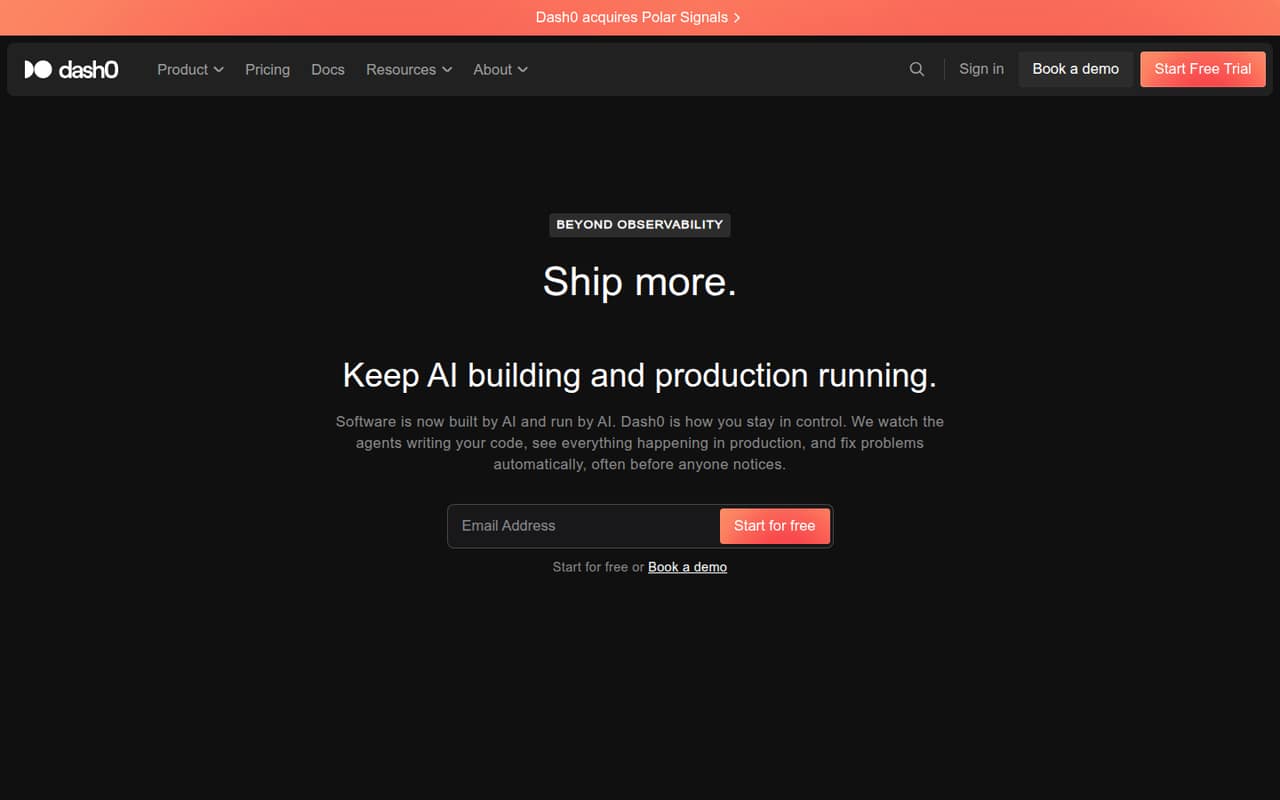
Dash0 brings logs, metrics, traces, profiles, events, and real user monitoring together on an OpenTelemetry-native platform. It also offers AI development insights, production automation, and controls for deciding which telemetry to keep.
There’s no free plan, and costs are based on usage rather than seats. A Reddit user said Dash0 covered their needs at about half the cost of their previous provider, while another praised onboarding help. Treat those as individual reports, not a price guarantee.
Good fit if
- OpenTelemetry-first engineering teams
- Teams consolidating observability signals
- Cost-conscious teams tracking telemetry
Skip it if
- Teams needing a permanent free plan
- Teams wanting predictable per-seat bills
- Teams avoiding OpenTelemetry setup
ScoresHow it rates
What works
- Stores multiple OpenTelemetry signal types in one platform
- Usage-based pricing instead of per-seat charges
- SignalControl lets teams choose telemetry to keep
- Configuration as Code supports existing release pipelines
- A Reddit user praised onboarding guidance
What doesn't
- No free plan; only a 14-day trial
- Total monthly cost depends on telemetry volume
- Stored and ingested telemetry have separate charges
- OpenTelemetry standardization can be confusing
- Reddit users mention some missing features versus Datadog
01Who Dash0 is for
Dash0 is for software teams that need to troubleshoot production systems and want an OpenTelemetry-native home for their telemetry. It can suit a small engineering team of one to ten people, especially if the team already sends logs, metrics, and traces through OpenTelemetry or plans to standardize on it. Dash0 also covers profiles, events, and real user monitoring, with AI development insights and production automation for teams that want those capabilities.
The budget question is less about headcount and more about how much data you ingest and store. The pricing page lists usage charges, not a per-person rate, so a three-person team could cost more than a five-person team if it handles more telemetry. SignalControl is designed to let teams select what they keep and pay storage costs only for retained data. If you want a free, predictable subscription or don’t want to manage telemetry volume, Dash0 may be a harder fit.
02Dash0 free plan and trial
Dash0 has no free plan. The pricing page lists a 14-day unlimited free trial, with no credit card required. That gives a small team a short window to evaluate the platform, but it isn’t an ongoing free tier for production use.
After the trial, the Telemetry plan charges by data type and usage. Spans, logs, and web events have separate ingestion and storage rates; metrics, synthetic API checks, and session replays have their own rates and retention periods. The vendor doesn’t publish a fixed starting price or a standard small-team bill. Before the trial ends, check how your expected ingest and retention translate to monthly charges. If you need a lasting free option, Dash0 isn’t the fit; its cheapest way in is the usage-based Telemetry plan.
03What a small team pays for Dash0
Dash0 doesn’t charge by seat, so the one-person, three-person, and five-person price is the same only if each team handles the same volume of telemetry. The pricing page lists no fixed monthly starting price and no annual billing option; pricing is monthly and usage-based.
For spans, logs, and web events, ingestion is $0.060 per million and storage is $0.540 per million, with 30-day retention. Metrics cost $0.020 per million data points ingested and $0.180 per million stored, with 13-month retention. Synthetic API checks are $0.20 per thousand stored, and session replays are $2.00 per thousand stored. Their listed retention is 13 months and 30 days, respectively.
Agent0 Credits are an add-on at $0.60 per credit, metered monthly. The vendor doesn’t publish how many credits a small team typically needs, so ask what your intended use would consume. A realistic bill depends on your signal volumes and what you retain—not the number of team members.
04Getting started with Dash0
Dash0’s OpenTelemetry-native approach makes telemetry portability part of its appeal, but a team still needs to get its signals flowing into the platform. The available product details don’t publish a setup-time estimate or a step-by-step onboarding path, so ask the vendor what configuration your existing stack will need. Dash0 says Configuration as Code can manage dashboards, rules, and configurations in editors and existing release pipelines.
OpenTelemetry setup can take coordination across services. In a Reddit discussion about .NET observability, one user described trouble standardizing OpenTelemetry across distributed services. On the other hand, a Dash0 user said onboarding came with hands-on guidance and help from the team. That’s encouraging, but it’s one person’s report, not a published support commitment. Before choosing Dash0, confirm which signal types you’ll send on day one and whether your team has the time to configure and maintain that pipeline.
05When small teams outgrow Dash0
Dash0 doesn’t publish seat limits or seat-based upgrade tiers, so growing past ten people doesn’t automatically mean a plan change. The pressure point is likely to be telemetry volume: more services and activity can mean more data ingested and stored, with separate charges for those operations. SignalControl can help teams choose what to retain, but the pricing page doesn’t publish a sample bill or a usage threshold where costs jump.
Teams may also outgrow the feature set if they depend on capabilities they already have elsewhere. One Reddit user who switched from Datadog said Dash0 covered their needs and cost about half as much, but they missed some minor features. Another commenter said OpenTelemetry made it easier to move between platforms. Before committing, track usage during the trial and list any must-have workflows Dash0 needs to replace. Ask the vendor about projected costs and feature gaps as your services grow.
From the threadsWhat users say
The small number of Dash0-specific Reddit comments lean positive, with reports of lower costs and helpful onboarding. Users also mention missing features compared with Datadog, while broader observability discussions flag OpenTelemetry setup as a challenge.
Switched from DataDog because cost. Do miss some minor features from there, but all in all it more than covers our needs while costing half of Datadog
Onboarding with Dash0 was a real breeze with hands on guidance and help from their team
Do miss some minor features from there, but all in all it more than covers our needs
Is it just me or is otel really confusing for both .net8/10 support azure monitor export w/ service bus, event hub, sql, azfuncs, etc
Questions people ask
Does Dash0 have a free plan?
No. The pricing page lists a 14-day unlimited free trial with no credit card required, but no ongoing free plan. After the trial, Dash0’s Telemetry plan charges based on data ingested and stored, along with usage of other signal types.
How does Dash0 pricing work?
Dash0 lists usage-based monthly prices rather than a per-seat subscription. Rates vary by signal type and can include separate charges for ingestion and storage. The vendor doesn’t publish a fixed starting price, so estimate costs using your expected data volumes and retention.
Is Dash0 built around OpenTelemetry?
Yes. Dash0 describes its data platform as OpenTelemetry-native and says it stores OpenTelemetry-native signals in your cloud. A Reddit user who moved to Dash0 said the switch pushed their team to use OpenTelemetry more fully.
Can Dash0 help control telemetry storage costs?
Dash0’s SignalControl lets teams select telemetry to keep, with storage costs applying only to what they retain. The vendor lists separate ingestion and storage rates, so teams should still track both when estimating a bill.
What can Dash0 monitor?
Dash0 brings together logs, metrics, traces, profiles, events, and real user monitoring data. The product also lists AI software development insights and production automation, including live insights, root-cause analysis, automatic fixes, and auto-tuning.