
We may earn a commission if you buy through links on this page. It never changes a score or a ranking. How we make money
The bottom line
Useful translation tools for busy teams, with annual per-seat costs to watch.
DeepL Pro is for teams that translate text, files, or speech often enough to need more capacity and shared controls. The Free version gives a small team a low-cost way to try text and document translation, but its monthly character and file limits are tight for regular work.
The cheapest paid option is Individual at €7.49 per month with annual billing, but it is for one user. Teams pay €24.99 per user per month on Team, also with annual billing, so the cost rises quickly across several seats. Monthly prices are not published.
Good fit if
- Teams translating documents regularly
- Solo users needing more capacity
- Multilingual teams using shared rules
Skip it if
- Occasional translation needs
- Teams requiring monthly billing
- Large-scale workflows needing custom limits
ScoresHow it rates
What works
- Free version includes text and file translation
- Paid plans raise character and file limits
- Team includes shared style rule lists
- Document translation preserves layout
- Voice translation and an API are available
What doesn't
- Free version allows one file translation monthly
- Individual is for one user
- Team pricing scales with each seat
- Monthly prices are not published
- Translation Flow pricing is not published
01Who DeepL Pro is for
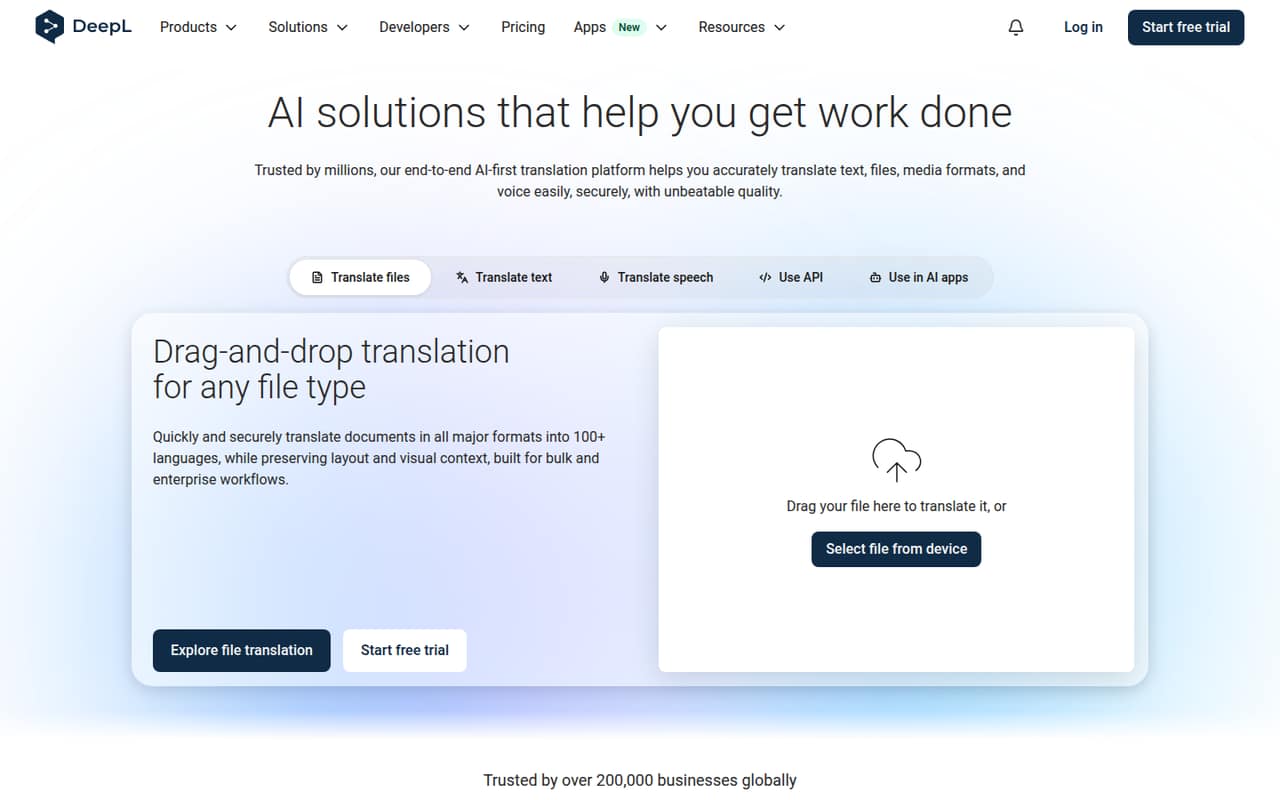
DeepL Pro makes sense for a small team that translates customer documents, internal material, or conversations often enough to hit a free limit. It translates text and files, with document translation designed to preserve layout and visual context. The platform also lists real-time voice translation, writing assistance, glossaries and rules, and an API.
For a solo user, Individual is the entry paid plan at €7.49 per month with annual billing. For a team of 3 to 10, Team adds shared style rule lists and administration at €24.99 per user per month with annual billing. That is a meaningful subscription, so it fits best when translation is part of regular work rather than an occasional task. A team needing custom limits or dedicated support can look at Enterprise, but its price is not published.
02DeepL Pro free plan and trial
The Free version includes 50,000 characters per user per month, one file translation per user per month, one saved translation, and a maximum file size of 5 MB. That can cover occasional short text or a document now and then, but the one-file allowance is a quick constraint for a team translating documents regularly.
Individual and Team each list a 30-day free trial. Individual raises the limit to 300,000 characters and three file translations per month, while Team lists 1,000,000 characters per user and 20 file translations per month. The pricing page lists prices with annual billing; it does not publish monthly rates. Check the trial terms before starting if you need to know when paid billing begins.
03What a small team pays for DeepL Pro
The pricing page lists Individual at €7.49 per month with annual billing, or €89.88 for a year by simple multiplication. It is a single-user plan, not a discounted team tier. The page says annual billing saves 16%, but does not publish monthly prices.
Team costs €24.99 per user per month with annual billing. That works out to €74.97 per month equivalent, or €899.64 for a year, for three seats. Five seats come to €124.95 per month equivalent, or €1,499.40 for a year. These are annual-billing calculations, not monthly payment options. Team lists 1,000,000 characters per user per month, 20 file translations per month, and five shared style rule lists.
Write Pro is listed as an add-on at €6.99 per user per month, billed annually, with VAT included. Translation Flow is available for Business and Enterprise, but its price is not published. Ask DeepL for a quote if your team needs either that product or Enterprise.
04Getting started with DeepL Pro
For basic translation, the first step is simply using DeepL’s text or file translation tools; the product also lists writing assistance and real-time voice translation. A setup-time estimate is not published, so we would not budget a specific number of hours based on the pricing details alone. The 30-day trials on Individual and Team give a team a way to check whether the workflow fits before committing to annual billing.
A team using shared style rules can start by deciding who owns its glossaries and rule lists. Team includes five shared style rule lists. If you want translation inside another system, DeepL lists an API for integrating its Language AI, but implementation steps and effort depend on the workflow. No specific third-party integrations are listed here, so check the vendor’s docs for the tools your team needs before choosing a plan.
05When small teams outgrow DeepL Pro
A team can outgrow Free as soon as one file translation per month or 50,000 characters per user is too restrictive. Individual raises those limits but is built for a single user. Team is the next fit for shared administration and higher allowances, though its €24.99 per-seat monthly equivalent means the annual bill grows with every seat.
Team lists five shared style rule lists and SSO for 50 or more users. Business adds unlimited characters subject to a fair usage policy, 100 file translations per month, 20 shared style rule lists, and 99.0% availability. Enterprise offers custom character and file limits, unlimited shared style rule lists subject to a fair usage policy, 99.9% availability, a dedicated account team, and premium support; its price is not published.
One Reddit post calls Individual a straightforward upgrade but questions whether its limits suit professional translation work. It notes the jump from 50,000 to 300,000 characters and from one to three file translations monthly. That is a single user’s comparison, not broad evidence about team satisfaction.
From the threadsWhat users say
The available Reddit discussion is mixed: one post recognizes Individual’s higher allowances but questions whether they match a professional translator’s workflow. That is a single perspective, so it offers little basis for judging broad user sentiment.
DeepL Pro looks like a straightforward upgrade
compare its cheapest paid plan with the workflow a professional translator needs
raises the monthly text allowance from 50,000 characters on Free to 300,000
increases file translations from one to three
Questions people ask
What does DeepL Pro include?
Features depend on the plan. DeepL lists text and file translation, plus writing assistance, real-time voice translation, glossaries and rules, and an API. Paid plan limits vary: Individual includes 300,000 characters and three file translations per month, while Team includes 1,000,000 characters per user and 20 file translations per month.
Can DeepL Pro translate whole documents?
Yes. The product lists file translation for documents in major formats while preserving layout and visual context. The Free version includes one file translation per user per month and a 5 MB maximum file size. Paid file allowances vary by plan, so check the plan limits against your document volume.
Does DeepL Pro have a free trial?
The pricing page lists a 30-day free trial for Individual and Team. It does not list a trial for Business or Enterprise. Check the trial terms before signing up, particularly when paid billing begins and whether annual billing applies after the trial.
Can a team share glossaries and style rules?
DeepL lists glossaries and rules for tailoring translations. Team includes five shared style rule lists, and Business includes 20. Enterprise lists unlimited shared style rule lists subject to a fair usage policy. The listed Individual plan includes one glossary.
Does DeepL Pro support real-time voice translation?
DeepL lists real-time voice translation for virtual meetings or in-person conversations. The published plan details do not specify which plans include it or set a separate voice allowance. Confirm availability and any limits with DeepL before choosing a plan for regular meeting use.