
We may earn a commission if you buy through links on this page. It never changes a score or a ranking. How we make money
The bottom line
A useful creative toolkit, if its credit limits and team billing fit your workflow.
Small teams that make several kinds of marketing content may appreciate Deevid AI’s mix of video, image, avatar, voice, and music tools. Its plans include monthly credits and estimated output amounts, with higher tiers adding more capacity and some unlimited-generation models.
The catch is that the free plan’s limits and the team seat model aren’t published in the pricing details. Lite starts at $10 per month with annual billing or $14 month to month, but confirm how multiple teammates are billed before choosing it.
Good fit if
- Small marketing teams making varied content
- Creators who can work within monthly credits
- Teams wanting images and video together
Skip it if
- Teams needing clear free-plan limits
- High-volume video production on a tight budget
- Teams requiring confirmed collaboration features
ScoresHow it rates
What works
- Combines video, image, avatar, voice, and music tools
- Lite includes commercial use and no watermarks
- Pro lists 1080p output and one unlimited model
- Plans show estimated video and image volumes
- Monthly billing is available
What doesn't
- Free-plan limits are not published
- Team seat and workspace pricing is not published
- Credit-pack prices are not published
- Lite output is limited to 720p
- Priority support is listed only for Premium
01Who Deevid AI is for
Deevid AI is aimed at solo creators and small teams that make more than one kind of content. It brings together tools for turning text, photos, video, and audio into creative material, including image-to-video, product ads, image generation, avatars, text-to-speech, and music.
For a team of one to five people, that breadth may help when the same person needs to make a short video, product image, voiceover, and soundtrack. The plans are credit-based, so the fit depends on how often you create and which formats you use. Lite lists 200 credits a month and estimates about 40 videos or 100 images; those are plan estimates, not a guarantee that every task uses the same credits.
We’d shortlist it for a small marketing team with varied, moderate output. If several staff need separate logins, check the seat and workspace setup with Deevid first: the pricing details don’t publish how team access is billed.
02Deevid AI free plan and trial
Deevid AI has a free plan, but its included credits, output limits, resolution, watermark rules, and commercial-use terms are not published in the pricing details. That makes it difficult for a small team to know whether the free tier can support a real campaign or is mainly for trying the tools. A free trial is not specified either.
Before building a workflow around the free tier, check the account page or ask Deevid what it includes and whether generated work can be used commercially. If you need a defined allowance, the cheapest listed paid option is Lite: $14 per month with monthly billing, or $10 per month equivalent with annual billing. Lite lists 200 credits a month, 720p output, no watermarks, and commercial use.
03What a small team pays for Deevid AI
The pricing page lists Lite at $14 per month with monthly billing or $10 per month equivalent with annual billing. That is $14 or $10 for one subscription. If each person needs a separate subscription, three people would cost $42 monthly or $30 per month equivalent annually; five would cost $70 monthly or $50 per month equivalent annually. Confirm whether Deevid offers shared team access before using that per-person estimate, because its seat model isn’t published.
Pro is $35 monthly or $25 per month equivalent annually. At one subscription per person, three would be $105 monthly or $75 per month equivalent annually; five would be $175 or $125. Pro lists 600 credits, 1080p, and one unlimited-generation model. Premium is $159 monthly or $119 per month equivalent annually, with 3,300 credits and four unlimited-generation models.
Credit packs are available separately, but their prices aren’t published. The plans also give approximate video and image counts, so ask Deevid how your chosen tools draw down credits before estimating campaign costs.
04Getting started with Deevid AI
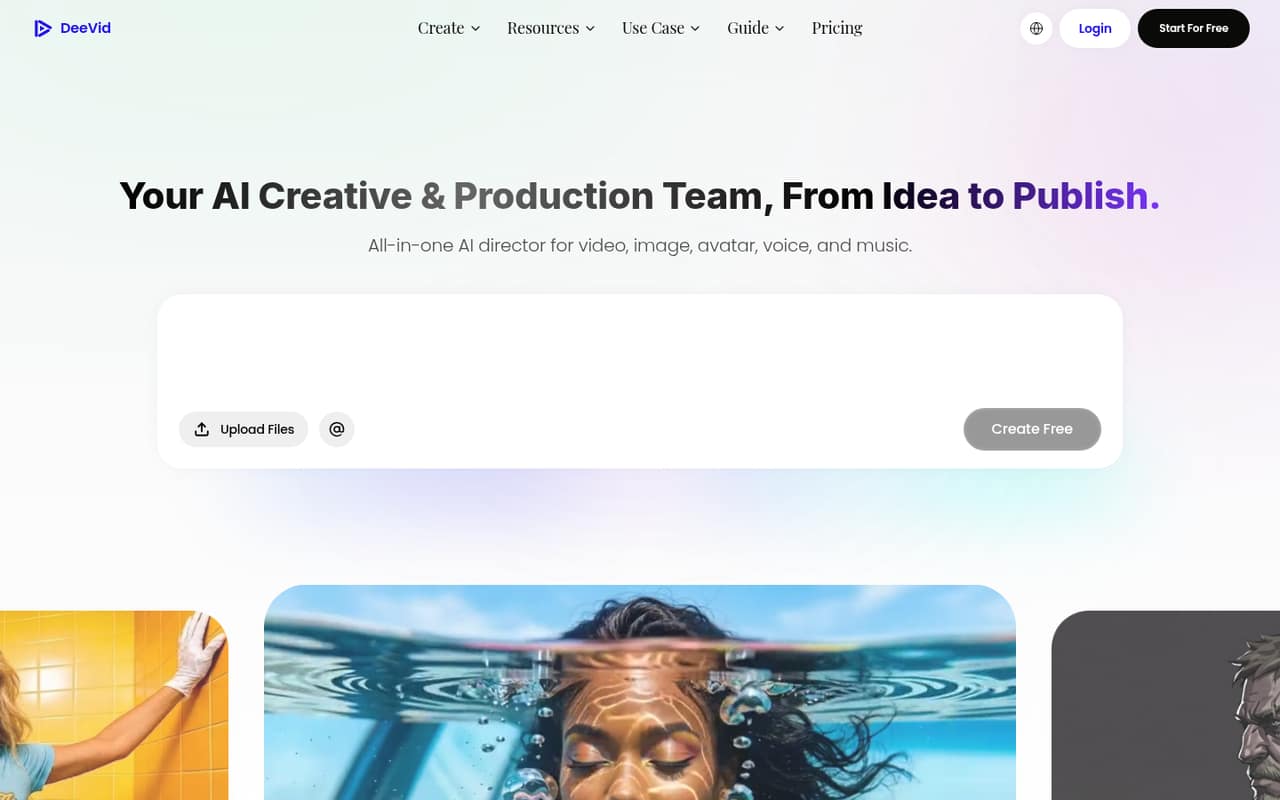
Deevid describes a workflow that combines an AI agent, Canvas editing, and an editor, moving from idea to publish. Its listed tools cover prompts, reference images, photos, scripts, and audio, so a small team can choose a format based on the asset it already has. The product description does not specify how long setup takes or what training is needed.
For day one, decide who will create content, which outputs matter, and how you’ll track credits. The pricing information doesn’t publish integrations, shared workspaces, user roles, or account setup steps. If your team relies on a particular storage, publishing, or review tool, ask Deevid whether it connects before you commit. A solo creator can start by checking the free plan; for team use, first confirm access and billing details. The workflow sounds approachable at a high level, but the actual learning curve is not specified.
05When small teams outgrow Deevid AI
The clearest reason to move up is running through monthly credits. Lite includes 200 credits and estimates about 40 videos or 100 images; Pro raises that to 600 credits and about 120 videos or 300 images. Premium lists 3,300 credits and about 660 videos or 1,650 images. Actual output will depend on how the team uses the tools, so track consumption before budgeting for a higher tier.
A second trigger is output quality or generation capacity. Lite lists 720p, while Pro and Premium list 1080p. Pro includes one unlimited-generation model, and Premium includes four. If those distinctions matter to your production, compare the upgrade cost against your expected use.
Team access may be the bigger unknown as you grow. Deevid’s pricing details don’t publish seat rules, shared editing, or roles. Ask about those requirements before adding staff; otherwise, multiplying individual plan prices may make the tool less attractive than a product with clear team billing.
Questions people ask
Does Deevid AI have a free plan?
Yes. Deevid AI lists a free plan, but the pricing details do not specify its credits, output limits, resolution, watermark rules, or commercial-use terms. Check those conditions with Deevid before relying on the free tier for client or business work.
How much does Deevid AI cost?
The listed paid plans are Lite at $14 monthly or $10 per month equivalent with annual billing, Pro at $35 or $25, and Premium at $159 or $119. Credit packs are also available, but their prices are not published.
Can I use Deevid AI creations commercially?
Lite lists commercial use and no watermarks. The pricing details do not state the commercial-use terms for the free plan, Pro, or Premium. If you need a specific license or plan entitlement, confirm it with Deevid before publishing or selling the work.
How many videos can I make with Deevid AI?
Deevid lists estimates of about 40 videos on Lite, 120 on Pro, and 660 on Premium per month. Each plan also has a monthly credit allowance, so your actual output may vary with the tools and generation choices you make.
How do I cancel Deevid AI?
The cancellation steps are not specified in the pricing details. Before subscribing, check Deevid’s account and billing settings or ask its support team how to cancel, when cancellation takes effect, and whether an annual subscription has any refund terms.