
We may earn a commission if you buy through links on this page. It never changes a score or a ranking. How we make money
The bottom line
DPX has low usage-based entry prices, but limited product detail and unclear team costs.
Deluxe Payment Exchange may suit a small business that sends vendor payments by eCheck or printed check. The pricing page lists eChecks starting at $30 for 50, while a separate listing shows $33 one-time; Print+Mail starts at $37 for 20 checks. There’s no free plan or published seat pricing.
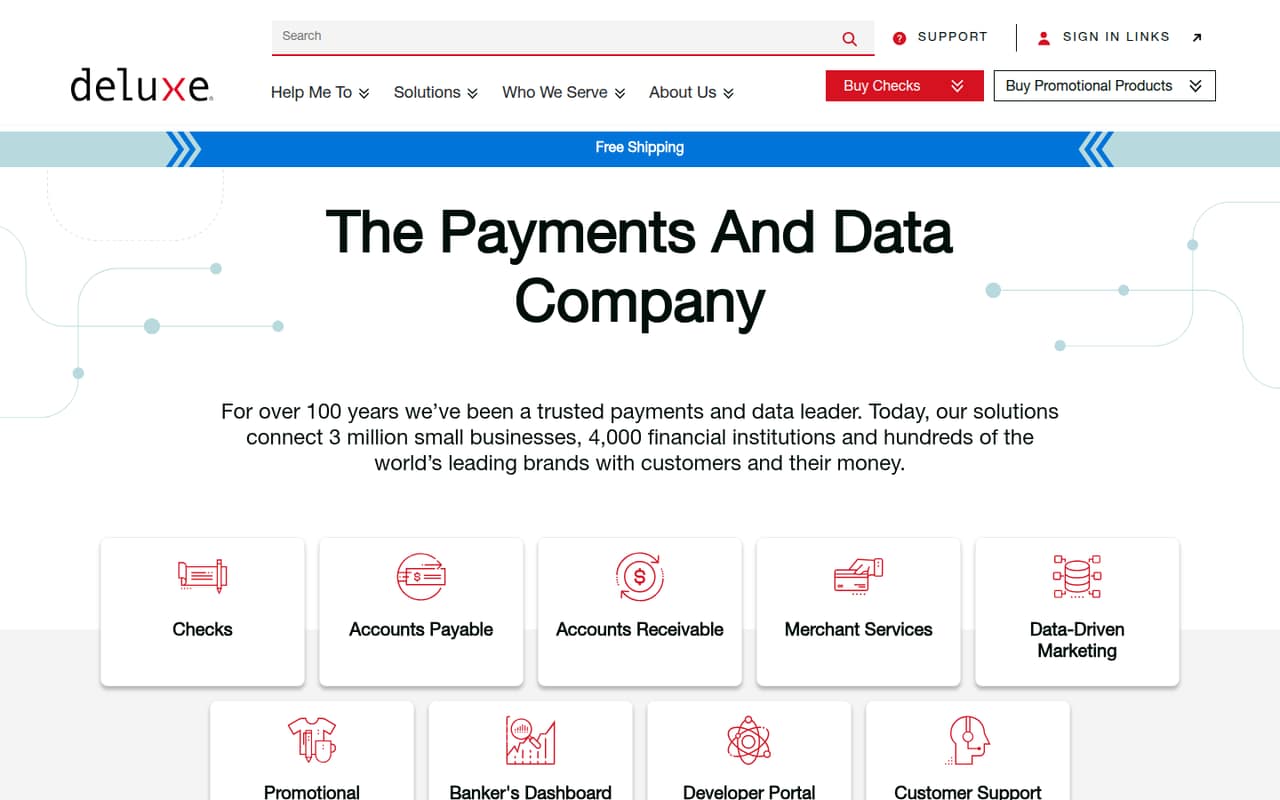
The bigger concern is clarity: Deluxe’s homepage describes a broad set of payment services, but doesn’t spell out DPX’s specific capabilities. One Reddit thread reports checks getting stuck in QuickBooks Online’s print queue, so teams relying on that workflow should confirm setup and support with Deluxe before committing.
Good fit if
- Businesses paying vendors by eCheck
- Teams sending occasional printed checks
- Buyers comfortable with usage-based pricing
Skip it if
- Teams that need a free plan
- Buyers who need per-seat quotes
- Teams needing a clearly documented workflow
ScoresHow it rates
What works
- eChecks start at $30 for 50
- Print+Mail starts at $37 for 20
- Usage-based pricing avoids a listed monthly seat fee
- Several recipient payment methods are listed
- Sender deposit features are free
What doesn't
- No free plan or trial is listed
- eChecks also appear at a $33 one-time price
- Seat limits and overage costs aren't published
- Monthly and annual rates aren't published
- A Reddit user reports intermittent QuickBooks payment issues
01Who Deluxe Payment Exchange is for
DPX is worth considering if your small business sends payments to vendors and wants an eCheck or printed-check option. Deluxe describes digital payments, check services, payment processing, online billing and other business tools, but its homepage doesn’t explain DPX’s specific capabilities in detail. Confirm that the product handles your exact payment workflow before choosing it.
For a team of one to ten, the pricing is based on check volume rather than a published per-seat subscription. That can make the entry price approachable if you only need a small batch: eChecks start at $30 for 50, and Print+Mail starts at $37 for 20. But Deluxe doesn’t publish seat limits, so ask whether multiple staff members can use the same account and what permissions are available. DPX is a less comfortable fit if your budget depends on a predictable monthly bill or a free tier.
02Deluxe Payment Exchange free plan and trial
Deluxe doesn’t list a free plan or free trial for DPX. The cheapest listed way in is usage-based: eChecks start at 50 for $30, with a separate listing showing $33 one-time. If you need mailed checks instead, Print+Mail starts at 20 for $37. These are check-batch prices, not monthly subscriptions.
Sender deposit features for eChecks are listed as free, but that does not make the service itself free. Recipient options such as Instant Funds, Direct Deposit and PayPal deposits have separate fees. Before placing an order, ask Deluxe which eCheck price applies, whether the listed batch can be shared across your staff, and whether other fees apply to your payment setup.
03What a small team pays for Deluxe Payment Exchange
The pricing page lists eChecks at $30 for 50, and another listing gives a $33 one-time price. Print+Mail starts at $37 for 20 checks. Those are usage prices, not monthly or annual subscriptions; Deluxe doesn’t publish monthly or annual rates, seat limits or overage costs.
For one person, the starting spend is $30 for 50 eChecks (or $33 on the separate one-time listing) or $37 for 20 printed checks. For a team of three or five, the listed entry prices are still tied to those check quantities, not seat counts. Deluxe doesn’t say whether a batch is shared across users, so it’s not possible to calculate a reliable per-person cost or confirm that one batch covers the whole team. Get a quote for your headcount and expected check volume.
Recipients may pay $4.99 or 2.99%, whichever is greater, for Instant Funds or PayPal deposit, and $4.99 or 1.99%, whichever is greater, for Direct Deposit. The pricing page lists sender deposit features as free.
04Getting started with Deluxe Payment Exchange
Deluxe’s homepage doesn’t lay out DPX’s setup steps or learning curve, so ask for a walkthrough before relying on it for payments. One Reddit thread describes using DPX with QuickBooks Online to send vendor eChecks. A commenter’s troubleshooting checklist points to a valid vendor email, a bank account associated with eChecks, a positive amount, a check date of today and avoiding duplicate checks. Treat that as user advice, not a guarantee that those steps resolve every issue.
If QuickBooks Online is part of your day-one workflow, confirm with Deluxe how the connection is configured, who can approve or send payments, and what to do when a check remains in the print queue. The public product description doesn’t detail those controls or integration requirements. Ask what information your team needs to gather before setup, and whether Deluxe provides onboarding or support for your configuration.
05When small teams outgrow Deluxe Payment Exchange
The first pressure point is budgeting, not a published seat cap: Deluxe doesn’t list seat limits, overage charges or monthly and annual rates. As payment volume or staff count grows, ask for a quote that spells out how check batches, access and any added fees work. Without those details, it’s difficult to forecast the cost of expanding beyond occasional payments.
A second reason to reconsider is workflow reliability. One Reddit thread describes vendor checks intermittently sitting in QuickBooks Online’s “To Print” status instead of converting to eChecks. A commenter said they had checked the suggested setup items and the problem continued. That is one team’s report, not proof of a widespread fault, but it’s a useful question for any business that depends on QBO. If Deluxe can’t confirm the process and support path your team needs, compare alternatives before moving more payment work onto DPX.
From the threadsWhat users say
The available Reddit discussion is mixed but leans negative: one user reports intermittent eCheck conversion trouble in a QuickBooks workflow, and says the issue persisted after checking suggested setup items. It’s a single thread, so we’d treat it as a reason to ask about support rather than a verdict on every DPX account.
I've been experiencing issues where the vendor check just sits in "To Print" status and will not convert to an e-check
The vendor’s QuickBooks Online (QBO) vendor record must contain a valid email address
If it is, you’ll need to remove it from the print queue manually
Yep unfortunately I've checked all of those things and it's still not working properly
Questions people ask
What is Deluxe Payment Exchange?
Deluxe describes DPX in the context of its payment and data services for businesses and other organizations. Its homepage lists digital payments, payment processing and check services, among other offerings, but doesn’t detail DPX’s specific capabilities. Ask Deluxe to confirm which payment workflows and features are included in the product you’re considering.
Does Deluxe Payment Exchange have a free plan?
Deluxe doesn’t list a free plan or trial for DPX. Its lowest listed paid entry is eChecks at 50 for $30, with a separate listing showing $33 one-time. For printed checks, Print+Mail starts at 20 for $37. Ask Deluxe to confirm the price that applies to your account.
How much does an eCheck cost?
The pricing page lists eChecks starting at 50 for $30, and also lists a $33 one-time price. Deluxe doesn’t publish monthly or annual rates, seat limits or overage costs. Ask whether the price depends on your payment volume or account setup, and whether a batch can cover multiple users.
What fees can eCheck recipients pay?
The listed recipient options include Instant Funds for $4.99 or 2.99%, whichever is greater; Direct Deposit for $4.99 or 1.99%, whichever is greater; and PayPal deposit for $4.99 or 2.99%, whichever is greater. Deluxe lists sender deposit features as free. Confirm which options apply to your payments.
Can Deluxe Payment Exchange send printed checks?
Deluxe lists a Print+Mail option for businesses sending printed checks, starting at 20 checks for $37. The pricing details don’t explain the steps for printing or mailing a check, so ask Deluxe what the service handles and what your team needs to do before placing an order.