We may earn a commission if you buy through links on this page. It never changes a score or a ranking. How we make money
A small team needs a payment processor only if it makes getting paid easier across the ways you sell. Square is our strongest general pick because it lists a free plan and core selling tools; Helcim stands out for having no monthly account fee. For online checkout, PayPal is familiar to many buyers, while Cheddar Up and Lemon Squeezy suit more specific needs. Remember that a free plan or a low starting price does not settle the bill: transaction fees, hardware, paid features, and seat terms can change the real cost.
Quick picksThe shortlist
 SquareSquareBest for small teams · Free
 HelcimHelcimBest no monthly fee · Free
 PayPalPayPalBest for PayPal checkout · $5/mo
 Cheddar UpCheddar UpBest for group collections · $15/mo
 Lemon SqueezyLemon SqueezyBest for SaaS · Free
 CloverCloverBest for POS hardware · $29.95/mo
 SumUpSumUpBest for occasional sales · $49/mo
 VancoVancoBest for donations · $54/mo
01Compared at a glance
| Tool | Score | From | Free plan | Trial |
|---|---|---|---|---|
| SquareSquare | 7.2 | Free | Yes | — |
| HelcimHelcim | 8.1 | Free | Yes | — |
| PayPalPayPal | 6.8 | $5/mo | Yes | — |
| Cheddar UpCheddar Up | 6.5 | $15/mo | Yes | — |
| Lemon SqueezyLemon Squeezy | 6.5 | Free | Yes | — |
| CloverClover | 6.8 | $29.95/mo | Yes | 90 days |
| SumUpSumUp | 6.0 | $49/mo | Yes | — |
| VancoVanco | 6.8 | $54/mo | Yes | — |
02The picks, in detail
- Best for small teamsSquareSquare
Square is our first pick for teams selling online and in person or starting with a POS. Its free plan covers core selling tools, and the listed starting price is not published. Budget separately for processing fees, hardware, and paid features. The product notes don't specify setup time or per-seat costs, so confirm what your team needs before adding equipment or upgrades.
What works
- Square Free costs $0 per month
- Free includes POS and an online site
- Invoicing and booking are included
What doesn't
- Plus and Premium prices aren’t published
- Processing rates aren’t listed here
- Free plan seat limits aren’t published

- Best no monthly feeHelcimHelcim
Helcim suits small teams taking card payments that want to avoid a monthly account fee. The listed price is not published, and rates depend on payment volume and channel. That makes it harder to forecast costs without your own sales mix, but it may be worth comparing if volume is growing. Ask for a fee estimate based on your channels and expected transactions.
What works
- No monthly account fee listed
- Interchange-plus rates show a separate margin
- Rates decrease at higher volume tiers
What doesn't
- Transaction costs vary by volume and channel
- No published per-seat or monthly plan price
- Physical terminals cost extra
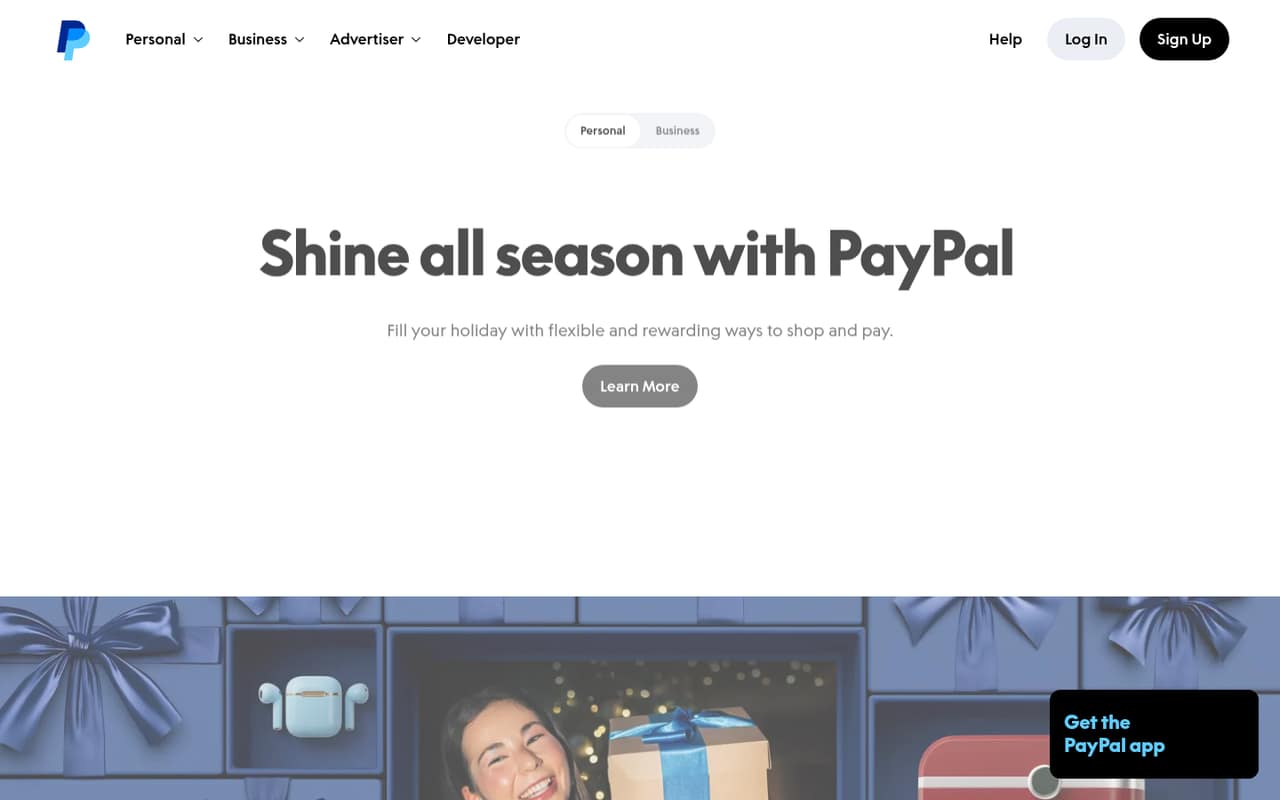
- Best for PayPal checkoutPayPalPayPal
PayPal fits small shops that want PayPal and Venmo at checkout, or need to send and request money. A free plan is listed, with a starting price of $5; the notes flag variable fees and reported account problems. Check transaction charges and account review policies before routing all your sales through it. Per-seat pricing and setup time are not published.
What works
- Standard business account has no monthly maintenance fee
- Accepts PayPal Checkout and Venmo
- Offers in-person and QR payment processing
What doesn't
- Processing fees vary by payment type
- No annual-billing price is published
- Per-seat pricing is not published
- Best for group collectionsCheddar UpCheddar Up
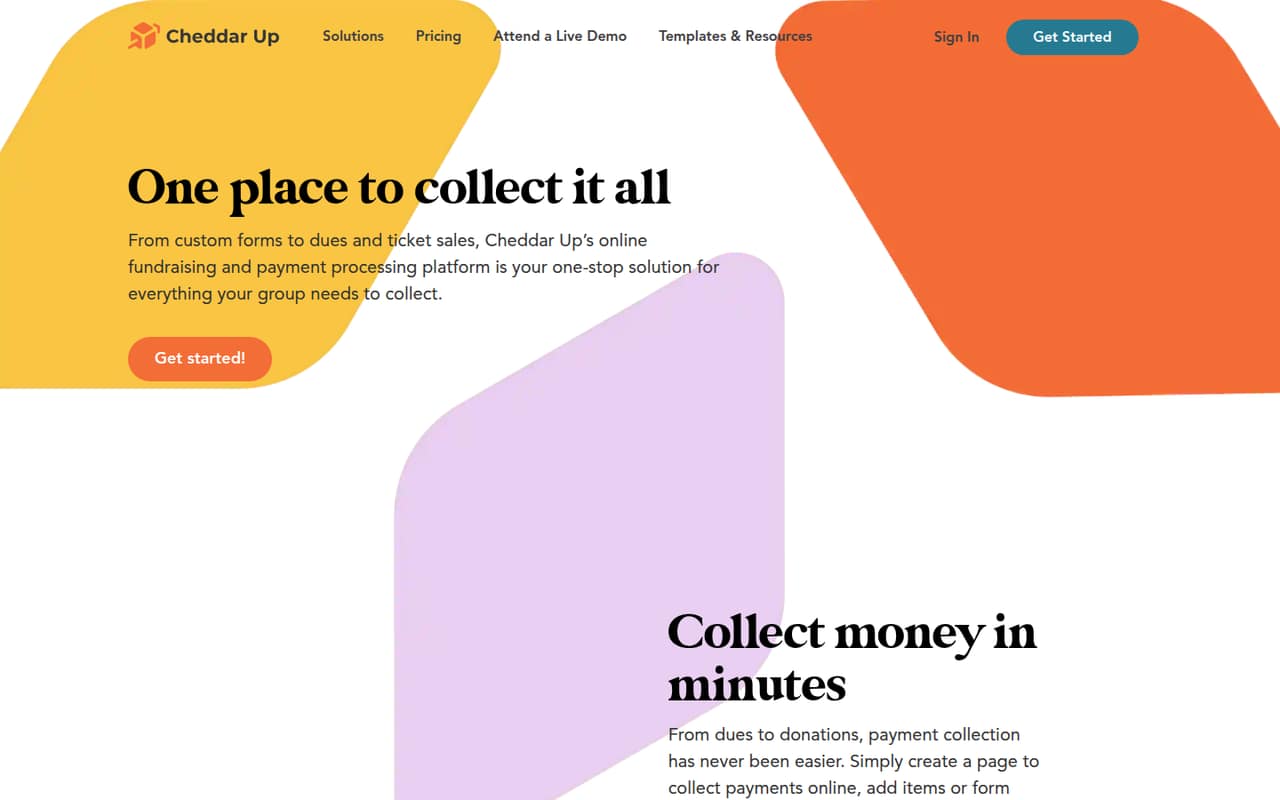
Cheddar Up is a good match for volunteer groups collecting dues or running fundraisers and events, especially when forms are part of the workflow. A free plan is listed, with a starting price of $15. The key cost to verify is the transaction fee, which can affect small collections. Ask which plan features you need and whether multiple organizers change the price.
What works
- Free plan includes unlimited collection pages
- Collect payments and forms together
- Supports tickets, waivers, and sign-ups
What doesn't
- Free plan limits items and forms per page
- Free plan has one user
- Card fees apply on every plan
- Best for SaaSLemon SqueezyLemon Squeezy
Lemon Squeezy is aimed at small SaaS teams and sellers of digital downloads who want a merchant of record. It lists a free plan and no monthly ecommerce bill, but transaction fees and extra charges still apply. The starting price is not published. Before choosing it, ask for the full fee schedule and confirm that its checkout and subscription tools fit your sales model.
What works
- Ecommerce has no monthly charge
- Handles global sales tax as merchant of record
- Supports weekly, monthly, and yearly subscriptions
What doesn't
- Ecommerce charges 5% + 50¢ per transaction
- Some payments may have additional, unpublished fees
- Volume pricing requires contacting Lemon Squeezy

- Best for POS hardwareCloverClover
Clover is worth considering for small retailers, restaurants, and service businesses that need POS hardware. A free plan is listed, while the starting price is $29.95, so confirm exactly what the free tier includes. Device, processing, and hardware costs can add to the bill. Get a full quote for the equipment and payment setup you need before signing.
What works
- Starter software plan is $0 per month
- Supports in-person and keyed-in payments
- Inventory tools include low-stock alerts
What doesn't
- Starter seat and usage limits aren’t published
- Processing fees apply even on Starter
- Extra devices add monthly charges

- Best for occasional salesSumUpSumUp
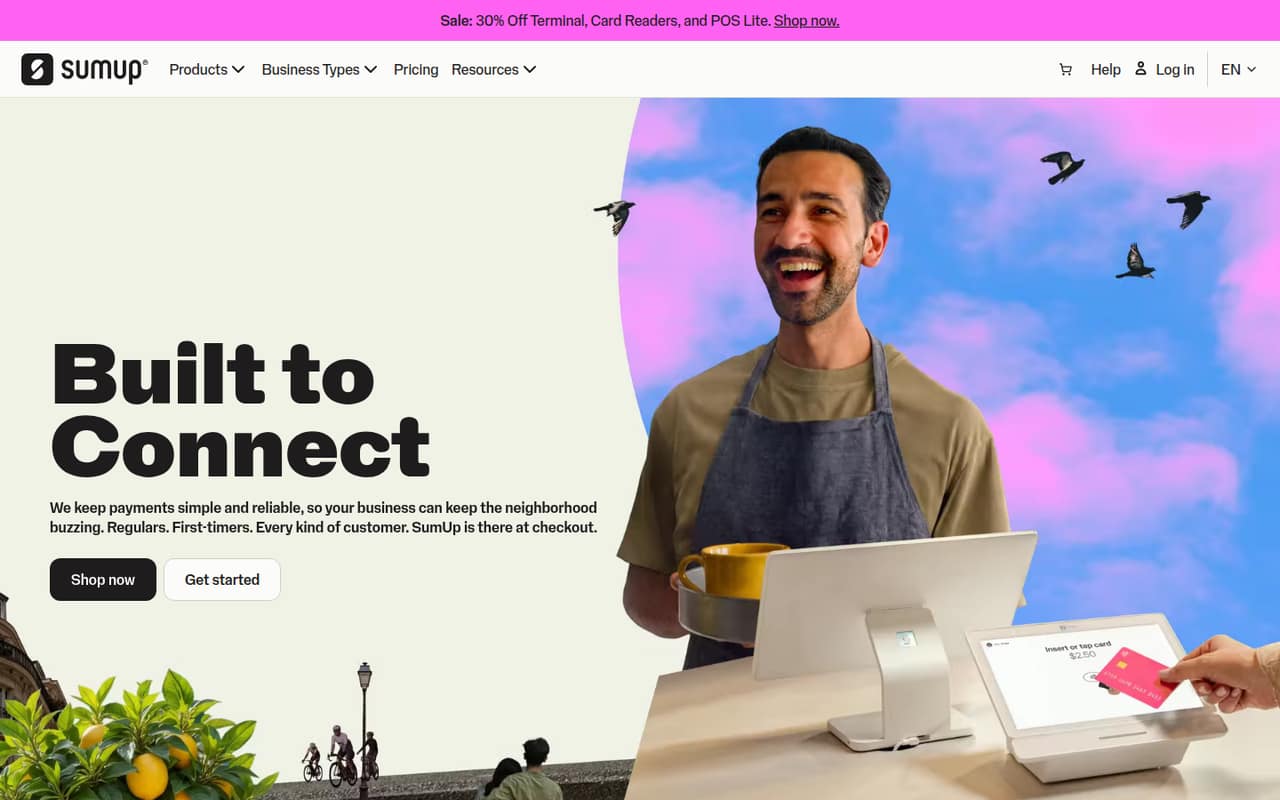
SumUp may suit a solo operator or small shop taking occasional card payments and looking for a free starting plan. The listed starting price is $49, so check what that price covers and what remains free. Added fees and support reports are reasons to read the terms carefully. Ask for transaction costs and any hardware charges before estimating your monthly spend.
What works
- Free plan includes payment links and invoicing
- Business app and account are included on Free
- Free plan includes appointment booking tools
What doesn't
- Reader and POS Lite hardware cost extra
- In-person and online transaction fees add up
- Exact hardware prices are not published
- Best for donationsVancoVanco
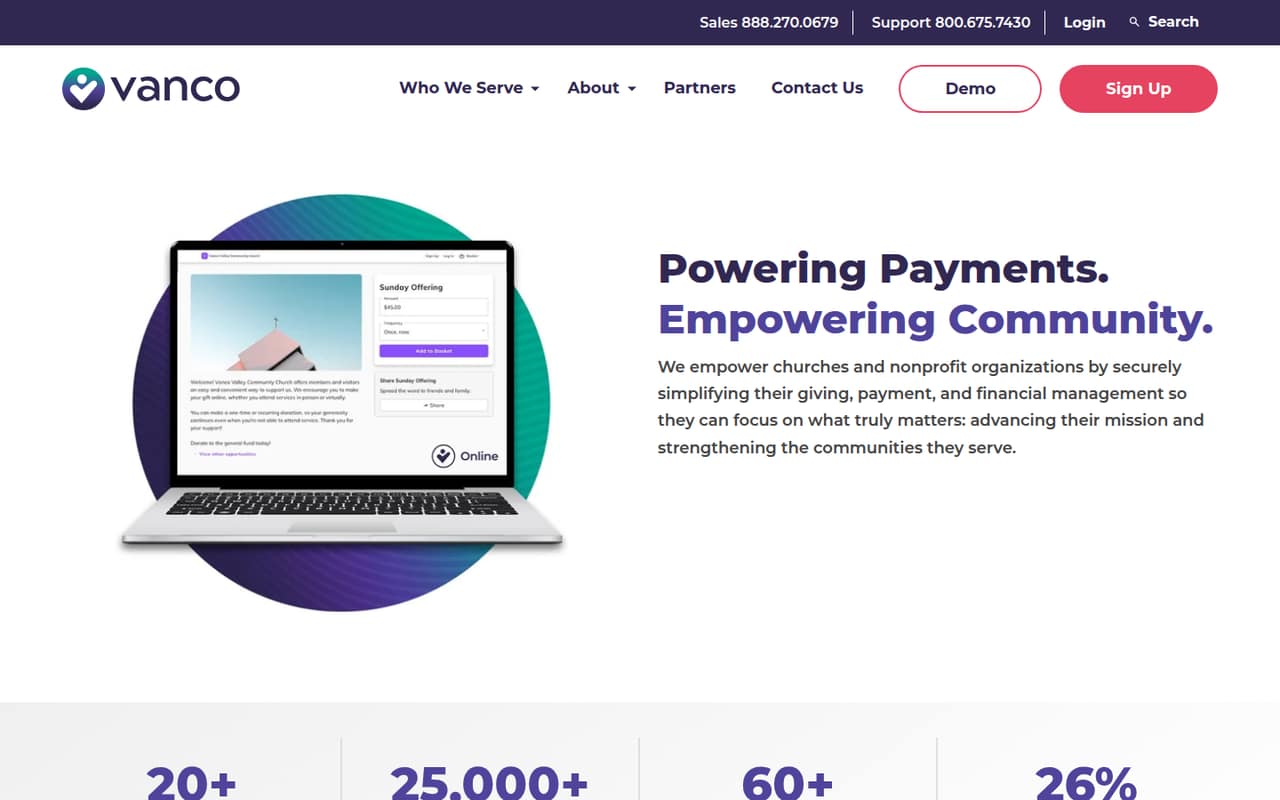
Vanco is designed for churches and nonprofits collecting online or recurring donations, with in-person payments also listed as a fit. A free plan is listed, and the starting price is $54. Processing fees and extras shape the real cost, so compare the quote with your donation volume and channels. Confirm which features are included before building a giving workflow around it.
What works
- GROW has a $0 monthly subscription price
- Supports online, mobile, and in-person payments
- Tools cover churches and nonprofits
What doesn't
- Processing fees apply on the free plan
- Text-to-give costs $10/month on GROW
- Giving Insights adds $75/month
03How we chose
We ranked these platforms for teams of one to ten, prioritizing a usable free plan, a clear starting price, and a fit for common small-business payment needs. We also considered processing fees, hardware, paid add-ons, and whether the notes flag quote-based pricing or reported account and support concerns. Setup effort, seat pricing, and plan limits matter, but we don't infer details vendors don't publish. Documentation and user reports are useful secondary signals; confirm key costs and setup requirements directly before committing.
04Compare the real cost, not just the plan price
A free plan can still come with transaction fees, paid features, or hardware costs. For example, Square lists a free plan but advises budgeting for processing and hardware; Clover's notes flag device and hardware costs too. Lemon Squeezy has no monthly ecommerce bill listed, but transaction fees and extra charges apply. Those costs matter more than a low headline price if your team handles frequent or higher-value sales.
Ask each vendor for a written estimate based on your payment channels and expected volume. Confirm whether the quoted price covers the features you need, whether any add-ons are required, and what happens as your sales grow. The listed starting prices don't give a per-seat total, so ask whether adding staff changes the bill.
05Match the processor to how you get paid
Start with your sales channel. Square and PayPal are listed for online and in-person or online checkout needs; Clover is a fit when POS hardware is central. Cheddar Up focuses on group collections, dues, and fundraisers, while Vanco is aimed at church and nonprofit giving. Lemon Squeezy is more specific to SaaS and digital products. A tool built for another kind of sale may add complexity rather than solve a problem.
Then check the work required to launch. Ask whether you need hardware, an integration, or a custom quote, and what information the vendor needs from your team. Setup time and seat terms aren't published for many of these options. If the answer is unclear, get the setup steps, plan limits, and complete fee schedule in writing before moving checkout or payments over.
Questions people ask
Can a small team use a free payment processor?
Yes. Square, PayPal, Cheddar Up, Lemon Squeezy, Clover, SumUp, and Vanco list free plans. Free access doesn't necessarily mean free transactions: the product notes flag processing fees, paid features, hardware, or extra charges for several of these options. Check the fee schedule and free-plan limits before relying on one.
Which payment processor is cheapest for a small business?
There isn't enough published pricing here to name one cheapest option for every team. Helcim lists no monthly account fee, and Square lists a free plan, but transaction costs and channels affect the total. Request estimates using your payment mix, sales volume, and hardware needs.
Do payment processors charge per team member?
Per-seat pricing isn't listed for these picks. Ask each vendor whether staff accounts or additional locations change the price, and whether there are limits on users by plan. Get the answer alongside the processing fees so you can estimate the cost for your full team.
What should I check before switching payment platforms?
Confirm the full fee schedule, the features included in your plan, and any costs for hardware or add-ons. Ask about setup steps, seat limits, and what happens if your sales volume grows. If the vendor uses custom pricing, request a written quote for your specific payment channels.