
We may earn a commission if you buy through links on this page. It never changes a score or a ranking. How we make money
The bottom line
Densify can automate Kubernetes resource tuning, but Kubex's minimum is a steep entry point.
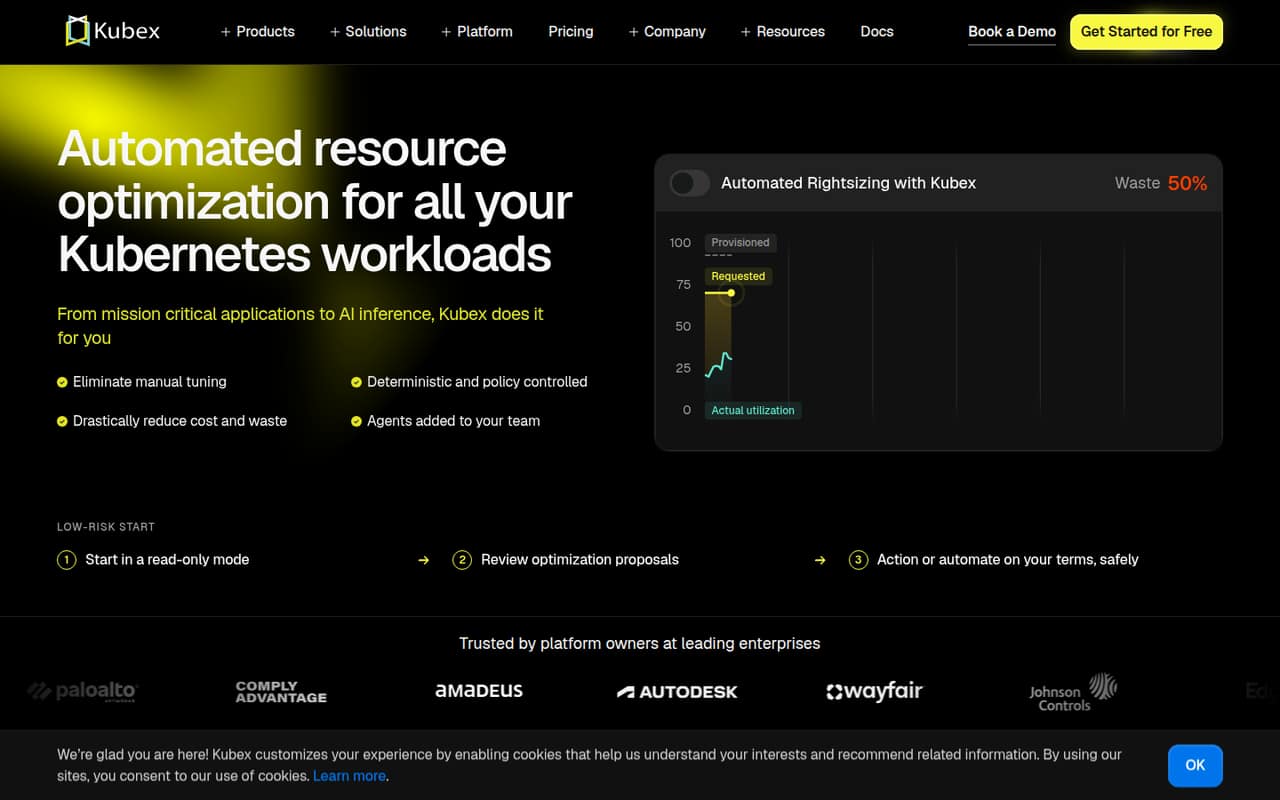
Densify’s Kubex automates Kubernetes resource optimization, including container sizing, node choices, bin packing, HPA tuning, and GPU sharing. Teams can review proposed changes or automate them behind policy guardrails.
The fit is the catch: Kubex is priced per vCPU, with a 1,000-vCPU minimum. Its listed rates are $3 per vCPU monthly or $2 per vCPU monthly with annual billing, so a small team should confirm its billable environment before committing.
Good fit if
- Teams managing large Kubernetes fleets
- Platform teams tuning CPU and memory
- Organizations sharing GPUs across models
Skip it if
- Small clusters below 1,000 vCPUs
- Teams seeking a free ongoing plan
- Buyers who need predictable seat pricing
ScoresHow it rates
What works
- Automates container CPU and memory rightsizing
- Supports node optimization and bin packing
- Tunes HPA targets and replica bounds
- Offers policy guardrails and rollbacks
- GPU sharing supports time-slicing, MIG, and MPS
What doesn't
- Kubex has a 1,000-vCPU minimum
- No ongoing free plan is listed
- Monthly Kubex pricing varies across specifications
- Seat limits and standard-tier limits are unpublished
- Setup steps and required integrations are not published
01Who Densify is for
Densify is for platform and infrastructure teams that need to control Kubernetes resource use across a sizeable environment. Kubex tunes CPU and memory requests and limits based on observed usage, then can help match workloads to node types and counts. It also consolidates pods while respecting disruption budgets and placement rules.
For a team of 1–10 people, headcount is not the main question: Kubex is priced per vCPU, not per seat, and lists a 1,000-vCPU minimum. That makes it a hard fit for a small team with a modest cluster, even if the team likes the automation. It may suit a lean platform group responsible for a much larger Kubernetes fleet, especially one managing Karpenter or managed node groups, HPA settings, or GPU workloads. Teams should confirm their billable vCPU count and scope with Densify before budgeting.
02Densify free plan and trial
Densify does not list a free plan. For Kubex, the pricing information lists the first 60 days free. That is a trial period, not an ongoing free tier, and the listed 1,000-vCPU minimum still matters when the trial ends. The source does not spell out whether the trial has any scope restrictions, so ask Densify to confirm what environment is included and what happens at the end.
The cheapest listed Kubex rate is $2 per vCPU per month with annual billing; the monthly rate is listed as $3 per vCPU. A separate specification lists $1 per vCPU per month, so pricing is inconsistent across published specifications. Get a written quote that confirms the applicable rate, minimum, and commitment before treating the trial as a budget-friendly route in.
03What a small team pays for Densify
Kubex is billed per vCPU, not per user, so one person, three people, and five people do not have separate seat prices. The total depends on billable vCPUs, with a listed 1,000-vCPU minimum. At that minimum, the listed monthly rate of $3 per vCPU works out to $3,000 per month, or $36,000 for 12 months. The annual-billing rate of $2 per vCPU works out to $2,000 per month, or $24,000 for 12 months. Those minimum totals would apply regardless of whether the team has one, three, or five people, if each is billed at the minimum.
The listed AI/GPU Optimization add-on is $15 per GPU per month. Overage costs are not published. Densify also lists Cloudex at $2.50 per instance per month with a 2,000-instance minimum and a 30-day proof-of-concept trial; its annual commitment has no published annual rate. Kubex pricing differs across specifications, so confirm the rate and minimum in writing.
04Getting started with Densify
The feature list describes what Kubex can optimize, but the setup steps, onboarding effort, and required permissions are not published. We would ask Densify for a deployment checklist, what access it needs to observe workloads, and whether it can start in review-only mode before making automated changes. The product description says teams can review proposed changes or automate them under policy guardrails, including rollback for changes that do not hold.
For day one, check whether your environment uses Karpenter or managed node groups if you want node optimization; both are named as supported. GPU optimization includes time-slicing, MIG, and MPS. The available information does not identify other integrations or explain how they are configured, so get confirmation for your cluster setup before estimating the work. A team should also agree on its guardrails and review process before enabling automation.
05When small teams outgrow Densify
For Kubex, the first hurdle is often being too small: the listed minimum is 1,000 vCPUs. If your environment grows beyond the standard tier, Densify lists an Enterprise / Custom Quote option, but its limits and pricing are unpublished. Ask what usage triggers that move and whether the quote changes the minimum or commitment.
Costs also rise with billable vCPUs, while GPU optimization adds $15 per GPU per month; overage costs are not published. That can make budgeting harder as a team adds clusters or expands GPU use. Densify does not list seat limits, so growing the team itself is not the pricing trigger shown here. A small team may need another tool if it needs a lower minimum, a published free tier, or clear seat-based pricing. Before scaling, get a written price for the expected vCPU and GPU footprint.
Questions people ask
Does Densify have a free plan?
Densify does not list an ongoing free plan. Kubex lists the first 60 days free, while Cloudex lists a 30-day proof-of-concept trial. The Kubex listing also has a 1,000-vCPU minimum. Ask Densify to confirm the trial scope, applicable minimum, and charges after the trial ends.
How much does Densify Kubex cost?
Kubex lists $3 per vCPU per month, or $2 per vCPU per month with annual billing, and a 1,000-vCPU minimum. That minimum works out to $3,000 monthly at the monthly rate or $2,000 monthly at the annual-billing rate. Another specification lists $1 per vCPU per month, so confirm your rate in writing.
Is Densify priced per user?
No per-user Kubex price is listed. Kubex is priced per vCPU, with a 1,000-vCPU minimum, so the number of teammates does not determine the bill by itself. Ask Densify to confirm which vCPUs count toward your environment and what the minimum means for your deployment.
What does Densify optimize in Kubernetes?
Kubex can tune container CPU and memory requests and limits, recommend node types and counts, consolidate pods, and tune HPA utilization targets and replica bounds. It also supports GPU sharing through time-slicing, MIG, or MPS. Teams can review proposed changes or automate them under policy guardrails.
Can Kubex roll back changes that do not work?
The product description says Kubex can check changes against policy guardrails and roll back changes that do not hold. Teams can also review proposed changes or automate them under those guardrails. Ask Densify how rollback criteria are set and what controls are available for your environment.