
We may earn a commission if you buy through links on this page. It never changes a score or a ranking. How we make money
The bottom line
A flexible transcript editor, but a few seats and heavier AI use can get expensive.
Descript is worth considering if your small team edits podcasts, interviews, or talking-head videos and would rather edit a transcript than learn a traditional timeline. It combines recording, editing, captions, clips, and AI tools, with a free plan for trying the basics.
The trade-off is that the free plan is limited, paid plans charge per person, and AI credits and media hours have caps. Reddit users praise the text-based editing but also report bugs, slow performance, and frustration with feature changes, so keep a backup of important recordings.
Good fit if
- Podcast and interview editing
- Small teams making talking-head videos
- Creators who prefer transcript editing
Skip it if
- Teams needing unlimited usage
- Editors who want a simple tool
- Anyone relying on one recording copy
ScoresHow it rates
What works
- Edit footage by changing its transcript
- Free plan includes one seat
- Combines captions, clips, recording, and editing
- Studio Sound enhances audio with one click
- Creator and Business plans include watermark-free exports
What doesn't
- Free exports are limited to 720p and include a watermark
- Paid plans charge per person
- Monthly media hours and AI credits are capped
- Add-on pricing for usage top-ups isn't published
- Reddit users report bugs, crashes, and slow performance
01Who Descript is for
Descript fits a solo creator or a small team of up to five people making podcasts, interviews, tutorials, or talking-head videos. Its main difference is that you edit footage by changing the transcript: delete or move words to cut or rearrange the recording. That can suit teams that want a first edit without working entirely on a traditional timeline.
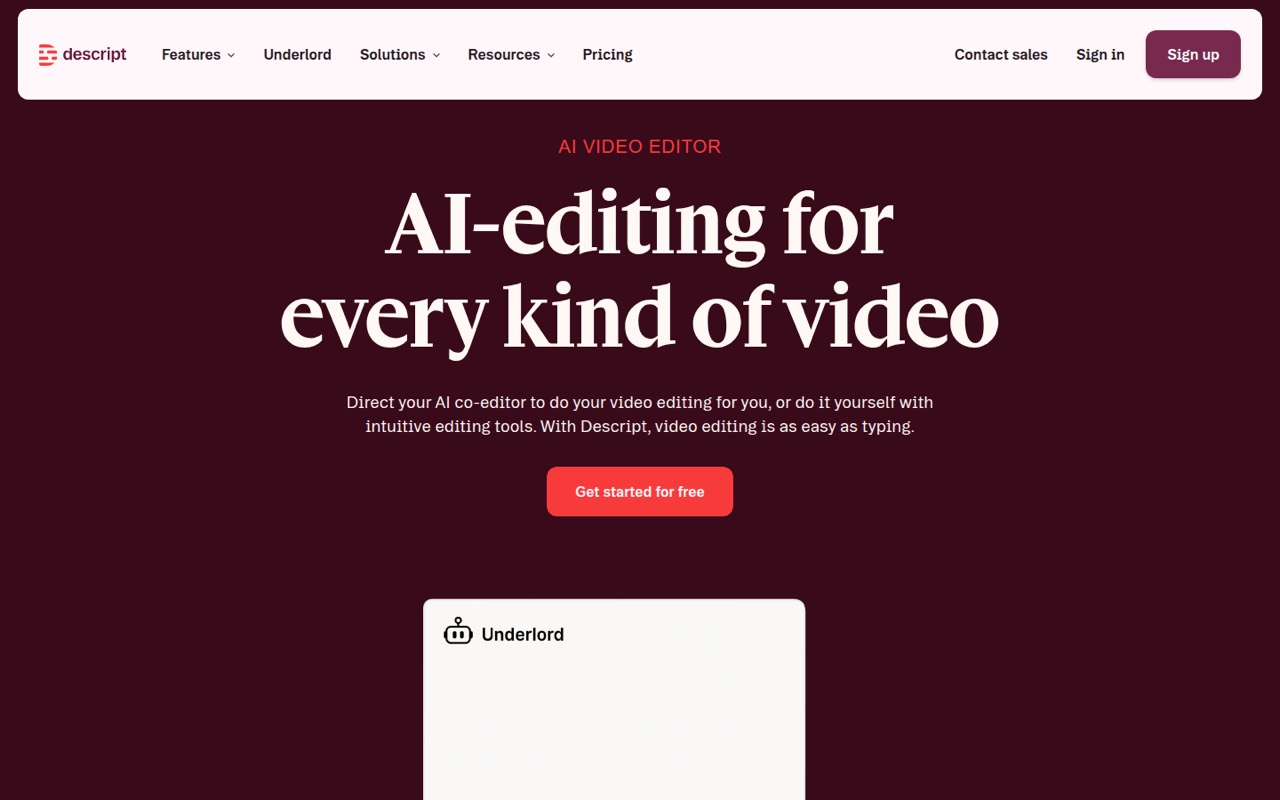
The tool also brings remote recording, multitrack podcast editing, screen capture, captions, clips, and AI media generation into one product. Underlord can help automate edits, while Studio Sound enhances voice audio and removes background noise. A team making a steady stream of video may value having those jobs together; a team that only needs basic trimming may not need the bundle.
There is a free plan for trying the workflow, then paid plans start at $16 per person per month with annual billing. For three seats, Creator is $72 per month billed annually or $105 month to month. We’d budget for the paid plan only after checking whether its media hours and AI credits fit your output.
02Descript free plan and trial
Descript’s Free plan includes one seat, 60 minutes of media per month, and 100 AI credits as a one-time allotment. Exports are limited to 720p and have a watermark. That is enough to try transcript-based editing and basic AI tools, but the monthly media allowance is small for regular publishing, and the credits do not renew each month.
The free plan is not a good fit for a team that needs watermark-free client or public-facing exports. Hobbyist is the cheapest paid plan: $16 per person per month when billed annually, or $24 per person month to month. It includes 10 media hours and 400 AI credits per month, plus 1080p watermark-free exports and Underlord access. The vendor does not list a free trial in the pricing details, so the Free plan is the way to try it before paying.
03What a small team pays for Descript
The pricing page lists Hobbyist at $16 per person per month with annual billing, or $24 month to month. For one person, that works out to $16 or $24 monthly; annual billing totals $192 for the year. It includes one seat, 10 media hours, and 400 AI credits per month.
For three people, Creator is the relevant plan because it supports a team of up to three seats, billed separately. At $24 per person per month annually, that is $72 monthly or $864 for the year. The standard monthly rate is $35 per person, or $105 for three. For five people, Business supports up to five seats: $250 monthly with annual billing ($3,000 for the year), or $325 month to month. Its annual-billing rate is $50 per person; the standard monthly rate is $65.
Creator includes 30 media hours and 800 AI credits per person monthly; Business includes 40 media hours and 1,500 credits. Both offer watermark-free exports, at 4K and with Brand Studio access respectively. Descript sells top-ups for media hours or minutes and AI credits, but does not publish their prices in the plan details. Annual rates require annual billing.
04Getting started with Descript
The core workflow is easy to explain: record or bring in media, use its transcript to cut and rearrange footage, then work on captions, clips, or audio cleanup. That makes the editing approach approachable for people who are more comfortable editing text than navigating a traditional video timeline. Descript also includes recording, screen capture, and multitrack podcasting in Rooms.
The vendor does not publish a setup-time estimate in the plan details. For a small team, the practical setup work is deciding who owns projects, how much monthly media and AI credit the team expects to use, and where to keep backup recordings. One Reddit commenter recommends recording locally as a backup; another says they use Descript for editing but not its built-in recorder. That is sensible advice for any important interview.
The vendor's site does not specify integrations for a team’s existing storage or publishing tools. Check those requirements before moving a shared workflow into Descript, and test your own process with the free plan first.
05When small teams outgrow Descript
The first sign of outgrowing Descript may simply be hitting the usage caps. Free provides 60 minutes of media per month; Hobbyist offers 10 hours, Creator 30, and Business 40. AI credits also rise by plan, but the pricing details do not state how many edits or finished videos a given credit allowance will cover. Top-ups are available, though their prices are not published.
Seat count is the next decision. Creator covers up to three seats and Business up to five, with each seat billed separately. A team beyond five people may need Enterprise, whose pricing is custom. Business adds Brand Studio and priority support with an SLA; Enterprise lists SOC 2 Type II, SSO, SCIM, and audit logs.
Reddit feedback is mixed. Some users say the transcript editing works well, while others report disappearing recordings, bugs, crashes, or a tool that feels bloated. If your work depends on reliable recording or precise final cuts, keep a separate recording backup and consider whether a dedicated editor better suits that stage.
From the threadsWhat users say
Reddit sentiment is mixed: some users value Descript’s transcript editing, while others describe reliability and performance problems. Complaints also cover feature bloat and frustration with changes to the product.
It's great for editing
I will never trust a browser based program to record for me
I use descript for podcast editing and adobe premiere for YT, and I’m wondering why I even have descript at this point?!
It's gotten so bloated, and now they want more money to do the simple features I need or use basic AI functionality
Questions people ask
How much does Descript cost per month?
Descript’s Free plan costs nothing. Paid plans start with Hobbyist at $16 per person per month when billed annually, or $24 month to month. Creator is $24 annually billed or $35 month to month per person; Business is $50 or $65. Enterprise pricing is custom.
What does Descript’s free plan include?
The Free plan includes one seat, 60 minutes of media per month, and 100 AI credits as a one-time allotment. Exports are limited to 720p and include a watermark. It is useful for trying transcript editing, but it is restrictive for regular publishing.
Does Descript charge per seat?
Yes. Paid prices are per person per month. Creator supports up to three seats and Business up to five, with seats billed separately. For three Creator seats, the listed rate totals $72 per month with annual billing or $105 month to month.
Does Descript offer a free trial?
The pricing details list a Free plan but do not list a separate free trial. The Free plan includes one seat, 60 minutes of media per month, and a one-time 100 AI credits, with 720p exports that include a watermark.
Can Descript record podcasts?
Descript includes remote recording in Rooms and multitrack audio editing. Some Reddit users report concerns with recording reliability and recommend keeping local backups or using a separate recording method. For important interviews, plan a backup rather than relying on one recording copy.
Sources
- Descript homepage
- Descript pricing page
- Reddit: Descript is horrible
- Reddit: An honest review of Descript, and why I cancelled my pro subscription.
- Reddit: Alternative to Descript for text based editing/transcription
- Reddit: Descript is the absolute worst editing software. Except for all the others. Still nothing better for amateurs?