
We may earn a commission if you buy through links on this page. It never changes a score or a ranking. How we make money
The bottom line
Useful for quick branded designs on a tight budget; less clear on licensing and team access.
A small team that needs a logo, social graphics, or basic brand materials can start with Design.com’s free tools. Paid plans add high-resolution and vector files, with the cheapest listed option starting at $3 per month when billed yearly.
We’d treat it as a template-based design option, not a substitute for custom brand work. Team seats, account sharing, and logo ownership terms aren’t clearly listed, so confirm those details before committing.
Good fit if
- Startups making basic brand assets
- Small teams on tight budgets
- Businesses needing a simple logo
Skip it if
- Teams needing custom brand strategy
- Businesses requiring ecommerce features
- Teams needing clear seat-based pricing
ScoresHow it rates
What works
- Free plan lets you create and download designs
- Free downloads include vector and transparent PNG formats
- Starter adds high-resolution and vector logo files
- Templates cover logos, social graphics, print, and more
- Annual Starter price is listed at $3 per month
What doesn't
- Free plan restricts premium AI asset downloads
- Paid subscriptions include one logo each
- Team seat access and pricing aren’t published
- Exclusive License costs extra
- Domain, printing, and design-support prices aren’t published
01Who Design.com is for
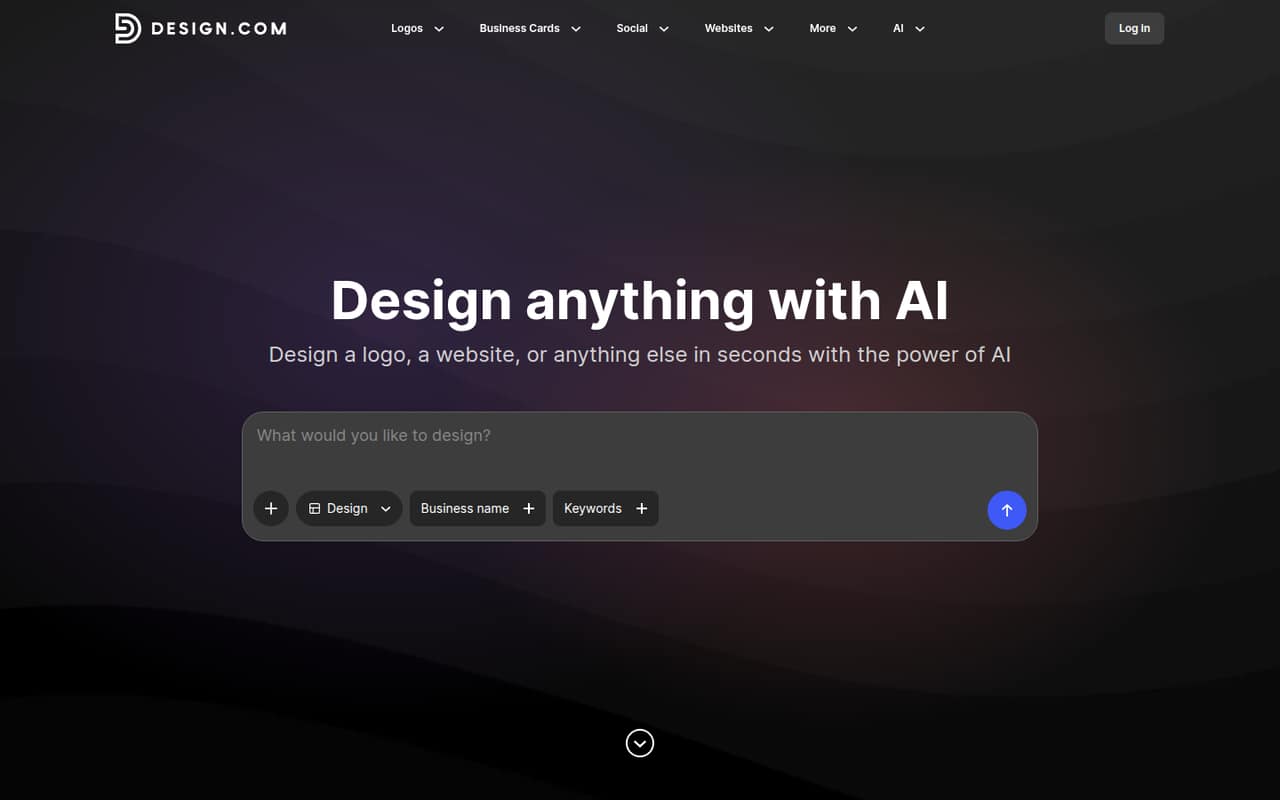
Design.com suits a solo founder or a small team of roughly 1–10 people that needs a logo and supporting brand materials without commissioning every asset. It offers customizable templates for logos, business cards, social posts, print designs, websites, and items such as letterheads and email signatures. The homepage also describes AI-assisted editing, including prompts and controls for fonts, colors, and layouts.
For a business watching its monthly spend, the free plan is a low-risk place to make and download designs. The paid Starter plan is the cheapest listed option for high-resolution and vector logo files. One subscription includes one logo, so a team building several brands should factor in additional subscriptions. Design.com is a better fit for getting usable starter assets than for developing a distinctive brand strategy. If the logo will be central to your business, clarify the license terms and consider whether you need custom creative direction.
02Design.com free plan and trial
Design.com lists a Free plan at $0 per month. It includes free logo templates, the ability to create and download designs, and vector and transparent PNG formats. The listing also includes basic website, link-in-bio, and digital business card tools. That makes the free tier useful for exploring templates and producing basic assets before adding a subscription.
The main restriction listed is that premium AI asset downloads are limited. The Free plan doesn’t list the paid plans’ high-resolution logo files or their full set of design tools. No free trial is listed. If you need high-resolution and vector files for a business logo, Starter is the cheapest paid plan, listed at $9 month to month or $3 per month billed yearly. Check the checkout page for the current charge and terms before purchasing.
03What a small team pays for Design.com
The pricing page lists Starter at $9 per month, or $3 per month billed yearly, with one logo per subscription. Value is $14 monthly or $4 per month billed yearly; Premium is $19 monthly or $5 per month billed yearly. Each plan also lists one logo per subscription. These are subscription prices, not published per-seat rates.
For a team of three, one Starter subscription costs $9 monthly or $36 for a year billed upfront; that works out to $3 per person monthly or $1 per person monthly at the annual equivalent. For five people, the same subscription still costs $9 monthly or $36 yearly—an arithmetic split of $1.80 or $0.60 per person monthly. Those splits assume one subscription can serve the whole team; Design.com doesn’t publish account-sharing or seat terms, so ask before relying on them. The pricing notes also list alternate rates of $15/$5, $24/$6, and $29/$7 for paid plans. An Exclusive License upgrade is listed at $15 monthly, $60 yearly, or $145 once. Domain registration, printing, and professional design support have no published prices.
04Getting started with Design.com
Design.com presents a template-led way to make assets: choose a design and adjust fonts, colors, and layouts, with AI-assisted prompts available for editing. That points to a relatively approachable starting point for a small team without a dedicated designer, though we can’t verify the setup steps or learning curve from the published details. The homepage lists tools for logos, cards, social graphics, print designs, websites, and other brand materials.
The vendor doesn’t publish a list of integrations or a detailed setup guide in the information available, so don’t assume it connects to your existing site, store, or team workflow. A Reddit thread about a small-business website raised the question of sales-platform support; a commenter said they didn’t see sales features. That’s not confirmation of the product’s current capabilities. Ask Design.com directly whether its website builder supports the sales and integrations your team needs before building around it.
05When small teams outgrow Design.com
The clearest limit for a growing team is that each listed paid subscription includes one logo. If you manage several businesses or brands, check whether you’ll need a subscription for each. Seat pricing and team account access aren’t published, so a team can’t confidently budget for adding collaborators from the listed plan prices alone. The Exclusive License upgrade is another cost to weigh if the standard license doesn’t fit your needs.
Teams may also outgrow the website builder if they need sales features or integrations that aren’t confirmed on the vendor's site. One Reddit thread asked whether Design.com could support a sales platform, and a commenter said they didn’t see sales features. Another discussion compared its recurring logo fee with paying a designer, while commenters differed on the value of custom work. Before scaling, confirm license rights, collaborator access, and website capabilities; move to a designer or another platform if those needs are central.
From the threadsWhat users say
Reddit comments are mixed: some people see Design.com as an affordable way to get started, while others question paying a recurring fee or prefer a designer. The discussions also raise practical questions about licensing and website sales features.
Yes, I have. It's OK for starting out. I just did mine today
Also I built a really cool logo with design.com but it’s charging me. For $24/
$400 isn’t unreasonable at all if there’s an actual concept behind it
I did come up with one and am paying someone on Upwork $100 to tweak it for me, which I am ok with
Questions people ask
Can I use Design.com for free?
Yes. Design.com lists a Free plan at $0 per month. It includes free logo templates, design creation and downloads, vector and transparent PNG formats, and basic website, link-in-bio, and digital business card tools. Premium AI asset downloads are restricted on the free plan.
How much does Design.com cost for a small business?
Starter is listed at $9 per month or $3 per month billed yearly. Value costs $14 monthly or $4 per month billed yearly, and Premium costs $19 monthly or $5 per month billed yearly. The pricing notes also list alternate rates, so verify the amount and billing terms at checkout.
Does a Design.com subscription include more than one logo?
The listed paid plans each include one logo per subscription, along with unlimited logo edits or changes. If you need multiple logos for separate brands, ask Design.com how it would charge for that setup before subscribing.
Does Design.com include a website builder?
Yes. The homepage lists a website builder and an AI website builder. The Value plan includes a website builder, and the Free plan lists basic website tools. Sales features and integrations aren’t clearly listed, so confirm those details with the vendor if your site needs them.
Do I own the logo I make with Design.com?
The pricing information lists an optional Exclusive License upgrade, but it doesn’t explain the standard license or ownership terms in detail. A Reddit post makes claims about rights, but that isn’t a substitute for the vendor’s terms. Ask Design.com what rights your plan grants before using a logo commercially.