
We may earn a commission if you buy through links on this page. It never changes a score or a ranking. How we make money
The bottom line
Good for straightforward signing; budget $50/month, billed annually, for up to five senders.
Small teams that send contracts and need a simple way to collect signatures may find DigiSigner a practical fit. It covers document uploads, signing, signer invitations and templates, with unlimited documents on its listed paid plans.
There’s no free plan, and the monthly-billing price isn’t published. The annual prices start at $15/month for one sender and $50/month for up to five; the available Reddit discussion is about contract safety on Upwork, not a review of DigiSigner itself.
Good fit if
- Solo contract senders
- Small teams with up to five senders
- Businesses embedding signatures by API
Skip it if
- Teams requiring a free plan
- Buyers who need a published monthly price
- Organizations needing a published enterprise quote
ScoresHow it rates
What works
- Unlimited documents on listed paid plans
- Multiple signers are included
- Templates are included on PRO and TEAM
- Sign by mouse, typed text or image
- API available for embedded e-signatures
What doesn't
- No free plan
- Monthly-billing prices are not shown
- PRO includes one sender only
- Enterprise pricing is custom
- Support details are not published
01Who DigiSigner is for
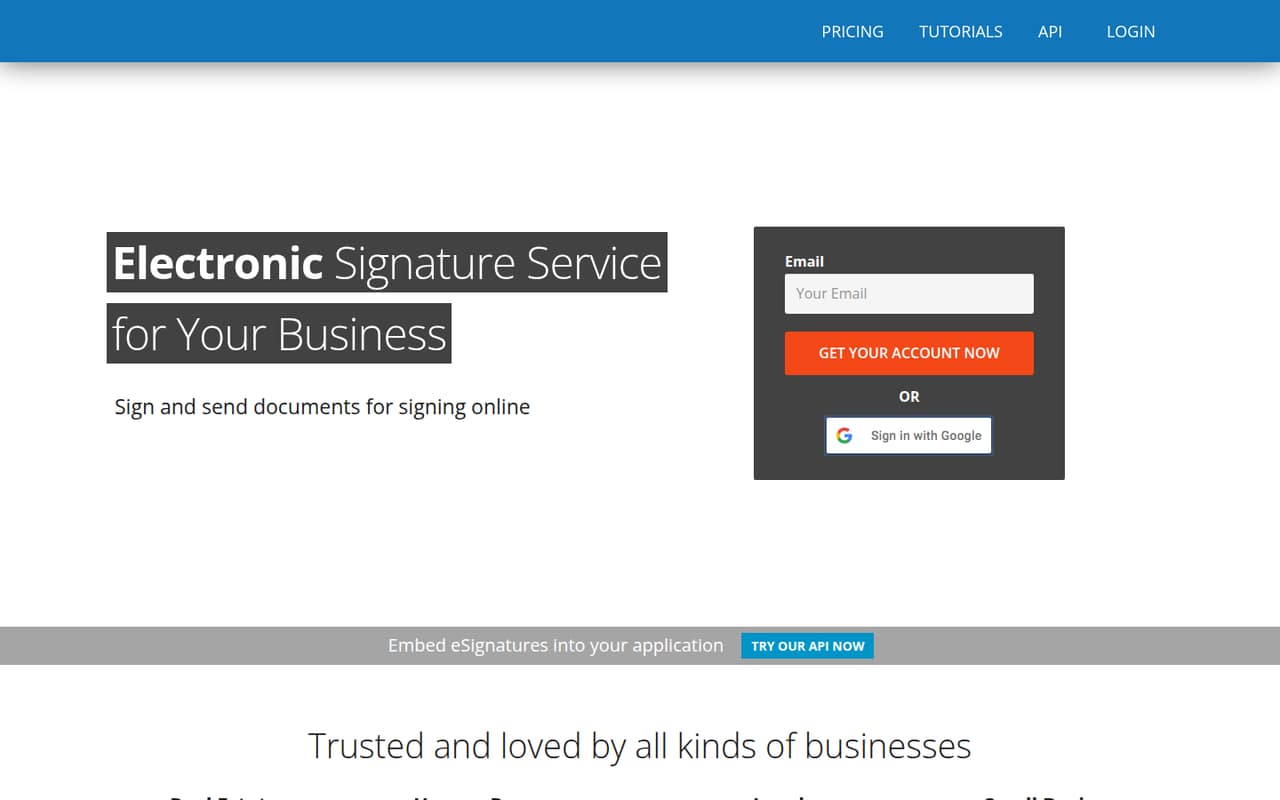
A small team may not need e-signature software if it only signs a document now and then and its existing process works. DigiSigner is worth considering when sending, signing and following up by email is becoming a recurring chore. It lets a business upload a document, sign online and invite others to sign, with a notification when they finish.
For a solo operator, PRO includes one sender, unlimited documents, multiple signers, templates and branding. For a team with two to five people who need to send documents, TEAM covers up to five senders and includes team features. Both plans list unlimited documents, so the published difference most relevant to a small team is the number of senders and the team features. DigiSigner also offers an API for businesses embedding signatures in their own applications. Its plans are a less obvious fit if a free tier or a published month-to-month price is essential.
02DigiSigner free plan and trial
DigiSigner does not list a free plan. The pricing page lists a 14-day free trial, but it doesn’t spell out which plan features the trial includes or whether any usage limits apply. Ask DigiSigner to confirm the trial’s sender allowance, included features and what happens to documents when it ends.
The cheapest listed paid option is PRO at $15 per month when paid annually. It includes one sender, unlimited documents, multiple signers, templates and branding. That makes it a way in for a solo sender, but not a substitute for a free plan: the listed price is an annual-billing rate, and the monthly-billing price isn’t shown. If several people need to send, TEAM is the listed plan for up to five senders.
03What a small team pays for DigiSigner
The pricing page lists PRO at $15 per month when paid annually: $180 for the year, for one sender. A team of three senders needs TEAM, listed at $50 per month billed annually, or $600 for the year. That works out to about $16.67 per sender per month at three senders. With five senders, the same $50 monthly price averages $10 per sender per month, or $600 total for the year.
TEAM includes up to five senders, unlimited documents, multiple signers, templates and team features. The listed price does not change between a three- and five-sender team, so the per-sender cost is lower when more of those five seats are used. Monthly-billing prices aren’t shown, and ENTERPRISE has custom pricing. No add-ons are listed. For a small team watching cash flow, the key trade-off is that the published prices require annual payment; ask DigiSigner for the monthly rate and any additional charges before choosing.
04Getting started with DigiSigner
For a basic signing workflow, the steps are easy to understand: upload a document, sign with a mouse, typed text or an uploaded signature image, then invite other signers. DigiSigner says it notifies you when signers finish. A team that only needs to send documents should be able to start with that workflow; the exact setup time and learning curve aren’t published.
The product description lists an API for embedding e-signatures in an application, but doesn’t detail setup requirements or integrations with other services. If your team needs a connection to a particular business tool, confirm its availability with DigiSigner before committing. One Reddit thread about a contract link sent through Upwork advised checking the contract and keeping the official offer and payment on Upwork. That’s general caution about a freelance transaction, not a report about DigiSigner’s setup or reliability.
05When small teams outgrow DigiSigner
The clearest published ceiling is TEAM’s limit of five senders. A team with more than five people sending documents will need to ask about ENTERPRISE, which has custom pricing, or check with DigiSigner about another fit. The listed paid plans have unlimited documents, so document volume alone isn’t a stated reason to move up.
A team may also need more detail before growing into the service: the monthly-billing rate, the API setup requirements and whether a particular integration or workflow is supported aren’t listed in the pricing details. Ask the vendor about those needs and the custom quote before relying on DigiSigner for a larger operation. The Reddit discussion available is about whether an Upwork contract link is safe; commenters stress reading documents and keeping official offers and payments on Upwork. It doesn’t establish how DigiSigner performs for growing teams, so treat it as transaction-safety advice rather than evidence for or against the software.
From the threadsWhat users say
The available Reddit discussion is a single question about a contract link sent through Upwork, not feedback on DigiSigner’s features or service. Commenters offer cautious, practical advice about reading the contract and keeping the official offer and payment on Upwork, so it doesn’t support a broader reliability verdict.
As long as you get hired on Upwork first, and payment is made through Upwork, that's fine
Still read through all documents carefully
before you give any personal info , you should have the contract on Upwork
official contract and payment on upwork only
Questions people ask
Is DigiSigner secure?
DigiSigner’s homepage says communications use SSL encryption and documents are stored behind a firewall. Those are the vendor’s stated security measures, not an independent security assessment. If your team has specific requirements for retention, access controls or compliance documentation, ask DigiSigner for details before uploading sensitive documents.
Does DigiSigner have a free plan?
No free plan is listed. DigiSigner lists a 14-day free trial, but the trial’s included features and limits aren’t specified in the pricing details. The lowest listed paid plan is PRO at $15 per month when paid annually, for one sender.
How much does DigiSigner cost for a small team?
PRO is listed at $15 per month billed annually for one sender. TEAM costs $50 per month billed annually for up to five senders. That’s $600 per year for TEAM whether your team uses three or five sender seats. The pricing page doesn’t show monthly-billing prices.
Can multiple people sign a DigiSigner document?
Yes. DigiSigner lists multiple signers on both PRO and TEAM. You can invite others to sign, and the service says it sends a notification when they finish. The plan details specify sender limits, but don’t state a separate limit for the number of signers on a document.
Does DigiSigner support legally compliant signatures?
DigiSigner says its signatures comply with ESIGN, UETA and European eIDAS. That is the vendor’s stated compliance claim. If a particular transaction or jurisdiction has specific signing requirements, ask DigiSigner or your legal adviser whether the service and your document workflow meet them.