
We may earn a commission if you buy through links on this page. It never changes a score or a ranking. How we make money
The bottom line
Good accounting coverage, but unclear free-plan and seat details make budgeting harder.
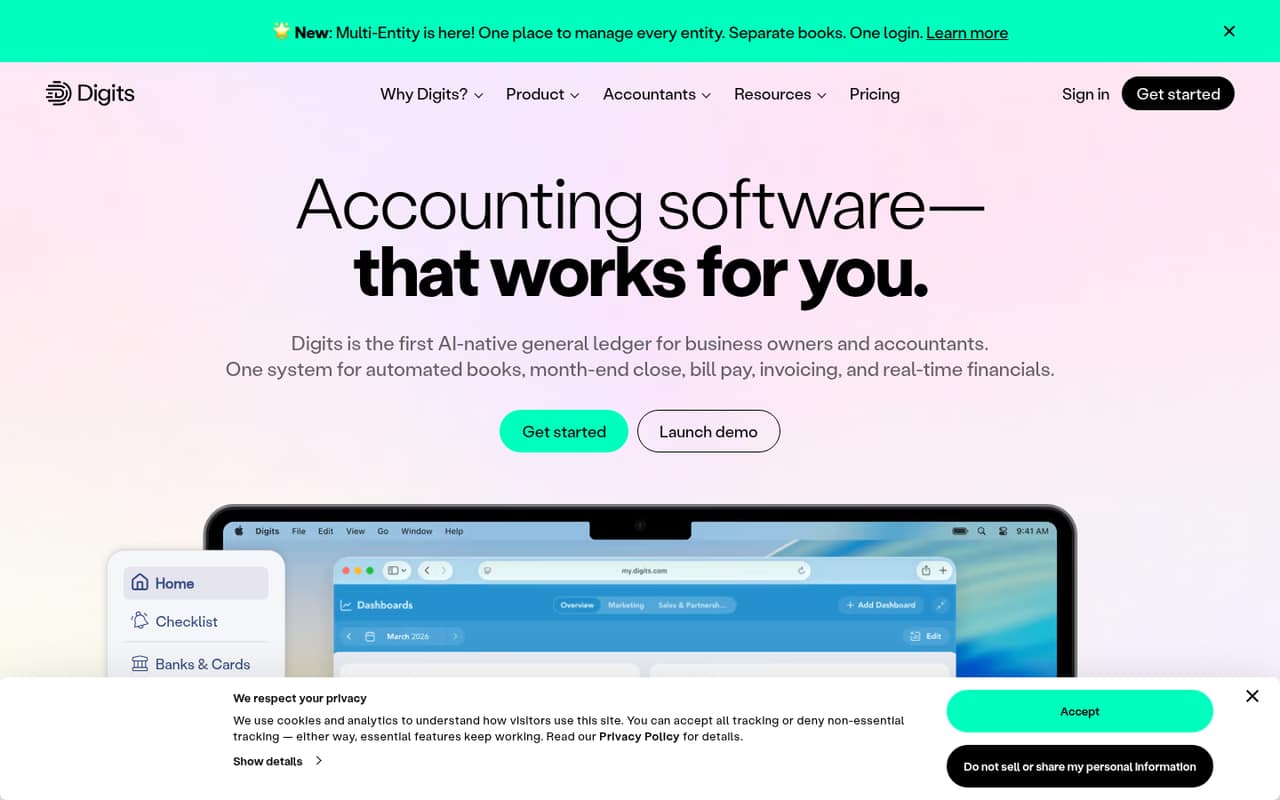
Digits combines AI bookkeeping and reconciliation with bill pay, invoicing, and live financials. That breadth could suit a small business that wants its accounting work in one platform.
Essentials starts at $65 per month, and Digits lists a free plan and a 30-day trial. The free plan’s limits and the price for multiple users aren’t published, so confirm both before committing.
Good fit if
- Owners automating bookkeeping
- Teams wanting live financials
- Firms managing client books
Skip it if
- Teams needing clear seat pricing
- Businesses requiring known free-tier limits
- Teams seeking published setup guidance
ScoresHow it rates
What works
- AI bookkeeping and reconciliation are listed as 24/7.
- Connects banks, cards, payroll, and other financial sources.
- Includes bill pay and invoicing.
- Shows cash flow, runway, burn, revenue, and expenses.
- Essentials includes connections to 12,000+ providers.
What doesn't
- Essentials starts at $65 per month.
- Free-plan features and limits aren’t published.
- Multi-user pricing and seat limits aren’t published.
- Annual billing and annual prices aren’t listed.
- Additional entities can cost from $35 per month.
01Who Digits is for
Digits is aimed at business owners and accountants who want bookkeeping and financial management in one place. For a small team of one to ten, it may fit if the owner wants automated transaction categorization, reconciliation, and a live view of cash flow, runway, burn, revenue, and expenses.
The product also includes bill pay and invoicing, plus collaboration with accountants. That makes it worth considering when the team wants to reduce bookkeeping work and keep its accountant connected to the same system. Essentials is the entry plan at $65 per month; Core is $100 and Pro is $250. The pricing page doesn’t publish seat limits or multi-user charges, so a founder budgeting for three or five people should ask Digits for a written quote. If a spreadsheet and occasional bookkeeping are enough, the price may be hard to justify.
02Digits free plan and trial
Digits lists a free plan and a 30-day trial, but it doesn’t publish the free plan’s features, usage limits, or eligibility. That makes it difficult to tell whether the free option can handle a real business’s books or is mainly for evaluation. Ask Digits which functions and account connections are included before relying on it.
The pricing page separately offers Free Firm Books for firms that want to try Digits on their own books. It doesn’t describe the terms or limits for that offer. For a paid starting point, Essentials costs $65 per month and lists AI bookkeeping and reconciliation, connections to 12,000+ banks, cards, and payroll providers, and additional entities free up to 250 transactions per year. The 30-day trial’s plan coverage isn’t specified.
03What a small team pays for Digits
The pricing page lists Essentials at $65 per month, Core at $100, and Pro at $250. Those are monthly plan prices, not published per-seat rates. It doesn’t say whether each price covers one user, multiple users, or an account with a specific seat limit. So the listed price for one person is $65 per month on Essentials, but the bill for three or five people isn’t published; don’t multiply by headcount unless Digits confirms it charges per seat.
For comparison, three seats at $65 each would total $195 per month, and five would total $325, if Essentials is billed per seat. That is a calculation, not a confirmed Digits price. Annual billing and discounts aren’t listed. Additional entities are free for their first 250 transactions per year; above that, pricing starts at $35 per month per entity. Ask whether that charge applies to each additional entity and how Digits counts transactions.
04Getting started with Digits
A sensible first step is to connect the financial sources the team uses, such as bank accounts, cards, and payroll, then review the bookkeeping and reconciliation outputs. Digits says it connects banks, cards, payroll, and other financial sources; Essentials lists connections to 12,000+ providers. The product also flags transactions for review, so plan for someone on the team to check those items rather than assume every entry needs no oversight.
The available product details don’t specify setup time, migration steps, training, or the learning curve. They also don’t describe which integrations are included in each plan beyond Essentials’ provider count. Before choosing a plan, confirm that your bank and payroll provider connect, and ask what information is needed to start. On day one, focus on connecting accounts and establishing a review routine; add invoicing or bill pay if those workflows are part of your needs.
05When small teams outgrow Digits
A team may need to move up from Essentials when it wants features listed on Core or Pro. Core adds department and location tracking, plus automated schedule detection and entries. Pro lists custom reports, dashboards, and Budget vs. Actuals. Those are reasons to compare plans as the business adds locations, departments, or internal finance work—not proof that lower plans lack every unlisted feature.
Entity volume can also change the bill: additional entities are free up to 250 transactions per year, then pricing starts at $35 per month per entity. That deserves a closer look for businesses with multiple entities and frequent transactions. The bigger budgeting unknown is team size: Digits doesn’t publish seat limits or multi-user pricing. If headcount is growing, ask for a quote that covers the expected users and entities before upgrading. Annual prices aren’t listed, either.
Questions people ask
Is Digits accounting software legitimate?
Digits describes itself as AI-native accounting software for business owners and accountants. Its listed features include bookkeeping, reconciliation, bill pay, invoicing, and financial reporting. The pricing page lists Essentials, Core, and Pro plans. For a purchasing decision, confirm the plan terms, user pricing, and support arrangements directly with Digits.
How much does Digits cost per month?
The listed monthly prices are $65 for Essentials, $100 for Core, and $250 for Pro. The pricing page doesn’t publish per-seat pricing or annual billing terms, so it doesn’t establish the total cost for a multi-person team. Additional entities can cost from $35 per month after their first 250 transactions per year.
Does Digits offer a free plan?
Digits lists a free plan, but its included features and limits aren’t published. It also lists a 30-day trial and offers Free Firm Books for firms to try Digits on their own books. Ask Digits what the free option includes and whether it suits your business before relying on it.
What does Digits include?
Digits lists AI bookkeeping and reconciliation, connections to financial sources, bill pay, invoicing, and live financials such as cash flow, runway, burn, revenue, and expenses. Plan inclusions vary: Essentials, Core, and Pro have different listed features. Check the plan details for the functions your team needs.
Can Digits handle multiple entities?
The pricing page says additional entities are free for their first 250 transactions per year. Above that, pricing starts at $35 per month per entity. The page doesn’t explain transaction counting in detail, so ask Digits how the limit applies to your books and what the final charge would be.