
We may earn a commission if you buy through links on this page. It never changes a score or a ranking. How we make money
The bottom line
A capable Windows disk toolkit; free recovery is limited, and paid licenses are tied to PCs.
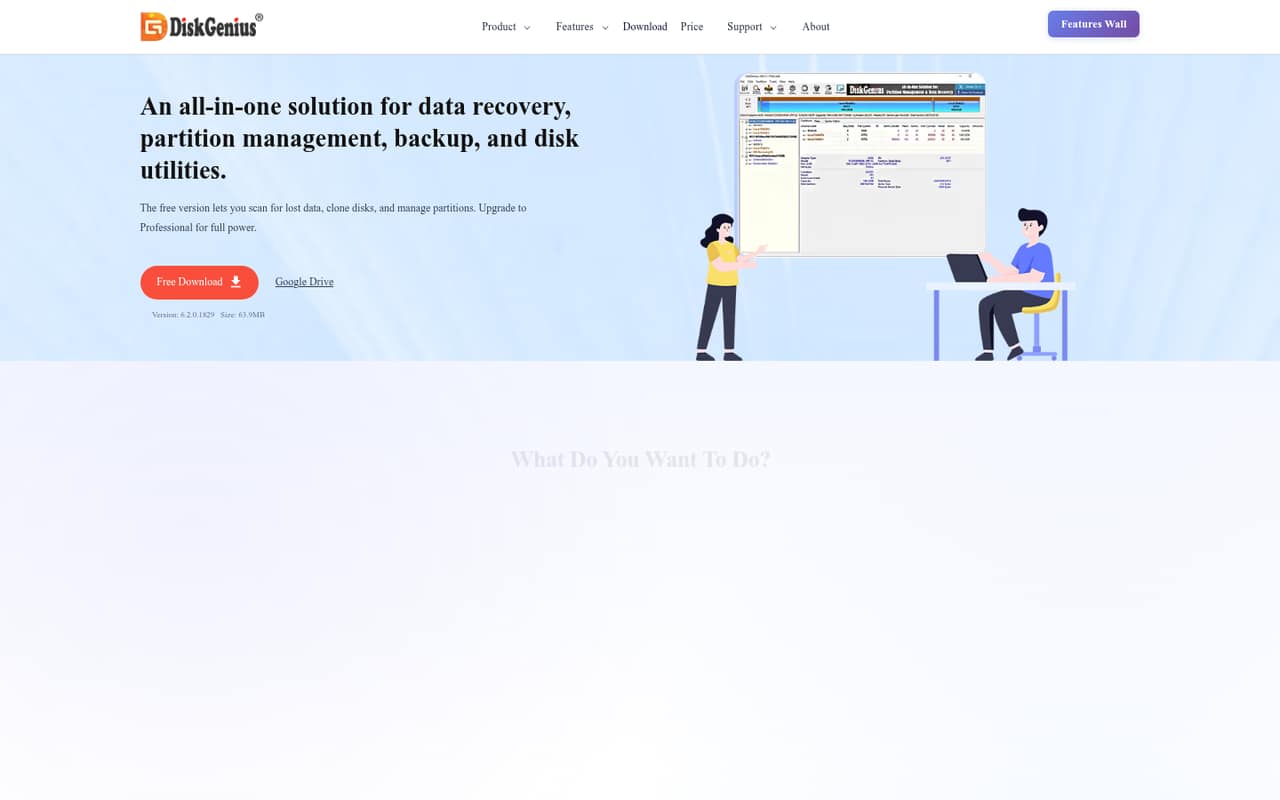
DiskGenius combines file recovery, partition management, cloning, backup, Windows migration, and disk utilities in one Windows program. The free edition is useful for basic disk jobs and scanning files, but copies only small files and handles one disk or partition at a time.
Professional starts at $69.90 for a one-month, one-PC license, paid once. For a small team, the catch is that licenses are per PC, and the family lifetime price is not published.
Good fit if
- Windows teams managing disks
- One-PC recovery and migration jobs
- Budget-conscious disk maintenance
Skip it if
- Mac or Linux teams
- Unrestricted free file recovery
- Teams needing published seat pricing
ScoresHow it rates
What works
- Combines recovery and partition tools
- Free edition includes scanning and previews
- One-time licenses are available
- Lifetime personal license starts at $129.90
- Users report successful Windows migrations
What doesn't
- Free edition copies small files only
- Free edition handles one disk or partition
- Paid licenses are per PC
- Family lifetime price is not published
- A Reddit commenter reports license transfer concerns
01Who DiskGenius is for
DiskGenius is for a small Windows team that occasionally needs to recover files, resize partitions, clone a drive, or move Windows to another disk. It is a utility, not a shared workspace or a general backup service, so it makes most sense when one person handles disk jobs on a designated PC.
The feature list covers recovery scans and previews, partition changes, disk cloning, image backups, Windows migration, drive checks, and boot repair. That is a broad set of jobs for a small team watching its software budget. The free edition can cover basic tasks, while Professional is the paid route for full recovery and other features. Keep the licensing model in mind: Professional plans list a PC count, not a count of named team members. If several people need the software on separate computers, price those PCs separately or ask the vendor about the five-PC family license.
02DiskGenius free plan and trial
The Free Edition costs $0 and is available for evaluation; the evaluation duration is not published. It lets users scan and preview lost files, and it covers basic disk tasks. The pricing page lists use on a single disk or partition at a time and limits file copying to small files, so it is not unrestricted recovery for a team with large files to restore.
Other listed restrictions include partition table restoration preview only, limited incremental backup restore points, and read-only sector editing. That makes the free version a reasonable way to inspect a recovery job or handle basic disk work, but not a safe assumption for copying every recovered file. Professional unlocks full recovery and other features. Its cheapest listed paid option is a one-month license for one PC at $69.90, charged once with no automatic renewal.
03What a small team pays for DiskGenius
Professional is licensed per PC. One PC costs $69.90 for one month or $99.90 for one year; both are one-time charges with no automatic renewal. The vendor does not publish a monthly equivalent for the one-year license.
For three PCs, the one-month licenses total $209.70, or $299.70 for three one-year licenses. For five PCs, those totals are $349.50 for one month or $499.50 for one year. These are calculations from the listed per-PC prices, not team-plan quotes. A lifetime Personal license for one PC starts at $129.90. The lifetime Family license covers five PCs, but its price is not published; lifetime Technician licensing covers 20 PCs, with its price also not published. Lifetime licensing includes free upgrades. The pricing lists no add-ons. If your team shares one licensed PC, ask the vendor whether that setup fits its license terms before buying.
04Getting started with DiskGenius
DiskGenius is Windows software, and the listed jobs are direct disk tasks: scanning for files, changing partitions, cloning, backing up, or migrating Windows. The vendor does not publish a setup-time estimate or a learning-curve guide, so we would budget time to identify the right disk and operation before making changes. Recovery and partition work can affect important data; keep a separate backup before proceeding.
There is no integration requirement listed for the core disk jobs, and the vendor does not publish an integrations list. For a small team, the first decision is likely who is responsible for the licensed PC and which task they need to perform. One Reddit user reports successful Windows migration, while another warns that a move to a smaller drive requires room for recovery partitions and existing data. That is a useful reminder to check the destination drive before starting.
05When small teams outgrow DiskGenius
The free edition is the first likely limit: it works on one disk or partition at a time and copies only small files. If the job needs full recovery, Professional is the upgrade path. A team also needs to budget per PC rather than assume a low-cost shared team subscription; the pricing page lists no named-user team plan or add-ons.
A growing team may also need tools for non-Windows computers or centralized team administration. DiskGenius is described as Windows software, and the vendor does not publish centralized administration details. Reddit feedback is mixed: users describe successful migrations, but a commenter reports confirming that a license was non-transferable even on the same computer. The original thread describes an activation dispute after an SSD change. Treat that as a user report, not a complete statement of current policy, and ask the vendor how hardware replacements affect activation before purchasing multiple licenses.
From the threadsWhat users say
Reddit comments include positive reports of Windows migration and cloning, alongside caution about drive choices and licensing. The posts are individual experiences rather than a consistent picture of support or reliability.
I've used them almost exclusively for OS migration from HDD's to SSD's
i vote yay just used it and worked great windows 10 migration to larger nvme
I have confirmed with them that licenses are non-transferable, even if it's the same computer
the system did not boot into Windows, and also got a blue screen saying some Windows file is missing
Questions people ask
Is DiskGenius trustworthy?
Reddit users report successful migrations, but one thread describes a dispute about license activation after an SSD change, and a commenter says they confirmed licenses were non-transferable. Those are individual reports. Before using any recovery utility, keep a separate backup where possible, and ask the vendor how its activation rules apply to your PC.
Is DiskGenius completely free?
No. The Free Edition costs $0 and includes basic disk tasks plus lost-file scanning and previews, but it copies only small files and works on one disk or partition at a time. The pricing page lists Professional licenses starting at $69.90 for one month on one PC, paid once.
What can I do with the free edition?
The free edition lets you scan and preview lost files and perform basic disk tasks. Its listed limits include copying small files only, handling one disk or partition at a time, preview-only partition table restoration, limited incremental backup restore points, and read-only sector editing.
How much does DiskGenius cost for five PCs?
Five one-month Professional licenses cost $349.50 in total, and five one-year licenses cost $499.50, calculated from the listed per-PC prices. The lifetime Family license covers five PCs, but the vendor does not publish its price. Confirm license terms for your setup before buying.
Can I use DiskGenius to move Windows to another drive?
Yes. Windows migration is listed as a feature, and Professional includes other paid features beyond the free edition. Reddit users report successful migrations, while another user cautions that a smaller destination drive needs room for existing data and recovery partitions. Check the destination capacity before starting.
Sources
- DiskGenius homepage
- DiskGenius pricing, compiled via web search from laptop251.com, diskgenius.com
- Reddit: Disk genius yay or nay?
- Reddit: Diskgenius License Issues
- Reddit: FREE disk cloning(System migration) with DiskGenius from OLD SSD to new SSD
- Reddit: Using DiskGenius to Clone a HDD to an SSD - My Experience