
We may earn a commission if you buy through links on this page. It never changes a score or a ranking. How we make money
The bottom line
Docker makes repeatable container development easier, but collaboration adds a per-seat bill.
Docker is worth considering if your team needs consistent development environments or tools to build and run containerized apps. Docker Personal is free for one user, while collaboration features start with Docker Team at $15 per user monthly on annual billing.
The trade-off is setup and upkeep: containers can help reproduce an environment, but one Reddit thread also warns that small deployments can become clunky when they use Docker unnecessarily. Teams that need hardened images, governance, or more seats should check the relevant paid plans before committing.
Good fit if
- Teams sharing development environments
- Developers building containerized apps
- Small teams needing free starter access
Skip it if
- People who only use desktop apps
- Small deployments with no container need
- Teams needing included premium support
ScoresHow it rates
What works
- Free Personal plan covers one user
- Use existing images, registries, and CI
- Desktop brings containers and development together
- Team plan includes unlimited private Hub repos
- Free DHI Community includes hardened images
What doesn't
- Team collaboration is priced per user
- Personal limits Scout and private repos
- Runtime minutes are capped on paid plans
- Additional Testcontainers minutes cost extra
- Some support and image pricing is unpublished
01Who Docker is for
Docker is for developers and small teams that need to build, ship, and run containerized applications. In plain terms, containers package an app with the environment it needs, which can make development setups easier to share. A Reddit commenter describes the benefit as a consistent, portable development environment.
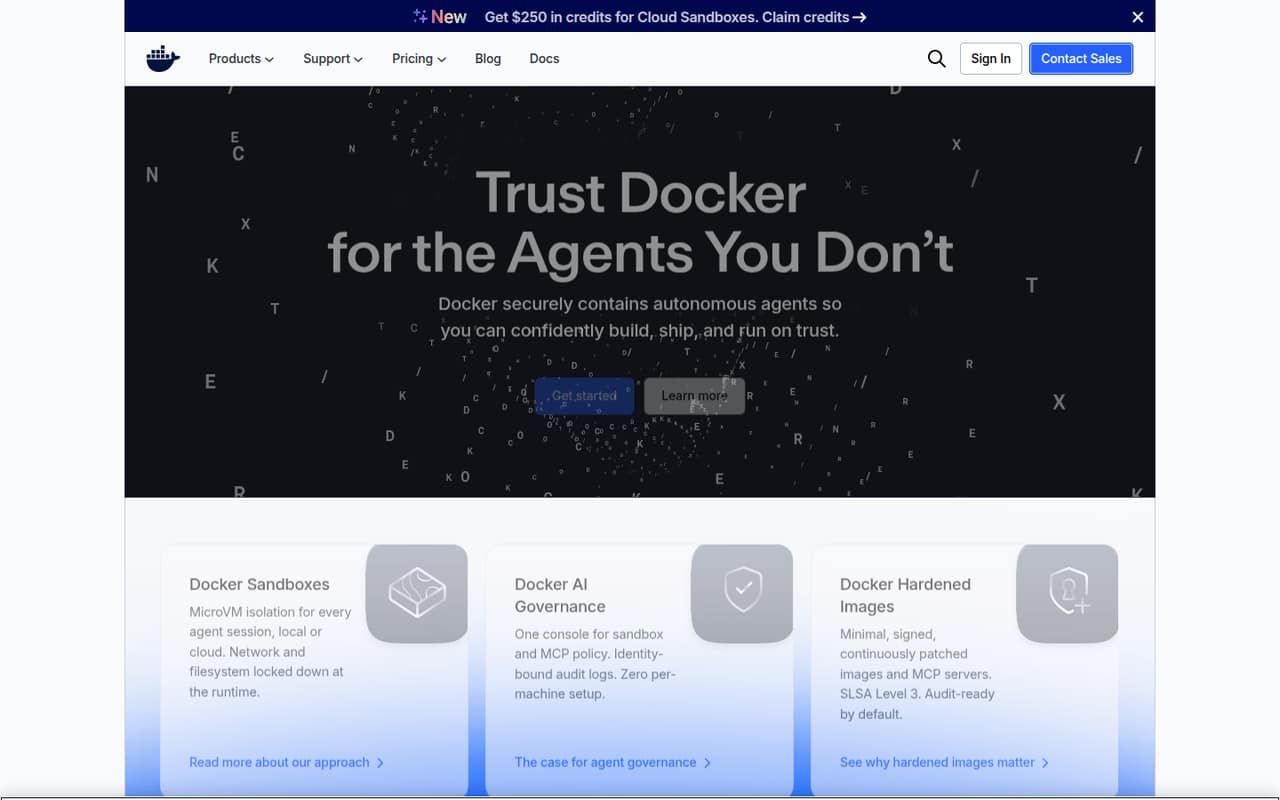
For a solo developer or a team of two to five, Docker Personal can cover a free start, while Docker Team is the listed collaboration plan. Team costs $15 per user monthly when billed annually or $16 month to month, so a five-person team should budget $75 per month on annual billing or $80 month to month. Docker says teams can use existing images, registries, and CI, rather than replacing those parts of their workflow. Its product range also includes Docker Desktop, agent sandboxes, governance tools, and hardened images. If you don't build or run containerized software, you may not need Docker at all.
02Docker free plan and trial
Docker Personal costs $0 and is aimed at individual developers getting started. The pricing page lists one user, one Docker Scout-enabled repository, 100 Docker Hub pulls per hour, and one private Docker Hub repository. That makes it a reasonable starting point for an individual, but the listed limits are modest for a team sharing repositories or relying on frequent image pulls.
Docker also lists DHI Community at $0 per developer. It covers hardened, minimal images, verifiable SBOMs, SLSA Build Level 3 provenance, and open-source images under Apache 2.0. This is a hardened-image offering, not a substitute for the Personal development plan. The pricing page does not list a free trial. For individual professional development, Docker Pro starts at $9 per user monthly with annual billing, or $11 month to month.
03What a small team pays for Docker
For one professional developer, Docker Pro is $11 per month, or $9 per month with annual billing. For a team collaborating on development, Docker Team is $16 per user monthly or $15 per user monthly on annual billing. That puts three seats at $48 month to month or $45 per month billed annually. Five seats cost $80 month to month or $75 per month billed annually.
Docker Team includes up to 100 users, unlimited Docker Scout-enabled repositories, unlimited private Docker Hub repositories, and 500 Testcontainers Cloud runtime minutes per month. The runtime allowance is worth checking if your team uses Testcontainers Cloud: additional minutes cost $3 per 100, expire at subscription end, and on-demand minutes cost $4 per 100. Docker Business is $24 per user monthly under either billing option and adds features such as SSO and SCIM; it may be unnecessary for a small team that doesn't need those controls. DHI Select starts at $5,000 per repository, while DHI Enterprise and support pricing are not published.
04Getting started with Docker
Docker Desktop brings containers and the development loop together, and Docker says teams can keep using existing images, registries, and CI. That should make it easier to fit Docker into an existing workflow than to replace those tools, though a team still needs to decide how it defines and shares its container setup.
A commenter on Reddit describes using a Dockerfile or Compose file to define an environment that teammates can set up with one command. That points to the main learning task: understanding the container configuration your project needs, rather than just installing the desktop app. New users should plan time to learn that project setup and how their team will handle images and repositories. For day one, start with Docker Desktop and the images, registry, and CI workflow your team already uses; add agent sandboxes or governance only if those are actual needs.
05When small teams outgrow Docker
A team can outgrow the free tier when more than one person needs shared development access or when Personal's listed limits—one Scout-enabled repository and one private Hub repository—get in the way. Docker Team raises those repository limits and includes 500 Testcontainers Cloud runtime minutes per month, but it still charges per seat. Teams needing SSO or SCIM can look at Docker Business, listed at $24 per user monthly.
Security requirements can create a separate jump: DHI Select starts at $5,000 per repository, and DHI Enterprise uses custom pricing. Docker lists premium support and TAM services, but does not publish their prices. Moving away from Docker is another option, not an automatic upgrade path. One Reddit commenter says Podman works well for their setup, while another reports Compose compatibility gaps. A separate Reddit thread cautions that Docker can be clunky when containers are overused in small deployments. Match the tool to your actual workload before adding seats or services.
From the threadsWhat users say
Reddit comments value Docker for portable, repeatable environments, while some warn about overuse and others prefer Podman for particular workflows. The overall sentiment is positive but situational: the benefits depend on what a team is running and how it works.
setting up a consistent portable and and stable development environment
you can ship their machine to you and have a better chance of reproducing the issue
it's easy to overuse docker, especially in small deployments
Compatibility is full of holes nowadays and drifting further apart
Questions people ask
What is Docker used for?
Docker provides tools to build, ship, and run containerized applications. Docker Desktop brings containers into the development loop, while its product range also includes agent sandboxes, governance tools, and hardened images. Teams can use existing images, registries, and CI, per Docker's product description.
How do I run a Dockerfile?
A Dockerfile describes a project's environment. A Reddit commenter says a Dockerfile or Compose file can define the setup so a developer can reproduce it with one command. Docker Desktop brings containers and development together; the exact commands and configuration depend on the project.
Is Docker better than a virtual machine?
Docker is designed for containerized apps, but whether it suits your workload better than a virtual machine depends on what you're trying to run. Docker's product description focuses on building, shipping, and running applications in containers. Choose based on your project's environment and deployment needs.
Is Docker still free?
Yes. Docker Personal is listed at $0 for one user, with one Docker Scout-enabled repository, 100 Docker Hub pulls per hour, and one private Docker Hub repository. DHI Community is also free per developer, but it covers hardened images rather than the Personal development plan.
Does Docker include a free trial?
Docker's pricing page does not list a free trial. Docker Personal is free for one user, and DHI Community is free per developer for its hardened-image offering. For individual professional development, Docker Pro starts at $9 per user monthly with annual billing.