
We may earn a commission if you buy through links on this page. It never changes a score or a ranking. How we make money
The bottom line
A solid place to share images, especially if your team can start on the free solo plan.
A small team needs Docker Hub if it wants a hosted place to push images and share them with teammates or the Docker community. Docker Personal is free for one user; a team needs Docker Team, which lists annual-billed and monthly per-user rates.
The feature set includes repositories, team access, automated builds, webhooks, and trusted content. Reddit discussions raise image-security concerns, but commenters distinguish the registry from the contents of individual images.
Good fit if
- Solo developers sharing images
- Small teams managing private repositories
- Teams using image build workflows
Skip it if
- Teams seeking free multi-user access
- Teams needing published support pricing
- Teams expecting images to be risk-free
ScoresHow it rates
What works
- Free Personal plan includes one private repository
- Team plan includes unlimited private repositories
- Team access lets admins grant repository access
- Automated builds and webhooks support workflows
- Trusted content includes Official and Hardened Images
What doesn't
- Personal is limited to one user
- Team pricing is charged per user
- Personal allows 100 pulls per hour
- Premium Support pricing is not published
- Reddit users raise concerns about image security
01Who Docker Hub is for
Docker Hub suits solo developers and small teams that need a hosted place to push container images and share them. A one-person project can start with Docker Personal at no cost. Once several people need access, Docker Team is the relevant plan: the pricing page lists up to 100 users, unlimited private Docker Hub repositories, and unlimited Docker Scout-enabled repositories.
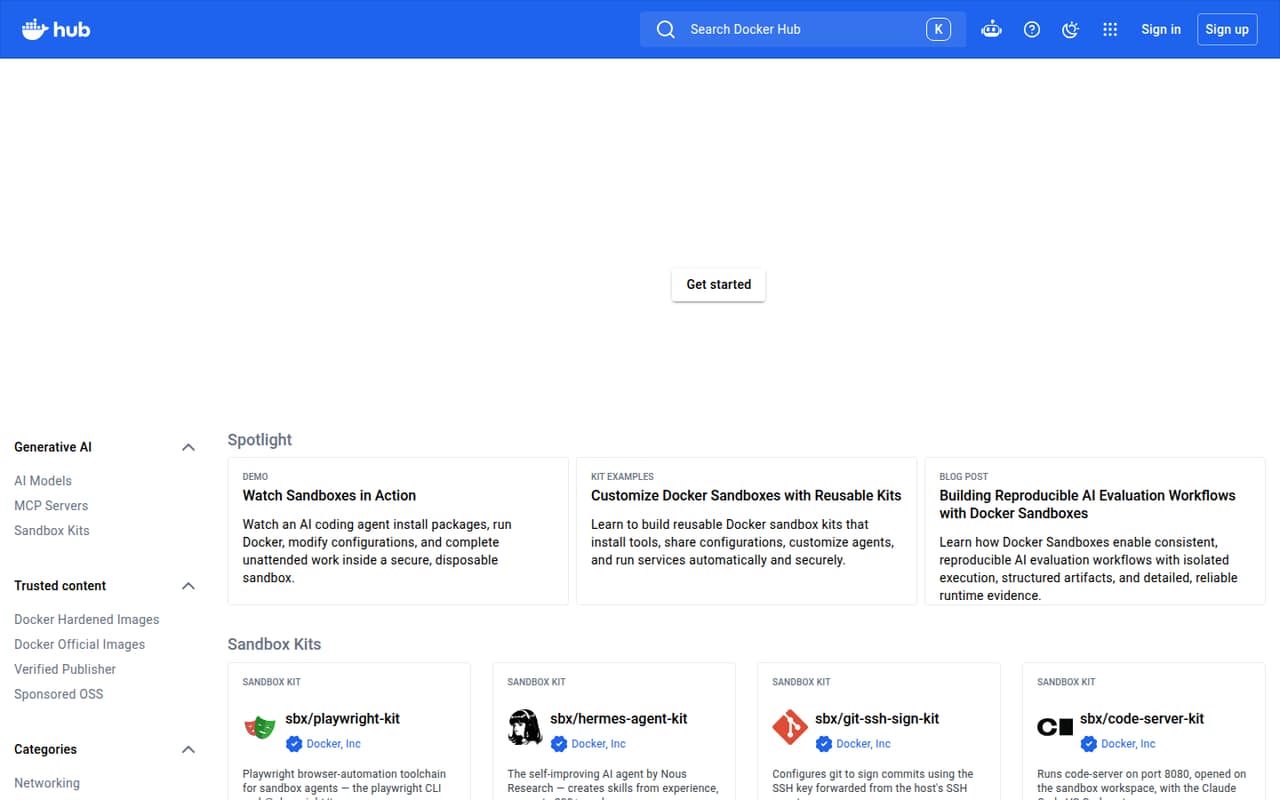
The job is straightforward: store images in repositories, grant teammates access, and make applications available to your team or the Docker community. Automated builds and webhooks can support development-pipeline workflows. The homepage also features Docker Official Images, Docker Hardened Images, Verified Publishers, and sponsored open-source projects.
For a team of three or five, the listed Team rate works out to $45 or $75 per month when billed annually, or $48 or $80 month to month. That makes it a reasonable fit when shared repositories matter more than keeping every tool free.
02Docker Hub free plan and trial
Docker Personal is free for one user. The pricing page lists one Docker Scout-enabled repository, 100 Docker Hub pulls per hour, and one private Docker Hub repository. That can cover an individual learning the workflow or maintaining a small personal project without a subscription.
The main stop sign is collaboration: Personal includes one user, so it is not a free plan for a multi-person team. It also has a stated pull-rate limit and just one private repository. The pricing information lists no free trial. For a team that needs several users and more private repositories, Docker Team is the first suitable plan, at $15 per user per month billed annually or $16 month to month.
03What a small team pays for Docker Hub
Docker Personal costs $0 for one user. Docker Pro is also for one user and costs $9 per user per month with annual billing or $11 month to month. For a team, Docker Team lists $15 per user per month billed annually or $16 month to month. That is $45 per month for three seats or $75 for five on annual billing; month to month, those teams pay $48 or $80.
Docker Team includes up to 100 users, unlimited private repositories, unlimited Docker Scout-enabled repositories, 500 Testcontainers Cloud runtime minutes per month, and 10 organization access tokens. These are per-user rates, so adding seats increases the subscription cost.
If your team uses more Testcontainers Cloud runtime, the pricing page lists additional runtime at $3 per 100 minutes, which expires at the subscription-period end, or on-demand runtime at $4 per 100 minutes. Premium Support and TAM are available for Docker Business, but their price is not published. Ask Docker for a quote if you need that support.
04Getting started with Docker Hub
The basic team setup is easy to understand: create and manage users, then grant them access to repositories. The homepage describes Docker Hub as a place to push images and share applications, so a team can start with the repository and access structure it needs. How long setup takes depends on the team’s existing image workflow; Docker does not publish a setup-time estimate.
For a development pipeline, the homepage lists automated builds and webhooks as integration features. It does not name the specific tools they connect to or spell out configuration steps, so check Docker’s current documentation against your pipeline before choosing a plan.
There is more to learn if your team is new to container images or build pipelines. The product supports sharing and workflow integration; it is not a substitute for understanding how your team builds images and handles credentials.
05When small teams outgrow Docker Hub
The first pressure point is usually collaboration: Docker Personal covers one user, while Docker Team charges per user. A team that adds seats should budget for the increase, and a business that needs unlimited organizations, more access tokens, or additional Testcontainers Cloud runtime may need to compare Docker Business. The listed Business rate is $24 per user per month, whether billed annually or monthly.
Security expectations can be another reason to reassess the workflow. Reddit users discuss exposed credentials and vulnerabilities in images, while some commenters stress that problems can come from image contents rather than Docker Hub itself. One commenter also says Docker Hub does not scan images. Treat those discussions as user opinions, and check current product details and your own security requirements before relying on the registry.
If your team needs support with a published price, Docker does not list one for Premium Support and TAM. Ask the vendor what is included and what it costs before scaling.
From the threadsWhat users say
Reddit discussion is mixed and focuses more on image contents, vulnerabilities, and exposed credentials than on the registry’s pricing or day-to-day use. Some commenters say Docker Hub is not the source of unsafe image contents; others raise concerns about scanning and image hygiene.
It's because it's not dockerhub itself but the containers in the repository that are unsafe
I dont find that very surprising at all, anybody can put their images on docker hub
And because dockerhub does no scanning at all
the problem isn't docker hub, it is that lots of projects don't do much beyond basic security setup
Questions people ask
What does Docker Hub do?
Docker Hub is a hosted registry for pushing images and sharing them with teammates or the Docker community. It also lists team access, automated builds, webhooks, trusted content, and Docker Sandboxes among its features.
Can a small team use Docker Hub for free?
Docker Personal is free, but it includes one user, one private repository, one Docker Scout-enabled repository, and 100 Docker Hub pulls per hour. Because it is limited to one user, it does not cover a multi-person team.
How much does Docker Hub cost for a team?
Docker Team costs $15 per user per month with annual billing or $16 month to month. Three seats cost $45 monthly with annual billing or $48 month to month; five seats cost $75 or $80, respectively.
Can my team share private Docker Hub images?
Yes. Docker Team lists unlimited private Docker Hub repositories and team access, which lets users be managed and granted repository access. Docker Personal includes one private repository for its single user.
Does Docker Hub offer image security scanning?
The listed plans include Docker Scout-enabled repositories, but the product details here do not describe a general image-scanning feature or its scope. Reddit users have differing views on image security and scanning, so confirm current capabilities with Docker before relying on them.
Sources
- Docker Hub homepage
- Docker Hub pricing page
- Reddit: Over 10,000 Docker Hub images found leaking credentials, auth keys
- Reddit: If Docker Hub images are so insecure why does everyone still use them as the default?
- Reddit: Wait, it's all vulnerable? (Docker Images on Docker Hub)
- Reddit: Self-Hosting your own Docker Hub