
We may earn a commission if you buy through links on this page. It never changes a score or a ranking. How we make money
The bottom line
Good value for teams that need reusable signing workflows, API access, or embedded signatures.
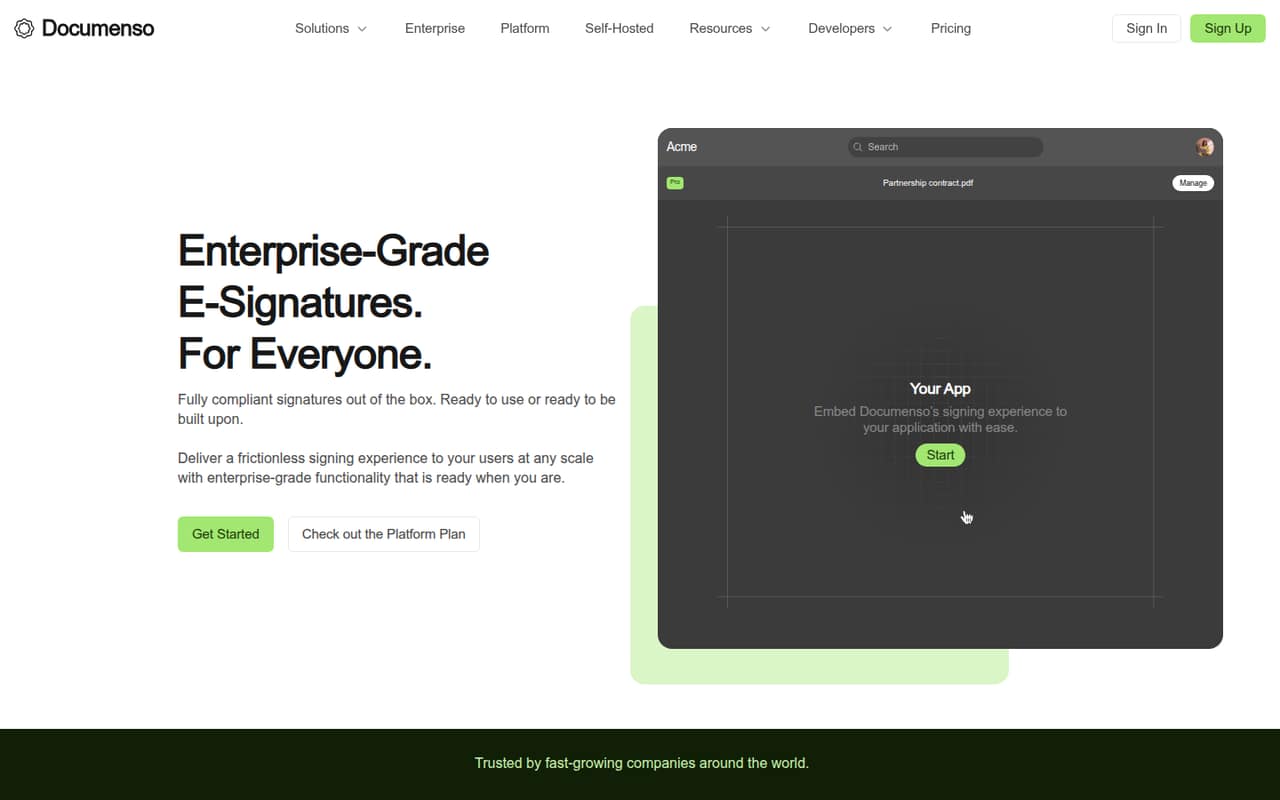
Documenso is e-signature software for creating, sending, and signing documents. Its free plan covers five documents a month, while the $40-per-month Teams plan includes five users, unlimited documents, API automation, and embedded signing.
For a small team, that’s a practical price if you need shared workflows or integrations. The main caveat is setup: Reddit users report snags with self-hosting, so teams that want to run their own infrastructure should budget time for configuration.
Good fit if
- Small teams sharing signing work
- Builders adding signatures to apps
- Occasional signers on a budget
Skip it if
- Teams needing more than five free documents
- Nontechnical self-hosting teams
- Organizations needing published enterprise pricing
ScoresHow it rates
What works
- Free plan includes five documents monthly
- Teams plan includes five users for $40 monthly
- Unlimited documents on paid plans
- API automation and embedded signing on Teams
- Templates and direct links support repeat workflows
What doesn't
- Free plan stops at five monthly documents
- Additional Teams users cost $8 monthly each
- Self-hosting can take troubleshooting
- Enterprise and self-hosted license prices aren't published
- Some Reddit users describe the experience as not quite there
01Who Documenso is for
Documenso is for a solo operator or a small team of up to five people that sends agreements, approvals, or other documents for signature. It lets you create, send, and sign documents, then reuse templates or share direct links when you need someone to sign on demand.
The free plan suits occasional use, while the $40-per-month Teams plan is the clearer fit when several people need to collaborate. That plan includes five users, unlimited documents, one team, API automation, and embedded signing. If you’re building signing into your own app, Documenso also offers API access and embedded signing; the Platform plan is aimed at deeper integrations.
The product’s homepage describes signatures as compliant and highlights 21 CFR Part 11. Teams with specific compliance or admin requirements should ask about the exact controls they need before choosing a plan. Enterprise is available for larger organizations, but its price is custom.
02Documenso free plan and trial
Documenso’s Free plan costs $0 and includes five documents per month, up to 10 recipients per document, and no credit card requirement. That’s enough for a small team to handle occasional signing without adding a subscription, but it isn’t a fit for regular document volume: the allowance is five documents a month, not five per user.
The free plan’s listed inclusions don’t mention API access, team collaboration, or embedded signing. If you need unlimited documents or API access for personal use, the Individual plan costs $25 per month. For a shared workflow, Teams starts at $40 per month and includes five users. A free trial isn’t listed, so check with Documenso if you need a trial period before paying.
03What a small team pays for Documenso
For one person, Individual is $25 per month for unlimited documents, personal API access, email support, and a premium profile name. That comes to $300 for a year at the listed rate. The Free plan costs nothing if five documents a month is enough.
Teams costs $40 per month and includes five users, one team, unlimited documents, API automation, and embedded signing. A three-person team still pays $40 total, or about $13.33 per user monthly. At five people, it’s $8 per user monthly. The pricing page also lists annual billing equivalents of $25 per month for Individual and $40 per month for Teams, which work out to $300 and $480 over a year.
The main extra cost is headcount: each additional Teams user is $8 per month. Platform is $250 per month for unlimited users and API access. Enterprise add-ons may be available, but their prices aren’t published.
04Getting started with Documenso
For a small team using the hosted product, the basic job is to create, send, and sign documents; templates and direct links can help with repeat or on-demand signing. Teams adds shared workflows, while API automation and embedded signing are available if you need to connect signing to another application.
The learning curve depends on how far you go beyond sending documents. A basic signing workflow is a different undertaking from configuring API access or embedding a signing experience. Reddit users report more friction with self-hosting: one thread describes repeated install issues and certificate errors, while another reports trouble connecting the front end and backend. A commenter traced one certificate problem to file permissions. If you plan to self-host, expect configuration work and check the setup requirements carefully. For a hosted team, start with document signing and add integrations only when they solve a real workflow need.
05When small teams outgrow Documenso
The first limit to hit is the Free plan’s five documents per month. Moving to Individual removes the document cap for one person, but a team that needs shared work should budget $40 monthly for Teams. That plan covers five users; each additional user adds $8 per month. Teams needing unlimited users and API access can look at Platform, listed at $250 per month.
The other pressure point is setup effort. Reddit users report self-hosting snags with certificates, permissions, and connecting the app’s parts. A separate discussion describes the experience as “not bad but not amazing,” while commenters also report successful signing. That mix suggests self-hosting may suit teams comfortable troubleshooting, not teams that need a quick, low-effort install.
Larger organizations may need Enterprise compliance or admin features, but pricing is custom. Ask Documenso for a quote and confirm the specific controls and support your team needs.
From the threadsWhat users say
Reddit feedback is mixed: some users praise signing and report successful use, while others describe installation friction or an experience that feels unfinished. Self-hosting comments in particular point to configuration issues, so teams should weigh setup effort against the savings and control they want.
Other than that, Documenso is great. OIDC works perfect and overall a joy to use
Looking for folks who have successfully installed Documenso docker container and was able to sign a document without any issues. Been trying to install it for DAYS
i tried documenso , not bad but not amazing
I have Documenso running and just signed a couple contracts last week
Questions people ask
Does Documenso have a free plan?
Yes. The Free plan costs $0 and includes five documents per month, up to 10 recipients per document, and no credit card requirement. If you need more than five documents monthly, Individual starts at $25 per month; Teams is $40 per month for five included users.
How much does Documenso cost for a small team?
The Teams plan is $40 per month and includes five users, unlimited documents, one team, API automation, and embedded signing. A three-person team pays the same $40 monthly, or about $13.33 per person. Additional users cost $8 per month each.
Can I self-host Documenso?
Documenso lists a Self-Hosted Licensing option with unlimited signatures, support, and compliance control. The price isn’t published. Reddit users report setup challenges involving certificates, permissions, and connecting the app’s components, so ask the vendor about current installation guidance before committing.
Does Documenso support API and embedded signing?
Yes. Individual includes API access for personal use. Teams includes API automation and embedded signing, while Platform lists unlimited API access and embedded signing with whitelabel. Choose based on whether you need personal API use, team automation, or deeper application integration.
What compliance does Documenso support?
Documenso’s homepage describes its signatures as compliant and highlights 21 CFR Part 11. Enterprise lists compliance and admin features, and Self-Hosted Licensing lists compliance control. If you have a specific regulatory requirement, ask Documenso to confirm that the plan meets it.