
We may earn a commission if you buy through links on this page. It never changes a score or a ranking. How we make money
The bottom line
A feature-rich streaming toolkit, but dedicated live streaming gets expensive before a small team needs many seats.
Dolby.io is worth considering if your team needs low-latency streaming, video playback, audience metrics or ad tools. Its free tier gives you a way to start, while Communications and Media APIs also have usage-based pricing.
The catch for small teams: the Standard live-streaming plan is $495 per month, whether you have one person or five. That buys 500 GiB of included CDN bandwidth and up to 500 concurrent viewers, so it may be more capacity—and cost—than a small project needs.
Good fit if
- Teams building live sports experiences
- Developers integrating streaming APIs
- Services that need ad insertion
Skip it if
- Teams seeking cheap hosted meetings
- Small streams with minimal bandwidth
- Nontechnical teams avoiding implementation
ScoresHow it rates
What works
- Free tier includes 50 GiB monthly CDN bandwidth
- API users can pay by consumption
- Standard includes up to 500 concurrent viewers
- Tools cover streaming, playback, metrics and ads
- OptiView has options for sports streaming and playback
What doesn't
- Standard live streaming costs $495 per month
- Standard's included CDN bandwidth is capped at 500 GiB
- Extra Standard CDN bandwidth costs $0.45 per GiB
- OptiView plan prices are custom
- Reddit users raise concerns about cost at lower volumes
01Who Dolby.io is for
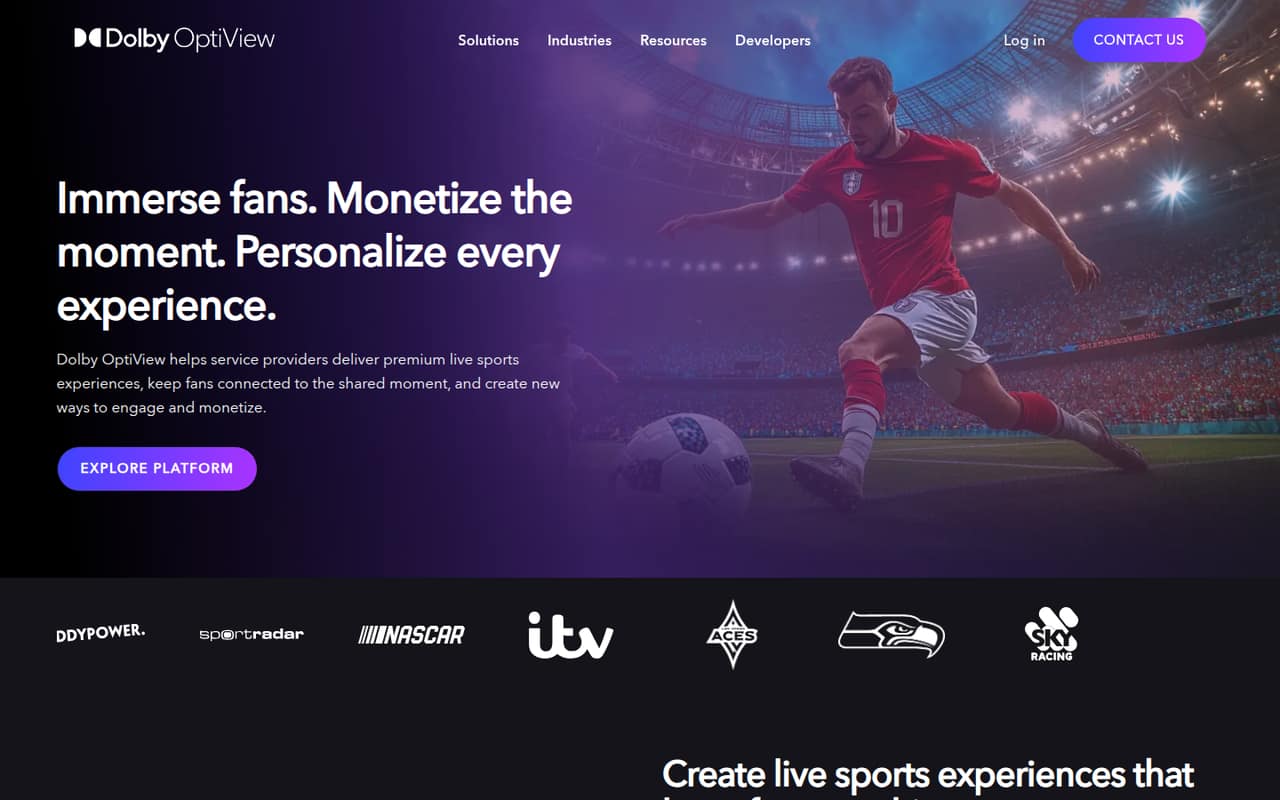
Dolby.io is for teams building video products, not a general-purpose tool every small business needs. If your 1–10-person team is developing live sports coverage, a streaming service or an app with real-time video, its APIs and OptiView tools can cover delivery, playback, viewer metrics and advertising. Dolby OptiView is aimed at service providers delivering premium live sports experiences across devices.
The budget fit depends on which product you need. Communications and Media APIs have usage-based pricing, while the listed Standard streaming plan is $495 per month. That’s a substantial fixed bill for a small project, even if you don’t need many seats. The free tier is a sensible starting point for trying streaming or API features, but teams with a real audience should estimate bandwidth and concurrent viewers before choosing a plan. If you only need occasional calls or a basic video player, Dolby.io may be more platform than your team needs.
02Dolby.io free plan and trial
The pricing lists a Free Tier at $0 per month with 50 GiB of CDN streaming bandwidth monthly. It also lists a 50 GiB-per-month real-time streaming bandwidth option. That gives a small team room to explore streaming or API features before taking on a recurring plan, but the included bandwidth is limited; it isn’t an unlimited production tier.
For Communications and Media APIs, the pricing also lists a $50 starting credit or a $25-per-month credit. Those are separate from the streaming plan figures, so check which offer applies to your intended product. When a streaming deployment needs more than the free allowance, Standard is listed at $495 per month. Dolby.io doesn’t list annual pricing in the published price schedule. Ask the vendor which plan and credit apply to your specific API or OptiView use case.
03What a small team pays for Dolby.io
For live streaming, the pricing page lists Standard at $495 per month, with 500 GiB of included CDN bandwidth and up to 500 concurrent viewers. It isn’t priced by seat: one person pays $495 total, while three people still pay $495 total, or $165 per person; five still pay $495, or $99 per person. Those per-person figures are simple splits, not seat prices. Annual pricing isn’t published.
Standard includes 500 GiB, then additional CDN bandwidth costs $0.45 per GiB. The Advanced plan is $1,495 per month for 5,000 GiB and unlimited concurrent viewers; its extra CDN bandwidth is $0.15 per GiB. For API users, Pay-As-You-Go lists audio calls at $0.004 per participant per minute, video calls at $0.01 per participant per minute, and media processing from $0.05 per minute. That usage-based route may suit a small API project better than a fixed streaming plan. OptiView streaming, playback and advertising plans have custom pricing, so ask Dolby.io for a quote.
04Getting started with Dolby.io
Expect a developer-led setup rather than a simple seat-by-seat rollout. First decide whether you need Communications and Media APIs or an OptiView plan; then map the stream, player and any metrics or ad functions your service needs. Those steps follow the listed product functions, but the pricing material doesn’t give a setup timeline or effort estimate. Ask Dolby.io which SDKs, player options and implementation help fit your deployment before you commit.
One Reddit poster who uses Dolby.io for WebRTC says SRT ingest and a hosted player link are useful for sharing a stream with a client. That can reduce the work of arranging access, but it doesn’t establish how much setup every team should expect. If you’re a small team without someone to own the video integration, include engineering time in your budget alongside the subscription.
05When small teams outgrow Dolby.io
You may need to move up when your audience exceeds Standard’s 500 concurrent viewers or your stream uses more than its 500 GiB of included CDN bandwidth. Advanced costs $1,495 per month and includes 5,000 GiB with unlimited concurrent viewers; Elite is $4,995 per month and includes 50,000 GiB with unlimited concurrent viewers. Extra bandwidth is cheaper on those tiers, but the monthly commitment rises sharply.
A Reddit poster using Dolby.io for low-latency WebRTC said $500 per month felt steep for their stream volume. Another commenter points to a competing server as cheaper, while a different poster calls Dolby’s SRT ingest and hosted player link an advantage. That’s a useful trade-off to weigh: fixed capacity and convenient delivery versus a lower bill at your actual volume. For a growing OptiView deployment, the streaming, playback and advertising plans are custom; ask Dolby.io about limits and pricing before scaling.
From the threadsWhat users say
The Reddit discussion is limited and mixed, with one user raising the monthly cost and another citing Dolby’s hosted-player workflow as a plus. Other commenters suggest cheaper options, so small teams should compare their actual streaming volume with the fixed plan allowance.
We've been using DolbyIO for low latency webRTC streaming, however given the volume of streams we do, $500/month is a bit steep as we don't do 500GB/month throughput
Big advantage of dolby is srt ingest and hosted player link we can just forward to client
Wowza has been fantastic for us in every use case
ant media is good they are the cheapest and does the work. good documentation also
Questions people ask
Does Dolby.io have a free plan?
Yes. The pricing lists a Free Tier at $0 per month with 50 GiB of CDN streaming bandwidth per month, plus a 50 GiB-per-month real-time streaming bandwidth option. It’s a limited allowance for trying streaming or API features, not an unlimited live-streaming plan. Check which free allowance applies to the product you plan to use.
How much does Dolby.io Standard cost?
The pricing lists Standard at $495 per month. It includes 500 GiB of CDN bandwidth and supports up to 500 concurrent viewers. The plan is not listed as a per-seat subscription, so the monthly plan price stays $495 whether one person or five people are on your team. Annual pricing isn’t published.
Does Dolby.io charge per user?
The listed streaming tiers are priced as monthly plans with bandwidth and viewer allowances, not per-seat prices. For example, Standard is $495 per month whether your team has one, three or five people. Communications and Media APIs also have usage-based pricing, including charges per participant per minute for audio and video calls.
How much do Dolby.io Communications and Media APIs cost?
The Pay-As-You-Go pricing lists audio calls at $0.004 per participant per minute and video calls at $0.01 per participant per minute. Media processing starts at $0.05 per minute. The pricing also lists a $50 starting credit or a $25-per-month credit for APIs; ask Dolby.io which offer applies to your account.
What does Dolby OptiView cost?
Dolby OptiView has separate streaming, playback and advertising plans, and the published pricing lists each as custom rather than giving a monthly price. The right quote will depend on your deployment. Ask Dolby.io for the usage limits, included services and support terms alongside the price so you can compare it with the listed streaming tiers.