
We may earn a commission if you buy through links on this page. It never changes a score or a ranking. How we make money
The bottom line
Useful creative range, but no free plan and steep team pricing make it a paid bet.
DomoAI turns text, images, and footage into videos, with tools for style transfer, talking avatars, lip sync, and upscaling. It also generates and edits images, so it can cover several visual tasks without being a full social publishing suite.
There’s no free plan or listed free trial. Basic starts at $9 per month with annual billing, while the Team plan is $99 per user monthly with annual billing. Reddit discussion is mixed: some creators like its visual flexibility, while others raise privacy concerns about AI-generated remixes and content rights.
Good fit if
- Small teams making short-form visuals
- Creators animating still images
- Teams sharing AI generation credits
Skip it if
- Teams needing a free trial
- Budget-conscious teams with many seats
- Creators needing social scheduling
ScoresHow it rates
What works
- Generates videos from text, images, and footage
- Includes image generation and editing
- Offers talking avatars and lip sync
- Basic outputs are listed as watermark-free
- Team plan includes shared credits and workspace
What doesn't
- No free plan or listed free trial
- Team plan costs $99 per user monthly annually
- Extra credit prices are not published
- Integrations and setup details are not published
- Reddit users raise content and privacy concerns
01Who DomoAI is for
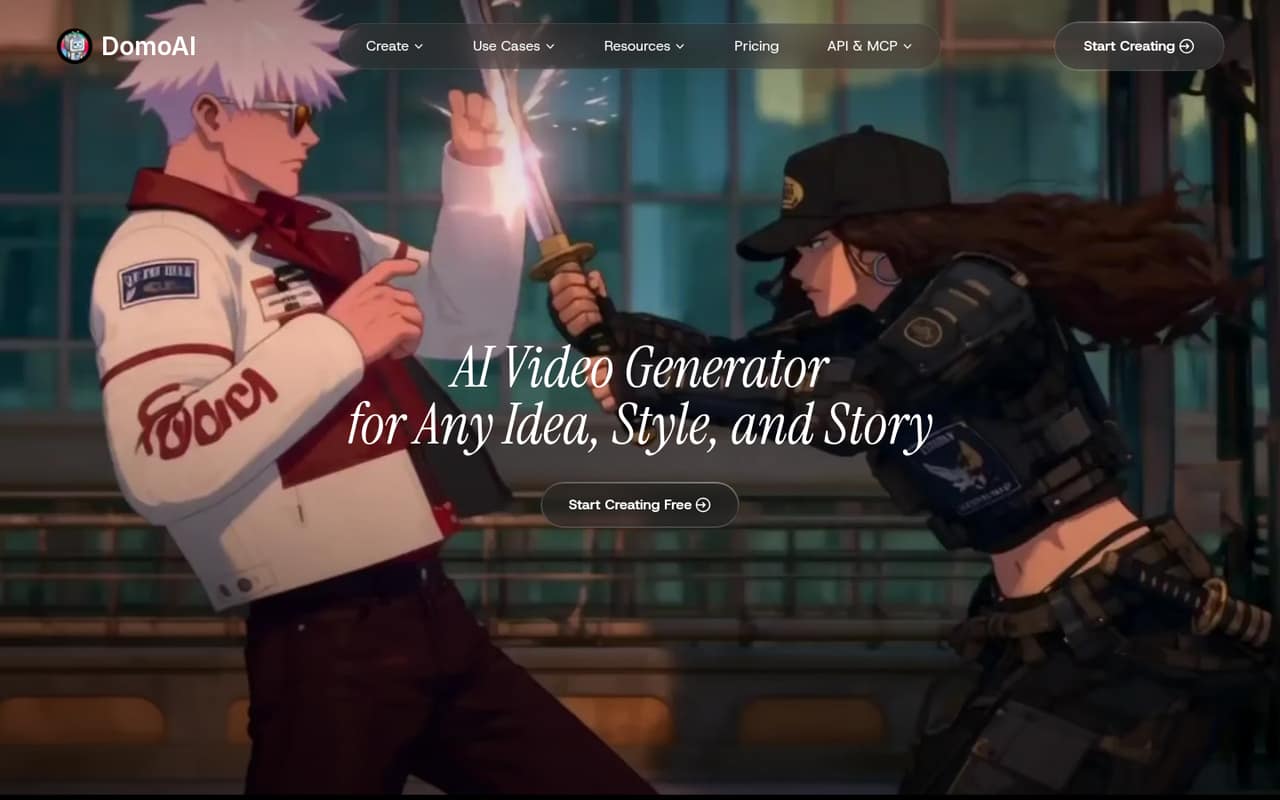
DomoAI is for a solo creator or a small team of roughly 1–10 people making visual content. It turns text prompts, still images, and existing footage into videos, and includes image generation and editing. Video tools include style transfer, talking avatars, lip sync, background removal, and upscaling.
That range could suit a marketing team producing short-form clips, a founder making product visuals, or a creative team adapting existing footage. It is less suited to teams looking for a complete publishing workflow: the listed features center on generating and editing media, not writing, scheduling, or posting content. One Reddit commenter described using DomoAI for visuals and video while keeping writing and scheduling in other tools. For a small team watching subscriptions, the key question is whether those creative tools will get regular use. There’s no free plan to test the fit before paying.
02DomoAI free plan and trial
DomoAI has no free plan, and a free trial is not listed. That means there’s no free monthly credit allowance or trial period to assess how well the video and image tools fit your workflow.
The cheapest way in is Basic: the pricing page lists it at $13 per month, or $9 per month with annual billing. It includes 600 monthly credits, up to eight active generation tasks, watermark-free outputs, and specified 5- and 10-second Character to Video options. Basic also lists Talking Avatar clips of 5, 10, and 20 seconds. The pricing page does not say how many credits a particular generation uses, so the 600-credit allowance won’t tell you how many finished assets you can make. If you need to confirm output quality, credit use, or content policies first, ask DomoAI before committing.
03What a small team pays for DomoAI
For one person, Basic is the lowest-cost entry: $13 monthly, or $9 per month with annual billing ($108 for the year). That plan has 600 monthly credits and up to eight active generation tasks. Standard costs $42 monthly or $29 per month with annual billing; Pro costs $142 monthly or $99 per month with annual billing. These plans are listed as monthly prices, not per-seat rates.
For shared work, Team is the per-user option. It costs $142 per user monthly, or $99 per user monthly with annual billing. Three seats come to $426 per month or $3,564 per year; the pricing page lists the annual total. Five seats cost $710 per month or $5,940 per year with annual billing. Team includes a dedicated workspace, shared credit balance, and up to 32 active tasks per workspace.
Extra credits can be bought anytime, but DomoAI doesn’t publish their price. The pricing page also doesn’t say how quickly credits run out for common tasks, so ask about expected usage before budgeting.
04Getting started with DomoAI
The work itself is easy to describe: provide text, an image, or footage, then use the relevant generation or editing tool. DomoAI’s listed options include image-to-video, text-to-video, style transfer, avatars, and lip sync. That gives a small team several creative routes, but it doesn’t establish how long setup takes or how much prompt tuning each job needs.
The vendor doesn’t publish setup steps, onboarding effort, or a list of integrations in the pricing details. We’d treat DomoAI as a specialist creation tool and confirm that its file handoffs fit your existing editing and publishing process. One Reddit commenter said they would use DomoAI for visuals and video while keeping writing and scheduling in separate tools. Before adding seats, ask the vendor about supported integrations, team onboarding, and how shared credits are tracked.
05When small teams outgrow DomoAI
A growing team may outgrow Basic when 600 monthly credits or eight active tasks aren’t enough. Standard raises that allowance to 2,200 monthly credits and 12 active tasks; Pro lists 8,000 credits, 20 active tasks, and priority support. The pricing page also lists unlimited Relax generations on supported models for Standard and Pro, but doesn’t define which models qualify.
For multiple people working together, Team adds a shared credit balance and workspace, but the price is per user: three seats are listed at $3,564 per year with annual billing, and five cost $5,940. Extra credit prices aren’t published, making heavy usage harder to forecast. Teams may also need other tools for writing and scheduling, based on the workflow described by a Reddit commenter.
There’s another reason to review fit carefully: Reddit users have raised concerns about AI remixes, privacy, and DomoAI’s content license. Those comments aren’t a substitute for current terms. Ask DomoAI directly about content use and team controls before uploading sensitive or client work.
From the threadsWhat users say
Reddit sentiment is mixed, with strong concerns about privacy and unsolicited AI use alongside a few positive notes about DomoAI’s creative potential. The discussions are small and shouldn’t be treated as a broad measure of customer satisfaction.
The worse thing is anyone with read and chat permissions can just right-click on another people's content and then send it to DomoAI!
It's possibly the most harmful and annoying tech fad we have right now
domoai seems most useful when you need visual content that doesn't look like another canva template
Looks amazing! Please create more!
DomoAI in the news
Questions people ask
Does DomoAI have a free plan or trial?
DomoAI has no free plan, and a free trial is not listed. Its cheapest listed option is Basic at $13 per month, or $9 per month with annual billing. Basic includes 600 monthly credits, up to eight active generation tasks, and watermark-free outputs.
How much does DomoAI cost for a team?
The Team plan is $142 per user per month, or $99 per user per month with annual billing. Three seats cost $426 monthly or $3,564 per year with annual billing. Five seats cost $710 monthly or $5,940 per year with annual billing.
Can DomoAI make talking-avatar videos?
Yes. Talking avatars are among DomoAI’s listed features. Basic includes 5-, 10-, and 20-second Talking Avatar options. The product also lists lip sync, which automatically synchronizes audio with video.
Does DomoAI use uploaded content for AI training?
A Reddit commenter quoted a broad content license from DomoAI’s terms and raised the possibility of content being used for training. That comment does not confirm the current policy. Check DomoAI’s current terms and ask the vendor directly before uploading client, private, or sensitive material.
What can DomoAI create?
DomoAI can generate videos from text, animate still images, and restyle footage using text or image references. It also lists talking avatars, lip sync, video upscaling, background removal, and image generation and editing.