
We may earn a commission if you buy through links on this page. It never changes a score or a ranking. How we make money
The bottom line
Good for a specific animation job; less appealing if you need broad video tools or clear seat pricing.
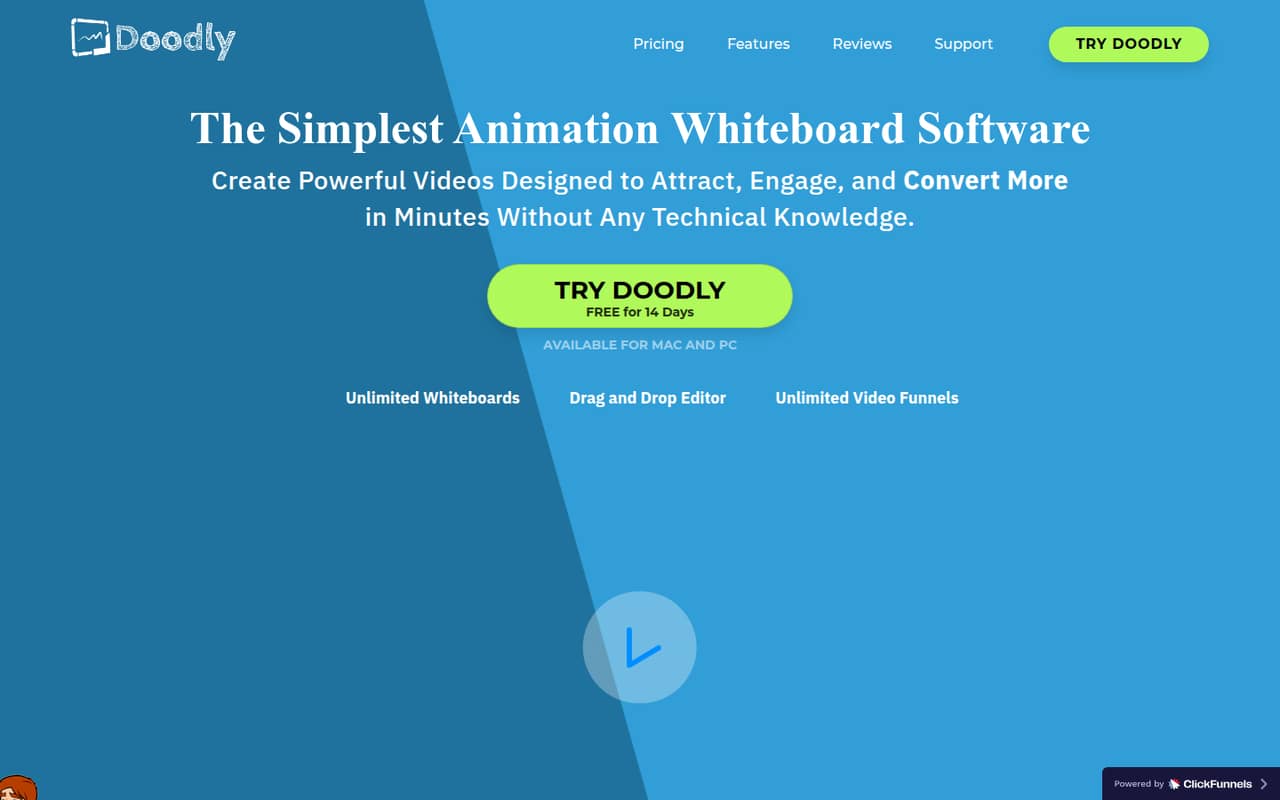
Doodly makes whiteboard, blackboard, glassboard, and green screen animations with a drag-and-drop editor, voiceovers, and custom image draw paths. It can fit a small team making explainers or training videos, but it is a specialist tool rather than an all-purpose video editor.
The pricing page lists a free Voomly Light plan, but it doesn't list Doodly as included. The first listed plan that includes standard Doodly is Voomly Cloud at $49 per month, or $41 per month with annual billing. Seat pricing isn't published, so ask Voomly what access a team gets before buying.
Good fit if
- Teams making doodle explainers
- Training and course video creators
- Small teams needing custom draw paths
Skip it if
- Teams needing a broad video editor
- Buyers who need clear seat pricing
- Occasional users on a tight budget
ScoresHow it rates
What works
- Whiteboard, blackboard, glassboard, and green screen styles
- Drag-and-drop image drawing workflow
- Custom draw paths for uploaded images
- Record or upload voiceovers
- Exports from 480p to 1080p or custom settings
What doesn't
- Free Voomly Light doesn't list Doodly
- Standard Doodly starts with Voomly Cloud
- The vendor doesn't publish seat pricing
- Current Doodly-specific trial terms aren't clear
- Reddit users report confusing historical upsells
01Who Doodly is for
Doodly is for a small team that regularly needs doodle-style explainers, course materials, or training videos—not for every team that wants to edit video. Its listed tools make whiteboard, blackboard, glassboard, and green screen animations, with a drag-and-drop editor that draws selected images onto the canvas. You can record or upload voiceovers and create custom draw paths for uploaded images.
For a team of one to five, the case is strongest when this animation style is central to your work and you expect to make videos more than occasionally. The listed asset library includes 200 characters with 20 poses each, 20 background scenes, and hundreds of props and assets. That gives creators material to work with, but it doesn't make Doodly a general-purpose editor. Since the pricing page doesn't publish seat limits or per-seat rates, a small team should confirm how many people can use the plan before treating its monthly price as the whole team cost.
02Doodly free plan and trial
The pricing page lists a free Voomly Light plan with five videos, one player skin, one border skin, 250GB of cloud storage, 5GB of bandwidth, and one video funnel. Those are video-hosting features; Doodly isn't listed as included, so don't assume the free plan lets you make doodle animations.
The same pricing information lists a 14-day free trial, but it doesn't specify which plan or whether the trial includes Doodly. Ask Voomly to confirm access, any export restrictions, and what happens when the trial ends. If you need standard Doodly access, the listed plan that includes it is Voomly Cloud at $49 per month or an annual-billing equivalent of $41 per month. The vendor doesn't publish a standalone Doodly price in this plan list.
03What a small team pays for Doodly
The pricing page lists Voomly Cloud as the first plan that includes standard Doodly: $49 per month, or $41 per month with annual billing. That is the listed plan price for one person. For a team of three or five, the total isn't published: the vendor doesn't state how many seats are included or charge a per-seat rate. Don't multiply the plan price by headcount—or assume one subscription covers everyone—until Voomly confirms the terms.
Voomly Pro is $79 per month or an annual-billing equivalent of $66 per month, and includes enterprise versions of Doodly and other listed tools. Voomly Plus costs $19 monthly or $16 per month with annual billing, but Doodly isn't listed in its inclusions. Voomly Basic is $9 monthly and Light is free, but neither lists Doodly. Annual prices are monthly equivalents, and the pricing page states a 16% saving. The listed add-ons section has no prices; Reddit users describing older one-time offers report extra charges for assets or upgrades, so confirm current costs and terms directly.
04Getting started with Doodly
Doodly's listed workflow is straightforward to explain: place images on the canvas, set draw paths, add a voiceover, and export the animation. You can record audio in the software or upload a voiceover, and the export options list 480p to 1080p or custom resolutions with 24–60 fps options. The feature list also describes drag-and-drop editing, but the vendor doesn't publish a setup-time estimate or a detailed learning curve.
For a team, agree on a shared process for choosing assets, timing the drawing, and reviewing voiceovers before exporting. The vendor doesn't publish a list of integrations for connecting Doodly to other team tools, so ask if a specific connection is essential. One Reddit user reported that a rendered video differed from the project preview; that's an individual account, not a measure of how often it happens. Test a short export before building a large project.
05When small teams outgrow Doodly
Doodly may stop fitting when your team needs more than doodle-style animation, wants interactive learning experiences, or needs a documented multi-seat workflow. Its listed features focus on board-style animations, drawing assets, voiceovers, and video export. The pricing page doesn't publish seat limits, collaboration features, or a standalone Doodly tier, so a growing team should ask Voomly about access and administration before upgrading.
Some Reddit users discussing older one-time-purchase promotions say the basic offer had limited assets or led to paid upgrades. Other commenters report billing and rendering problems, while one says the product works well for frequent work. These are individual reports about offers and experiences, not confirmation of current plan terms. If you need enterprise Doodly, the pricing page lists Voomly Pro at $79 monthly or $66 per month with annual billing. For broader Voomly access, Cloud is $49 monthly or $41 annually per month, but the team seat count still needs confirmation.
From the threadsWhat users say
Reddit sentiment is mixed but leans negative: some users like the tool for regular work, while others describe disappointing offers, billing disputes, or rendering problems. Those accounts are anecdotal and include complaints about older promotions.
it’s a really good product that I use in my work almost weekly
It's a one-trick pony
they actually charged me an additional $97 even though I had expressly declined ALL their upsell offers
once rendered all the objects did not appear according to the timeline
Questions people ask
What is the Doodly app?
Doodly is software for creating doodle-style videos. It supports whiteboard, blackboard, glassboard, and green screen animations, with a drag-and-drop editor, custom draw paths for uploaded images, voiceovers, and video export.
Is Doodly free to use?
The pricing page lists a free Voomly Light plan, but its listed features are for video hosting and don't include Doodly. It also lists a 14-day trial without specifying whether Doodly is part of it. Confirm trial access with Voomly before relying on it.
How much does Doodly cost?
The first listed plan that includes standard Doodly is Voomly Cloud, at $49 per month or an annual-billing equivalent of $41 per month. Voomly Pro, with enterprise versions of Doodly, is $79 monthly or $66 per month with annual billing. Seat pricing isn't published.
Can I use my own images in Doodly?
Doodly lists Smart Draw, which lets you upload images and create custom draw paths for them. The product description doesn't state file-format limits or whether custom image use is restricted by plan, so check with the vendor if those details matter to your workflow.
What video formats and resolutions does Doodly export?
The product description lists MP4 export at 480p through 1080p or custom resolutions, with frame-rate options from 24 to 60 fps. Confirm any specific resolution or export requirement with the vendor before choosing a plan.