
We may earn a commission if you buy through links on this page. It never changes a score or a ranking. How we make money
The bottom line
A broad resilience platform with a free trial, but no published price for a few seats.
A small team that only needs basic backups may not need Druva’s wider resilience platform. It covers backup and recovery alongside cyber, identity, AI data and compliance capabilities, but pricing is custom and the free option is a trial, not a free plan.
The pricing page lists consumption-based plans for data center and public cloud teams, and per-user plans for productivity data. It publishes no rates, seat limits or trial duration, so get a quote before deciding whether Druva fits a careful small-team budget.
Good fit if
- Teams consolidating backup and recovery
- Organizations with cyber recovery needs
- Teams willing to request a quote
Skip it if
- Teams that need a free plan
- Buyers requiring upfront seat pricing
- Teams needing published usage limits
ScoresHow it rates
What works
- Covers backup, recovery and disaster recovery
- Includes cyber and identity resilience capabilities
- Offers a free trial
- Productivity Data plans are billed per user
- One user reports reliable server and laptop backups
What doesn't
- No published starting price
- No free plan
- Trial duration is not published
- Seat and usage limits are not published
- Add-on prices are not published
01Who Druva is for
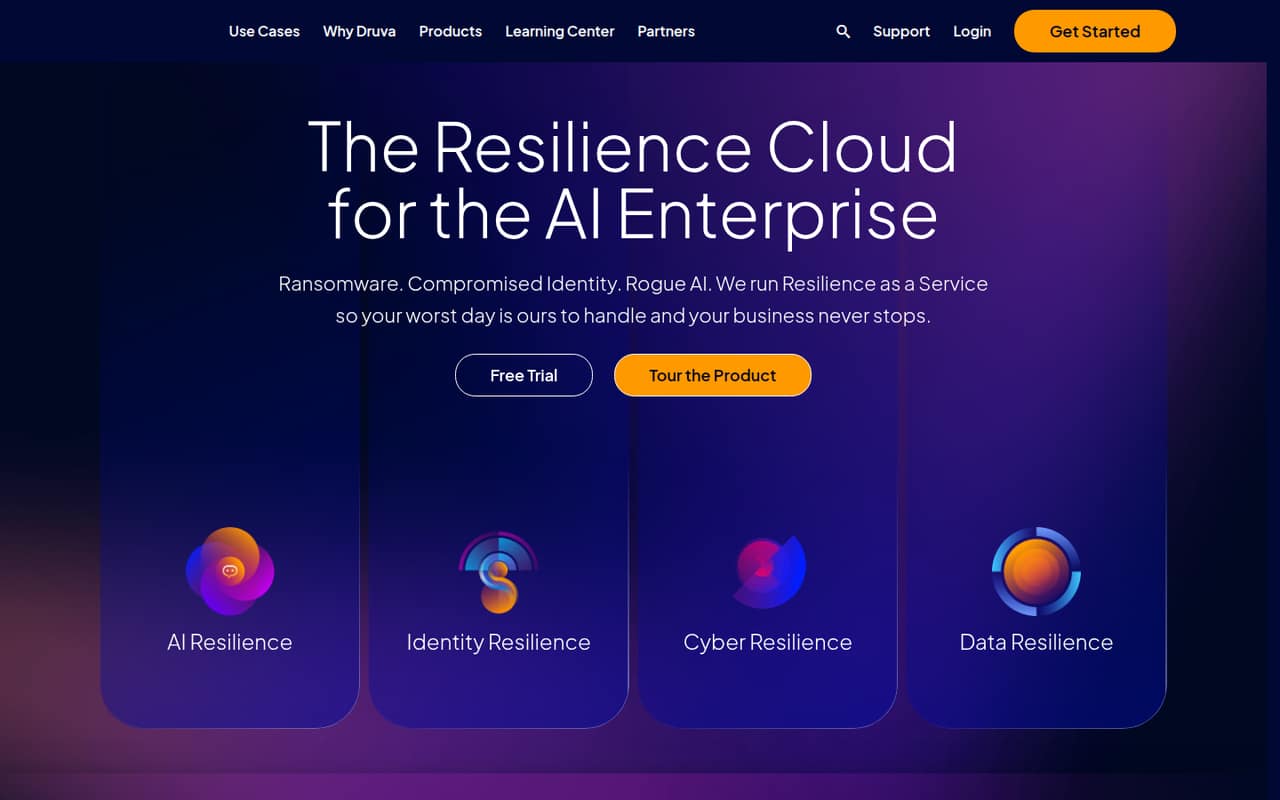
Druva is for teams that need more than a basic backup destination. Its Resilience Cloud combines data backup and recovery with cyber, identity and AI resilience capabilities, plus compliance support for eDiscovery and retention policies. That breadth may suit a small IT team responsible for protecting business data and planning for recovery from threats.
For a team of one to ten, the main question is whether you need that wider platform. Druva could be worth a quote if you want cloud-native backup and recovery alongside threat response and cyber recovery. If you only need a straightforward backup tool, the custom pricing and extra capabilities may be more than you need. The vendor publishes no starting price or seat limits, so a small team should ask for a quote scoped to its users, workloads and storage before budgeting.
02Druva free plan and trial
Druva does not list a free plan. The pricing details list a free trial for the Enterprise Data and Productivity Data plans, but the trial duration and included limits are not published. Treat it as a chance to evaluate the product, not as a way to run ongoing backups for free.
The cheapest way in is therefore a trial followed by a paid, custom quote. The pricing page lists Enterprise Data – Business as a consumption-based option and Productivity Data – Enterprise as a per-user option, but it does not publish which costs less. Ask Druva what the trial covers, how long it lasts, which workloads are included and whether moving from trial to a paid plan requires a minimum commitment.
03What a small team pays for Druva
The pricing page lists custom quotes, not monthly or annual rates. Enterprise Data – Business, Enterprise and Elite are billed by consumption and deduplicated storage credits. Productivity Data – Enterprise and Elite are billed per user. For one person, or a team of three or five, the seat-based calculation is simply the undisclosed per-user rate multiplied by the number of users. The vendor publishes no rate, so we cannot give a reliable total. Monthly and annual prices are also not published.
Seat and usage limits are not published, and overage costs are not listed. Add-ons with no published prices include Security Center, Data Anomaly Detection, Quarantine Bay, Threat Insights and Disaster Recovery as a Service. For a useful quote, ask for the cost of your exact user count or consumption, storage-credit assumptions, billing term, overages and any required add-ons. Without those details, a small team cannot compare Druva’s real cost with a fixed-price alternative.
04Getting started with Druva
Druva does not publish a setup-time estimate in the pricing details, so we would not assume this is a quick self-serve install. The quote-based plans and consumption billing make it sensible to clarify workloads, storage needs and recovery goals with the vendor before rollout. Ask who handles configuration and what work your team needs to do.
One Reddit commenter says Druva was reliable and easy to use for server and user-laptop backups, and reports integrations with Office 365, Salesforce and VMware. Another says they use Druva without issues. Those are individual experiences, not a guarantee that your setup will be the same. A small team should confirm support for its own devices and services, then check that backup and restore workflows meet its needs before moving important workloads.
05When small teams outgrow Druva
Druva’s published pricing does not set a clear point where a team must upgrade: seat and usage limits are not published, and the Enterprise Data tiers use consumption and deduplicated storage credits. A growing team should ask what changes between Business, Enterprise and Elite, and how storage growth, overages and add-ons affect its bill. Without those figures, it is hard to forecast the cost of adding users or workloads.
A team may also outgrow Druva if it needs simpler, predictable pricing or only wants a narrow backup tool rather than a broader resilience platform. Reddit feedback is mixed: one user says Druva “does the job,” while another reports reliable, easy-to-use backups; a separate endpoint-backup discussion includes a user who had a poor experience. These are anecdotes, not a clear consensus. Revisit the fit when your workload mix changes or a renewal quote no longer matches your budget.
From the threadsWhat users say
Reddit feedback is mixed but leans mildly positive: users describe Druva as doing the job, reliable and easy to use, while another reports a poor experience. The small number of comments does not establish a broad consensus.
Its ok. Nothing special but it does the job
It has always been reliable and easy to use
We use Druva. Its ok. Nothing special but it does the job. Haven't had any issues
I didn't have such a good experience with Druva
Questions people ask
Does Druva have a free plan?
No free plan is listed. Druva lists a free trial for its Enterprise Data and Productivity Data plans, but the trial duration and included limits are not published. Ask the vendor which workloads and features are available during the trial and what happens when it ends.
How much does Druva cost?
Druva’s pricing page lists custom quotes and no monthly or annual rates. Enterprise Data is billed by consumption and deduplicated storage credits; Productivity Data is billed per user. Ask Druva for a quote based on your user count, workloads, storage and any add-ons you need.
How is Druva billed?
The pricing page lists Enterprise Data plans as consumption-based, using deduplicated storage credits. Productivity Data plans are billed per user. The vendor does not publish rates, seat or usage limits, or overage costs, so request those details in writing before choosing a plan.
What does Druva back up and protect?
Druva describes its platform as covering data backup and recovery, disaster recovery, cyber resilience, identity resilience and AI resilience. It also lists compliance support for eDiscovery and retention policies. Confirm with the vendor that your specific workloads and recovery requirements are covered by the plan you are quoted.
Is Druva easy to use?
Experiences on Reddit vary. One user says Druva was reliable and easy to use for server and laptop backups; another says it does the job without issues. Those reports are individual experiences, and Druva does not publish a setup-time estimate in its pricing details. Ask about implementation support for your environment.