
We may earn a commission if you buy through links on this page. It never changes a score or a ranking. How we make money
The bottom line
A capable small-team time clock, with a $5 monthly base fee and no ongoing free plan.
Easy Time Clock covers time tracking, editable time cards, PTO, location restrictions and payroll exports. It suits small teams that want attendance records and hours in one cloud-based system.
There’s no free plan, but the pricing page lists the first month free. For 1–99 employees, the rate is $3 per employee monthly plus a $5 account fee: a five-person team pays $20 a month after the free month.
Good fit if
- Small teams tracking employee attendance
- Employers that need payroll exports
- Teams that track PTO and location
Skip it if
- Teams that need a permanent free plan
- Buyers needing published payroll integrations
- Businesses above 1,999 employees
ScoresHow it rates
What works
- Clock in from a computer or mobile device
- Biometric reader clock-in is supported
- Employees can request time card changes
- Includes PTO accrual and balance tracking
- Payroll reports can be reviewed and approved
What doesn't
- No free plan is listed
- A $5 monthly account fee applies
- Annual billing is not listed
- Named payroll integrations are not published
- Setup steps and time estimates are not published
01Who Easy Time Clock is for
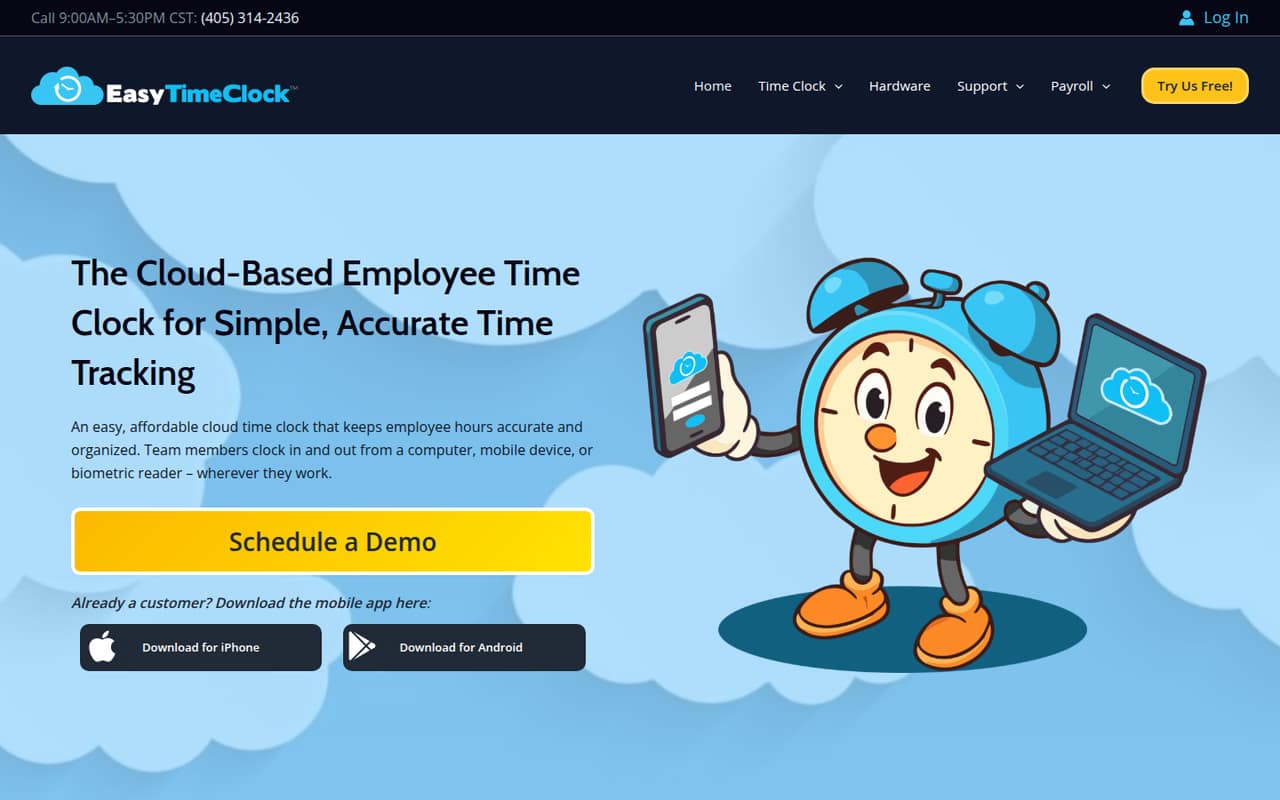
Easy Time Clock is aimed at businesses with 1–99 employees on its Small Business plan. It’s for teams that need a shared record of hours and attendance, rather than a standalone clock-in button. Employees can clock in and out on a computer, mobile device or biometric reader, then view time cards and request changes.
Managers can edit time cards, review totals, approve payroll digitally and export the hours. PTO accrual, requests and balances are also covered, and employers can restrict time tracking by location. That makes the product relevant to small teams with hourly staff and a regular payroll process. The price is $3 per employee monthly, plus a $5 monthly account fee. There’s no ongoing free plan, so it’s best for a team ready to pay for attendance tracking after its first free month.
02Easy Time Clock free plan and trial
Easy Time Clock does not list a permanent free plan. The pricing page lists a one-month free period for its paid plans, followed by the regular monthly charge. For businesses with 1–99 employees, that means the Small Business rate of $3 per employee per month and a $5 monthly account fee after the free month.
The listed features include clock-ins from computers, mobile devices and biometric readers, plus time card management, payroll reports and exports, PTO tracking and location restrictions. The pricing information does not specify whether any features are limited during the free month, so confirm that with the vendor before relying on a particular workflow. If you need time tracking at no ongoing cost, this isn’t a free-plan option.
03What a small team pays for Easy Time Clock
The Small Business plan covers 1–99 employees at $3 per employee monthly, with a required $5 monthly account base fee. That makes one person $8 a month, three people $14 and five people $20 after the first month. The pricing page lists the first month free.
Those totals use the published per-employee rate plus the account fee; annual billing is not listed. The $5 base fee is not a per-person charge, so it weighs more heavily on a one-person setup than on a five-person team. The listed Small Business rate is the cheapest plan for teams in this size range. Medium Business is $2.25 per employee monthly for 100–499 employees, and Enterprise Business is $1.50 for 500–1,999 employees. Both also have the $5 monthly account fee and first month free. The pricing page does not list other add-on charges.
04Getting started with Easy Time Clock
The product supports clock-ins from a computer or mobile device, as well as a biometric reader. Employers can review and edit time cards, then use payroll reports to review totals, approve hours digitally and export payroll. Employees can view their time cards and request changes. Those are the core steps a small team would need to fit into its attendance and payroll routine.
The vendor does not publish a setup checklist or an estimate of how long configuration takes. It also does not list named payroll integrations in the pricing information, though payroll export is a listed feature. Before signing up, ask the vendor how exports fit your payroll process, what file formats are available and whether a biometric reader requires separate equipment or setup. The workflow appears straightforward on paper, but the setup effort depends on those details.
05When small teams outgrow Easy Time Clock
The published employee ranges cover businesses up to 1,999 employees: Small Business is for 1–99, Medium Business for 100–499 and Enterprise Business for 500–1,999. There’s no published plan above that range, so a larger company should ask the vendor about availability before moving its workforce onto the system.
Growing past 99 employees changes the listed per-person rate from $3 to $2.25 monthly; at 500–1,999 employees, it drops to $1.50. Each tier still has a $5 monthly account fee. The pricing information describes the tiers by employee count, not by different feature sets, so ask whether any capabilities change at an upgrade. A team may also need to look elsewhere if it requires a permanent free plan or a named payroll integration that the vendor cannot confirm. Annual billing is not listed, which may matter to buyers planning a yearly software budget.
Questions people ask
Does Easy Time Clock have a free plan?
Easy Time Clock does not list a permanent free plan. Its pricing page lists the first month free, followed by the relevant monthly plan rate and a $5 account base fee. For 1–99 employees, the rate is $3 per employee monthly.
How much does Easy Time Clock cost for a small team?
The Small Business plan is $3 per employee monthly for 1–99 employees, plus a $5 monthly account fee. That works out to $14 a month for three people or $20 for five after the first month. The pricing page lists the first month free.
Can employees clock in from a phone?
Yes. Easy Time Clock lists clock-ins from mobile devices, computers and biometric readers. Employers can also restrict time tracking by location. The vendor’s pricing information does not specify particular mobile operating systems or biometric reader models, so confirm device compatibility before choosing.
Can Easy Time Clock export payroll?
Yes. Payroll export is a listed feature. Employers can review totals, edit records and digitally approve payroll before exporting hours. The vendor does not list named payroll integrations in the pricing information, so ask which export formats and payroll systems fit your process.
Does Easy Time Clock track paid time off?
Yes. The listed PTO features include accruing PTO, entering requests and viewing balances. The pricing information does not specify separate PTO limits or plan restrictions, so confirm the details with the vendor if your team has a particular accrual or approval policy.