
We may earn a commission if you buy through links on this page. It never changes a score or a ranking. How we make money
The bottom line
Useful authoring features, limited free access, and prices you’ll need to request.
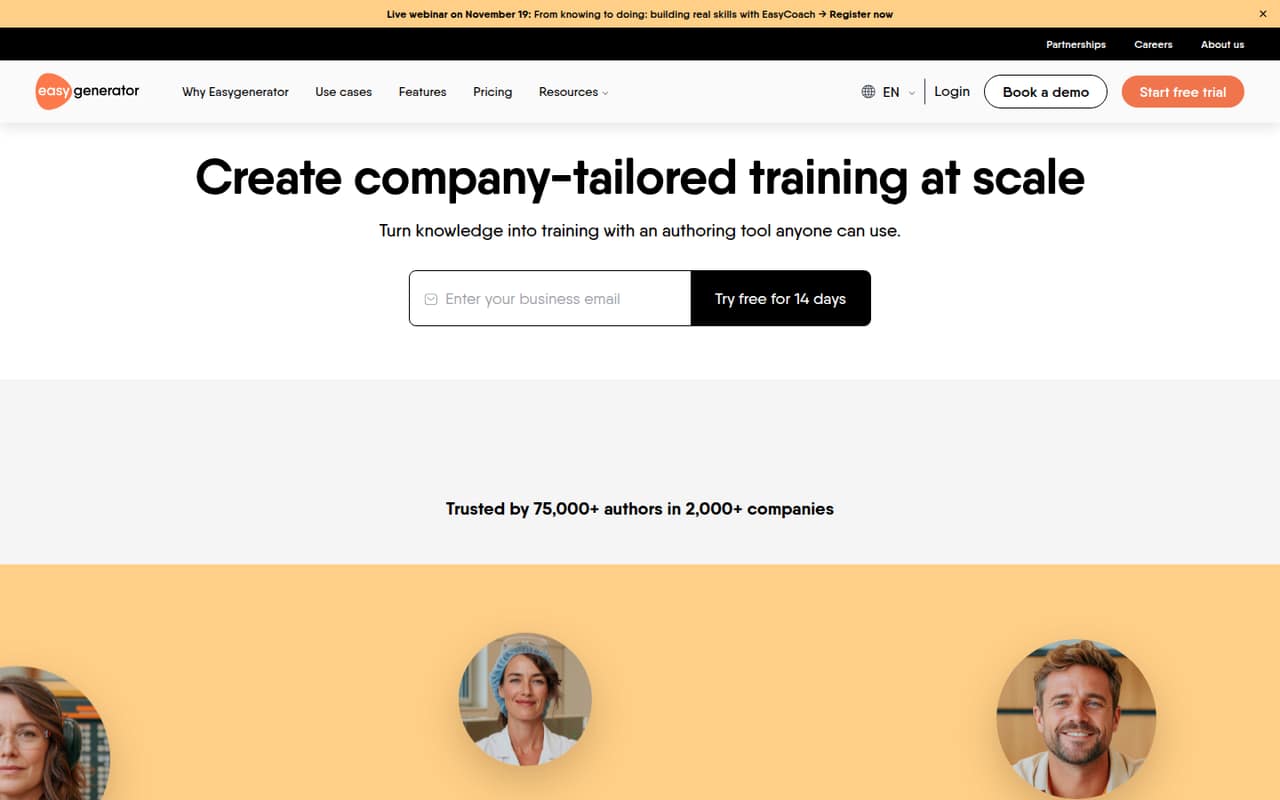
Easygenerator helps internal experts and L&D teams build digital training, with AI-assisted drafts, quizzes, video, roleplay, localization, and SCORM or xAPI exports. It’s a strong feature set for teams that need to create courses, but it isn’t a replacement for a full LMS.
The free plan gives access to existing content, with premium features disabled. The pricing page lists paid plans in euros billed annually, but the vendor doesn’t publish the amounts in the published pricing details, USD prices, or monthly billing prices. Ask for a quote before budgeting for multiple authors or add-ons.
Good fit if
- L&D teams building internal courses
- Subject-matter experts creating training
- Teams publishing courses to an LMS
Skip it if
- Teams needing a full LMS
- Buyers who need known seat costs
- Organizations without content governance
ScoresHow it rates
What works
- AI can turn documents, decks, and ideas into course drafts
- Create quizzes, interactions, and assessments without coding
- Export courses as SCORM or xAPI
- Translate and update courses across 75 languages
- A Reddit user says it is easy to learn
What doesn't
- The vendor doesn’t publish plan prices in the published pricing details
- Free access disables premium features
- Team plan starts at five authors
- Add-on prices and extra-author seat costs aren’t published
- Course creation still needs quality checks and governance
01Who Easygenerator is for
Easygenerator is for internal experts and L&D teams that need to turn company knowledge into digital training. A small team can use it to build courses, quizzes, interactions, and assessments without coding, then export courses as SCORM or xAPI for an LMS. AI tools can help draft a course from documents, decks, or ideas; other features cover video, roleplay, and localization.
For a 1–10-person company, the key question is how many people need to author courses, not just take them. Pro lists one author, while Team starts at five. A single L&D lead or subject-matter expert may fit Pro; a group of course creators may need Team or a quote for additional authors. It’s most useful when training needs to reflect company-specific processes. It’s less suitable if you need learner management as well as course creation: Easygenerator is primarily an authoring tool, not a full LMS.
02Easygenerator free plan and trial
The Free plan gives access to existing content, but premium features are disabled. That makes it a way to explore the product’s existing material, not a full course-authoring plan for a team. The published plan details don’t list a free author seat, course limit, or learner limit, so check with the vendor if those specifics matter before signing up.
Easygenerator also lists a 14-day free trial. The vendor doesn’t specify in the published pricing details which paid-plan features or limits apply during that trial, so ask what you can create and export before relying on it for a live project. The lowest named paid plan is Pro, for one author, but its price isn’t published in the published details. For a budget-conscious team, confirm the price and trial terms before building a course workflow around the tool.
03What a small team pays for Easygenerator
The pricing page lists plan prices in euros billed annually, but the amounts aren’t published in the published pricing details. USD prices and monthly billing prices aren’t published either, so we can’t give a verified per-seat cost or a total for a small team. Ask the vendor for current prices and whether monthly billing is available.
Pro is listed for one author and includes 10 courses, 100 learners, templates, and SCORM export. Team starts from five authors and includes unlimited courses, learners, and reviewers, plus one branding setup. A three-person team can’t calculate its cost from the published plan details: Pro covers one author, Team starts at five, and additional-author seat costs aren’t published. For five authors, Team is the named fit, but its total is also not published.
Budget separately for EasyTranslate, EasyVideo, or EasyCoach: each is an add-on, and the vendor doesn’t publish its price in the published details. Ask for a quote that includes the authors and features you actually need.
04Getting started with Easygenerator
A Reddit commenter who has used Easygenerator called it “very easy to learn.” That’s a useful sign for a small team without a dedicated course-development department, but it doesn’t mean course design is automatic. Another commenter warned that subject-matter experts can produce content dumps without relevant practice or a clear connection to work. Set review standards before inviting lots of authors.
For publishing, the listed options include SCORM and xAPI exports; dynamic SCORM supports updates without re-uploading. A Reddit user describes sharing review links and then publishing SCORM to an LMS. Another commenter says a private link or embed without an LMS saves progress in browser cookies, so it won’t resume across devices in the same way as a learner account or an LMS that handles identity. If your team needs LMS integrations, the Enterprise plan lists them. Confirm the right publishing route and account setup with the vendor before launch.
05When small teams outgrow Easygenerator
The first pressure point is author count. Pro lists one author, Team starts at five, and the vendor doesn’t publish the cost of extra authors. That leaves a three- or four-person team without a clear listed plan price. Ask for a quote before adding seats, especially if you also need EasyTranslate, EasyVideo, or EasyCoach, whose prices aren’t published.
A second limit is learner management. Easygenerator’s central job is course authoring, and a Reddit discussion describes it as not an LMS. The same discussion says link-based progress can depend on browser cookies; cross-device resuming requires learner accounts through a hosted option or an LMS that handles identity. Check whether that fits your reporting and tracking needs.
Finally, more authors can mean more governance work. Reddit commenters raised concerns about inconsistent courses and content dumps when many teams create training. If your organization needs centralized control, permissions, or broader LMS integrations, agree on governance early and compare the Enterprise offer or a separate LMS.
From the threadsWhat users say
The Reddit discussion is mixed: one user praises the learning curve, while others flag course quality and governance risks. A commenter also offers a practical note about review links and LMS publishing.
I’ve used easygenerator and yes it’s very easy to learn
Give an SME a tool, and they will crank out endless content dumps
This would be my worry too, unless EG has some sort of quality gates or governance model baked in
I use the links for others to review before publishing and then I publish to Scorm and upload to our LMS
Questions people ask
Is Easygenerator free?
Yes. The Free plan gives access to existing content, but premium features are disabled. The published plan details don’t list a free course or learner limit. Easygenerator also lists a 14-day free trial; ask the vendor which features and limits apply during it.
How much does Easygenerator cost?
The pricing page lists prices in euros billed annually, but the amounts aren’t published in the published pricing details. USD and monthly billing prices aren’t published either. Pro is for one author, while Team starts at five authors. Ask the vendor for a quote for your seat count and any add-ons.
Is Easygenerator an LMS?
Easygenerator is primarily a course-authoring tool, not a full LMS. It can export courses as SCORM or xAPI, and the Enterprise plan lists LMS integrations. A Reddit commenter says link-based progress may rely on browser cookies, while cross-device tracking needs learner accounts or an LMS that handles identity.
Can Easygenerator create courses with AI?
Yes. EasyAI can help turn documents, decks, and ideas into structured course drafts. The feature list also includes AI video creation with avatars and multilingual voiceovers, plus EasyCoach workplace roleplay by voice or text with feedback. EasyVideo and EasyCoach are listed as paid add-ons; their prices aren’t published.
Can I add more authors to Easygenerator?
The Team plan starts at five authors, and the pricing details say additional authors can be added. The vendor doesn’t publish the extra-author seat cost in the published pricing details. Pro lists one author. Ask the vendor which plan fits your author count and what extra seats will cost.