
We may earn a commission if you buy through links on this page. It never changes a score or a ranking. How we make money
The bottom line
Element gives teams control over encrypted chat, but paid pricing and setup need careful checking.
Element is worth considering if your small team needs encrypted messaging, Matrix federation, or the option to run communications on your own infrastructure. Its free Community plan covers 1–100 users for non-professional deployments and evaluations.
For a business that needs a paid plan, the price is less straightforward: Enterprise starts at 100 users, and the vendor doesn’t publish its per-seat price. We’d ask about Sovereign if you need a deployment-based option and want to confirm whether it fits your team.
Good fit if
- Teams prioritizing self-hosting
- Organizations using Matrix federation
- Non-professional groups evaluating chat
Skip it if
- Teams needing a published paid price
- Small businesses wanting a simple setup
- Teams needing a clear support scorecard
ScoresHow it rates
What works
- Community is free for eligible deployments
- Community covers 1–100 users
- Supports self-hosted deployments
- Offers end-to-end encrypted messages and calls
- Supports federation between organizations
What doesn't
- Enterprise pricing requires contacting sales
- Enterprise starts at 100 users
- Sovereign user limits aren’t published
- No setup-time estimate is published
- No paid-plan prices are published
01Who Element is for
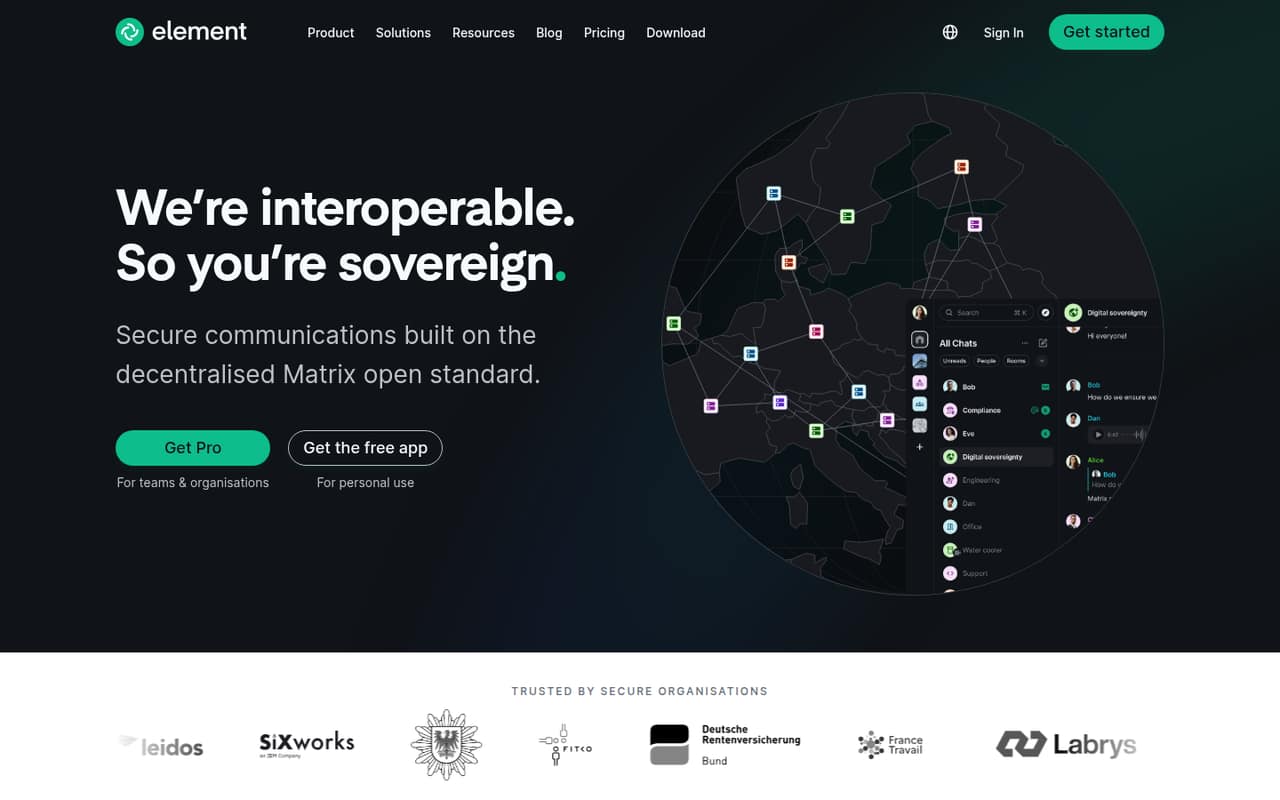
Element is a communications platform built on Matrix, an open standard. It supports messaging and calls, end-to-end encryption, and federation, which lets separate organizations and systems connect. Teams can also self-host it, including in isolated, air-gapped environments.
For a team of 1–10, the clearest fit is a non-professional group or an organization evaluating the platform: the free Community plan covers 1–100 users for those uses. A business that needs a paid deployment should check the fit and price with sales first. Enterprise is listed for organizations with 100 or more users, so it’s not an obvious match for a small team buying a few seats. Sovereign is priced per deployment, but its user limits aren’t published. Element makes most sense when control over infrastructure, federation, or resilient communications matters more than a simple per-seat price.
02Element free plan and trial
The pricing page lists Community as free, with a frontend and backend under AGPL and coverage for 1–100 users. It’s intended for non-professional deployments and evaluations. That can make it a practical way for a small group to assess Matrix-based communication without a subscription price, provided that use fits the plan’s stated scope.
The free plan isn’t described as a general-purpose business tier. If your company needs a paid deployment, Enterprise is listed for organizations with 100 or more users, while Sovereign is priced per deployment. Neither paid price is published; both require contacting sales. A free-trial offer isn’t listed. The pricing information doesn’t list add-ons, either, so ask sales what’s included and whether anything else is required before committing.
03What a small team pays for Element
For a qualifying Community deployment, the listed price is $0. That makes the cost $0 for one person, three people, or five people, since Community covers 1–100 users. Its stated use is non-professional deployments and evaluations, though, so a small business shouldn’t assume it qualifies as its ongoing work plan.
For a paid option, the pricing page lists Enterprise at a per-seat monthly rate, starting at 100 users, but doesn’t publish the seat price. At that minimum, the smallest listed Enterprise deployment is 100 seats—not one, three, or five—and the cost for those seat counts can’t be calculated from the published price. Annual prices aren’t published either. Sovereign is priced per deployment, with no published price or user limit. No add-ons are listed. Before budgeting, ask sales whether Sovereign suits a 1–10-person team, what each option includes, and whether there are any extra charges.
04Getting started with Element
Setup effort depends in part on how you deploy Element. The platform supports self-hosting, and that gives a team control over its infrastructure but also means someone needs to take responsibility for operating it. The vendor's site doesn’t publish a setup-time estimate or a step-by-step onboarding path, so we wouldn’t promise a quick rollout—especially for a team choosing its own deployment or an air-gapped environment.
For day-one communication, Element supports messaging and calls, with encrypted messages and calls, plus federation between organizations and systems using Matrix. The vendor doesn’t publish a list of third-party integrations here, so teams that depend on specific tools should confirm compatibility before choosing it. Reddit users discussing Matrix clients also mention voice and screen-sharing limitations in other clients; those comments aren’t specific evidence about Element, but they’re a reason to test the exact call and sharing workflows your team needs.
05When small teams outgrow Element
A small business may outgrow Community when its use no longer fits the plan’s stated scope of non-professional deployments and evaluations. At that point, the published paid option with a clear audience—Enterprise—starts at 100 users. A 1–10-person team should ask sales about eligibility and price before planning a move, rather than assuming it can buy just a few seats. Sovereign may be worth asking about, but its user limits and price aren’t published.
A team may also find that self-hosting asks more of its staff than it wants to manage, or that it needs a specific integration or call workflow the vendor hasn’t listed. Reddit discussion about Matrix as a Discord alternative is mixed: one thread says it’ll work for some users but not others, while commenters praise emerging clients and raise voice-feature concerns about particular alternatives. Those comments don’t establish Element’s limits, but they do support checking your team’s actual chat and calling needs before switching.
From the threadsWhat users say
Reddit discussion is mixed and often about Matrix or alternative clients rather than Element alone. Users see promise in the ecosystem, but also question whether it’s ready for every community and point to voice-feature issues in some clients.
While I definitely agree it'll work for some, for many it won't
People like me have started developing new Matrix clients
it can already be a full on Discord replacement imo
With no noise or echo cancellation you just feed it raw microphone inputs and end up hearing everything
Questions people ask
Is Element free for a small team?
The pricing page lists Community as free for non-professional deployments and evaluations, with 1–100 users. That covers a small group by user count, but a business should confirm whether its intended use fits the plan. Paid options require contacting sales.
Does Element support end-to-end encryption?
Element’s messenger offers end-to-end encrypted messages and calls. The platform also supports Matrix federation, self-hosting, and air-gapped deployments. Ask the vendor how the specific deployment you’re considering handles the security and administration requirements your team has.
Can we host Element on our own infrastructure?
Yes. Element supports self-hosted deployments, including air-gapped environments. Self-hosting gives an organization control over where it runs communications, but your team should clarify operating responsibilities, deployment requirements, and any related costs with Element before choosing this route.
What does Element Enterprise cost?
The pricing page lists Enterprise as a per-seat-per-month plan for organizations with 100 or more users. It doesn’t publish the seat price or an annual price. Contact sales for a quote and ask what’s included before comparing it with other team chat tools.
Can a 1–10-person business buy a paid Element plan?
Enterprise is listed as starting at 100 users, so it isn’t presented as a small-seat option. Sovereign is priced per deployment, but its user limits aren’t published. A 1–10-person business should contact sales to ask whether Sovereign fits and what it would cost.