We may earn a commission if you buy through links on this page. It never changes a score or a ranking. How we make money
A team of 1–10 may not need dedicated chat software if a shared inbox or existing workspace already keeps conversations easy to find. If messages are scattered across personal apps, though, a team chat tool can give everyone one place for updates. Our top pick is Zulip for teams that like topic-based conversations and want a free option; Pumble is a simpler budget pick. Lark offers a broader free workspace. Before choosing, check what the free plan limits and whether the listed starting price applies to each person.
Quick picksThe shortlist
 ZulipZulipBest for topic-heavy chat · $3.50/mo
 PumblePumbleBest budget pick · $2.49/mo
 LarkLarkBest free workspace · $6/mo
 FlockFlockBest for channels · $4.50/mo
 ChantyChantyBest for teams of five · $3/mo
 DingTalkDingTalkBest for teams of ten · $4/mo
 SlackSlackBest for client chat · $7.25/mo
 WireWireBest for encrypted teams · €7.45/mo
 VoxerVoxerBest for voice updates · $4.17/mo
- ZenzapZenzapBest for work texting · $50/mo
 ElementElementBest for self-hosting · Free
 MattermostMattermostBest for operations · Free
 Rocket.ChatRocket.ChatBest for public services · Free
 ProntoProntoBest for education · Custom
 Intermedia UniteIntermedia UniteBest for business calls · Custom
 SymphonySymphonyBest for finance · Custom
 ClaritiClaritiBest for WordPress teams · $40.83/mo
01Compared at a glance
| Tool | Score | From | Free plan | Trial |
|---|---|---|---|---|
| ZulipZulip | 8.0 | $3.50/mo | Yes | — |
| PumblePumble | 7.4 | $2.49/mo | Yes | — |
| LarkLark | 7.5 | $6/mo | Yes | — |
| FlockFlock | 7.5 | $4.50/mo | Yes | 30 days |
| ChantyChanty | 7.2 | $3/mo | Yes | — |
| DingTalkDingTalk | 7.4 | $4/mo | Yes | 30 days |
| SlackSlack | 6.8 | $7.25/mo | Yes | — |
| WireWire | 7.6 | €7.45/mo | Yes | — |
| VoxerVoxer | 6.7 | $4.17/mo | Yes | — |
| ZenzapZenzap | 6.2 | $50/mo | Yes | — |
| ElementElement | 7.2 | Free | Yes | — |
| MattermostMattermost | 6.2 | Free | Yes | Yes |
| Rocket.ChatRocket.Chat | 5.8 | Free | Yes | — |
| ProntoPronto | 4.6 | Custom | No | — |
| Intermedia UniteIntermedia Unite | 5.8 | Custom | No | — |
| SymphonySymphony | 5.5 | Custom | No | — |
| ClaritiClariti | 6.5 | $40.83/mo | No | — |
02The picks, in detail
- Best for topic-heavy chatZulipZulip
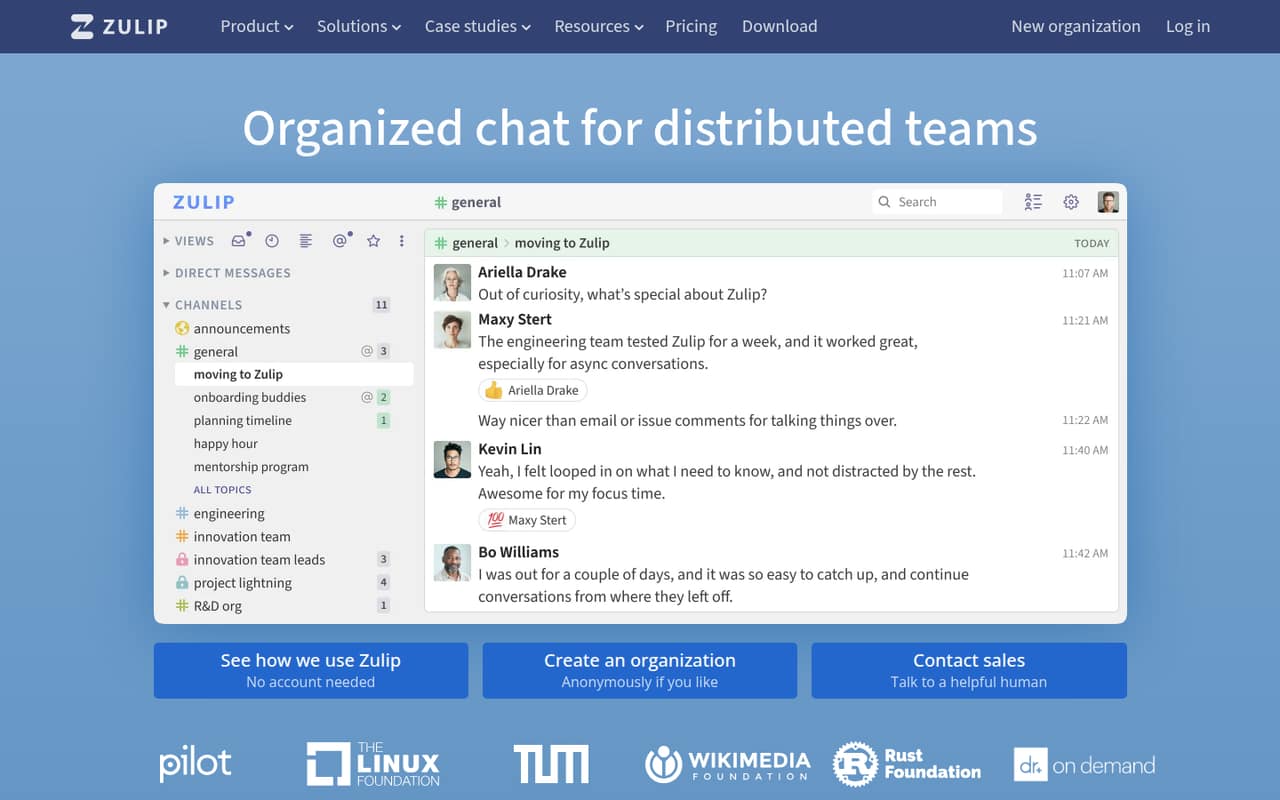
Zulip ranks first for small teams that need to keep several conversations organized. Its free plan and listed starting price of $3.50 make it worth considering on a tight budget. The trade-off is a different chat habit: Zulip suits teams comfortable learning topic-based conversations. If your group prefers a simpler channel-style setup, compare it with Pumble or Flock.
What works
- Free Cloud plan includes 10,000 messages of search history
- Topic-based conversations keep replies in context
- Free Cloud includes guest accounts and hundreds of integrations
What doesn't
- Some users find the topic-first workflow confusing
- Free Cloud search history is limited to 10,000 messages
- Plus requires a 10-user minimum
- Best budget pickPumblePumble
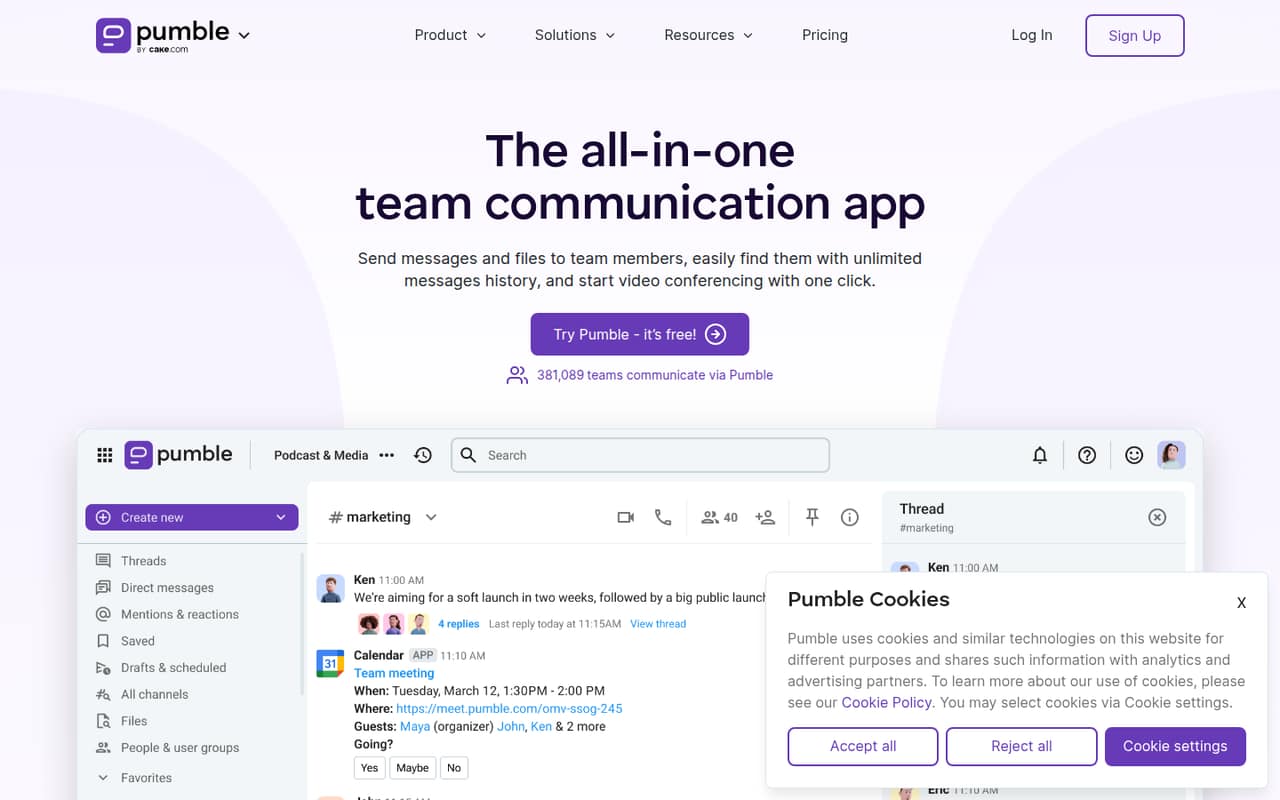
Pumble is a practical low-cost option for basic team chat, with a free plan and a listed starting price of $2.49. Its fit is strongest for small groups that need straightforward messaging and 1:1 calls, rather than a broader collaboration suite. Check the plan details before relying on group meetings; Pro is the practical step up for those.
What works
- Free plan supports unlimited users
- Free plan includes unlimited message history
- Free plan has 10 GB workspace storage
What doesn't
- Free plan limits integrations to three
- Free calls are limited to 1:1
- Pro charges per active user or invited seat
- Best free workspaceLarkLark
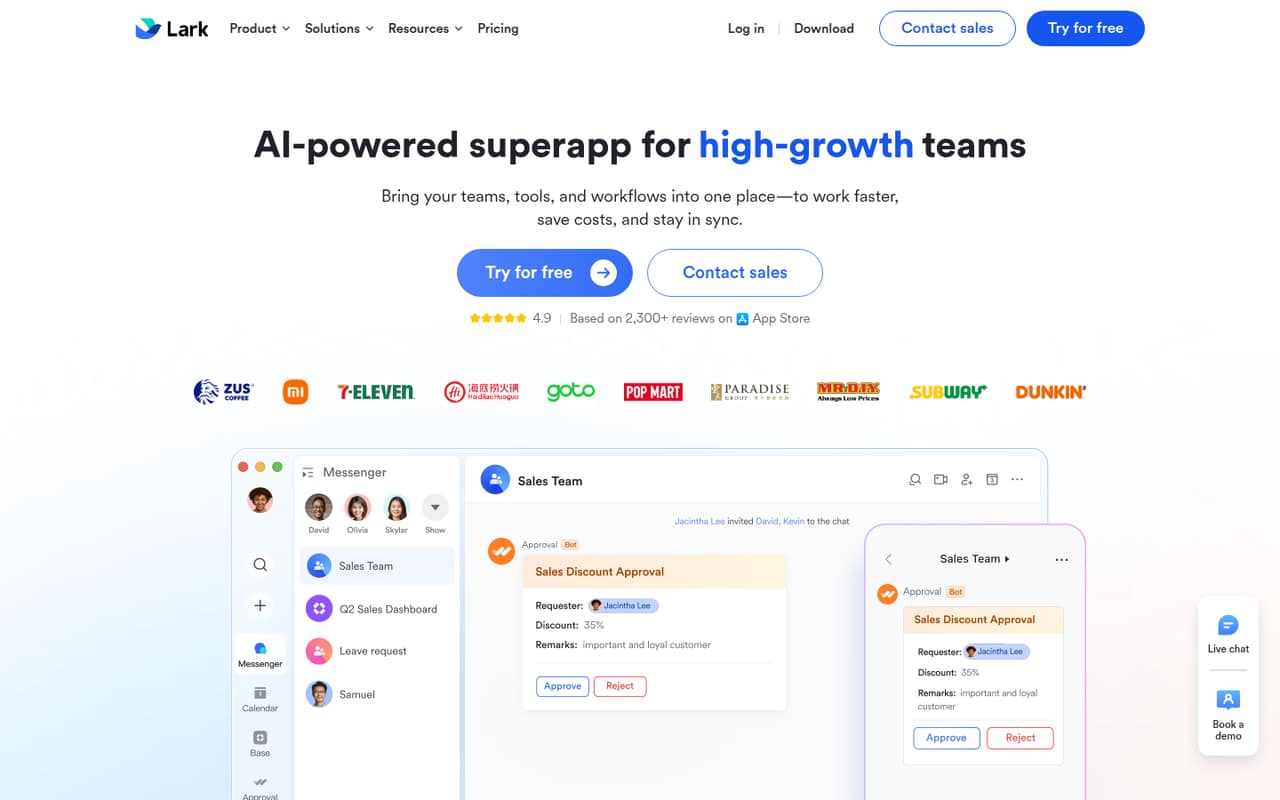
Lark is a strong choice for a small team hoping to combine collaboration tools in one workspace. The free plan is presented as capable for small teams, and paid plans start at $6 per seat monthly on annual billing. That makes a five-person team $30 per month at the listed starting rate. Check whether the free video limits suit your meetings before moving everyone over.
What works
- Starter is free for up to 20 users
- Chat, docs, meetings and workflows together
- Starter includes 100 GB of storage
What doesn't
- Starter video meetings are 1-on-1 only
- Starter message history is limited to 18 months
- Basic monthly-billing price is not published
- Best for channelsFlockFlock
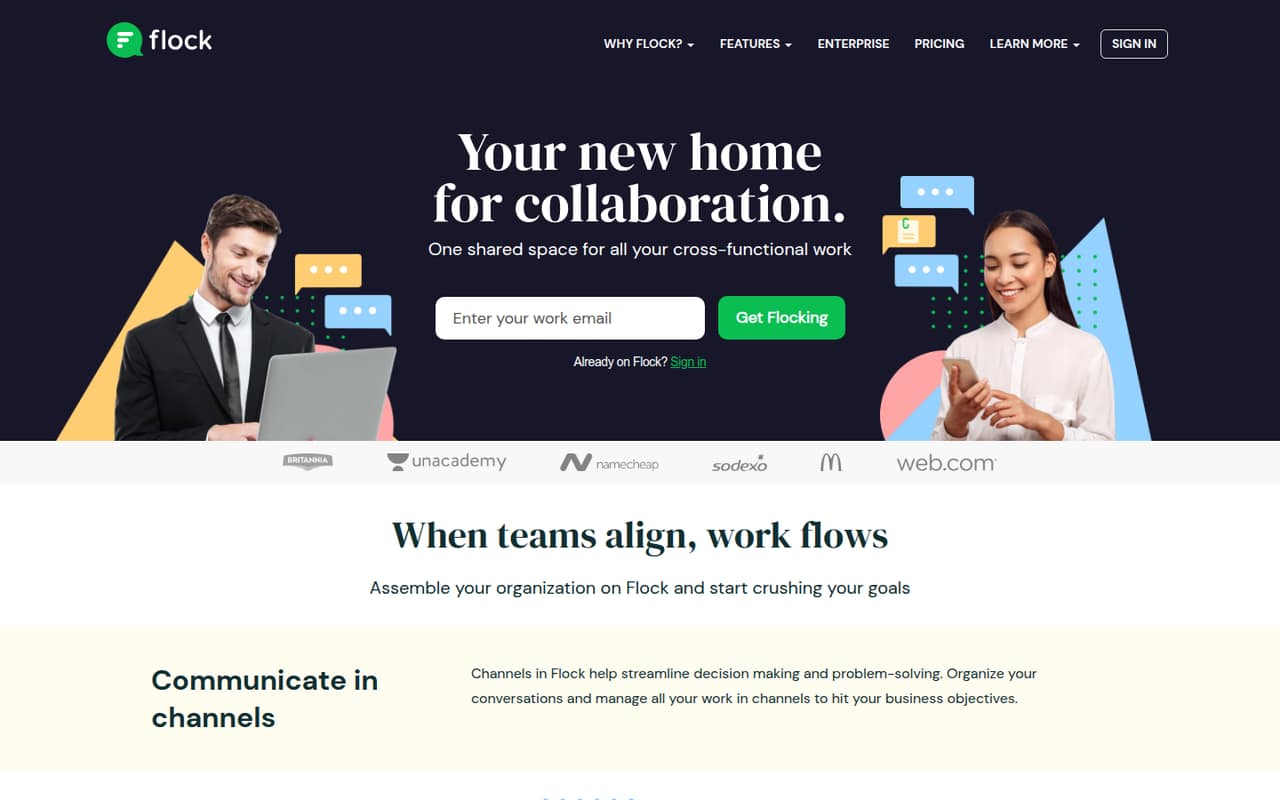
Flock has a generous free starting point for teams organizing work in channels, and its listed starting price is $4.50. It also suits groups using Asana, Trello, or Jira. The free plan has firm message, channel, and storage limits, so a growing team should check those ceilings early. For a small team, that makes it a useful low-cost option if its limits fit.
What works
- Starter is free for teams of 1–20
- Includes 10,000 searchable messages
- Built-in one-to-one video calls
What doesn't
- Starter limits teams to 10 public channels
- Starter storage is 5 GB per team
- Starter includes only one team admin
- Best for teams of fiveChantyChanty
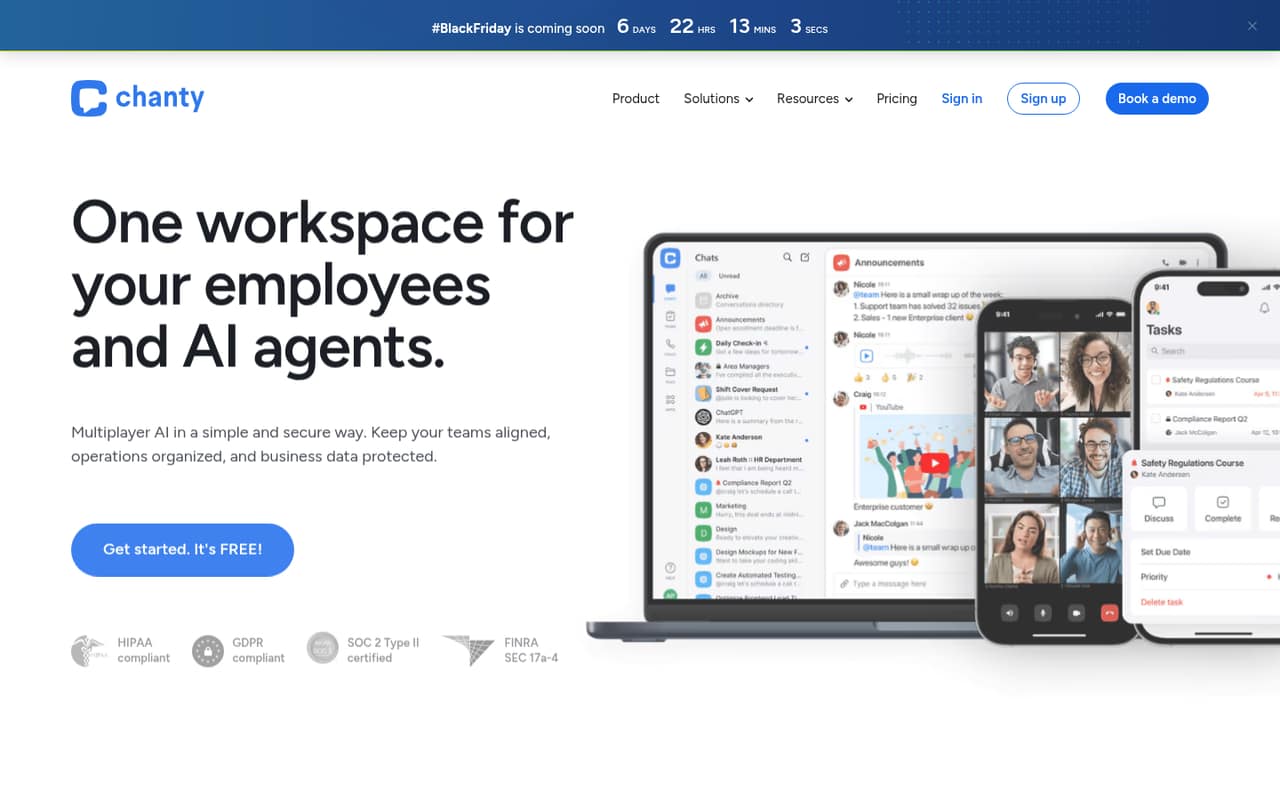
Chanty combines chat and tasks at a listed starting price of $3, with a useful free tier for teams of up to five people. That cap is a clear fit for a small group and a clear reason to compare alternatives before hiring. Teams considering its AI agents should also check the access-control details; the price and feature list alone won't answer that question.
What works
- Free plan covers up to five team members
- Free tier includes 20GB storage per team
- Business starts at $3 per user monthly, billed annually
What doesn't
- Free plan allows only one guest user
- Business costs more with monthly billing
- Setup steps and onboarding effort aren’t published
- Best for teams of tenDingTalkDingTalk
DingTalk's free workplace hub is described as useful for teams of up to 10, making it a fit for a small group that wants chat alongside meetings and approvals. Paid plans are listed from $4. Check regional access and upgrade details before standardizing on it. Those checks matter more here than chasing the lowest starting price.
What works
- Free plan supports up to 10 users
- Includes 100 GB of drive storage free
- Combines chat, meetings and office workflows
What doesn't
- Free meetings stop at 40 minutes
- Some users report registration-code trouble abroad
- Some functionality may be only in Chinese

- Best for client chatSlackSlack
Slack suits small teams that live in chat, talk with external clients, or want app-based workflows. It has a useful free tier, and the listed Pro starting price is $7.25. Budget for Pro if your team needs full message history. For a few people, compare that upgrade against lower-priced options and confirm what the current plan includes.
What works
- Free plan includes 90-day message history
- Supports up to 10 apps on Free
- Pro includes unlimited history and integrations
What doesn't
- Free message history stops at 90 days
- Pro costs per user
- Free is limited to 10 apps
- Best for encrypted teamsWireWire
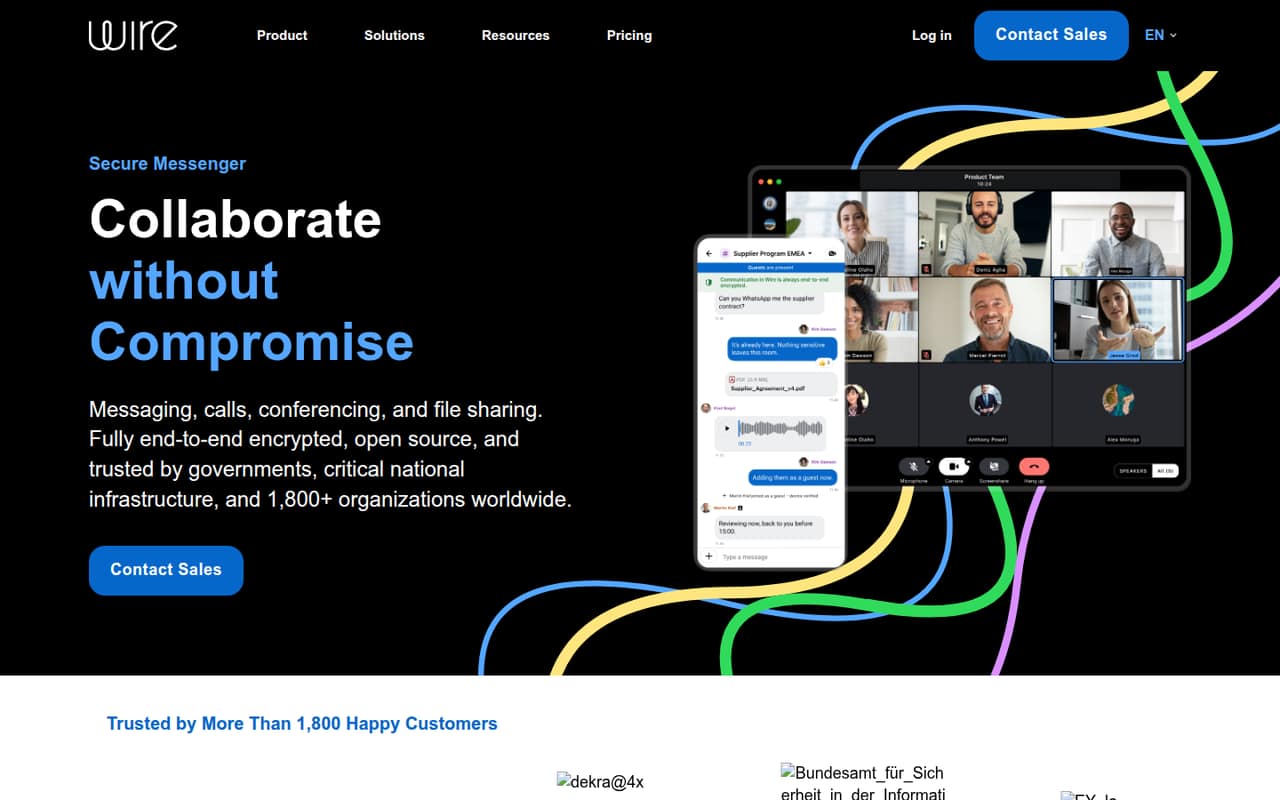
Wire is a fit for teams prioritizing encrypted collaboration: its free option covers up to five people, while larger teams pay a noticeable per-seat fee. The listed starting price is $7.45. That makes the free limit especially relevant to a team near the top of the 1–10 range. Check the paid seat cost and whether you need SSO or SCIM before choosing.
What works
- Free plan covers up to five people
- Messages, calls, and file sharing are encrypted
- Free plan allows up to eight devices
What doesn't
- Free plan is capped at five people
- SMB costs €7.45 per person annually billed
- Support add-on prices aren't published
- Best for voice updatesVoxerVoxer
Voxer is worth considering when your team communicates by voice and wants quick updates or voice summaries. It has a free plan and a listed starting price of $4.17. Before rolling it out to several people, check the storage limits and per-person costs. A voice-first tool may be a poor fit if the team mainly needs organized written conversations.
What works
- Free one-on-one and large-group chats
- Works on iPhone, Android and web
- Mixes voice, text and media
What doesn't
- Free messages are stored for 30 days
- Paid plans charge per user
- Business is aimed at teams of 20 or more
- Best for work texting
ZenzapZenzap
Zenzap is aimed at teams replacing personal work texts and coordinating tasks in chat, with controls for managers handling off-hours boundaries. Its free plan is generous on seats. Paid plans start at $50, and the listed paid prices assume annual billing, so confirm the bill before committing. It may suit teams that value organized work chat more than a low paid starting price.
What works
- Free plan allows unlimited users
- Channels can follow departments, projects or clients
- Chat messages can become tasks and checklists
What doesn't
- Paid monthly billing prices are not published
- Business+ is capped at five users
- Lite does not include AI agents

- Best for self-hostingElementElement
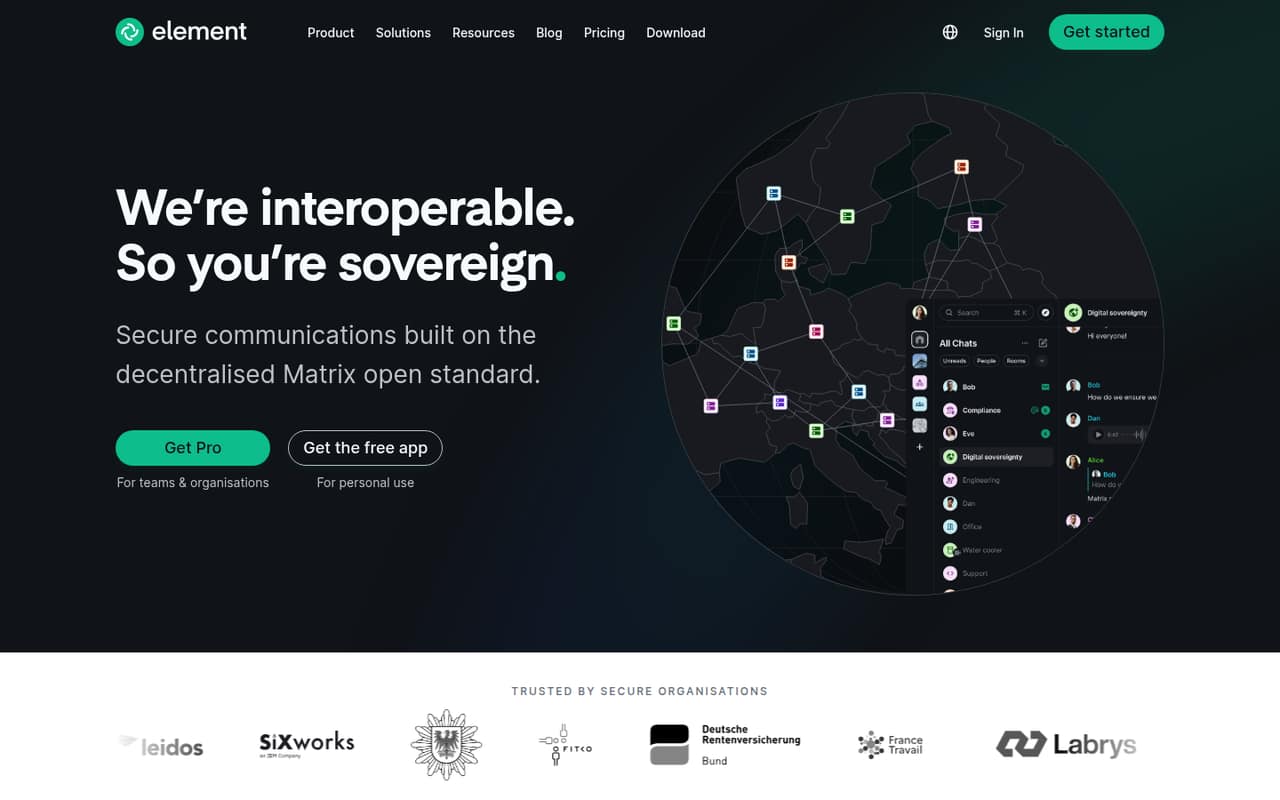
Element fits teams prioritizing self-hosting or Matrix federation, as well as non-professional groups evaluating chat. It offers a free plan, but the vendor does not publish a paid starting price on the pricing page. Ask about paid pricing and the setup work involved before choosing it for a small business. Its emphasis on encrypted chat and control may be more than a basic chat team needs.
What works
- Community is free for eligible deployments
- Community covers 1–100 users
- Supports self-hosted deployments
What doesn't
- Enterprise pricing requires contacting sales
- Enterprise starts at 100 users
- Sovereign user limits aren’t published
- Best for operationsMattermostMattermost
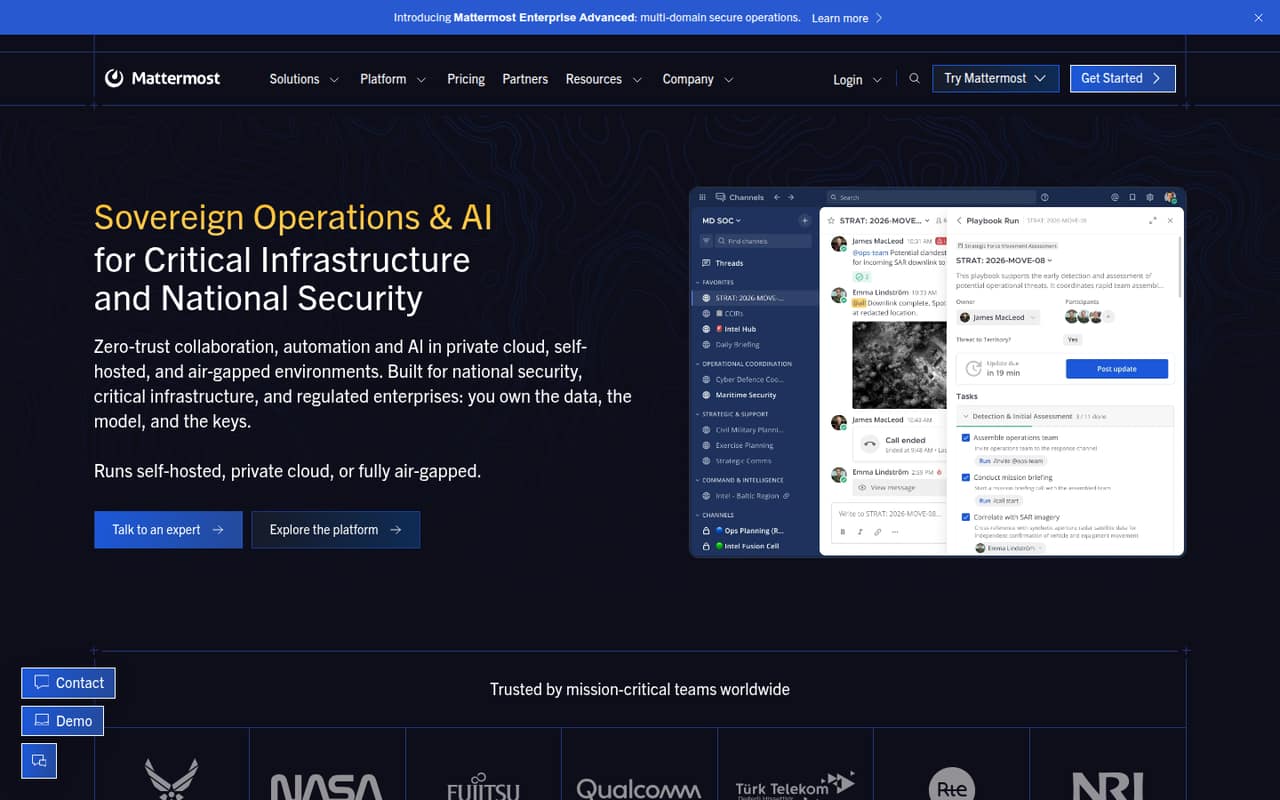
Mattermost is designed for teams with data-control requirements, incident response, and operations work. A free plan is listed, but the vendor does not publish a paid starting price on the pricing page. Self-hosting gives organizations control, but it is a lot to take on for basic team chat. Ask about setup and ongoing needs before treating the free option as the lowest-cost choice.
What works
- Free Entry plan supports up to 100 users
- Self-hosted, private-cloud and air-gapped options
- Chat, workflows and task boards in one platform
What doesn't
- Commercial plan prices require a custom quote
- Paid subscriptions are prepaid and annual
- Entry limits message history and board cards
- Best for public servicesRocket.ChatRocket.Chat
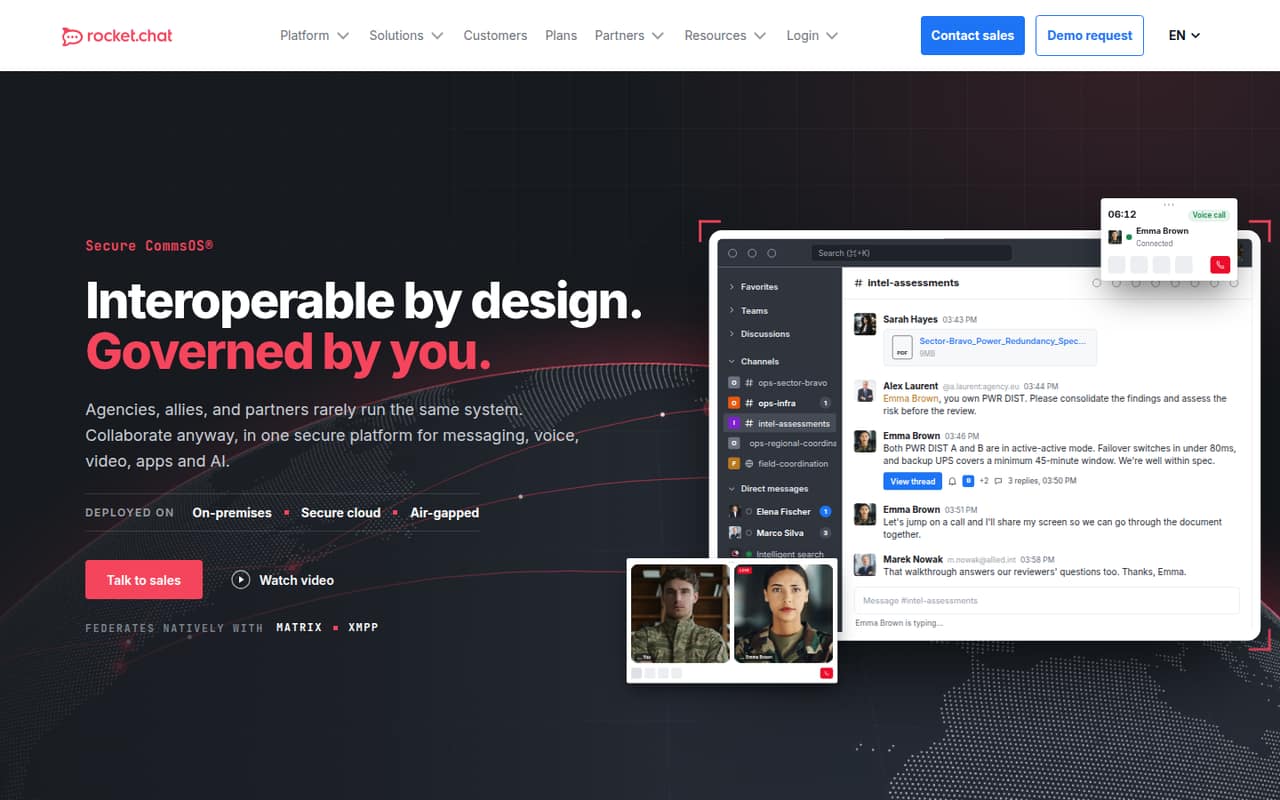
Rocket.Chat is worth considering for public offices engaging with citizens, teams that can self-host, or organizations needing Matrix or XMPP federation. A free plan is listed, but the vendor does not publish a paid starting price on the pricing page. Its self-hosting focus makes setup an important buying question. For everyday small-team chat, compare that work with simpler low-cost options.
What works
- Starter is listed at $0 per user monthly
- Unlimited chat history on Starter
- Supports on-premises and secure-cloud deployment
What doesn't
- Starter is self-managed hosting only
- Starter is aimed at public offices
- Enterprise pricing requires a custom quote
- Best for educationProntoPronto
Pronto serves education teams as well as restaurant teams looking at communication tools. The vendor uses custom pricing, so a small team cannot judge its budget from a published starting price. Ask for a quote based on your team size and requirements before comparing it with per-seat options. It is a narrower fit than a general chat tool for many small businesses.
What works
- Presents options for education, business and restaurants
- Focuses on team communication and collaboration
- Aims to support real-time connections
What doesn't
- No free plan is listed
- No starting price is published
- Monthly and annual rates are not published
- Best for business callsIntermedia UniteIntermedia Unite
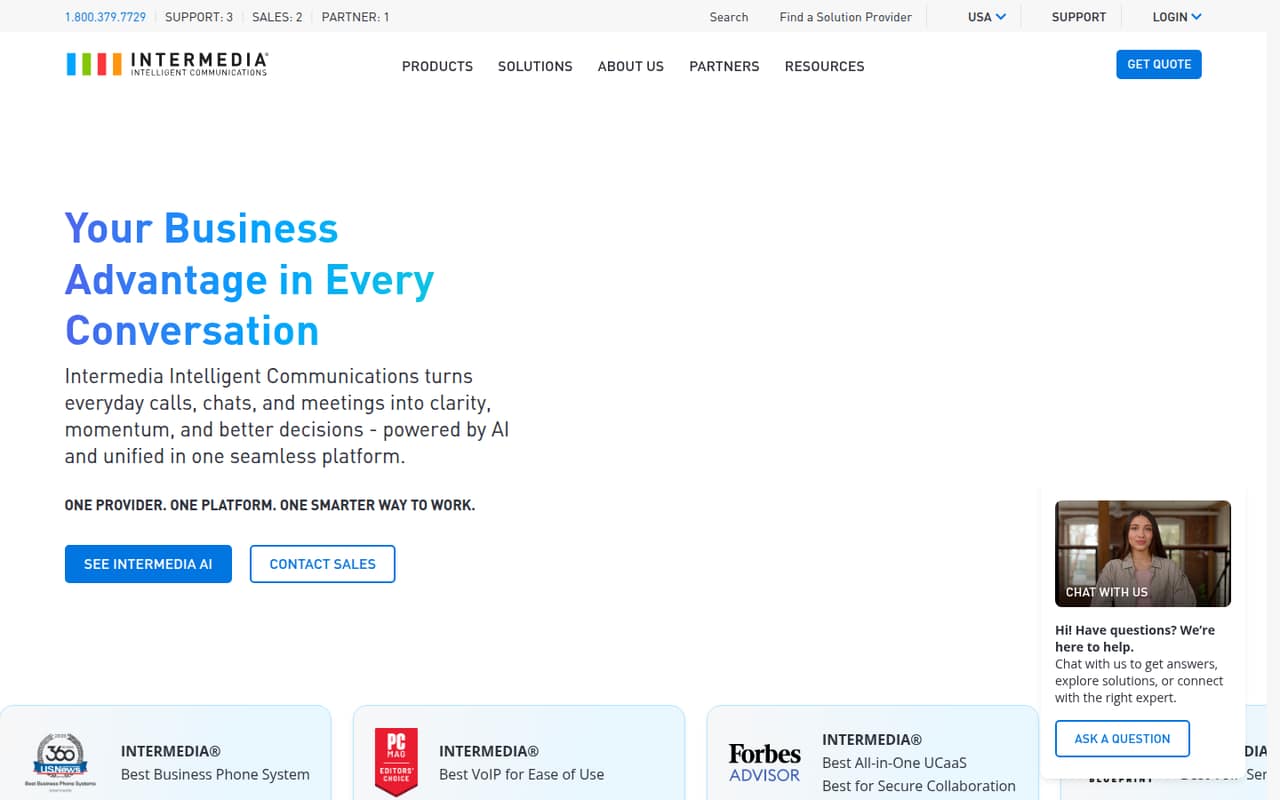
Intermedia Unite may suit small teams consolidating business communications, especially those needing calling and online meetings. Pricing is not published, so ask the vendor what a few seats cost before weighing its value against chat-first tools. Customer support teams can also explore its AI assistance. For a small team buying chat alone, its broader communications focus may not justify the extra evaluation.
What works
- Brings calls, meetings, chats, and customer interactions together.
- AI call recaps include summaries, transcripts, and sentiment analysis.
- AI meeting recaps cover discussion topics and next steps.
What doesn't
- Intermedia doesn't publish plan prices or a starting price.
- No free plan is listed, and trial terms aren't published.
- The price of Exchange Email as an add-on isn't published.
- Best for financeSymphonySymphony
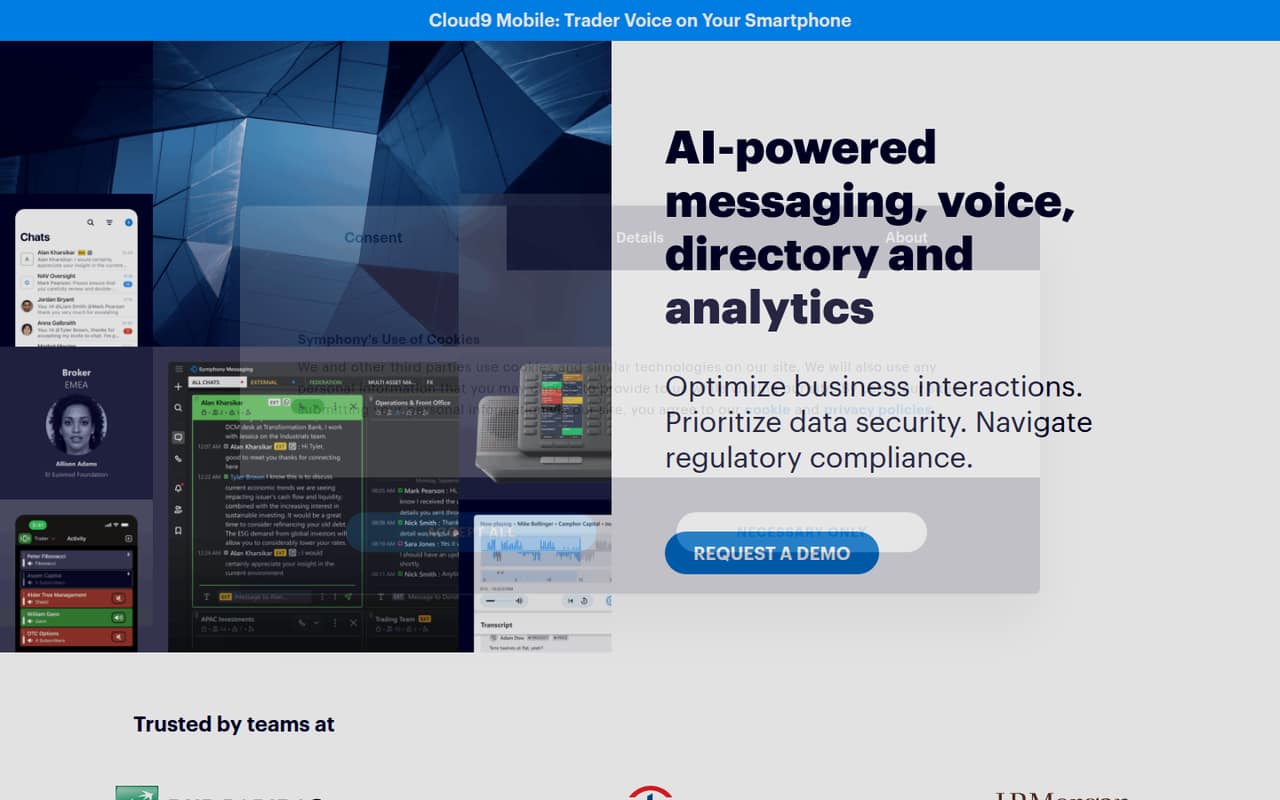
Symphony is built for financial firms with compliance needs, client conversations across channels, and trading teams needing cloud voice. The vendor does not publish a price or free plan on the pricing page, making it difficult for a budget-conscious small team to compare. Ask about minimum commitments and seat pricing. Unless your team needs its finance-specific focus, a lower-cost general chat option may fit better.
What works
- Secure messaging built for global finance
- Client channels include WhatsApp, SMS and WeChat
- Cloud9 offers trader and broker voice
What doesn't
- No free plan is listed
- Free-trial availability is not published
- Enterprise pricing requires a sales quote
- Best for WordPress teamsClaritiClariti
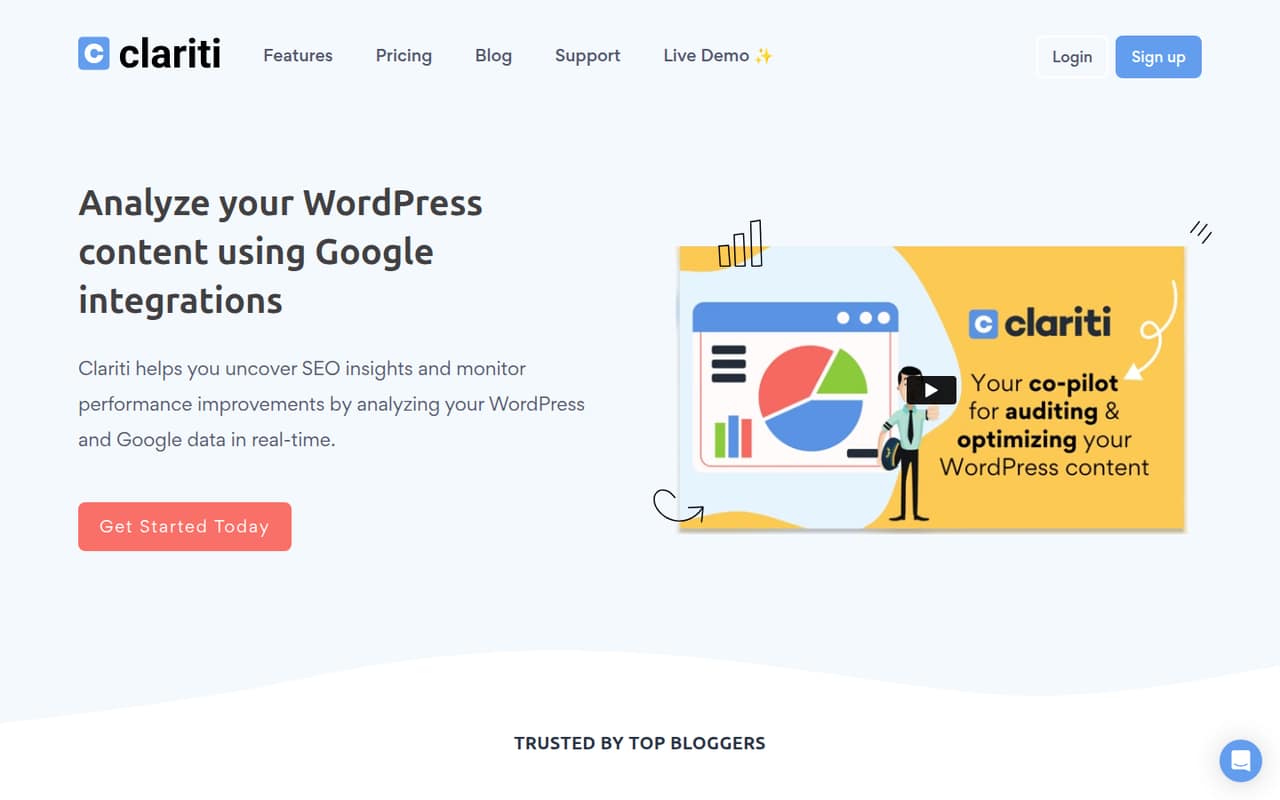
Clariti is a specialized fit for WordPress content teams tracking content updates, including sites using Google Analytics and Search Console. The listed price is $40.83 per site monthly on annual billing. That may be hard to justify for a team that only needs chat. Consider it when its content-work features match your workflow, and compare the per-site cost with your budget.
What works
- Combines WordPress, Analytics, and Search Console integrations
- Includes keyword ranking and tracking
- Organizes optimization work with projects and tasks
What doesn't
- No free plan
- No free trial is listed
- Annual plan costs $490 per site
03How we chose
We ranked these tools for a team of 1–10, weighing whether a free plan can cover the basics, what the listed starting price means for a few people, and how much setup the team may take on. We also considered plan limits, vendor documentation, and Reddit sentiment where available. Self-hosting, custom pricing, or a small free-plan cap can change the value quickly. These are fit-based recommendations, not claims of hands-on testing; verify current plan terms with each vendor before buying.
04Start with the free plan and the real bill
First ask whether your team needs a dedicated chat tool at all. If you do, list the basics you actually need: written messages, calls, outside-client conversations, or a way to keep topics organized. Then compare the free-plan limits against your team's size and habits. Chanty's free tier has a five-member ceiling; Wire's free option covers up to five; DingTalk's free workplace hub is described as useful for up to 10. Those caps can decide the shortlist before price does.
Treat a starting price as a starting point, not automatically the full bill for your team. Lark lists $6 per seat monthly on annual billing, so five seats work out to $30 per month at that rate. For tools where billing units or terms are unclear, ask the vendor what several seats cost and whether annual billing is required. Also check what happens when you need more history, storage, channels, or meeting capacity.
05Check setup effort and your next growth step
A small team should favor a tool everyone can adopt without taking on unnecessary administration. A self-hosted option can offer more control, but it also asks the team to handle setup; Mattermost is described as a lot to take on for basic chat. If you're considering Element, Mattermost, or Rocket.Chat, ask who will manage setup and what ongoing work is expected. For any tool, check the vendor's docs for account setup, inviting people, and moving existing conversations.
Plan for the point when the free tier stops working. Slack's summary says to budget for Pro if you need full history. Flock has limits on messages, channels, and storage; Chanty and Wire have free-plan seat caps. Ask what upgrade changes, what the new bill will be for your team, and whether your current conversations remain accessible. If a vendor doesn't publish pricing, request a quote before your team depends on the service.
Questions people ask
What is the best free team chat software for a small team?
Zulip is our top fit for teams comfortable with topic-based conversations. Pumble is a simpler budget pick, while Lark offers a broader free workspace. The right choice depends on the plan limits you need; check the vendor's current terms before inviting the whole team.
Which team chat tool is cheapest for a few people?
Pumble has the lowest listed paid starting price among our top picks, at $2.49, and a free plan. But the listing doesn't specify every billing detail. Confirm whether the price is per person, what billing period it uses, and which features your team would need to pay for.
Can a team of 10 use free team chat software?
DingTalk's free workplace hub is described as useful for teams of up to 10. Other options may have smaller caps; Chanty's free tier is limited to five members, and Wire's free option covers up to five. Confirm the current seat rules and other plan limits with each vendor.
When should a small team upgrade its chat software?
Upgrade when a free-plan limit blocks work your team relies on, such as message history, storage, channels, meetings, or seats. Slack's summary specifically says to budget for Pro if you need full history. Before switching plans, check the price for all your seats and what changes at the next tier.