
We may earn a commission if you buy through links on this page. It never changes a score or a ranking. How we make money
The bottom line
Strong finance coverage, but a 15-seat monthly minimum makes it a tough buy for tiny teams.
Emburse Spend brings expenses, travel, AP, payments, and spend visibility into one platform. It may suit a team that wants finance controls across those workflows, but it is a lot of tool—and cost—for a few reimbursing employees.
There is no free plan. Basic starts at $7 per user monthly with annual billing, but a 20-user annual minimum applies; monthly billing has a 15-user minimum and costs $8 per user. A 30-day trial is listed.
Good fit if
- Finance teams consolidating spend workflows
- Teams needing bill pay and reimbursements
- Organizations with global expense needs
Skip it if
- Tiny teams seeking a free tool
- Businesses with only occasional reimbursements
- Buyers avoiding minimum seat commitments
ScoresHow it rates
What works
- Combines expense, travel, AP, and payments
- Basic includes up to 50 monthly ACH reimbursements
- Plus includes unlimited ACH reimbursements and Bill Pay
- Lists support for 100+ countries
- Self-guided implementation is listed at no cost
What doesn't
- No free plan
- Monthly billing requires at least 15 users
- Annual Basic and Plus require 20 active users
- Guided implementation costs $1,500 once
- Setup details and learning curve aren't published
01Who Emburse Spend is for
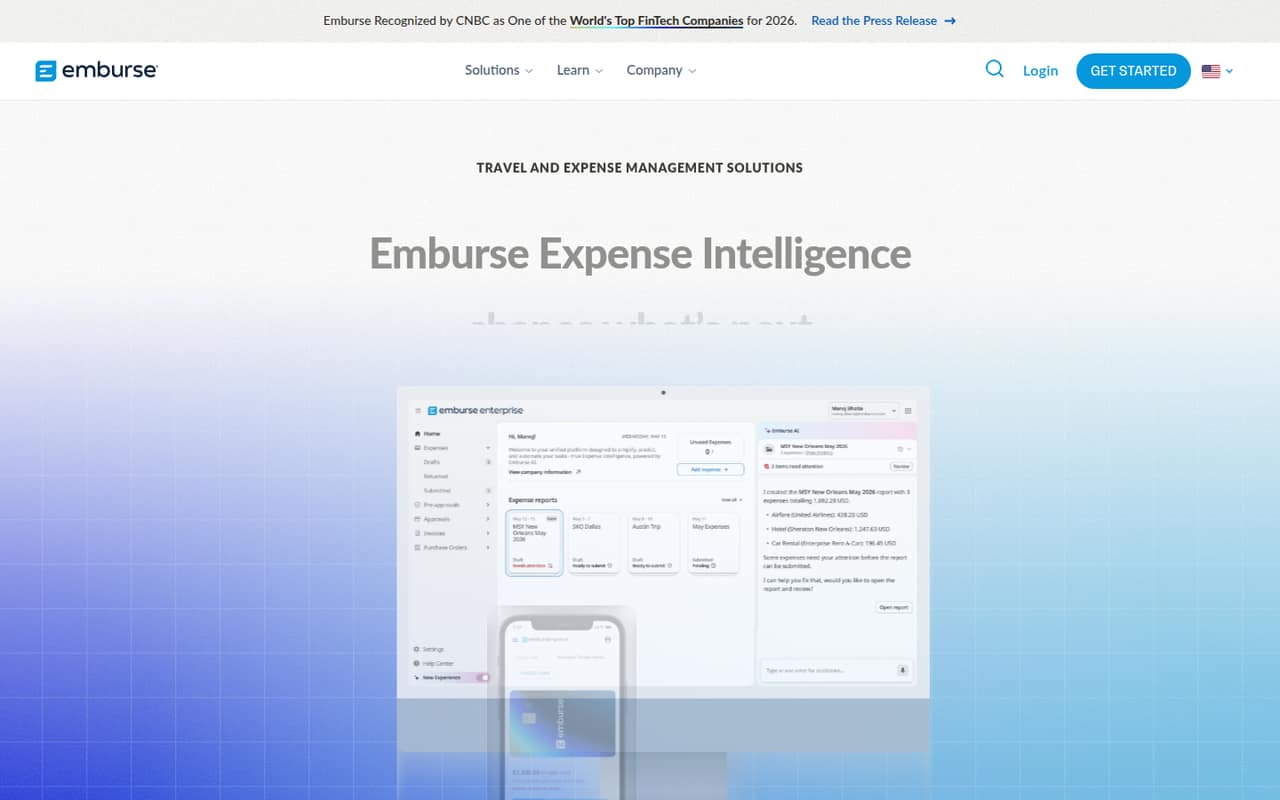
Emburse Spend is aimed at finance teams that want to manage expenses, travel, accounts payable, payments, and spend visibility in one platform. The homepage highlights real-time spend visibility, AI-assisted expense processing, and compliance support. The product also lists expense, travel, AP, cards, invoices, and ACH payments, with localization for more than 100 countries.
For a 1–10-person company, the key question is whether those finance workflows justify paying for far more seats than you have. Basic covers up to 100 employees and includes up to 50 monthly ACH reimbursements; Plus adds Bill Pay and unlimited ACH reimbursements. Both plans have seat minimums that make them a harder fit for a small team on a tight budget. We’d consider it when a team needs broader finance controls—not just a simple way to submit receipts—and can use the extra capacity.
02Emburse Spend free plan and trial
Emburse Spend does not have a free plan. The pricing lists include a 30-day free trial, but the trial’s seat limit, feature restrictions, and whether a payment method is required are not published. Ask the vendor to confirm those details before starting, especially if you need to test Bill Pay or reimbursements with multiple employees.
The cheapest paid option is Basic: $7 per user per month with annual billing, or $8 with monthly billing. Those per-user rates don’t tell the whole story for a small team: monthly billing has a 15-user minimum, while annual billing requires 20 active users. Basic includes up to 50 monthly ACH reimbursements. If your team needs Bill Pay or unlimited ACH reimbursements, the next option is Plus.
03What a small team pays for Emburse Spend
The pricing lists Basic at $8 per user monthly or $7 per user with annual billing. At the per-seat rate, three people would be $24 monthly or $21 per month on an annual rate; five would be $40 or $35. But monthly billing has a 15-user minimum, so the actual minimum is $120 per month. Annual Basic requires 20 active users: that is $1,680 for 12 months, or $140 per month when spread across the year. The three- and five-person examples therefore don’t reflect the actual minimum invoice.
Plus costs $12 per user monthly or $11 with annual billing. The monthly minimum is $180, and the annual minimum works out to $220 per month across 20 active users. Plus includes Bill Pay and unlimited ACH reimbursements. Basic overages above the committed annual user band are $8 per active user monthly; Plus overages are $12. Self-guided implementation is listed at no cost, guided implementation at $1,500 once, and Emburse Cards have no fees; qualifying spend volumes may earn a 1% cash rebate.
04Getting started with Emburse Spend
Emburse lists self-guided implementation at no cost and guided implementation for a one-time $1,500. That gives a small team two onboarding-cost options, but the vendor does not publish setup timelines or a clear breakdown of the steps involved. The learning curve is also not published, so ask what configuration, training, and finance-team time each option includes.
A Reddit poster setting up the product said it was their first time researching a vendor and handling initial setup, and asked where to get help. The thread has no replies, so it doesn’t establish how difficult setup is or how quickly questions get answered. The product covers several workflows, but specific day-one integrations are not listed in the available pricing details. Before signing, ask Emburse to confirm compatibility with your accounting system, travel process, and payment workflows.
05When small teams outgrow Emburse Spend
For a small team, the immediate pressure is more likely to be the seat minimum than a feature ceiling. Basic and Plus list support for up to 100 employees, but monthly billing starts at 15 users and annual billing requires 20 active users. A team of three or five pays for that minimum whether it uses all the seats or not. If you add users beyond your committed annual band, the listed overage is $8 per active user monthly on Basic and $12 on Plus.
Teams may also need to move from Basic to Plus when they want Bill Pay or unlimited ACH reimbursements; Basic includes up to 50 monthly ACH reimbursements. The listed Custom plan is for organizations with complex needs, but its price is not published, so ask Emburse for a quote before planning around it. One Reddit poster was just beginning vendor research and initial setup, but there were no replies about growth or switching. That discussion offers no evidence of how the product performs as a team scales.
From the threadsWhat users say
The available Reddit discussion is a single prospective user's setup question, not a report from an experienced customer. The poster sounds interested but nervous, and there are no replies to clarify setup or support.
I'm setting up Emburse Spend for our new expense management at my company and I'm wondering if anyone here has experience with doing the initial setup?
So, I'm excited
First time I've gotten to be involved in the initial process of researching and picking a vendor
I'm also not sure if there is a better subreddit that I can be directed to in order to discuss setup and questions using the application
Questions people ask
Does Emburse Spend have a free plan?
No. Emburse Spend does not list a free plan, but it lists a 30-day free trial. The trial’s seat limit, feature restrictions, and payment-method requirements are not published. Ask Emburse to confirm those terms before you start, especially if you want to evaluate the product with several employees.
How much does Emburse Spend cost for a small team?
Basic is listed at $8 per user monthly or $7 per user with annual billing. Monthly billing requires at least 15 users, or $120 per month. Annual billing requires 20 active users, which works out to $1,680 for 12 months at the Basic annual rate.
What is included in Basic and Plus?
Basic includes up to 100 employees and up to 50 monthly ACH reimbursements. Plus also supports up to 100 employees, with unlimited ACH reimbursements and Bill Pay. Basic is listed at $7 annually or $8 monthly per user; Plus is $11 annually or $12 monthly per user, with minimum seat commitments applying.
Does Emburse Spend include implementation?
Self-guided implementation is listed at no cost. Guided implementation costs $1,500 one time. The vendor does not publish a setup timeline or a detailed list of onboarding steps in the pricing details, so ask what training, configuration, and support are included in each option.
How many countries does Emburse Spend support?
Emburse lists localization for more than 100 countries and describes support for global expense, travel, AP, cards, invoices, and ACH payments. If your team has specific country, currency, tax, or payment requirements, confirm that those workflows are covered before choosing a plan.