
We may earn a commission if you buy through links on this page. It never changes a score or a ranking. How we make money
The bottom line
Strong coverage for spaces and events; an unpublished price makes budget fit hard to judge.
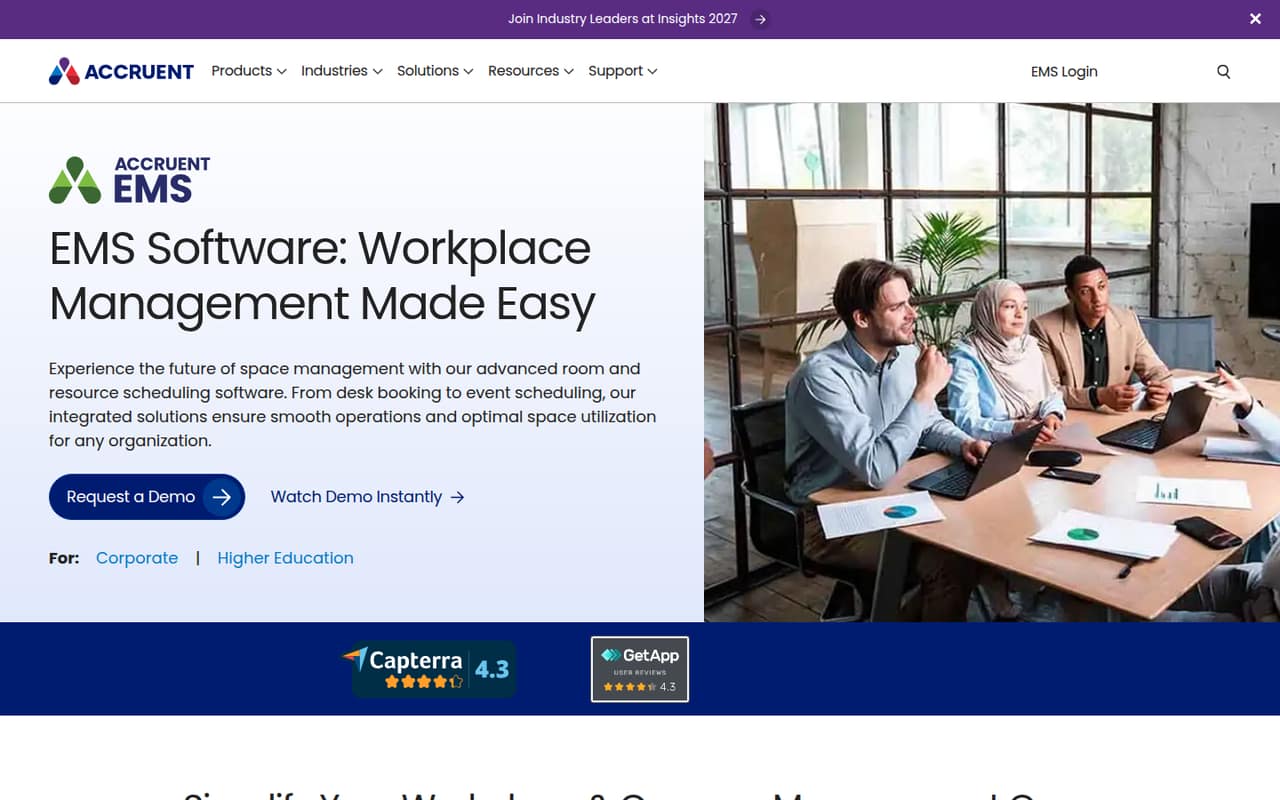
EMS Software brings room, desk, event, classroom, and shared-resource scheduling into a workplace and campus management offering. It also describes space utilization reporting and tools for hybrid work.
For a small team watching costs, the main drawback is the buying process: EMS lists custom quotes, but no starting price, plan limits, free plan, or trial terms. Get a quote before deciding whether its wider feature set is worth the spend.
Good fit if
- Campuses coordinating classroom schedules
- Workplaces managing rooms and desks
- Teams scheduling events and shared resources
Skip it if
- Teams that need a free scheduler
- Buyers requiring published per-seat prices
- Small groups with simple room needs
ScoresHow it rates
What works
- Covers room and desk scheduling
- Includes event and classroom scheduling
- Can schedule shared resources
- Lists space utilization reporting
- Serves corporate and higher education settings
What doesn't
- Pricing requires a custom quote
- No free plan is listed
- Trial terms are not published
- Plan limits are not published
- Setup timeline and integrations are not stated
01Who EMS Software is for
EMS Software is for organizations that need to coordinate more than a handful of meeting rooms. The vendor describes workplace and campus management tools for corporate organizations and higher education, covering rooms, desks, events, classrooms, and shared resources such as labs and equipment.
A 1–10-person team could consider it if space scheduling is a real operational job: for example, coordinating desks and rooms alongside events or classroom use. If you only need a basic way to reserve a room, the broader scope may be more than you need. EMS also describes space utilization reporting, which may matter to teams trying to understand how spaces are used. The budget fit is harder to call: the pricing page lists custom quotes, not a published starting price. Small teams should ask for a quote based on their actual spaces, users, and scheduling needs before comparing it with simpler options.
02EMS Software free plan and trial
EMS does not list a free plan, and the pricing page does not publish trial terms. That means a small team should not plan on trying the full product at no cost based on the published pricing details.
The listed route in is a custom quote: EMS asks organizations to contact sales, while plan limits and billing terms are also unpublished. Before committing, ask whether EMS offers a time-limited trial or a guided evaluation, what access that includes, and whether there are minimum user or space requirements. Get any evaluation terms in writing, including what happens when the trial ends. With no public trial details or free tier to compare, the lowest-cost way to assess EMS is to request a quote and evaluation options directly.
03What a small team pays for EMS Software
The pricing page lists a custom quote and says to contact sales. It does not publish a starting price, per-seat rate, billing frequency, or plan limits. So we cannot calculate a reliable cost for one person, three people, or five people, or compare monthly billing with an annual commitment. Those figures are not published.
The pricing material also does not list add-on prices or identify paid add-ons. EMS describes several scheduling areas—rooms, desks, events, classrooms, and shared resources—but the public pricing information does not say which are included in a quote or priced separately. Ask sales for an itemized proposal for your specific mix of spaces and users, plus any setup, support, or add-on charges. For a small team on a tight budget, the missing seat math is a real hurdle: get totals for your current team and likely growth before signing.
04Getting started with EMS Software
EMS describes what teams can schedule, but the published product and pricing details do not state a setup timeline, onboarding process, or learning curve. They also do not name integrations. We would treat the setup effort as an open question rather than assume a small team can configure everything without help.
Before buying, ask EMS who configures rooms, desks, resource rules, and permissions, and whether that work is included in the quote. If you need calendars or other workplace systems connected, ask which integrations are available and whether they carry extra costs. A useful sales walkthrough should cover your actual scheduling jobs—such as booking a room, managing a desk reservation, and coordinating an event—rather than only showing a feature list. The vendor describes reporting and space utilization features, so ask what information must be entered before those reports are useful.
05When small teams outgrow EMS Software
EMS is aimed at workplace and campus scheduling across several areas, so a small team may outgrow a simpler tool before it outgrows EMS. The product description covers rooms, desks, events, classrooms, shared resources, and space reporting; that breadth may be useful as scheduling becomes a more involved job.
The harder point is knowing when the price or package stops fitting. EMS does not publish seat limits, feature tiers, or a starting price, so there is no public threshold for an upgrade or a larger team. Ask sales how pricing changes as users, spaces, or scheduling needs grow, and whether features are bundled or quoted separately. If the quote exceeds your budget or includes capabilities you will not use, a narrower scheduler may be a better fit. Revisit the decision when you add new types of spaces or need reporting beyond your current setup.
Questions people ask
What is EMS Software used for?
EMS Software is workplace and campus management software for scheduling rooms, desks, events, classrooms, and shared resources. The vendor also describes space utilization reporting and tools for hybrid work. Organizations can use it to coordinate different kinds of spaces and scheduling needs.
Does EMS Software have a free plan or trial?
EMS does not list a free plan, and the pricing page does not publish trial terms. Ask the sales team whether a trial or guided evaluation is available, what it includes, and how long it lasts before budgeting for a purchase.
How much does EMS Software cost for a small team?
EMS lists custom quotes, but does not publish a starting price, per-user rate, or monthly and annual billing terms. Request a quote for your user count and spaces, and ask for any setup or add-on costs to be itemized.
What can teams schedule with EMS Software?
The vendor describes scheduling for meeting rooms, desks, events, classrooms, and shared resources, including labs and equipment. It also describes space analytics and reporting for understanding space utilization. Ask EMS which capabilities are included in the quote you receive.
What should I ask EMS before requesting a quote?
Ask for pricing at your current team size and a likely future size, plus any minimums or extra charges. Confirm which scheduling features are included, what setup involves, what integrations are available, and whether EMS offers an evaluation before you commit.