
We may earn a commission if you buy through links on this page. It never changes a score or a ranking. How we make money
The bottom line
Good channel coverage, but no free plan and API charges can vary with usage.
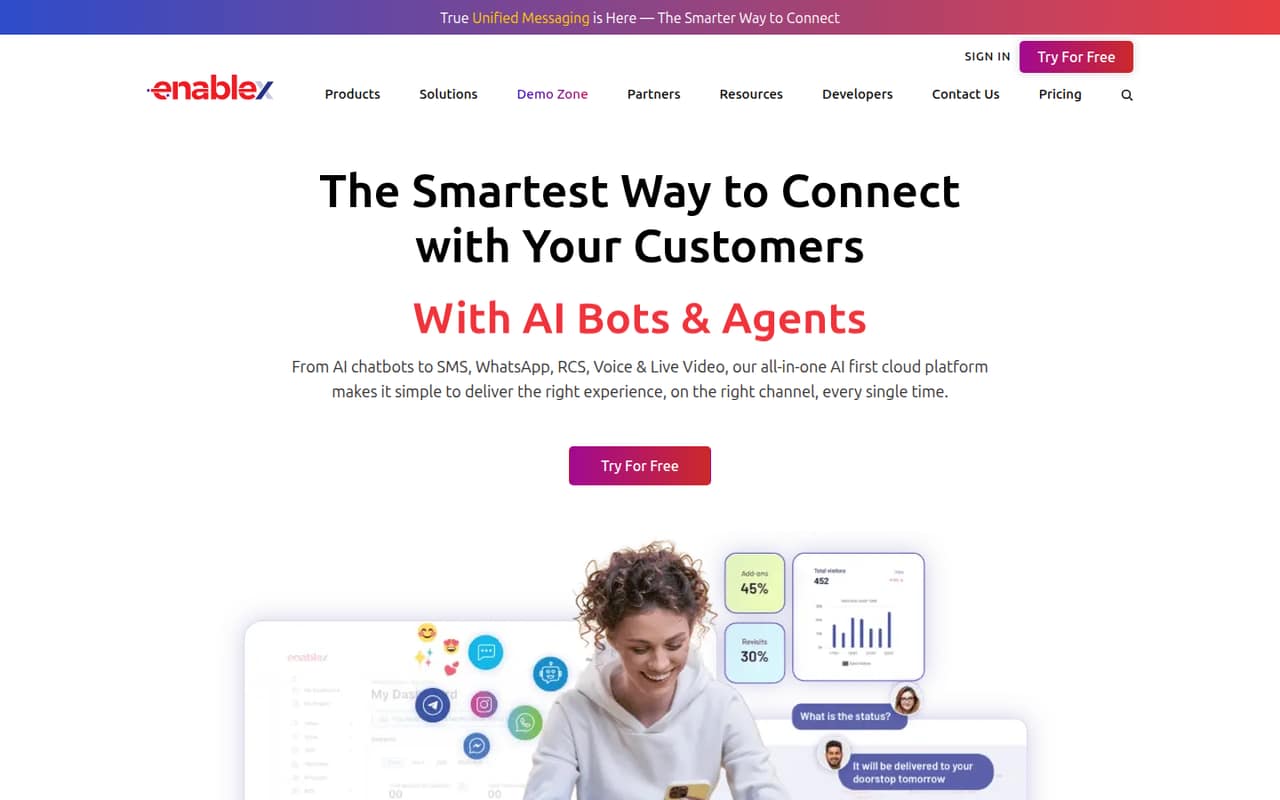
EnableX brings video, voice, SMS, WhatsApp and RCS APIs together with chatbots, campaign tools and a visual builder. It fits a small team building customer communications, especially when it has someone comfortable working with APIs and SDKs.
There’s no free plan. The pricing page lists a 30-day trial without a credit card, and Dialogs Cloud starts at $49/month. API costs depend on usage, country or destination, so teams should estimate message and call volumes before committing.
Good fit if
- Teams building across several channels
- Small teams with developer support
- Businesses that need AI chatbots
Skip it if
- Teams that need a permanent free plan
- Buyers who need fixed API costs
- Teams seeking a ready-made helpdesk
ScoresHow it rates
What works
- APIs cover video, voice and messaging channels
- Visual builder offers a no-code option
- Chatbots can hand conversations to people
- 30-day trials are listed without a credit card
- Public, on-premise and hybrid deployment options
What doesn't
- There is no free plan
- API charges vary by usage and destination
- Dialogs Cloud is the only listed fixed monthly price
- Annual-billing prices are not published
- Setup effort and seat limits are not published
01Who EnableX is for
EnableX is for small teams building customer communications rather than teams looking for a simple, ready-made inbox. A team of one to ten could use it to add video or voice calls, send SMS or WhatsApp messages, run campaigns, or build chatbot conversations. It brings APIs and SDKs together with a visual builder, so a technical owner can work with the developer tools while other teammates may use the builder.
The fit depends on the job and budget. If you need a chatbot, Dialogs Cloud starts at $49/month. If you mainly need messaging or calling, the pricing page lists usage-based rates, so the bill depends on what you send and where. That can work for a small team with a clear use case and volume estimate, but it’s less comfortable for a tight budget that needs a fixed monthly total. EnableX also lists public, on-premise and hybrid deployment options.
02EnableX free plan and trial
EnableX has no free plan. The pricing page lists a 30-day trial without a credit card for its video, voice, SMS, WhatsApp, RCS, Dialogs Cloud and AI Voice Bots offerings. The vendor does not publish the trial’s exact usage allowances or feature limits, so ask what the trial includes for the product you want to evaluate.
The cheapest listed fixed monthly price is Dialogs Cloud (AI Chatbots), starting at $49/month. If you need an API instead, entry rates are usage-based: video starts at $0.004 per participant per minute, inbound voice at $0.007 per minute, international SMS at $0.03432 per message, and WhatsApp at $0.0158 per conversation or message. Those are starting rates, not a free tier.
03What a small team pays for EnableX
The pricing page lists Dialogs Cloud (AI Chatbots) at $49/month. It does not publish seat limits or say that the price is per seat. If one subscription covers the whole team, the base would be $49 for one person, three people or five people—equivalent to $49, $16.33 or $9.80 per person, respectively. Confirm team access with EnableX before using that math for a budget. Annual-billing prices are not published; $588 is simply 12 months at the listed monthly rate, not a quoted annual plan.
The APIs charge by use, not by a listed seat price. Video starts at $0.004 per participant per minute, with sessions up to 50 participants; above that, contact sales. Inbound voice starts at $0.007/minute, international SMS at $0.03432/message, WhatsApp at $0.0158 per conversation or message, and RCS at ₹0.15/message. Country, destination and use case can change rates. Potential add-ons include video storage beyond 72 hours at $0.10/GB/month, recording, voice services and virtual numbers. Ask for a usage estimate and any setup or integration quote.
04Getting started with EnableX
EnableX offers APIs and SDKs as well as a drag-and-drop builder. That gives a small team more than one route: a developer can build around the APIs, while the visual builder is intended to create customer engagement experiences without coding. The homepage lists video, voice, SMS, unified messaging, RCS and WhatsApp capabilities, but it does not set out how long implementation takes or what technical skills each product requires.
For a first project, choose one channel and one customer journey, then confirm which API, SDK or builder supports it. The vendor does not publish a setup estimate or a list of ready-made CRM and helpdesk integrations on its homepage. Ask about the required accounts, testing process, existing system connections and trial limits before assigning a launch date. A team without a developer should confirm that the visual builder covers its specific workflow rather than assuming every API feature is available without code.
05When small teams outgrow EnableX
The clearest point to revisit your setup is when usage grows enough that per-message or per-minute charges become hard to forecast. EnableX lists starting rates, but several prices vary by country, destination or use case. The pricing page does not publish a general monthly cap or a per-seat schedule, so ask for projected costs at your expected volume before scaling a campaign.
For video, sessions are listed for up to 50 participants; above 50, the pricing page directs buyers to contact sales. Teams that need on-premise deployment or custom integrations should also expect a quote rather than a published fixed price. Enterprise / On-Premise lists custom pricing, volume tiers and no minimum usage commitments. That may suit a larger deployment, but it means small teams should get the full quote—including setup and integration costs—before treating the entry rates as their long-term budget.
Questions people ask
What is EnableX used for?
EnableX is a cloud platform for customer communications. Its APIs and SDKs cover video, voice, SMS, WhatsApp and RCS, and it also lists campaign tools, chatbots and a visual builder. The homepage lists public, on-premise and hybrid deployment options.
Does EnableX have a free plan?
No. The pricing page lists a 30-day trial without a credit card, but not a permanent free plan. It does not publish the trial’s exact usage allowances, so confirm the limits for the specific product you want to try.
How much does EnableX cost for a small team?
Dialogs Cloud (AI Chatbots) starts at $49/month. The pricing page does not publish seat limits or per-seat prices. Other listed products charge by usage, such as per message, minute or video participant per minute, with rates that can vary.
Does EnableX support WhatsApp and SMS?
Yes. EnableX lists APIs for SMS and WhatsApp, along with a WhatsApp Business API and campaign tools for broadcasting personalized messages across channels. WhatsApp and SMS pricing depends on factors such as country, use case and message volume.
Can EnableX run on-premise?
EnableX lists public, on-premise and hybrid deployment options. Enterprise / On-Premise pricing is by custom quote. Ask the vendor about deployment requirements, setup costs and any integrations your team needs.