
We may earn a commission if you buy through links on this page. It never changes a score or a ranking. How we make money
The bottom line
A useful client portal and signature tool, best value when secure file exchange is the main need.
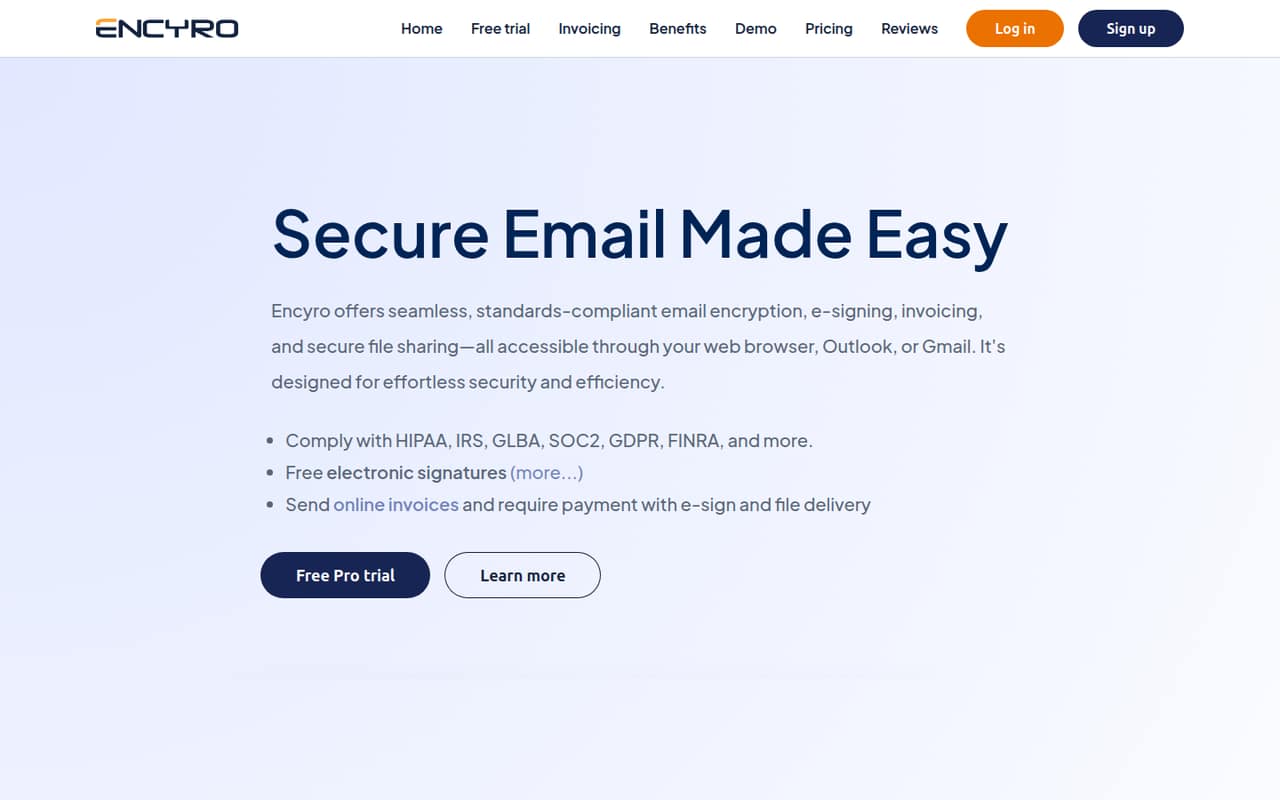
Encyro combines encrypted messages and file sharing with e-signatures, invoices, branded upload pages, and Outlook or Gmail add-ons. For a solo professional, Essential covers a small amount of secure messaging for free; client-facing work usually calls for Pro.
Pro starts at $9.99 per month with annual billing, and additional staff users start at $7.99 per month. Reddit users describe the upload page as handy, while one tax preparer said they had not tried Encyro’s KBA feature.
Good fit if
- Solo professionals sharing sensitive files
- Small firms collecting client signatures
- Tax practices needing secure uploads
Skip it if
- Teams needing a broad free tier
- Groups expecting published enterprise pricing
- Teams needing extensive setup documentation
ScoresHow it rates
What works
- Free Essential plan for light secure messaging
- Clients can send files without creating accounts
- Branded upload page for client documents
- Includes e-signatures and online invoicing
- Works through Outlook or Gmail add-ons
What doesn't
- Essential limits sending to five contacts
- Essential receives messages only from Encyro users
- Pro costs more when billed monthly
- Additional staff users add recurring costs
- Enterprise pricing and usage limits aren't published
01Who Encyro is for
Encyro is aimed at professionals and organizations handling sensitive client information: think a solo tax preparer, adviser, or small firm that needs a secure way to exchange files and collect signatures. It combines encrypted messaging and file sharing with e-signatures, invoicing, branded upload pages, and activity records such as file downloads and logins.
For a team of one, the free Essential plan may cover occasional secure messages. A team of 3-5 people doing regular client work will more likely need Pro, which supports a primary user and teams up to 30 users, with extra staff seats priced separately. That makes it a better fit for a small team that values a client-facing secure portal than for a group looking for a general-purpose email platform. Clients can send files through a branded page without creating an Encyro account.
02Encyro free plan and trial
Essential is free and includes one user, sending to up to five contacts, receiving messages only from Encyro users, and up to five e-signature requests per month. That is enough to try basic secure messaging or handle a small number of signature requests, but the receiving restriction makes it a poor fit if clients need to send files directly through a branded upload page.
Pro removes the five-contact and five-signature limits, and lets anyone send secure files through a branded upload page. The pricing information also lists a 14-day free trial, but does not specify which plan features the trial includes. If a team needs regular client uploads or unlimited e-signature requests, Pro is the cheapest listed plan that fits; it starts at $9.99 per month with annual billing.
03What a small team pays for Encyro
The pricing page lists Pro at $14.99 per month for one primary user, or $9.99 per month when billed annually. Additional staff users start at $7.99 per month, with a listed 20% discount. Using those listed rates, three seats come to about $30.97 per month at the monthly primary-user rate, or $25.97 per month with annual billing. Five seats come to about $46.95 or $41.95 per month, respectively. These are estimates based on the listed starting staff rate; confirm the billing terms for extra seats with Encyro.
The main add-ons to watch are KBA access codes for IRS Form 8879 signatures, from $0.16 per check, and SMS access codes, from $0.20 per request. Online invoicing also has payment processing fees: US and Canada ACH transactions below $25,000 cost 0.5% plus $0.55, capped at $6.30; card fees are interchange cost plus 0.5% and $0.55. Enterprise Accounts are for organizations purchasing more than 30 users; pricing and usage limits aren't published.
04Getting started with Encyro
Setup time and a step-by-step onboarding process aren't published, so we wouldn't budget a specific number of hours. The first practical choices are which staff need accounts, whether clients will use the branded upload page, and whether the team wants to work through a browser or add Encyro to Outlook or Gmail. The product also supports secure messaging, signatures, and invoicing, so teams can start with the client tasks they need rather than adopting every feature at once.
A tax preparer on Reddit said the secure upload page was handy for receiving confidential documents and passwords. That points to a simple client-facing use case, but it doesn't tell us how much staff setup is involved. Encyro's pricing information lists a 14-day trial, though the trial's included features aren't specified. Ask Encyro what onboarding help and trial access cover before moving active client work.
05When small teams outgrow Encyro
The first pressure point is seats: Pro's listed price covers one primary user, while additional staff start at $7.99 per month each. A team adding users should compare the full seat bill with alternatives before the recurring cost becomes a surprise. Organizations purchasing more than 30 users move to Enterprise Accounts, but Encyro doesn't publish that plan's price or usage limits, so ask for a quote and clear limits before committing.
The free tier can also become restrictive as client work grows: Essential allows sending to five contacts and only receives messages from Encyro users. Pro addresses those limits with unlimited contacts and file receipt from anyone through a branded page. Reddit comments show both ongoing use of that upload page and hesitation around KBA: one user said they had not used the feature, while another said they had not tested Encyro's approach. Teams relying on KBA should verify current requirements and the workflow with Encyro.
From the threadsWhat users say
The small amount of Reddit feedback is mostly favorable about secure file exchange, with one user describing the upload page as handy. Comments also show caution about KBA, including a user who had not tried the feature.
Very handy to just have a secure upload page that clients can use to send me confidential information
It worked great and was pretty cheap from what I remember
I haven't used the KBA feature yet
I haven't tested this yet though
Questions people ask
Is Encyro free?
Yes. Essential is free for one user and includes sending to up to five contacts, receiving messages only from Encyro users, and up to five e-signature requests per month. Teams that need unlimited contacts, unlimited signature requests, or a branded upload page for files from anyone need Pro.
How much does Encyro Pro cost?
Pro costs $14.99 per month or $9.99 per month with annual billing, according to the pricing information. The listed Pro plan is for one primary user; additional staff users start at $7.99 per month. Check the billing terms for added seats with Encyro.
Can clients send files without an Encyro account?
Yes. Pro includes a branded upload page that lets clients send secure files without creating an Encyro account. Essential has a narrower receiving rule: it receives messages only from Encyro users, so it is not the same fit for client uploads.
Does Encyro include e-signatures?
Yes. Essential includes up to five e-signature requests per month. Pro lists unlimited e-signature requests and client folders. KBA access codes for IRS Form 8879 signatures are an add-on, starting at $0.16 per check; SMS access codes start at $0.20 per request.
Does Encyro work with Outlook and Gmail?
Encyro offers email add-ons for sending and receiving secure messages and files through Outlook or Gmail. The setup steps and supported versions aren't published here, so confirm compatibility with Encyro before making either add-on part of your team's daily workflow.