We may earn a commission if you buy through links on this page. It never changes a score or a ranking. How we make money
A small team may not need a separate email security product if its existing email service already covers the risks you need to manage. But phishing protection, encrypted email, DMARC monitoring, and secure file sharing solve different problems, so the right pick depends on what you actually send and receive. For a low-cost starting point, Mailfence combines a free plan with paid options from $2.50. Sublime Security offers a free tier for teams focused on email threats, while its Enterprise price is not published. Before signing up, check the cost for every seat and how much setup your team will own.
Quick picksThe shortlist
 MailfenceMailfenceBest for small teams · €2.50/mo
 Sublime SecuritySublime SecurityBest free security · Free
 TutaTutaBest private email · €3/mo
 SoverinSoverinBest custom-domain email · €3.25/mo
 EasyDMARCEasyDMARCBest for DMARC · $35.99/mo
 ValimailValimailBest free DMARC start · Free
 Proofpoint EssentialsProofpoint EssentialsBest per-user security · $1.65/mo
 MailHippoMailHippoBest for small clinics · $4.95/mo
 HushmailHushmailBest for healthcare forms · $5/mo
 PreVeilPreVeilBest free encryption · $25/mo
 EncyroEncyroBest for secure uploads · $9.99/mo
 SendSafelySendSafelyBest for secure sharing · $10/mo
 IRONSCALESIRONSCALESBest for phishing training · Custom
 INKYINKYBest for M365 or Workspace · Custom
 AvananAvananBest for SaaS email · Custom
 PauboxPauboxBest for patient email · Custom
 dmarciandmarcianBest DMARC guidance · $19.99/mo
 LuxSciLuxSciBest for healthcare email · $50/mo
 VirtruVirtruBest for email access controls · $119/mo
 Abnormal AIAbnormal AIBest for business email compromise · Custom
 AppRiverAppRiverBest for bundled services · Custom
 ZixZixBest for encrypted workflows · Custom
 ProofpointProofpointBest for broader security · $2.75/mo
01Compared at a glance
| Tool | Score | From | Free plan | Trial |
|---|---|---|---|---|
| MailfenceMailfence | 7.0 | €2.50/mo | Yes | — |
| Sublime SecuritySublime Security | 8.0 | Free | Yes | 14 days |
| TutaTuta | 6.9 | €3/mo | Yes | — |
| SoverinSoverin | 7.1 | €3.25/mo | No | — |
| EasyDMARCEasyDMARC | 7.8 | $35.99/mo | No | — |
| ValimailValimail | 6.7 | Free | Yes | — |
| Proofpoint EssentialsProofpoint Essentials | 6.3 | $1.65/mo | No | — |
| MailHippoMailHippo | 7.0 | $4.95/mo | No | 30 days |
| HushmailHushmail | 6.2 | $5/mo | No | 14 days |
| PreVeilPreVeil | 6.8 | $25/mo | Yes | — |
| EncyroEncyro | 7.5 | $9.99/mo | Yes | 14 days |
| SendSafelySendSafely | 7.0 | $10/mo | Yes | Yes |
| IRONSCALESIRONSCALES | 6.8 | Custom | No | — |
| INKYINKY | 6.3 | Custom | No | — |
| AvananAvanan | 6.6 | Custom | No | 14 days |
| PauboxPaubox | 6.3 | Custom | No | 14 days |
| dmarciandmarcian | 7.0 | $19.99/mo | Yes | 30 days |
| LuxSciLuxSci | 7.0 | $50/mo | No | — |
| VirtruVirtru | 6.5 | $119/mo | No | — |
| Abnormal AIAbnormal AI | 6.2 | Custom | No | — |
| AppRiverAppRiver | 5.7 | Custom | No | — |
| ZixZix | 4.7 | Custom | No | — |
| ProofpointProofpoint | 6.0 | $2.75/mo | No | — |
02The picks, in detail
- Best for small teamsMailfenceMailfence
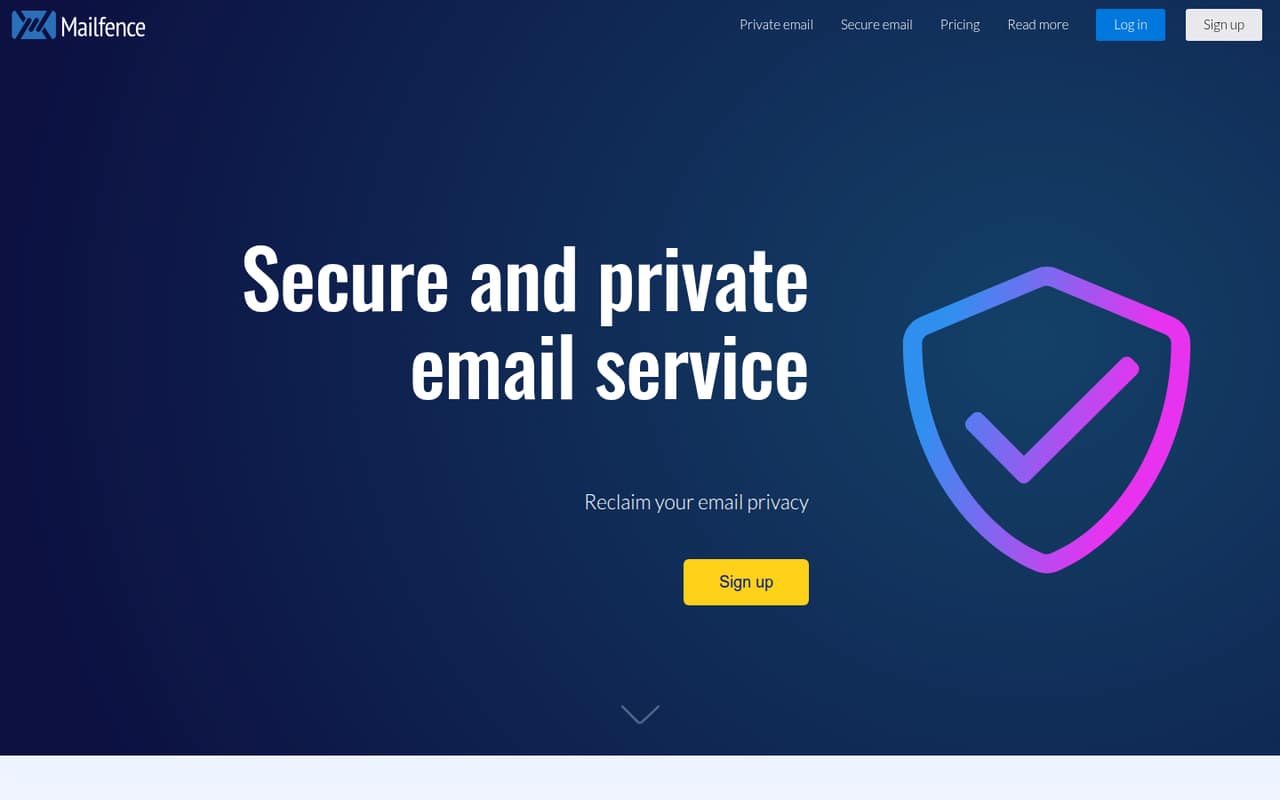
Mailfence is a strong fit for teams of up to five that want OpenPGP email, custom domains, and shared tools. The listed starting price is $2.50, and a free plan is available. It suits teams choosing private email as their main need; confirm which plan includes the features and domain setup your team requires.
What works
- Browser-based OpenPGP encryption and key management
- Digital signatures help verify email senders
- Entry includes two custom domains
What doesn't
- Free plan has no custom domains or aliases
- Free and Base plans lack POP/IMAP/SMTP access
- Dedicated mobile app availability is unclear
- Best free securitySublime SecuritySublime Security
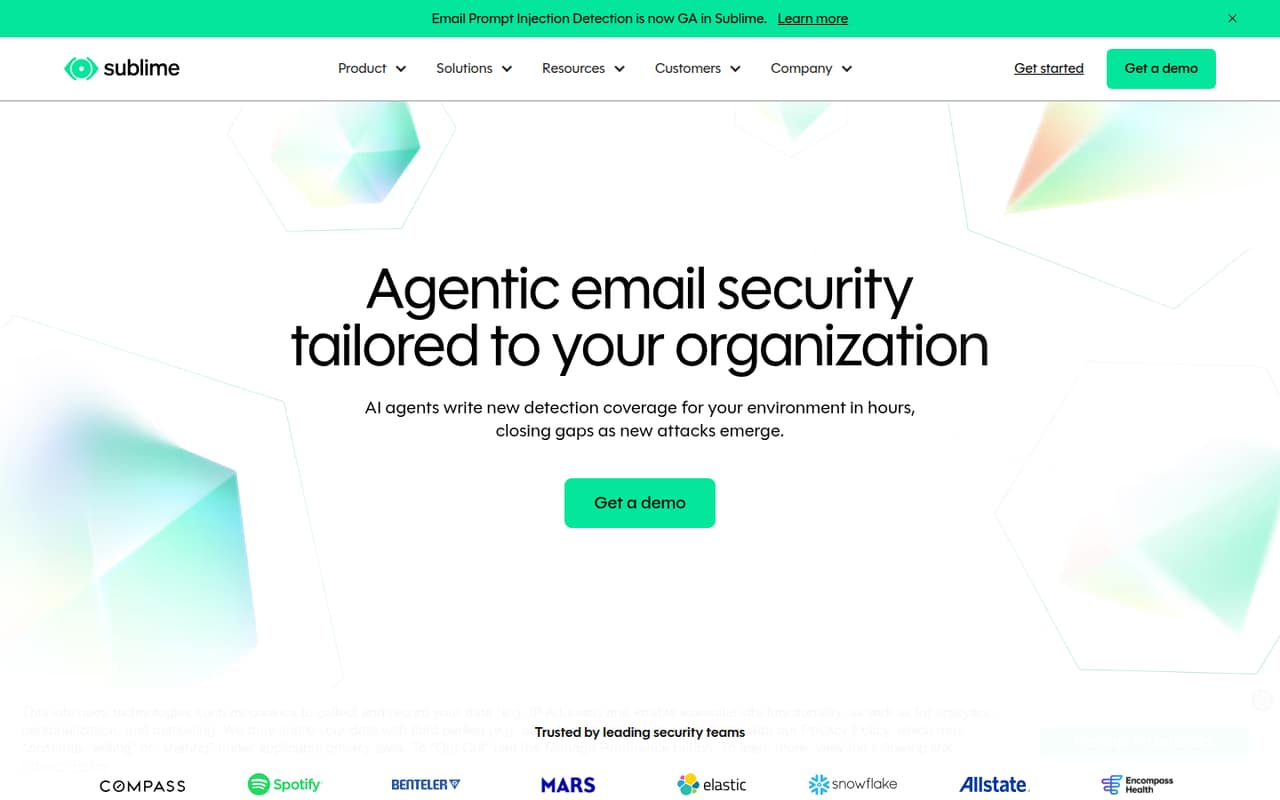
Sublime Security stands out for teams focused on email threats and watching software costs: it has a free tier, and its summary highlights analyst support for report triage. Enterprise pricing is not published, so confirm paid-plan costs and what setup is required before relying on it as your team grows.
What works
- Free Core plan covers up to 100 mailboxes
- Triage for user-reported emails
- AI agents help author detections
What doesn't
- Enterprise pricing is not published
- Enterprise seat limits are not published
- Add-on prices are not published
- Best private emailTutaTuta
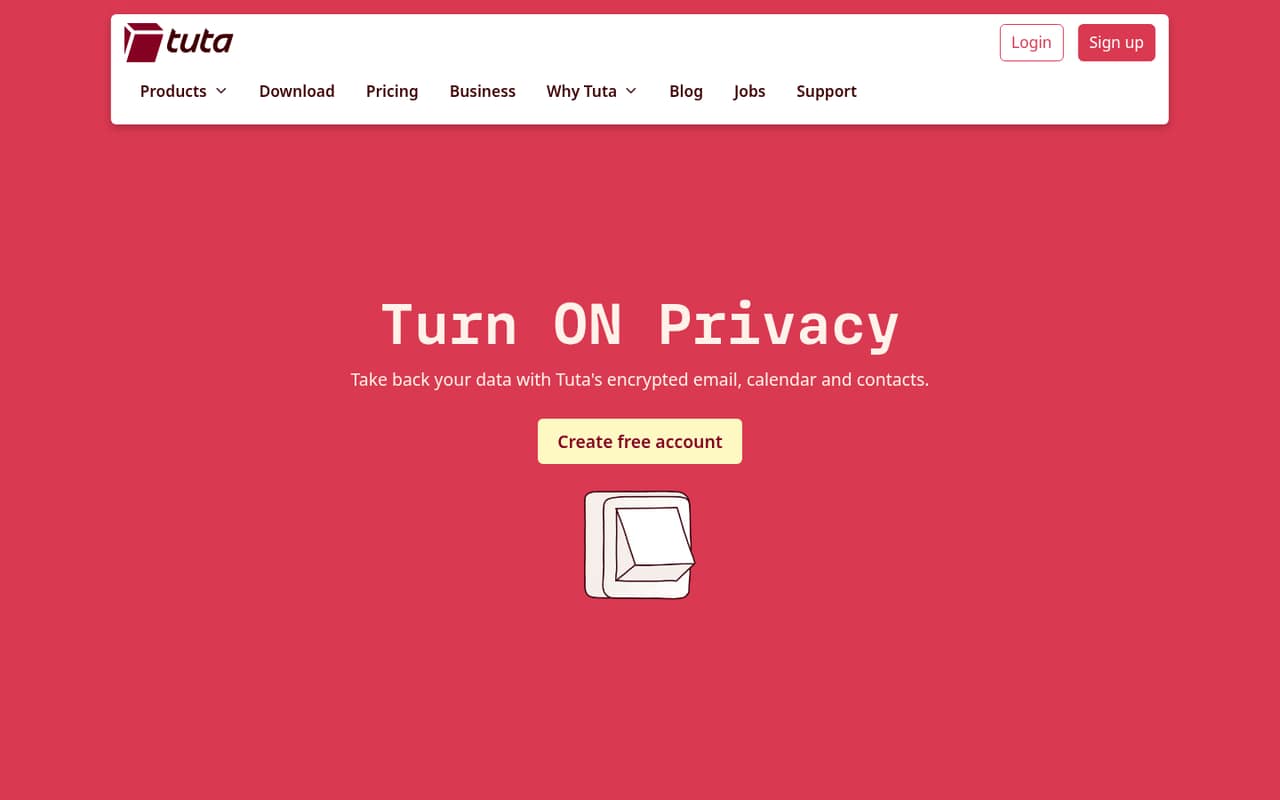
Tuta combines private email, calendar, and contacts with a free personal plan. The listed starting figure is $3, while business seats start at €6 per user monthly with annual billing. It can suit a small team prioritizing private email, but compare the business price—not the personal free plan—when budgeting for everyone.
What works
- Free plan includes 1 GB of storage
- Email is end-to-end encrypted
- Includes encrypted calendar and contacts
What doesn't
- Free plan has one calendar
- Free plan is positioned for personal use
- Monthly business billing costs more
- Best custom-domain emailSoverinSoverin
Soverin is aimed at small teams that want custom-domain email, European hosting, and a privacy-minded option. The listed starting price is $3.25. Its setup details are worth confirming first, including what the team needs to configure and which plan covers the domain and mailbox needs of every user.
What works
- One mailbox costs €39 per year
- Extra mailboxes cost €10 per year
- Unlimited aliases and messages are listed
What doesn't
- No free plan or trial is listed
- Month-to-month billing is not published
- Calendar and contact apps are not named
- Best for DMARCEasyDMARCEasyDMARC
EasyDMARC is for teams managing one or two domains and learning DMARC basics. The listed price starts at $35.99, and its paid plans have unlimited users. That may make costs easier to forecast as a team adds seats, but check that the domain allowance fits and that DMARC monitoring is the protection you need.
What works
- DMARC Plus includes unlimited users.
- 36+ integrations are listed for DMARC Plus.
- DMARC Premium includes AI Agents and email support.
What doesn't
- There is no free plan.
- DMARC Plus covers only two domains.
- Trial duration and terms aren’t published.
- Best free DMARC startValimailValimail
Valimail offers free DMARC monitoring for teams beginning to track their sending domains. Paid enforcement requires a quote, so the free option is the clearest starting point for a budget-conscious team. Before depending on paid features, ask what enforcement costs, what domain coverage includes, and what configuration work your team must handle.
What works
- Monitor is listed at $0 monthly and annually
- Free tier lists up to five users
- Reports turn raw IP data into DMARC views
What doesn't
- Paid plan prices are custom and unpublished
- Monitor lists a limit of 10 SPF lookups
- Paid domain and email volume allowances are unpublished
- Best per-user securityProofpoint EssentialsProofpoint Essentials
Proofpoint Essentials is positioned for small teams securing business email, with per-user pricing. Although the listed starting price is $1.65, a new small team starts at $2.75 per user monthly. Ask which plan and contract terms apply, and confirm the setup and total cost for all seats before comparing it with other inbox defenses.
What works
- Business plan is listed at $2.75 per active user monthly
- Professional includes 2 GB of archive data per user
- Per-user pricing makes small-team costs easy to estimate
What doesn't
- No free plan or free trial is listed
- Beginner is listed for existing customers only
- Annual-billing prices are not published
- Best for small clinicsMailHippoMailHippo
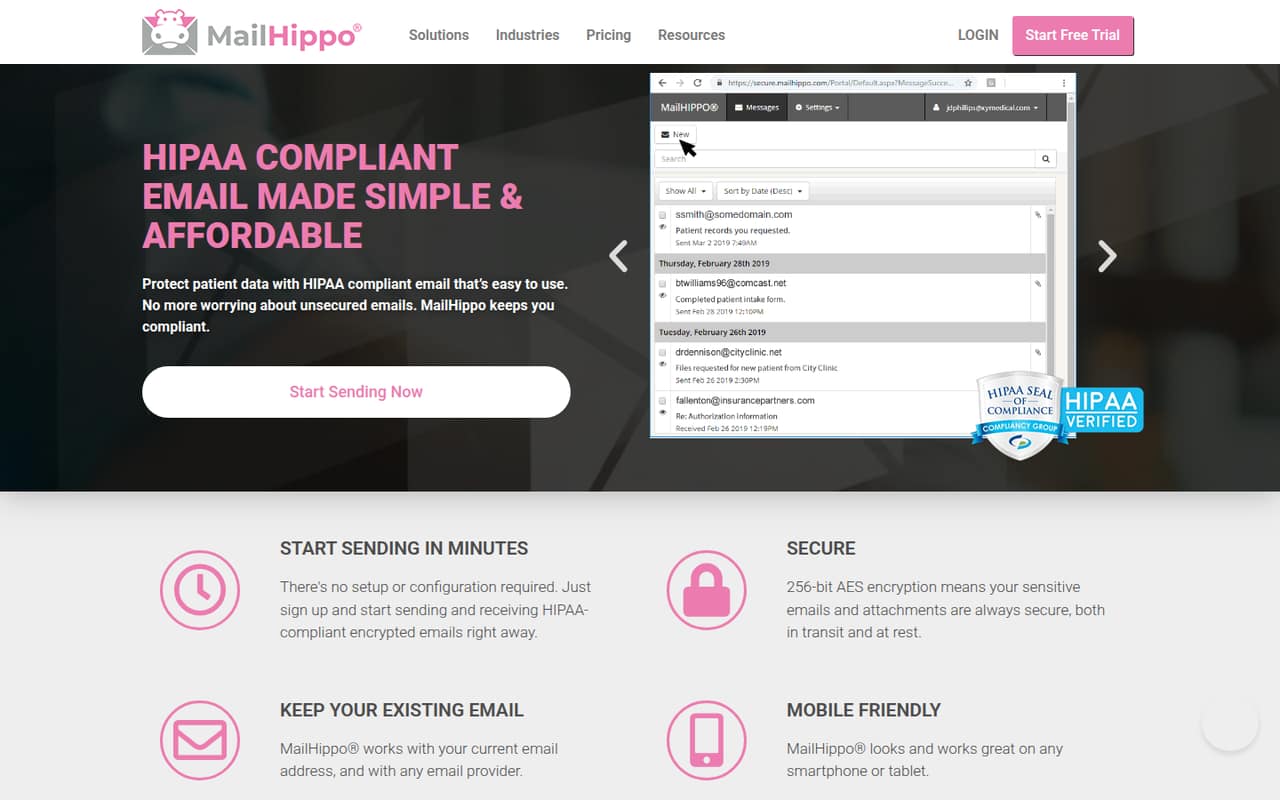
MailHippo is an affordable option for small healthcare teams that already use email and need a HIPAA business associate agreement. The listed starting price is $4.95. Message and storage limits are worth checking before choosing a plan, especially if staff regularly send patient documents or expect to keep a large volume of messages.
What works
- Works with an existing email address and provider
- 30-day trial includes a HIPAA BAA
- Basic starts at $4.95 per user monthly
What doesn't
- No permanent free plan
- Message, storage and attachment limits vary by plan
- Exact annual prices aren't published
- Best for healthcare formsHushmailHushmail
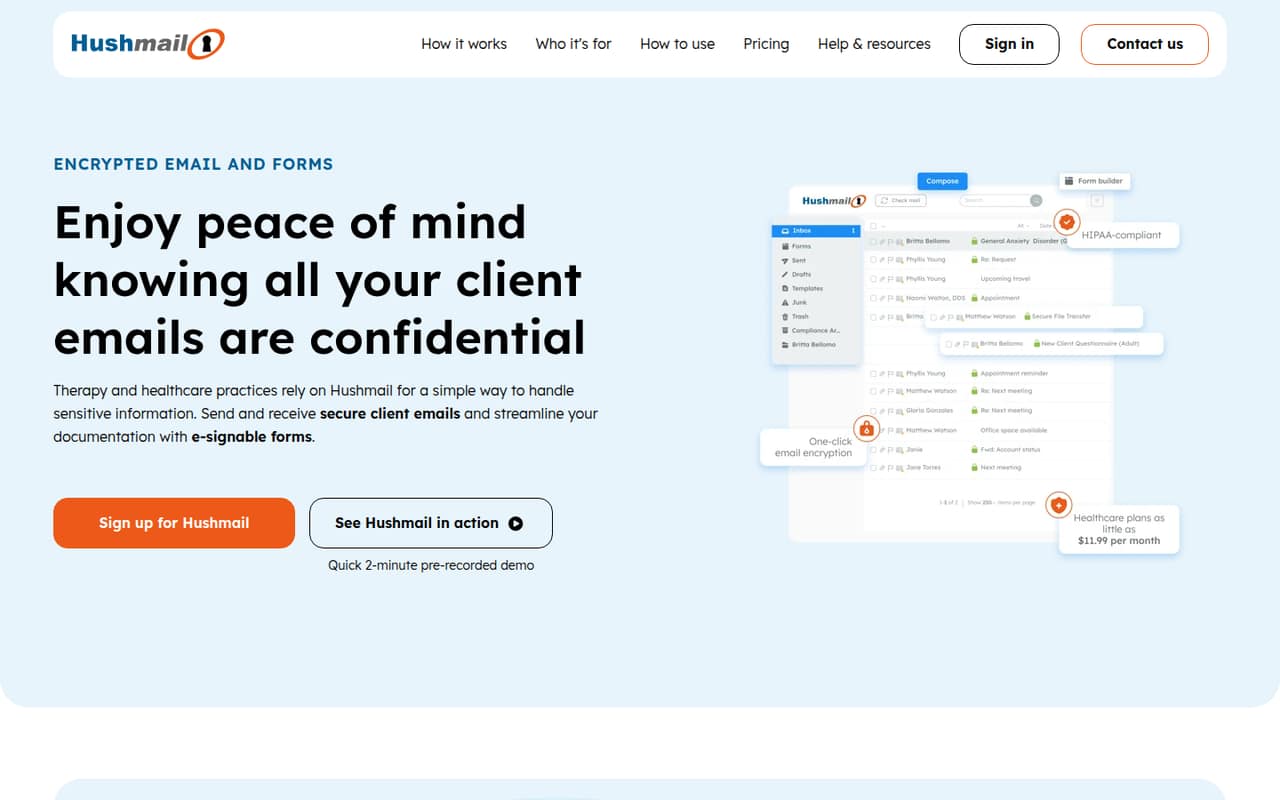
Hushmail fits healthcare practices that need encrypted email, signed intake forms, or a single inbox for forms. It starts at $5, so budget for every team member rather than just the person managing the account. Check which plan includes the form workflow and what setup is needed for your practice.
What works
- Encrypted email plans include a BAA and archive
- Clients can reply through a private link
- Essentials plans include forms and e-signatures
What doesn't
- No free plan
- Healthcare Essentials costs extra for every seat
- Basic plans do not include forms
- Best free encryptionPreVeilPreVeil
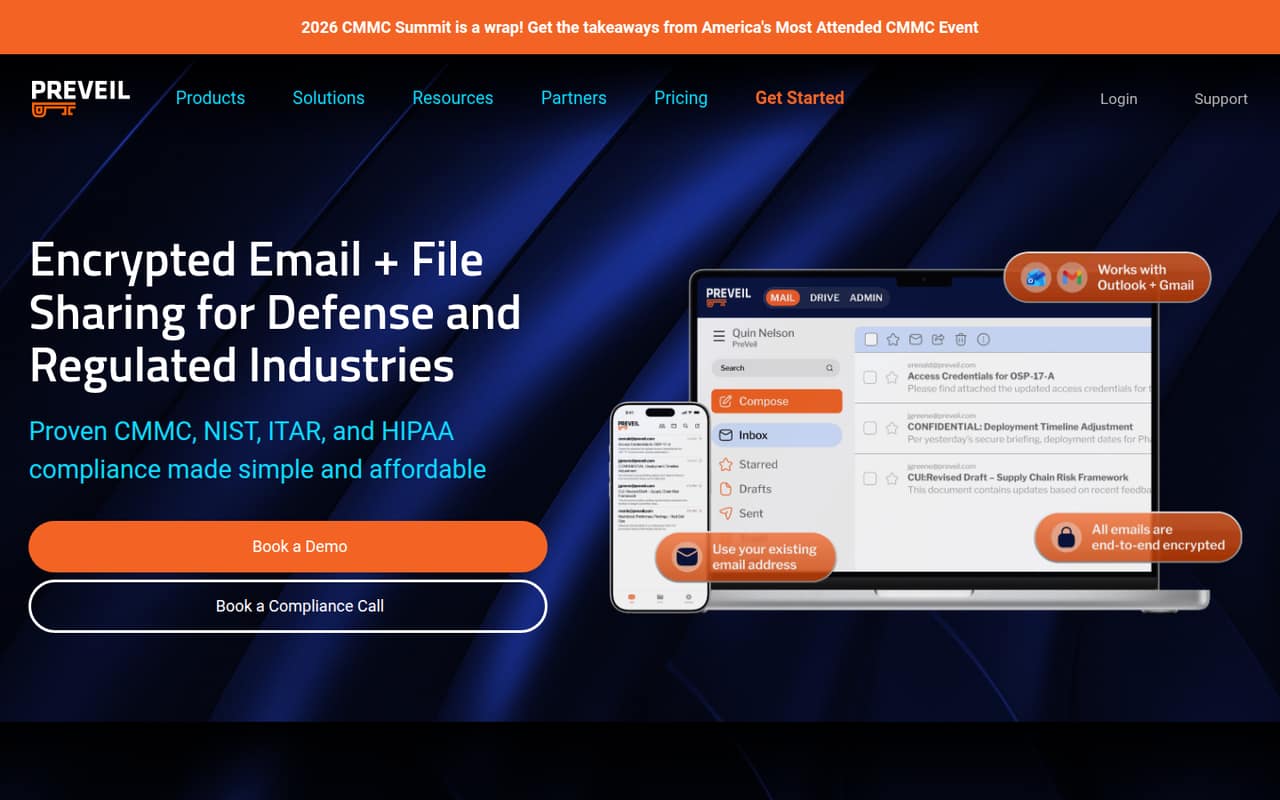
PreVeil offers free encryption for individuals and supports teams using Outlook or Gmail to share sensitive files. The listed starting price is $25. Teams that need admin or compliance tools should budget for paid plans, then ask which tier includes those controls and how much configuration is required for each user.
What works
- Free plan includes encrypted email and files
- Works with existing email addresses
- Outlook and Gmail integrations
What doesn't
- Basic storage is limited to 5 GB
- Individual plan requires annual payments
- Business costs $30 per user monthly
- Best for secure uploadsEncyroEncyro
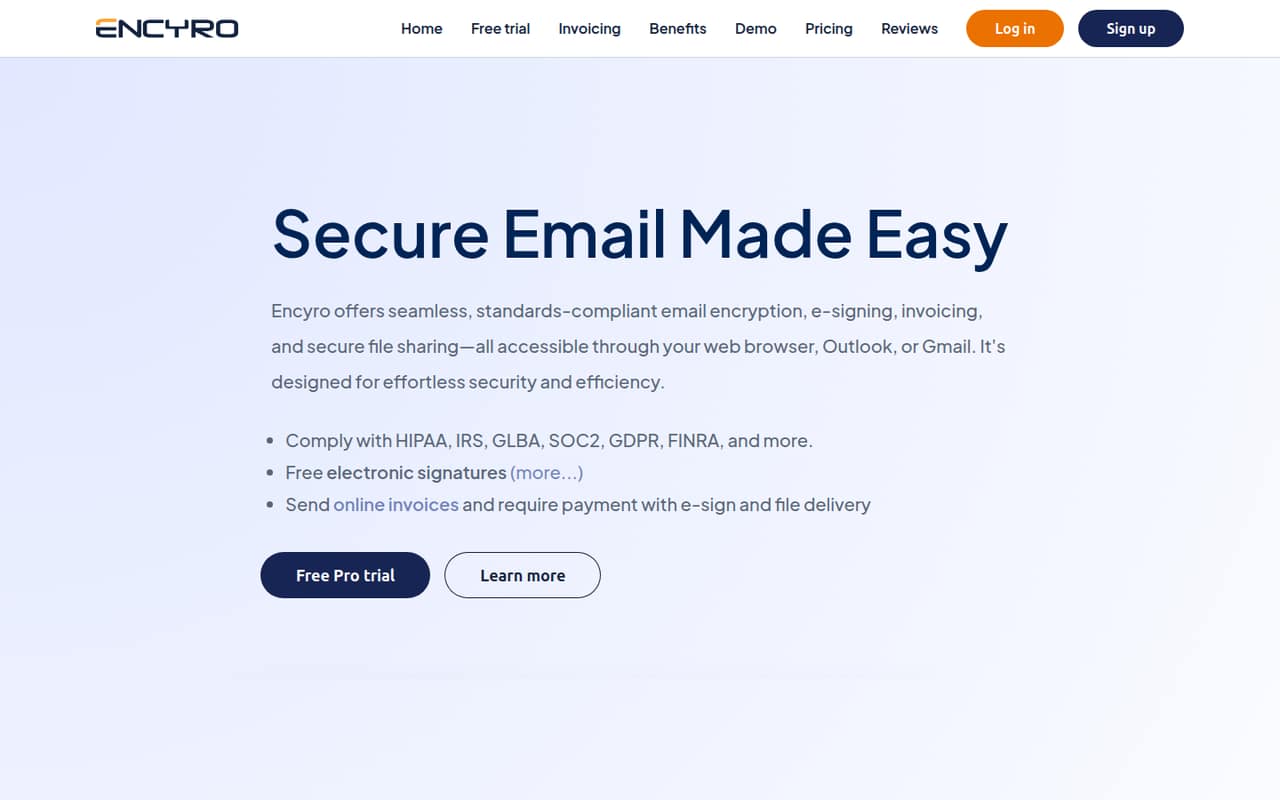
Encyro is a client portal and signature tool for solo professionals and small firms, including tax practices that need secure uploads. A free plan is available, with a listed starting price of $9.99. It is a better fit when file exchange is the main need than when the team wants broad inbox threat protection.
What works
- Free Essential plan for light secure messaging
- Clients can send files without creating accounts
- Branded upload page for client documents
What doesn't
- Essential limits sending to five contacts
- Essential receives messages only from Encyro users
- Pro costs more when billed monthly
- Best for secure sharingSendSafelySendSafely
SendSafely offers encrypted shared folders and secure upload forms for teams handling customer documents. It has a free plan and a listed starting price of $10, but its five-seat minimum makes it a steep entry point for the smallest teams. Confirm which features are included at that minimum before comparing the total bill.
What works
- Free Personal plan includes 50 MB monthly
- End-to-end encryption for file exchange
- Encrypted workspaces support access controls
What doesn't
- Free plan is limited to one user
- Team plan requires at least five users
- Team plan is billed annually
- Best for phishing trainingIRONSCALESIRONSCALES
IRONSCALES focuses on phishing defense and built-in security training for teams using Microsoft 365 or Google Workspace. There is no free plan, and the price for a few seats is not published. Ask for a quote that covers all users, and confirm the setup steps and training features included before committing.
What works
- Protects Microsoft 365 and Google Workspace
- Targets phishing, impersonation and business email compromise
- Includes phishing simulations and security awareness training
What doesn't
- No free plan is listed
- Plan prices and seat limits aren't published
- Add-on and overage costs aren't published

- Best for M365 or WorkspaceINKYINKY
INKY offers inbound and outbound email protection, user coaching, and coverage for Microsoft 365 or Google Workspace. Its price is not published, so a small team needs a quote before judging the value. Ask how seat counts affect pricing, what deployment requires, and which protections are included in the quoted plan.
What works
- Covers phishing, malware, spam, impersonation, and ransomware
- Includes internal mail protection and sender profiling
- Pro adds outbound protection and email encryption
What doesn't
- No free plan is listed
- Trial availability is not published
- Plan prices and seat costs are not published
- Best for SaaS emailAvananAvanan
Avanan is aimed at teams relying on SaaS email that want phishing protection and post-delivery cleanup. Pricing and seat limits are not published, leaving the cost for a few users uncertain. Request a quote and ask about plan limits, integration steps, and how the product handles messages that arrive in inboxes.
What works
- Covers phishing, malware, data loss, and account takeover
- Checks attachments and URLs before delivery
- Can find and remove malicious messages after delivery
What doesn't
- No free plan
- The vendor doesn't publish plan prices
- Seat and usage limits aren't published
- Best for patient emailPauboxPaubox
Paubox is designed for healthcare teams emailing patient data, including teams on Google Workspace or Microsoft 365 that need inbound protection. Pricing is not published, which makes a small-team comparison difficult. Ask for a quote covering every seat and confirm which security features and setup support come with it.
What works
- Automatic outbound email encryption
- Supports Google Workspace and Microsoft 365
- Plus adds spam, ransomware, and phishing protection
What doesn't
- No free plan
- Actual plan prices aren't published
- Salesforce integration costs extra
- Best DMARC guidancedmarciandmarcian
dmarcian offers DMARC guidance and monitoring for teams adopting DMARC or tracking multiple sender domains. A free plan is available and the listed starting price is $19.99, but a three-person team starts at $199 per month billed annually. Check the applicable tier and annual commitment before treating the entry price as your budget.
What works
- Free Personal plan supports up to two active domains
- Record-building tools cover SPF, DKIM, and DMARC
- Monitoring tracks DMARC-related email activity
What doesn't
- Free plan is for non-business personal domains
- Basic includes only one user
- Three users require the $199 annual-equivalent Plus plan

- Best for healthcare emailLuxSciLuxSci
LuxSci is aimed at small healthcare practices using Microsoft 365 or Google Workspace, including healthcare marketers working with PHI. A usable team plan starts at $50 monthly. That is a higher starting cost than several small-team options, so ask what the plan includes, how many seats it covers, and what setup help costs.
What works
- Automatic encryption for Microsoft 365 and Google Workspace
- BAA included with listed small-team plans
- Supports TLS, secure pickup, PGP and S/MIME
What doesn't
- Usable Secure Gateway starts at $50 monthly
- The free tier covers zero users
- Annual prices and discounts are not published
- Best for email access controlsVirtruVirtru
Virtru is for teams handling sensitive email in Microsoft 365 or Google Workspace that need post-send access controls. It has no free plan, and its listed price is $119 per month with an annual commitment. Confirm the number of users covered and whether the controls you need are included before signing a year-long contract.
What works
- Starter supports Microsoft 365 and Google Workspace
- Set expiration dates and revoke access
- Encrypts email and attachments
What doesn't
- No free plan is listed
- Listed package rates are billed annually
- Starter includes five users, even for smaller teams
- Best for business email compromiseAbnormal AIAbnormal AI
Abnormal AI targets teams addressing business email compromise, email and identity security, and AI security controls. Pricing is not published, so a team of 1–10 cannot estimate the bill from a public starting price. Ask for a quote by seat count and clarify which protections and setup support the quoted package includes.
What works
- Covers email, identity, and AI security
- Uses behavioral context to detect attacks
- Includes an identity trust graph
What doesn't
- Enterprise pricing is custom-quoted
- No free plan or free trial is listed
- Seat and usage limits are not published
- Best for bundled servicesAppRiverAppRiver
AppRiver covers multiple security services, Microsoft 365 and Google Workspace backup, and options for MSPs. Its price is not published, so a small team should ask for a quote and support terms before signing. Compare only the services you need, and confirm the costs and setup responsibilities for every included product.
What works
- Email protection includes threat filtering, encryption and continuity.
- Endpoint options include EDR, MDR and DNS protection.
- Backup covers servers, endpoints and public cloud.
What doesn't
- The vendor does not publish plan prices.
- Monthly and annual billing terms are not published.
- The pricing page lists no free plan.
- Best for encrypted workflowsZixZix
Zix offers encrypted email and related protection, including healthcare email workflows. Pricing is not published, so small teams need a quote to assess the cost for a few seats. Ask what the package covers, how the service fits your existing email setup, and what support and contract terms apply.
What works
- Includes encrypted email services
- Email threat protection is in the portfolio
- Offers an email continuity product
What doesn't
- No public starting price
- No free plan
- Free-trial details aren't published
- Best for broader securityProofpointProofpoint
Proofpoint offers email threat protection and security coverage for data and AI use, but the listed price starts at $2.75 and buyers may need to request a quote. For a small team, confirm setup requirements, contract terms, and the total cost for all seats before comparing it with a narrower email security product.
What works
- Essentials Business starts at $2.75 per active user monthly
- Covers collaboration, data, and AI security
- AI discovery includes apps, users, agents, and MCP servers
What doesn't
- No free plan is listed
- Annual-billing prices aren’t published
- Enterprise pricing requires a custom quote
03How we chose
We ranked these tools for teams of 1–10 by practical buying fit: whether there is a free plan, what a few seats might cost, and whether the product addresses inbox threats or a narrower need such as private email, DMARC, or file exchange. We treated unpublished prices and limits as reasons to ask vendors for details, not as zero-cost options. Setup effort matters too: confirm deployment steps in vendor documentation and ask existing users about day-to-day friction. We did not claim hands-on testing, benchmarks, or screenshots.
04Choose the protection you actually need
Email security is not one job. Inbox threat tools focus on risks such as phishing, malware, and suspicious messages. Private email services prioritize encrypted communications and may also bundle calendars or contacts. DMARC products help teams monitor or manage the domains that send email on their behalf. Secure file portals and encryption tools are a better match when the main task is exchanging sensitive documents or controlling access after a message is sent.
Before buying, write down the problem you want to solve and check whether your existing email service already covers it. Then confirm that the product supports your email setup, the number of domains you use, and the controls you need. A free plan can be a sensible start, but check its user, domain, storage, and feature limits. Do not assume a free personal plan covers business use.
05Work out the real cost and setup
Compare the bill for your actual team size, not just the lowest advertised starting price. Multiply per-user prices by every seat, and check whether the quote includes annual billing, a minimum number of seats, or a contract commitment. For example, SendSafely has a five-seat minimum, while Virtru lists a $119 monthly price with an annual commitment. If pricing is unpublished, ask for a written quote for your current team and the next few hires.
Also check the work your team must do before protection is in place. Ask the vendor for setup steps, migration or integration requirements, and support terms. Confirm limits on messages, storage, domains, or users where they apply. If the plan needs specialist configuration, include that time and any paid support in your comparison. Revisit the choice when your team, domain count, or security needs change.
Questions people ask
Does a team of five need separate email security software?
Not always. Start by checking what your existing email service covers and whether it meets your needs. Add a separate product when you need a specific capability, such as phishing defense, DMARC monitoring, encrypted healthcare email, or post-send access controls. Choose for that gap rather than buying overlapping tools by default.
Which tools on this list have a free plan?
The listed free options include Mailfence, Tuta, Sublime Security, Valimail, PreVeil, Encyro, SendSafely, and dmarcian. Their free offerings serve different needs and may have different limits. Check the plan details before treating a free personal tier as suitable for business use.
How should we compare prices for a few seats?
Multiply any per-user price by the number of people who need access, then check for seat minimums, annual commitments, and plan limits. For vendors that do not publish a price, request a quote for your exact team size. Compare the cost of the features you need, not just the entry price.
What should we ask before choosing an email security tool?
Ask which email services and domains the product supports, what setup your team must handle, and which plan limits apply. Confirm the price for every seat, contract terms, and support options. If you need healthcare, compliance, or post-send controls, ask the vendor to identify the plan that includes them.