
We may earn a commission if you buy through links on this page. It never changes a score or a ranking. How we make money
The bottom line
Enpass offers flexible storage control, but business pricing and team costs need clarification.
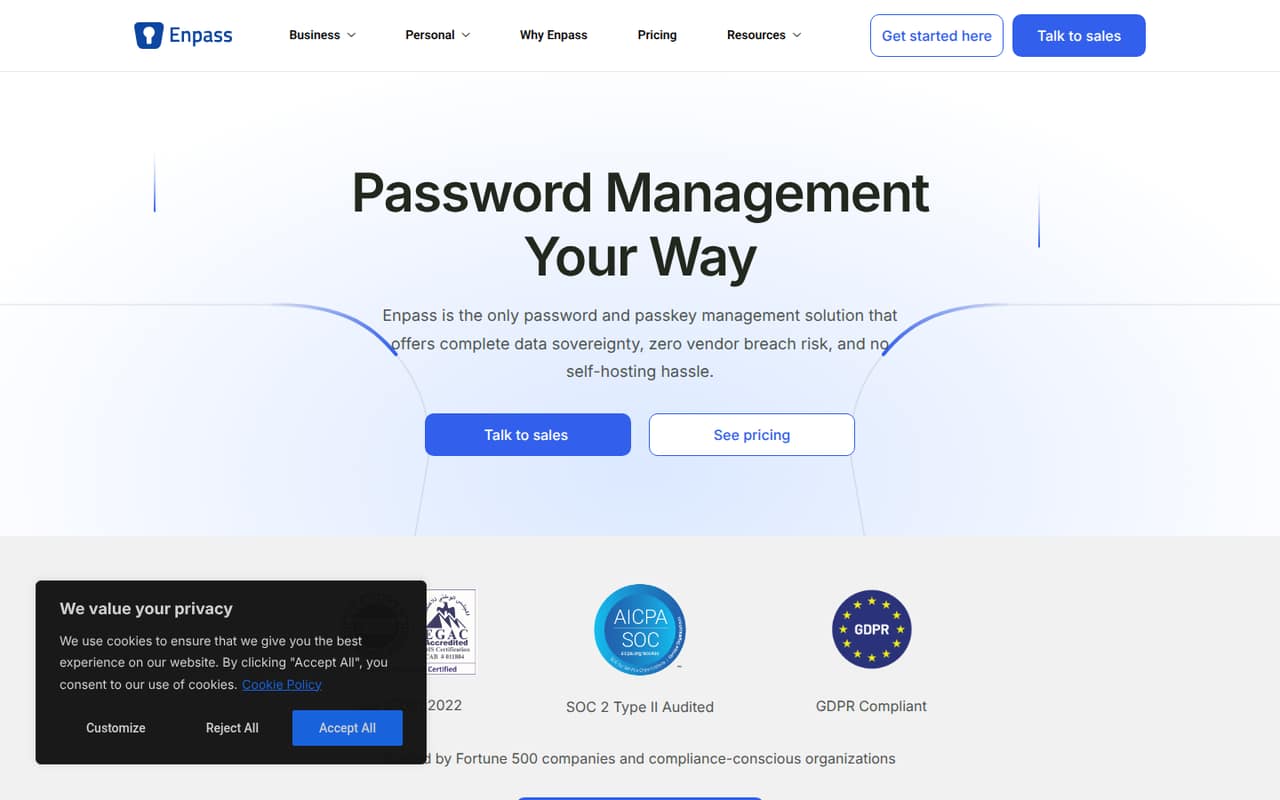
Enpass manages passwords, passkeys, payment cards, and other credentials while keeping encrypted data in your Microsoft 365, Google Workspace, or another trusted environment. Its free plan is useful for a small personal vault, but it is limited to one account, 25 items, and one vault.
For a company, the Business plan adds password sharing and admin controls, but its price is not published. Reddit users praise the software, while others report sync hiccups and Linux update problems.
Good fit if
- People choosing where data is stored
- Individuals with more than 25 credentials
- Families sharing up to six accounts
Skip it if
- Teams needing published Business pricing
- People who want unlimited free storage
- Teams wanting a hosted Enpass vault
ScoresHow it rates
What works
- Encrypted data can stay in your chosen environment
- Free plan covers one account and 25 items
- Premium includes unlimited items and vaults
- Passkeys and payment cards are supported
- Business includes sharing and administrative controls
What doesn't
- Free plan is limited to 25 items
- Business pricing is not published
- Premium and Family prices require annual billing
- A Reddit user reports occasional sync delays
- Reddit users report Linux update and launch problems
01Who Enpass is for
Enpass is for people or teams that want a password manager but also want control over where their encrypted data is stored. Enpass says data can stay in Microsoft 365, Google Workspace, or another trusted environment, without requiring you to host a server yourself. It stores passwords, passkeys, payment cards, and other credentials.
For a one-person operation, Free may be enough if you have no more than 25 items. Premium is the more practical fit for an individual with a larger vault. Families can share up to six accounts on Family. Businesses should look at the Business plan for password sharing, policy enforcement, security auditing, and access recovery. The catch for a small team watching its budget: Enpass does not publish Business pricing, so you will need to ask the vendor for a quote before comparing per-seat costs.
02Enpass free plan and trial
The Free plan includes one account, one vault, and up to 25 items. That is enough to try Enpass for basic personal password management, but the item cap can get tight if you store work and personal logins, passkeys, and payment details together. Enpass does not list a free trial in the published pricing information.
Premium removes the item and vault limits for one account and adds password, passkey, and payment-card storage, a security dashboard, and breach and dark web monitoring. Its listed price is $1.99 per month when billed annually. Family costs $3.99 per month when billed annually and covers up to six accounts. Neither consumer plan should be confused with Business: its price is not published.
03What a small team pays for Enpass
For one person, Premium costs $1.99 per month when billed annually, or $23.88 for a year. At that same per-account rate, three Premium accounts work out to $5.97 per month equivalent ($71.64 annually), and five cost $9.95 per month equivalent ($119.40 annually). Enpass also lists a three-year Premium option for $49.99, with one year free when paying for two years.
Family costs $3.99 per month when billed annually and covers up to six accounts. That is a flat listed price for the plan, not a per-seat price; it is intended for families, so don’t assume it’s the right license for coworkers. Enpass describes Business features including password and file sharing, policy enforcement, a security audit dashboard, and access recovery, but does not publish the plan price or seat terms. No add-ons are listed. Ask Enpass for a Business quote and minimum seat requirements before treating any consumer-plan math as a team budget.
04Getting started with Enpass
The key early choice is where to keep the encrypted data. Enpass says you can use Microsoft 365, Google Workspace, or another trusted environment, and that you do not need to self-host. For a small team, agree on the storage location and who will manage access before putting shared credentials in a vault. The published information does not establish a setup time or a specific migration process, so ask Enpass about those details if you are moving a large vault.
Reddit comments offer a mixed picture of syncing and platform updates. One user says vault syncing sometimes needed the app to be opened to catch up. In a Linux update thread, some Mint users report that the app would not launch after an update; commenters suggest switching to an X11 package channel. If your team relies on Linux, check the installation guidance for your distribution before rollout.
05When small teams outgrow Enpass
You outgrow Free when one account needs more than 25 items or more than one vault; Premium removes those limits for an individual. Family supports up to six accounts, but its listed use is family password management, not a company team license. A team of seven to ten people therefore needs to ask Enpass about Business rather than assume Family can cover them.
Business is the plan to investigate when coworkers need shared passwords and files, policy enforcement, access recovery, or a security audit dashboard. Its price and seat terms are not published, so the cost to upgrade is unclear until Enpass provides a quote. Reddit feedback is also mixed: some commenters say they like Enpass, while others describe sync delays or Linux launch trouble. One commenter also worries that development had slowed; that is an individual report, not a confirmed update schedule.
From the threadsWhat users say
Reddit sentiment is mixed: some users praise Enpass and its pricing, while others report syncing or Linux update trouble. One commenter questioned the pace of development, so teams should check current support and update details with the vendor.
I've used Enpass for years without any problems
Sometimes I must open the app and then it will sync
same here, enpass doesn't start in linux mint after update because of wayland
Regular updates every 1-2 months, then silence
Questions people ask
What does Enpass Free include?
Free includes one account, one vault, and up to 25 items. It is intended for basic personal password management. If you need unlimited items and vaults, Premium is listed at $1.99 per month when billed annually.
Where does Enpass store my data?
Enpass says encrypted data can stay in your Microsoft 365, Google Workspace, or another trusted environment instead of Enpass servers. The company says you do not need to self-host. Choose the storage location that fits your organization’s policies.
Does Enpass have a business plan?
Yes. Enpass lists Business features including password and file sharing, policy enforcement, a security audit dashboard, and access recovery. The Business price and seat terms are not published, so ask Enpass for a quote before budgeting.
Does Enpass offer a free trial?
The published pricing information by Enpass lists a Free plan but does not list a free trial for paid plans. Free is limited to one account, 25 items, and one vault. Ask Enpass whether a trial is available for Business.
Can a small team use Enpass Family?
Family covers up to six accounts and includes the features in Premium plus family management. Enpass describes it for families, not company teams. For coworkers who need shared credentials or administrative controls, ask about Business and its unpublished pricing.