
We may earn a commission if you buy through links on this page. It never changes a score or a ranking. How we make money
The bottom line
Strong visualization features, but no free plan and annual pricing that adds up by seat.
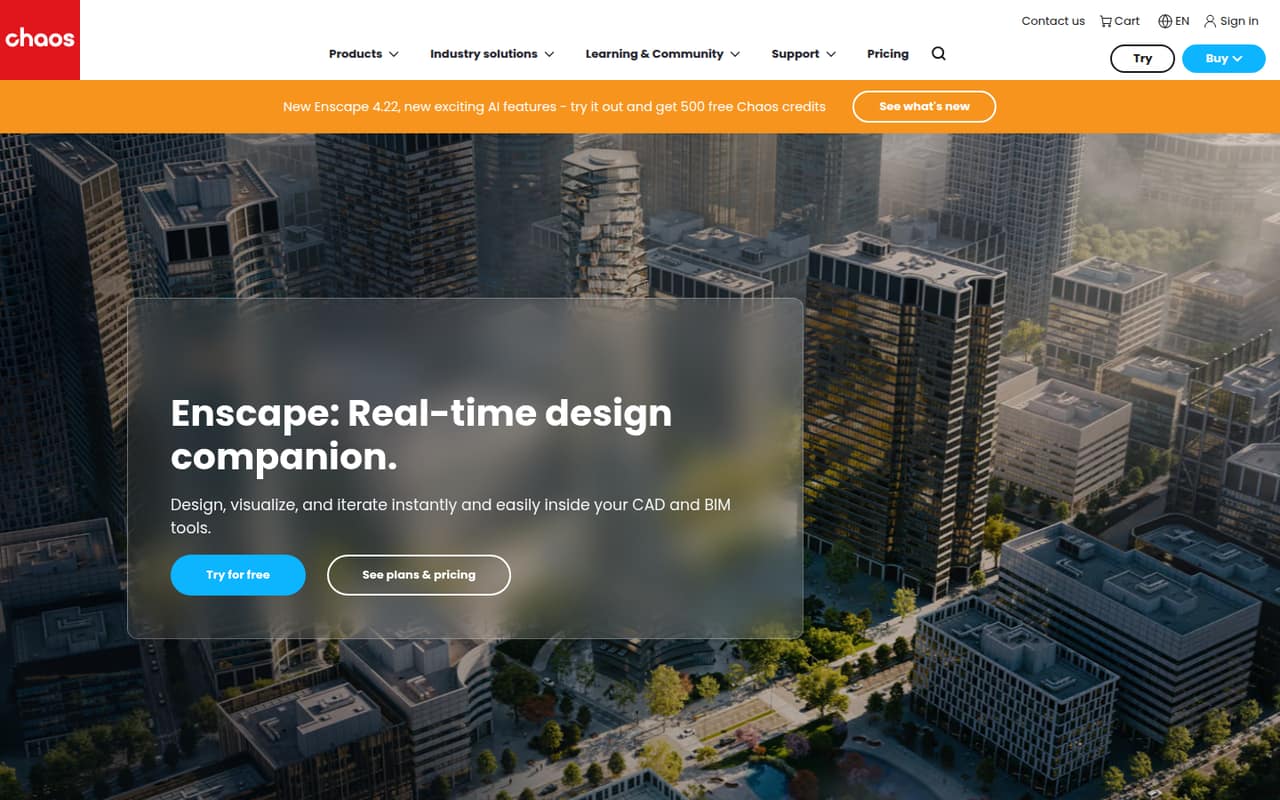
Enscape brings real-time rendering, walkthroughs, design exploration, and AI concept tools into CAD and BIM workflows. That can suit a small architecture or design team presenting work and refining ideas as a model changes.
There’s no free plan or published free trial. Enscape Solo starts at $47.90 per license per month on annual billing, so three licenses come to $1,724.40 per year. Check your exact software compatibility before committing.
Good fit if
- Small teams presenting design concepts
- CAD and BIM model visualization
- Creators wanting AI concept tools
Skip it if
- Teams needing a free renderer
- Buyers requiring published monthly rates
- Teams unsure about software compatibility
ScoresHow it rates
What works
- Rendered views update as designs change
- Supports immersive walkthroughs and presentations
- Synchronized views help explore design options
- Solo includes cloud collaboration
- Plans include monthly Chaos AI credits
What doesn't
- No free plan is listed
- Free-trial availability is not published
- Monthly-billing prices are not published
- Per-license costs add up across a team
- Exact supported apps and versions need confirmation
01Who Enscape is for
Enscape is for designers who need to visualize and present work from within a CAD or BIM workflow. It renders a design as it changes, supports immersive walkthroughs, and offers synchronized views for exploring options in a model. AI-assisted concept exploration and site context add ways to compare directions and assess orientation, views, and massing.
For a team of one to ten, the main question is whether several people need their own license. Enscape Solo starts at $47.90 per license per month on annual billing, making three seats $1,724.40 per year. That is a meaningful subscription for a small team watching its software budget. The product is a better fit when real-time visualization and client presentations are regular work, rather than occasional tasks. Before paying, confirm that your specific CAD or BIM application and version are supported; the vendor's available overview does not list a compatibility matrix.
02Enscape free plan and trial
The vendor does not list a free plan or a free-trial offer. That means a small team should not budget on being able to use Enscape indefinitely without paying, or assume it can test the full workflow for free.
The cheapest listed way in is Enscape Solo, at $47.90 per license per month with annual billing. It includes 6,700 render-ready assets, 100 Chaos AI credits monthly, up to five AI-enhanced images, and up to ten AI videos. Cloud collaboration is included with Solo. If only one person needs to create or present rendered views, one license is the lowest listed cost. Ask Chaos whether a trial or other evaluation option is available before purchasing, since the pricing information does not publish one.
03What a small team pays for Enscape
Enscape Solo costs $47.90 per license per month on annual billing, or $574.80 per license annually. Three seats work out to $143.70 per month equivalent and $1,724.40 per year; five cost $239.50 per month equivalent and $2,874 per year. These are annual-billing rates, not published month-to-month prices—the vendor does not publish monthly-billing prices.
For more assets and AI credits, Enscape Premium is $55.90 per license per month on annual billing: $2,012.40 a year for three seats or $3,354 for five. Enscape Collection is $60.90 per license per month: $2,192.40 for three or $3,654 for five. Collection adds cinematic animation and scene assembly and sustainability insights. The listed plans are priced per license, and no team discount is listed. No add-on prices are listed, so ask the vendor about any extra services your team may need.
04Getting started with Enscape
The basic workflow is to work in a supported CAD or BIM tool and view a rendered version of the design as it changes. From there, teams can use walkthroughs, synchronized views, and site context to explore or present a project. Solo also includes cloud collaboration, while Veras AI provides concept-generation tools.
The vendor does not publish a setup-time estimate or a learning-curve rating. It also does not list supported applications and versions in the product overview, so confirm your exact software and version with Chaos before buying. That compatibility check matters more than guessing at installation effort: a renderer only helps if it fits the tools your team already uses. A Reddit thread from an architecture firm describes using SketchUp with Enscape, but also raises a concern about carrying concepts into Revit for production.
05When small teams outgrow Enscape
The first pressure point is often the bill, not a published seat cap. The listed price is per license: five Enscape Solo seats total $2,874 annually, while five Collection seats total $3,654. A team may need to move up to Premium or Collection for more assets, AI credits, cinematic animation, scene assembly, or sustainability insights. The vendor does not list a team-size threshold that requires an upgrade.
A second pressure point is workflow fit. One r/Architects thread describes SketchUp concepts made with Enscape as difficult to carry into Revit for further production. That is one user's concern, not proof that every team will face the same issue, but teams with a handoff-heavy process should check it early. If your application, version, or production handoff is uncertain, get a clear answer from Chaos before adding seats. Reddit discussions also include questions about Revit integration and license emails, rather than a clear pattern of broad product praise.
From the threadsWhat users say
The Reddit material is mixed and leans toward practical concerns: software handoffs, integration questions, and license emails. It offers little direct feedback about day-to-day rendering quality or support, so we would not treat it as a broad measure of satisfaction.
they are difficult to carry over to Revit for further production
Hi, any advice as I dont have the money as we are poor
I've also received an email from them the on last week of August and is contacting me every 3 days
Which one integrates better with Revit?
Questions people ask
How much does Enscape cost annually?
The pricing page lists Enscape Solo at $574.80 per license annually, Enscape Premium at $670.80, and Enscape Collection at $730.80. Those totals correspond to $47.90, $55.90, and $60.90 per license per month on annual billing. Monthly-billing prices are not published.
Does Enscape have a free plan or trial?
The vendor does not list a free plan or a free-trial offer. The cheapest listed plan is Enscape Solo, at $47.90 per license per month on annual billing. Ask Chaos whether it offers an evaluation option before buying, since trial availability is not published.
What is included with Enscape Solo?
Enscape Solo includes 6,700 render-ready assets, 100 Chaos AI credits monthly, up to five AI-enhanced images, and up to ten AI videos. Cloud collaboration is also included with Solo. The plan is listed at $47.90 per license per month on annual billing.
Which CAD and BIM applications does Enscape support?
Enscape is described as real-time visualization software used from within supported CAD and BIM tools, but the available product overview does not name specific applications or versions. Confirm that your exact software and version are supported with Chaos before you buy or add seats.
What is the difference between Enscape Premium and Collection?
Premium includes 10,000 render-ready assets and 500 Chaos AI credits monthly, plus higher listed image and video limits than Solo. Collection includes more than 18,500 assets, cinematic animation and scene assembly, sustainability insights, and 1,500 monthly Chaos AI credits. Collection costs $60.90 per license per month on annual billing.