
We may earn a commission if you buy through links on this page. It never changes a score or a ranking. How we make money
The bottom line
Good for combining event pages and registration; confirm plan availability and fees before you scale.
EventCreate brings event websites, registration, invitations, attendee tracking and check-in into one platform. Its free plan is a practical starting point for one small event with up to 50 attendees and one user.
The pricing lists both new and legacy plans, with a wide gap between their prices and limits. A small team should confirm which plans it can buy and what ticketing fees apply before committing.
Good fit if
- One-off events with small guest lists
- Teams combining event pages and registration
- Organizers needing attendee check-in
Skip it if
- Teams needing published monthly rates
- Organizations requiring many user seats
- Events that exceed attendee caps
ScoresHow it rates
What works
- Free plan includes one event and 50 attendees
- Event pages and registration share one platform
- Custom registration questions are available on Personal (new)
- Check-in supports QR codes and badge printing
- Pro (new) includes five users and a custom domain
What doesn't
- Monthly-billing rates are not published
- New and legacy plans have very different prices
- Free (new) is limited to one event
- Several useful add-ons cost extra
- Integration details and support pricing can be unclear
01Who EventCreate is for
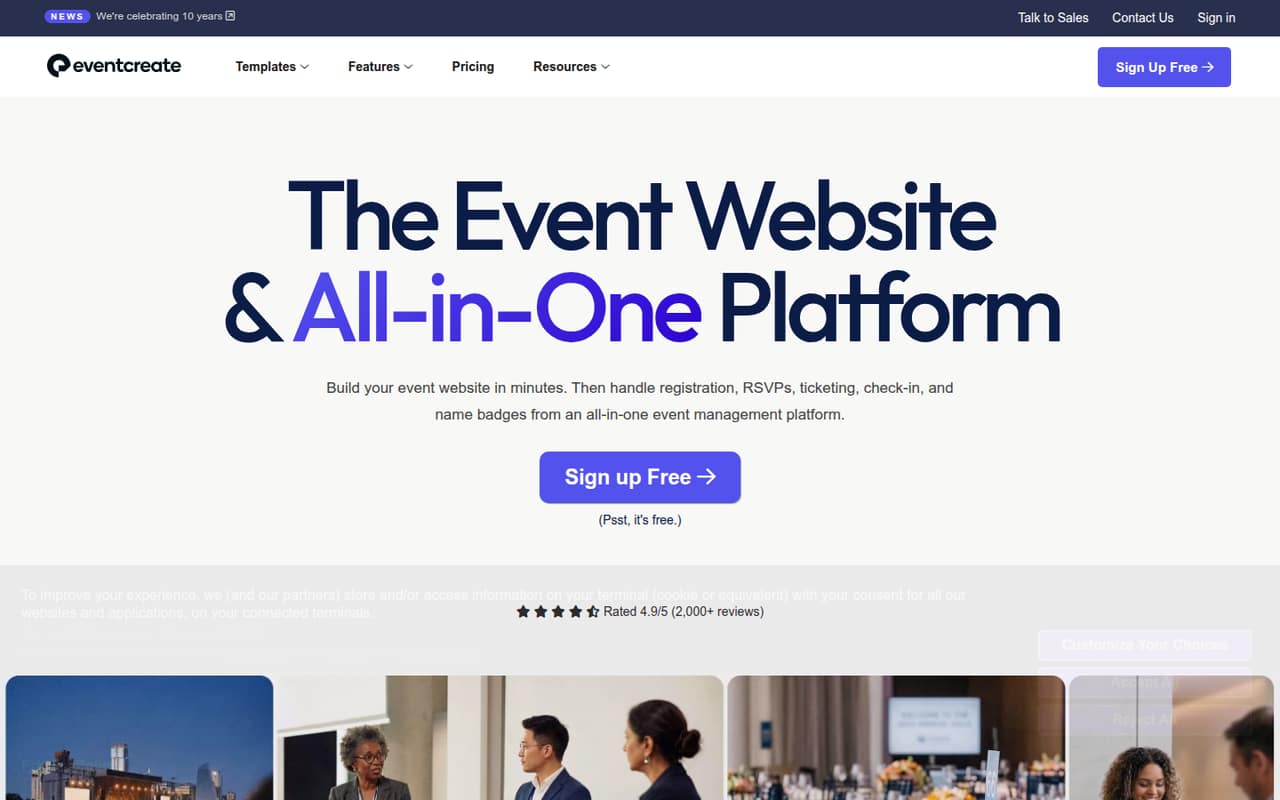
EventCreate fits a small team that needs to publish an event website and collect registrations without stitching together separate tools. The platform combines event pages, RSVP forms, ticket sales, email invitations, attendee tracking and event-day check-in. The homepage says teams can customize designs and registration forms without coding or server setup.
For a solo organizer, the free plan covers one event and up to 50 attendees. A team of three or five may need a paid plan if several people need access: Pro (new) includes five users, while Summit (new) includes ten. Those plans cost more than the small legacy options also listed, so confirm which plans are available to you. EventCreate is a better fit for event operations than for teams looking for a general-purpose website builder.
02EventCreate free plan and trial
Free (new) costs $0 and includes one event, up to 50 attendees per event and one user. That is enough to build and manage a single small event, but the one-event and one-user limits make it a poor fit for a recurring event program or a team that needs shared access. The new plan listing does not specify a ticketing fee, so ask EventCreate what fees apply before selling tickets.
The pricing also lists Free (legacy), with the same event, attendee and user limits and a 5% ticketing fee. Ask the vendor which free plan applies to a new account. EventCreate lists a seven-day free trial, but does not publish what the trial includes or what happens when it ends.
03What a small team pays for EventCreate
The pricing lists new and legacy plan families, so check which one you can buy. In the new family, Personal is $19 per month as an annual-billing equivalent ($228 per year) for one user. Pro is $59 per month equivalent ($708 per year) for up to five users: that works out to $19.67 per seat for three people or $11.80 for five. Monthly-billing rates are not published.
The legacy listings are cheaper: Pro is $20 per month equivalent ($240 per year) for three users, and Business is $30 per month equivalent ($360 per year) for five. Those monthly rates are also annual-billing equivalents, not published month-to-month prices. Legacy Personal starts at $5 per month equivalent for one user. Add-ons can change the bill: the Whitelabel Package is $360 per year, SMS Package is $600 per year, and additional custom domains on Pro (new) are $100 per year each. SMS is metered on Summit (new).
04Getting started with EventCreate
EventCreate is designed to let organizers build an event website and registration form without coding or server setup, according to the homepage. The listed tools cover common launch work: add event content and media, customize a form, invite guests, track registrations and prepare check-in. That makes the basic setup sound approachable for a small team, though the vendor does not publish a setup-time estimate.
A team should confirm its email, calendar, payment and other integration needs before choosing a plan. The available product details do not specify which external integrations are supported, so ask EventCreate rather than assuming your current tools will connect. The same goes for onboarding and support: dedicated support and account management is a paid add-on starting at $4,000 per year, and standard support terms are not published.
05When small teams outgrow EventCreate
The first pressure point is usually capacity or shared access. Free (new) stops at one event, 50 attendees and one user. Personal (new) raises the event limit to unlimited and attendees to 300, but still has one user. A team that needs five users and room for 1,000 attendees per event moves to Pro (new), listed at $59 per month as an annual-billing equivalent. Summit (new) adds ten users and a 2,500-attendee cap at $249 per month equivalent.
The legacy plans show a different path and price ladder, so confirm availability before planning a migration. Costs can also rise with metered SMS, additional domains or paid add-ons. If your team needs more attendees or users than Summit allows, Enterprise (new) offers unlimited attendees and users, but its price is not published. Ask for a quote and compare it with your event volume and required features.
Questions people ask
How much does EventCreate cost?
The listed plans range from Free (new) at $0 to Personal (new) at $19 per month as an annual-billing equivalent. Pro (new) is $59 per month equivalent. The pricing also lists lower-cost legacy plans, starting at $5 per month equivalent. Month-to-month rates are not published, so confirm current availability and billing terms with EventCreate.
Can I use EventCreate for free?
Yes. Free (new) includes one event, up to 50 attendees and one user. The pricing also lists Free (legacy), with the same limits and a 5% ticketing fee. Ask EventCreate which free plan applies to a new account and what ticketing fees apply to your event.
Does EventCreate charge a ticketing fee?
Free (legacy) lists a 5% ticketing fee. The new plan details do not state a ticketing fee, so we would not assume that it is waived. Ask EventCreate for the fee schedule that applies to your plan and ticket type before setting prices.
Does EventCreate offer a free trial?
The pricing lists a seven-day free trial. It does not specify which features or plan limits are included during the trial, or what happens when it ends. Check those terms with EventCreate before relying on the trial for an upcoming event.
Can a team of five use EventCreate?
Yes. Pro (new) includes five users, unlimited events and up to 1,000 attendees per event. It is listed at $59 per month as an annual-billing equivalent. Business (legacy) also lists five users, but with a 300-attendee cap and a lower annual-billing equivalent of $30 per month; confirm which plan is available.