
We may earn a commission if you buy through links on this page. It never changes a score or a ranking. How we make money
The bottom line
Broad event tools, but no public price and concerning reports about usability and support.
Small teams that run events may value having registration, event websites, check-in, an app and reporting in one platform. EventsAir’s feature list covers in-person, virtual and hybrid events, but the vendor doesn’t publish plan prices, so it’s hard to judge the budget fit before requesting a quote.
The Single plan includes one event and up to three platform users; Multi includes up to three events and unlimited users. Reddit users describe poor usability and support, so ask for a live walkthrough, a complete quote and details about onboarding before committing.
Good fit if
- Teams coordinating several event workflows
- Organizations running recurring events
- Event teams needing onsite tools
Skip it if
- Teams that need a public price
- Small budgets without room to negotiate
- Teams expecting consistently easy support
ScoresHow it rates
What works
- Registration supports unlimited types and conditional logic
- Event websites and communications are included
- Abstract, speaker and agenda management
- Mobile check-in, kiosks and badge printing
- Plans include unlimited registrations, subject to fair use
What doesn't
- Plan prices and billing terms are not published
- No free plan is listed
- Single is limited to three platform users
- Additional event prices are not published
- Reddit users report usability and support problems
01Who EventsAir is for
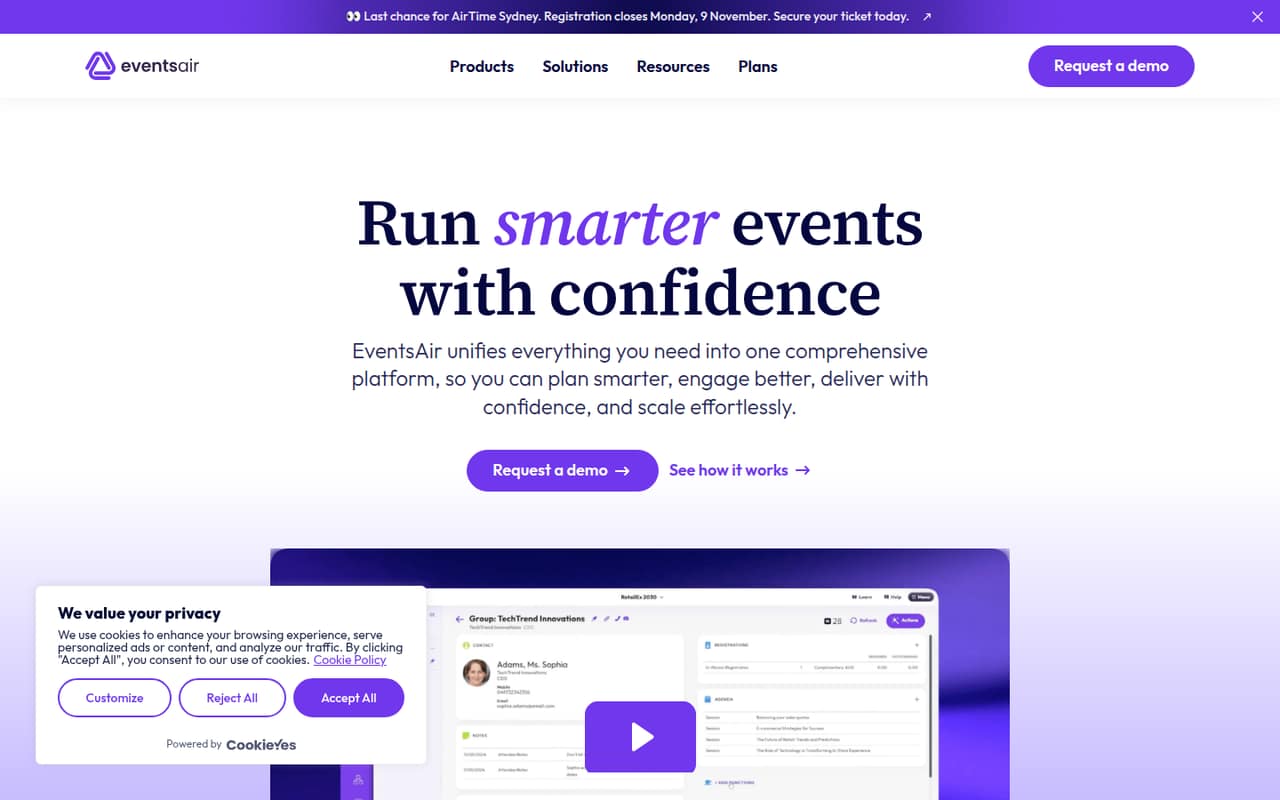
EventsAir is for organizations that plan and deliver in-person, virtual or hybrid events and want registration, attendee engagement, onsite operations and reporting in one platform. Its listed features include branded event websites, automated communications, abstract and speaker management, dynamic agendas, a mobile app, check-in and badging.
For a small team, the plan choice depends more on event volume and user count than on a published seat price. Single covers one event and up to three platform users, which may suit a team coordinating one event. Multi covers up to three events and unlimited platform users, making it a better fit if more than three people need access or the team runs several events. The vendor doesn’t publish prices, so a strict-budget team should request a full quote before investing time in setup. Ask what onboarding, support and payment-processing options cost, too.
02EventsAir free plan and trial
EventsAir’s pricing information lists no free plan. Trial availability and terms are not published, so ask the vendor whether your team can try the platform before buying and whether that access includes the features you need.
The cheapest listed route is Single: one event, up to three platform users, unlimited meetings under 100 attendees and unlimited registrations subject to fair use. Its price is not published, and additional events are available at unlisted prices. That means there’s no confirmed free way to check the registration flow, event site, app or onsite tools. Before agreeing to a paid plan, ask for a quote for your event size, user count and required support, plus any trial or demonstration options.
03What a small team pays for EventsAir
The pricing page lists Single, Multi and Enterprise, but doesn’t publish prices or monthly versus annual billing terms. The plans are described as per month, but that doesn’t reveal the amount due. Ask EventsAir for the price and billing schedule before comparing it with a per-seat tool.
For one person, Single is the smallest listed plan: one event and up to three platform users. The price per person can’t be calculated because the plan price isn’t published. The same applies to a three-person team; those seats fit within Single’s user limit, but their per-seat cost is unknown. A five-person team exceeds Single’s three-user limit, so Multi is the listed option that accommodates them. It covers up to three events and unlimited users, but its price—and a five-seat equivalent—is also unknown.
Single and Multi allow additional events at unlisted prices. Both list unlimited registrations subject to fair use. Request prices for extra events, fair-use limits, support and any payment-processing requirements.
04Getting started with EventsAir
EventsAir’s feature list spans registration journeys, event websites, communications, abstracts, speakers, agendas, a mobile app, check-in, badges and reporting. Setting up those pieces may take more coordination than switching on a single registration form; the vendor doesn’t publish a setup timeline or onboarding requirements in the listed pricing information. Ask for an implementation plan based on your event format and team size.
Reddit users give mixed signals about the learning curve, with two commenters describing the interface and back end as difficult to use. One event marketer also says EventsAir has no native Google Ads integration, making conversion tracking across the event site and registration platform tricky. If paid ads matter, ask how tracking works with your analytics setup before launch. Confirm who configures the event site, registration logic and attendee communications, and what help is included in the quote.
05When small teams outgrow EventsAir
The clearest plan limits are event count and users. Single includes one event and up to three platform users; a team needing more than three users would need to ask about Multi, which includes up to three events and unlimited users. Enterprise lists unlimited event flexibility, but its price is not published. Additional events on Single and Multi also have unlisted prices, so a growing calendar may change the bill.
A different reason to move on may be day-to-day usability or support. In one Reddit thread, commenters describe a difficult interface, glitches, discount-code issues and support they found poor. Those are individual accounts, not a guarantee of every customer’s experience, but they’re worth checking in a walkthrough. Ask EventsAir to show the workflows your team uses most and spell out support costs, payment-processing options and what happens when your event volume grows.
From the threadsWhat users say
The Reddit comments we found are strongly negative about usability, support and reliability, though they reflect individual users rather than every customer. One thread also raises a specific concern about Google Ads conversion tracking.
The UI is bad, the attendee experience is bad
The support is absolutely abysmal
No so there’s no integration with GAds which is why it’s so tricky
Many times it's easier to do things manually as opposed to doing them on the platform
Questions people ask
Does EventsAir have a free plan?
EventsAir’s listed plans do not include a free plan. The vendor also doesn’t publish trial availability or terms. Ask whether your team can get trial access or a demonstration, and confirm which features and support are included before signing up.
How much does EventsAir cost?
EventsAir doesn’t publish prices for Single, Multi or Enterprise, and monthly versus annual billing terms aren’t listed. Ask the vendor for a quote that includes your event count, platform users, support needs and any additional event charges. Without those figures, a per-seat cost can’t be calculated.
Which EventsAir plan fits a small team?
Single includes one event and up to three platform users, so it fits a team of up to three people running one event. Multi includes up to three events and unlimited platform users. A team of five would need to ask about Multi or another suitable quote because Single’s user limit is three.
Can EventsAir handle hybrid events?
EventsAir describes itself as a platform for planning and delivering in-person, virtual and hybrid events. Its listed features include registration, attendee engagement, onsite operations, a mobile app and reporting. Ask the vendor which features and support are included for your particular event format.
Does EventsAir integrate with Google Ads?
A Reddit user reports that EventsAir has no native Google Ads integration and describes conversion tracking as difficult when registration happens on the separate platform. If you rely on ad conversion data, ask EventsAir how to track registrations across your event website and registration flow before launch.