
We may earn a commission if you buy through links on this page. It never changes a score or a ranking. How we make money
The bottom line
Excelforce brings payroll and HR together, but small teams must request a quote to see the cost.
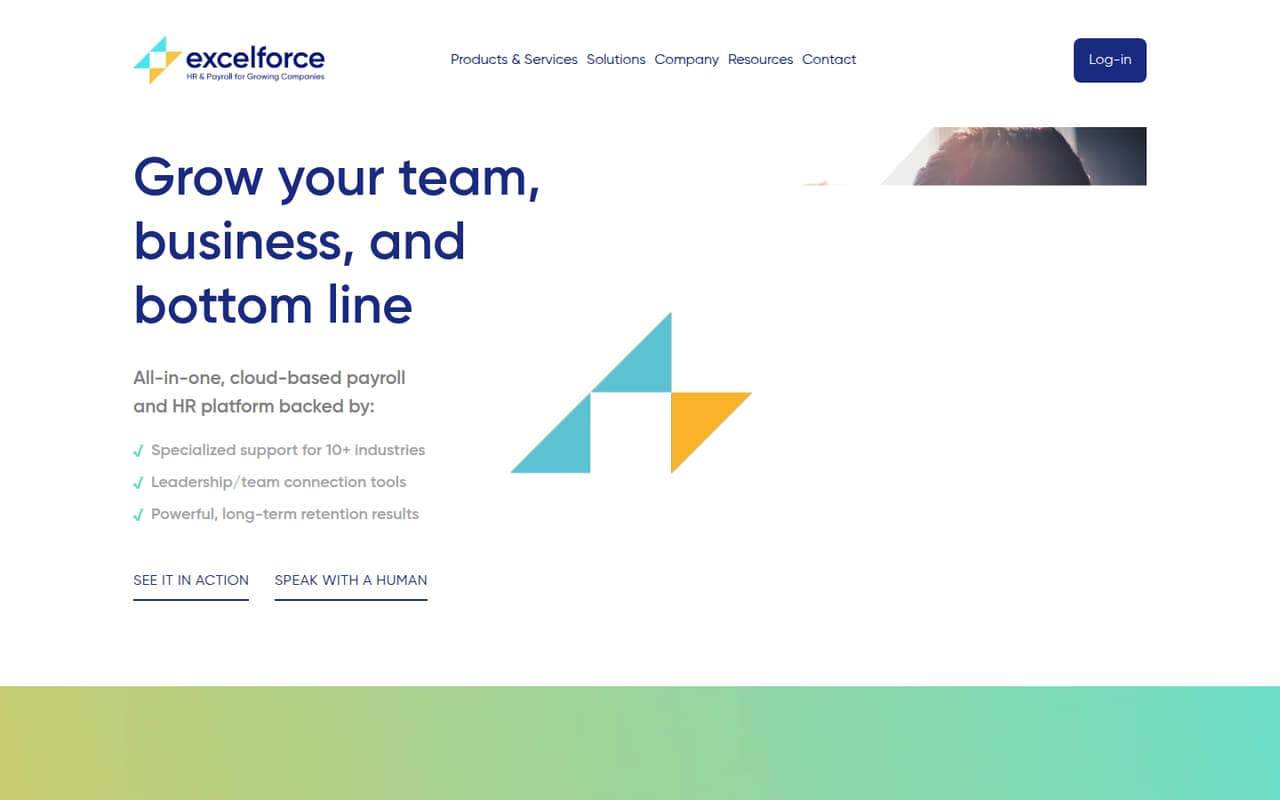
Excelforce combines payroll, PTO, time tracking, benefits, onboarding, recruitment, and compliance tools for growing companies. Its website emphasizes tailored setup, training, and personal support.
For a small team watching subscription costs, the catch is pricing: the available pricing information lists a custom quote, with no published starting price or billing terms. There’s no listed free plan, so ask for a quote before deciding whether the breadth is worth it.
Good fit if
- Growing teams consolidating HR and payroll
- Owners who want tailored setup
- Teams seeking personal support
Skip it if
- Teams that need a free payroll plan
- Buyers requiring clear per-seat costs
- Teams that need published integration details
ScoresHow it rates
What works
- Payroll and PTO tools in one platform
- Also covers time, benefits, and onboarding
- Includes recruitment and compliance tools
- Website emphasizes tailored setup and training
- Personal support is part of its pitch
What doesn't
- Pricing is custom and quote-based
- No starting price is published
- Monthly and annual terms are not published
- No free plan is listed
- Per-seat costs and add-ons are unclear
01Who Excelforce is for
Excelforce is presented as a cloud-based payroll and HR platform for growing companies. For a team of 1–10, it may suit an owner who wants payroll, PTO, time tracking, benefits, onboarding, recruitment, and compliance tools under one roof rather than stitching together separate services.
The fit depends on both the work you need covered and your budget. Excelforce’s available pricing information lists a custom quote, not a public per-person rate, so a small team can’t check the cost before speaking with the vendor. That makes it harder to compare against a payroll-only service. The website emphasizes tailored setup, training, and personal support, which may appeal to a team without dedicated HR staff. Ask for a quote based on your headcount and the specific tools you plan to use.
02Excelforce free plan and trial
Excelforce does not have a listed free plan. The available pricing information also gives no free-trial terms, so don’t assume you can try the platform at no cost before signing up.
The cheapest way in is to request a custom quote. The published information does not name a lower-cost tier or specify a minimum contract, so ask whether the quote covers just payroll or the wider HR suite, and whether any services carry separate charges. For a small team, get the full price in writing before investing time in setup. The website emphasizes tailored setup and training, but the cost and scope of that help should also be confirmed during the sales conversation.
03What a small team pays for Excelforce
The available pricing information lists one plan, Custom, for organizations seeking a quote. It gives no starting price, per-seat rate, monthly total, or annual total. That means we can’t calculate what one person, a team of three, or a team of five would pay—or compare monthly billing with annual billing. The billing terms are not published.
No add-on prices are listed either. Excelforce describes tools for payroll, PTO, time and labor, benefits, onboarding, recruitment, and compliance, but the available price information doesn’t say which are included in a quote or priced separately. Ask for a written breakdown for your headcount, the tools you need, setup and training, and any additional charges. Until you have that quote, the value for a budget-conscious team is hard to judge.
04Getting started with Excelforce
Excelforce’s website emphasizes tailored setup, training, and ongoing personal support. That suggests the company positions onboarding as something supported by its team, rather than leaving every setup step to a small business to figure out alone. The website does not publish how long setup takes or how much work your team must do, so ask what information and staff time are required before you commit.
Integration details for the tools a small team may already use are not published in the available information. Before signing, ask which payroll, accounting, benefits, and time-tracking connections are supported, and whether they’re included in the quote. Also confirm who handles training and what support looks like after launch. Those answers will help you estimate the effort of moving from your current process.
05When small teams outgrow Excelforce
The available plan information does not publish seat limits, feature caps, or upgrade thresholds, so there’s no clear point at which a growing team must move up a tier. Excelforce is already positioned for growing companies and covers several HR and payroll jobs, which may reduce the need to switch tools as responsibilities expand.
The main pressure point for a small team may be cost visibility, not a stated product limit. Because pricing is custom and add-on charges aren’t listed, a bigger headcount or broader use could change the quote—but the amount is unknown. Ask the vendor how pricing changes as you add employees or adopt more modules, and whether your quote includes the tools you expect to need later. If the price or required integrations don’t fit, compare alternatives before migrating.
Questions people ask
How much does Excelforce cost?
The available pricing information lists a custom quote and does not publish a starting price, per-seat rate, or monthly and annual totals. Request a written quote for your team size and the specific tools you need. Ask whether setup, training, and any additional services are included.
Does Excelforce have a free plan or free trial?
No free plan is listed in the available pricing information, and free-trial terms are not published. The cheapest way to evaluate it is to request a quote and ask the vendor whether it offers a no-cost trial or demo for your team.
What does Excelforce include?
Excelforce describes tools for payroll and PTO, time and labor, benefits, onboarding, recruitment, and tax and compliance. The available pricing information does not specify which of these tools are included in a particular quote, so confirm the scope with the vendor.
Does Excelforce help with setup?
The website emphasizes tailored setup, training, and ongoing personal support. It does not publish setup timelines or the amount of work required from your team. Ask who will guide implementation, what training is included, and whether those services affect your quote.
What integrations does Excelforce support?
Integration details are not published in the available information. Before choosing Excelforce, ask the vendor whether it connects to the accounting, benefits, and time-tracking tools your team already uses, and whether those connections are included in your quoted plan.