
We may earn a commission if you buy through links on this page. It never changes a score or a ranking. How we make money
The bottom line
A straightforward time clock and scheduler for small teams willing to pay a monthly fee.
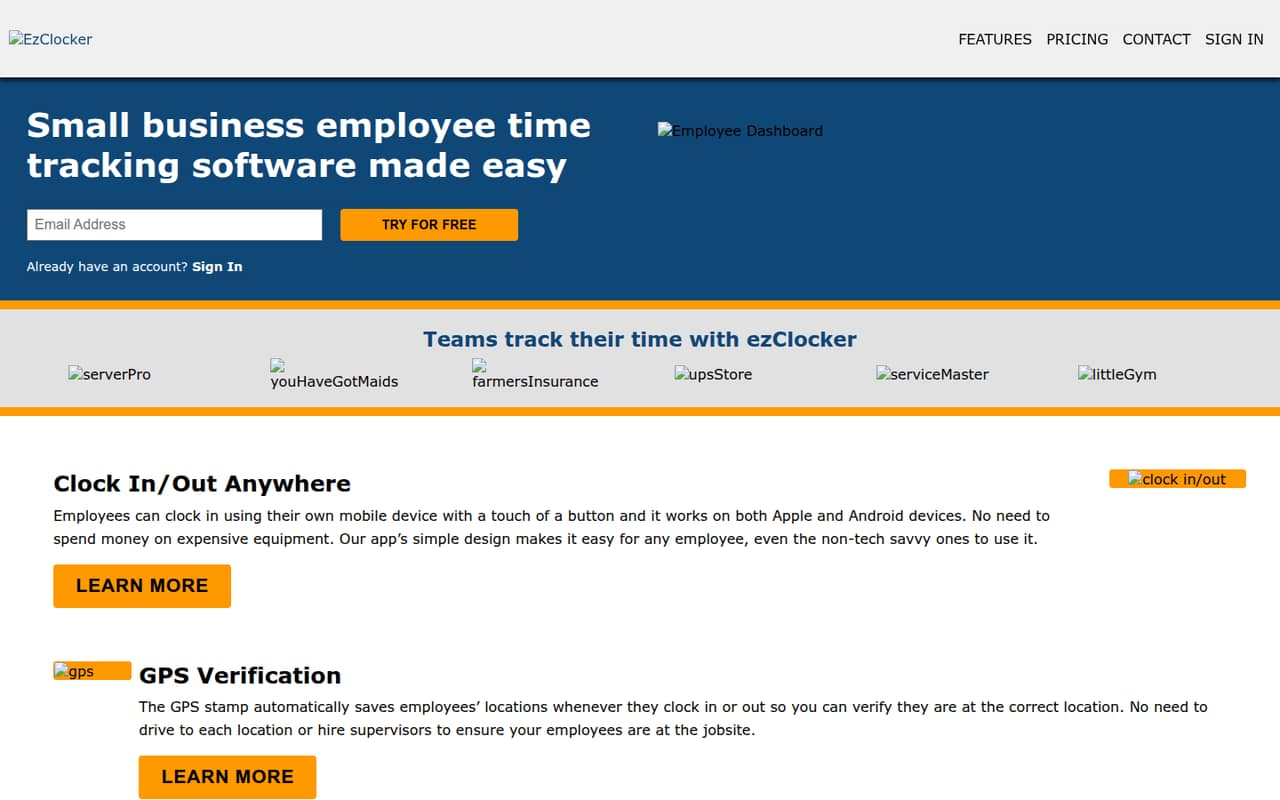
ezClocker combines employee clock-ins, GPS location records, scheduling and timesheets in web, mobile and tablet-kiosk options. It suits a small business that wants those basics together, rather than a free time-tracking tool.
There’s a 30-day free trial, but no free plan. The Basic plan covers up to 15 employees and costs $15 monthly or $150 yearly, equivalent to $12.50 per month.
Good fit if
- Small businesses with hourly staff
- Teams needing schedules and time clocks
- Managers who review punch changes
Skip it if
- Teams that need a free plan
- Businesses needing more than 60 employees
- Buyers requiring published integration details
ScoresHow it rates
What works
- Clock in from the website or mobile device
- Records GPS locations at clock-in and clock-out
- Create schedules on web or mobile
- Employees can view timesheets
- Managers can audit time-entry changes
What doesn't
- No free plan
- Basic costs $15 monthly without annual billing
- Trial feature details are not published
- Integration list is not published
- More than 60 employees requires a pricing inquiry
01Who ezClocker is for
ezClocker is aimed at small businesses that need to track hourly work and organize shifts. The Basic plan covers up to 15 employees, so it can fit a one-person operation or a team of 3 to 10 without moving to a higher seat tier. It costs $15 per month, or $150 per year with annual billing.
The core job is simple: employees clock in and out through the website or a mobile device, while managers create schedules, review or adjust time entries, and export timesheets. The system also saves employees’ locations when they clock in or out. A tablet kiosk option lets employees sign in with a four-digit PIN, which may suit a shared workplace device. We’d consider it if scheduling and time punches belong in one tool and a recurring subscription fits the budget. If a free plan is a must, ezClocker isn’t a fit.
02ezClocker free plan and trial
ezClocker does not have a free plan. The pricing lists a 30-day free trial, so the trial is the way to evaluate the service before paying. The vendor’s pricing information does not specify which features or employee limits apply during that trial; ask ezClocker to confirm those details before you depend on it for a full team.
The cheapest listed paid option is Basic: up to 15 employees for $15 per month, or $150 per year when billed annually. That annual price works out to $12.50 per month, but the full $150 is billed yearly. A team that needs clock-ins, GPS verification, schedules and timesheets should confirm which plan includes each required feature during the trial, since the listed plan details focus on employee limits and price.
03What a small team pays for ezClocker
The pricing lists Basic for up to 15 employees at $15 per month, or $150 per year with annual billing. For one employee, that is $15 monthly or $12.50 per month on the annual plan. For three employees, it works out to $5 per person monthly or about $4.17 per person per month annually. For five, it is $3 per person monthly or $2.50 per person per month annually. The annual option is billed as $150 upfront.
Those are per-seat calculations on a flat plan price, not separate per-user rates. Standard costs $30 monthly or $300 yearly for up to 30 employees. Premium is $60 monthly or $600 yearly for up to 60. Above 60 employees, the pricing lists contact-for-pricing. No add-ons are listed. The listed prices don’t break down which features come with each tier, so confirm feature access before choosing based on price alone.
04Getting started with ezClocker
The basic workflow is clear from the feature list: employees clock in and out on the website or a mobile device, and employers create schedules, review time entries and export timesheets. For a shared device, the kiosk app uses a four-digit employee PIN. GPS verification saves a location at clock-in and clock-out. Those options give a small team a few ways to handle punches, depending on how staff work.
The vendor does not publish a setup-time estimate or a detailed learning-curve guide, so we can’t promise a same-day rollout. It also does not publish an integrations list in the pricing details. Before buying, ask whether ezClocker connects directly to your payroll system and what setup is needed to export timesheets into your existing process. A 30-day trial offers time to check the workflow, but confirm its feature and employee limits with the vendor.
05When small teams outgrow ezClocker
The clearest growth boundary is employee count. Basic covers up to 15 employees; Standard raises that limit to 30, and Premium to 60. A team can move up as it grows, but the listed monthly price doubles from Basic to Standard ($15 to $30) and doubles again from Standard to Premium ($30 to $60). Annual billing lowers the monthly equivalent, with yearly charges of $150, $300 and $600 respectively.
Once a team has more than 60 employees, the listed price is contact-for-pricing, so budgeting becomes less straightforward. Another reason to look elsewhere may be a need for integrations: the vendor does not publish an integrations list in the pricing details, so check compatibility before building payroll processes around exports. Teams that need a free plan also hit a limit from day one. The listed features cover time tracking, scheduling, GPS verification and time-entry audits; if your requirements go beyond those, ask the vendor whether ezClocker supports them before committing.
Questions people ask
Does ezClocker have a free plan?
No. ezClocker has a 30-day free trial, but no free plan. After the trial, the cheapest listed paid option is Basic, which covers up to 15 employees and costs $15 per month or $150 per year with annual billing. Ask the vendor to confirm the trial’s feature and employee limits.
How much does ezClocker cost for a small team?
Basic costs $15 per month for up to 15 employees. Annual billing costs $150 per year, equivalent to $12.50 per month. Because the listed price is for the plan rather than a per-person charge, three employees work out to $5 each per month on monthly billing.
Does ezClocker track employee locations?
Yes. ezClocker’s GPS verification saves employees’ locations when they clock in or out. The feature list describes location records for those punches. If your business needs a specific location policy or reporting detail, confirm that requirement with the vendor before signing up.
Can employees clock in on a shared tablet?
Yes. ezClocker offers a kiosk app for tablets, where employees sign in using a four-digit PIN. Employees can also clock in and out through the website or a mobile device. Check with the vendor about any device requirements before setting up a shared tablet.
What happens when my team grows beyond 15 employees?
The listed Standard plan covers up to 30 employees for $30 per month or $300 per year. Premium covers up to 60 for $60 monthly or $600 yearly. For more than 60 employees, ezClocker lists contact-for-pricing, so ask the vendor for a quote.