
We may earn a commission if you buy through links on this page. It never changes a score or a ranking. How we make money
The bottom line
Worth considering if you need rental, maintenance, and billing workflows in one system.
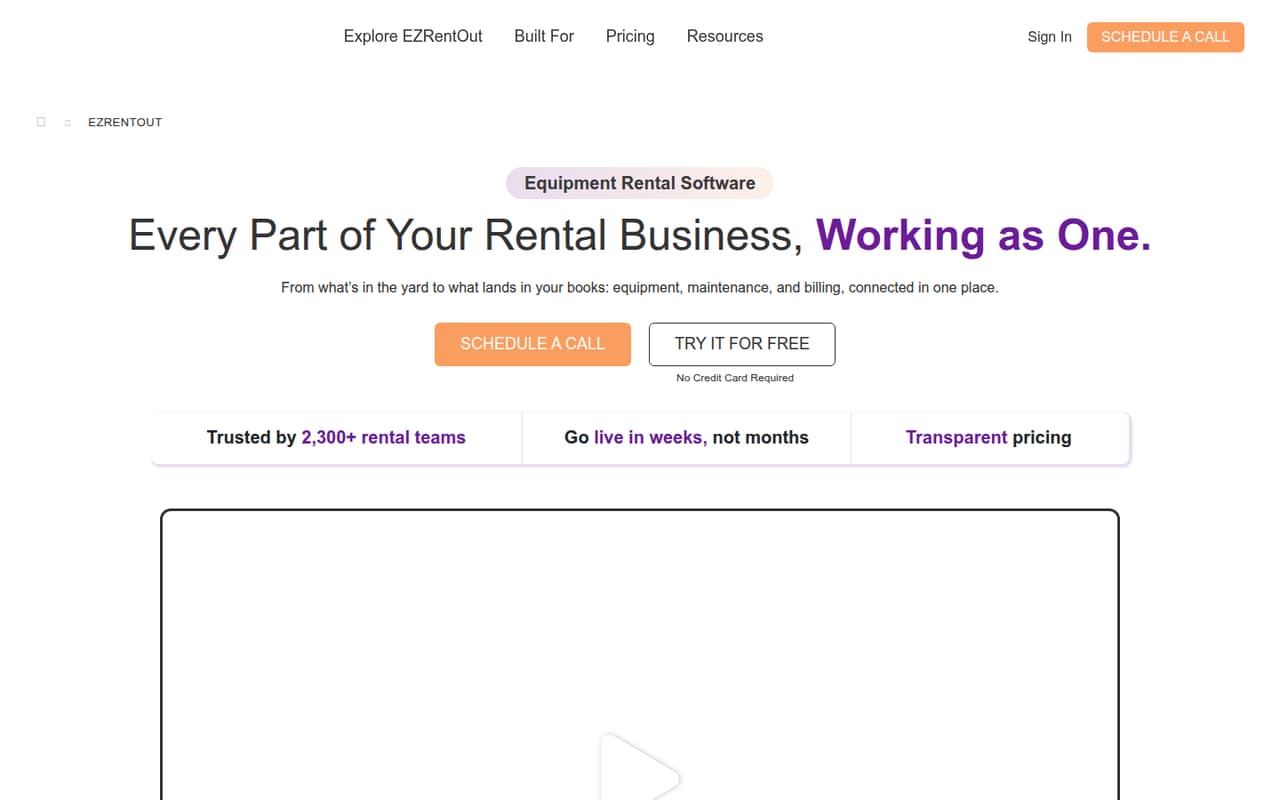
Small rental teams that need to coordinate equipment, bookings, returns, maintenance, and billing may benefit from keeping those jobs together. EZRentOut also lists a rental webstore and mobile workflows, including offline logs that sync later.
The catch is the entry price: Growth costs $399 per month when billed annually and includes four users. There’s no free plan, and monthly billing prices and trial availability aren’t published. For a team watching every subscription, the fit depends on whether those rental-specific workflows replace enough separate work to justify the commitment.
Good fit if
- Equipment rental operations
- Teams coordinating maintenance and returns
- Rental businesses needing recurring billing
Skip it if
- Teams seeking a free rental tool
- One-person teams on tight budgets
- Businesses needing published monthly rates
ScoresHow it rates
What works
- Tracks equipment status, location, availability, and rental history
- Combines bookings, returns, and availability
- Includes work orders and inspection records
- Supports recurring billing for long-term rentals
- Mobile workflows include offline logs that sync later
What doesn't
- No free plan is listed
- Growth starts at $399 per month with annual billing
- Monthly billing prices aren’t published
- Growth includes only one location
- Additional-user billing interval isn’t stated
01Who EZRentOut is for
EZRentOut is for equipment rental teams that need to keep inventory, orders, returns, maintenance, and billing connected. It can make sense for a small operation of one to five people if several team members handle equipment or customers and the work is more involved than tracking bookings in a basic spreadsheet.
The software tracks equipment status, location, availability, and rental history. Teams can manage bookings and returns, create work orders, schedule service, and maintain inspection records. Recurring billing is aimed at long-term rental cycles. A rental webstore lets customers browse available equipment and request rentals, while mobile workflows cover renting out, returns, scanning, and documenting damage. The Growth plan includes four users and one location for $399 per month when billed annually. That is a substantial starting commitment for a tiny team, so we’d look at EZRentOut when its rental-specific workflows matter more than keeping software costs low.
02EZRentOut free plan and trial
EZRentOut doesn’t list a free plan. The pricing page also doesn’t publish whether a free trial is available, so ask the vendor about trial access before committing.
The cheapest listed entry point is Growth: $399 per month when billed annually, with four included users, one location, unlimited inventory, unlimited orders, a bookings calendar, and a mobile app. That means a solo operator pays for a four-user plan rather than buying a lower-priced individual tier. Monthly billing prices aren’t published, so we can’t compare an annual commitment with a month-to-month option. If you only need a basic way to track a small amount of equipment, the listed starting price may be more than you need.
03What a small team pays for EZRentOut
Growth is listed at $399 per month when billed annually, or $4,788 for a year. It includes four users, so a one-person team still pays $399 per month; that works out to $399 per active seat. A three-person team pays the same plan price, averaging $133 per included seat. With all four seats used, the average is $99.75 per seat.
For five people, Growth’s included seats leave one additional user. The pricing page lists additional users at $20 each, but doesn’t state the billing interval, so we can’t give a confirmed five-person total. Premium costs $499 per month when billed annually ($5,988 per year) and includes six users and two locations. That’s a published option for five people, though the Growth add-on may cost less depending on its billing interval. Monthly plan prices aren’t published. Enterprise pricing is custom, and the vendor doesn’t list a price for extra locations or custom integrations on the lower plans.
04Getting started with EZRentOut
The vendor doesn’t publish a setup-time estimate, so a small team should ask what’s involved in importing equipment records, configuring rental workflows, and training staff before choosing a start date. The listed feature set suggests setup decisions will include how to record equipment locations and status, manage bookings and returns, and schedule maintenance.
A team’s day-one integration needs depend on its existing tools. Premium lists QuickBooks integration; the product also describes integrations with accounting, payment, and GPS tools, but the published pricing details name no other specific integrations. Confirm which ones are available on the plan you’re considering. The mobile workflows cover renting out equipment, returns, scanning, and damage notes; offline logs sync later. That may suit field work, but ask the vendor how the mobile workflow fits your process. We’d request a walkthrough of your actual rental cycle rather than assume the learning curve or setup effort.
05When small teams outgrow EZRentOut
The first Growth-plan pinch point is users: the plan includes four, and additional users are listed at $20 each, with the billing interval not stated. If your team grows beyond four, compare the extra-user charge with Premium, which includes six users and two locations for $499 per month when billed annually. Growth includes one location, so a second site is another reason to compare plans; the pricing page doesn’t publish a separate location add-on price.
The listed plans don’t set inventory or order caps on Growth, so increasing equipment or booking volume alone isn’t a published reason to upgrade. Larger operations may need Enterprise for multiple sites, custom integrations, GPS and telematics integrations, item audit, or custom roles. Enterprise pricing is custom, which makes it harder to forecast costs as needs expand. Before moving up, ask for a written quote that covers users, locations, and required integrations.
Questions people ask
Does EZRentOut have a free plan?
No free plan is listed. The cheapest published option is Growth at $399 per month when billed annually, with four included users and one location. The vendor doesn’t publish whether a free trial is available, so ask about trial access before signing up.
How much does EZRentOut cost for a small team?
Growth is $399 per month when billed annually and includes four users. A team of three pays the same plan price. A fifth user is listed at $20, but the billing interval isn’t stated. Premium is $499 per month when billed annually and includes six users.
Does EZRentOut include QuickBooks integration?
Premium lists QuickBooks integration. EZRentOut also describes accounting, payment, and GPS integrations, but the listed plan details don’t name other specific integrations or say which plans include them. Confirm availability and any related costs with the vendor.
Can EZRentOut work on a phone without internet?
EZRentOut’s mobile workflows cover renting out equipment, returns, scanning, and documenting damage. The feature description says offline logs sync later. Ask the vendor which mobile actions are available offline and what happens when staff reconnect.
What does EZRentOut help rental teams manage?
It brings equipment tracking, bookings, returns, maintenance, and billing into one system. Listed features include equipment status and location tracking, work orders, inspection records, recurring billing, a rental webstore, and mobile workflows.