We may earn a commission if you buy through links on this page. It never changes a score or a ranking. How we make money
A small team may not need dedicated inventory software yet: a spreadsheet can be enough for a small, stable stock list. When you need shared records, barcode scans, sales-channel syncing, or replenishment workflows, the right tool depends on what you sell. For a tight budget, Loyverse POS and AssetTiger stand out on price; Veeqo, Orca Scan, and Sortly have free plans to explore. Check what the free tier actually covers, how extra seats are priced, and whether the tool is built for your kind of inventory before committing.
Quick picksThe shortlist
 Loyverse POSLoyverse POSBest budget POS · $4.17/mo
 AssetTigerAssetTigerBest for shared assets · $18/mo
 VeeqoVeeqoBest free multichannel · $19/mo
 Orca ScanOrca ScanBest for barcode tracking · €35/mo
 CraftybaseCraftybaseBest for small-batch makers · $20/mo
 EMERGEEMERGEBest for wholesalers · $34.90/mo
 SortlySortlyBest visual inventory · $24/mo
 SOS InventorySOS InventoryBest for QuickBooks Online · $62.46/mo
 SKU IQSKU IQBest for POS syncing · $19/mo
 OrdoroOrdoroBest for shipping workflows · $59/mo
 InventoryLabInventoryLabBest for Amazon FBA · $58/mo
 inFlow InventoryinFlow InventoryBest for physical stock · $99/mo
 SimpleConsignSimpleConsignBest for consignment shops · $159/mo
 Fishbowl InventoryFishbowl InventoryBest for inventory-heavy teams · $229/mo
 Finale InventoryFinale InventoryBest for barcode warehouses · $499/mo
 EZRentOutEZRentOutBest for rental operations · $399/mo
 Operative IQOperative IQBest for public safety · Custom
 SupplyProSupplyProBest for configurable controls · Custom
 RF-SMARTRF-SMARTBest for warehouse scanning · Custom
 SkuVaultSkuVaultBest for 3PL fulfillment · Custom
 CheqRoomCheqRoomBest for shared equipment · Custom
 AssetWorksAssetWorksBest for fleet assets · Custom
 Cin7Cin7Best for complex inventory · $349/mo
 KentroKentroBest for commerce operations · $500/mo
 AfreshAfreshBest for grocery teams · Custom
 Infor Cloud InventoryInfor Cloud InventoryBest for supply chains · Custom
 Lightspeed RetailLightspeed RetailBest for retail POS · $89/mo
 SMART Inventory Planning & OptimizationSMART Inventory Planning & OptimizationBest for custom development · $2,000/mo
01Compared at a glance
| Tool | Score | From | Free plan | Trial |
|---|---|---|---|---|
| Loyverse POSLoyverse POS | 8.0 | $4.17/mo | Yes | 14 days |
| AssetTigerAssetTiger | 8.0 | $18/mo | No | 30 days |
| VeeqoVeeqo | 7.2 | $19/mo | Yes | — |
| Orca ScanOrca Scan | 7.1 | €35/mo | Yes | — |
| CraftybaseCraftybase | 7.0 | $20/mo | No | 14 days |
| EMERGEEMERGE | 7.0 | $34.90/mo | Yes | — |
| SortlySortly | 6.8 | $24/mo | Yes | 14 days |
| SOS InventorySOS Inventory | 6.8 | $62.46/mo | No | 14 days |
| SKU IQSKU IQ | 6.5 | $19/mo | No | 14 days |
| OrdoroOrdoro | 6.5 | $59/mo | Yes | 15 days |
| InventoryLabInventoryLab | 6.4 | $58/mo | No | 30 days |
| inFlow InventoryinFlow Inventory | 6.4 | $99/mo | No | 14 days |
| SimpleConsignSimpleConsign | 6.1 | $159/mo | No | — |
| Fishbowl InventoryFishbowl Inventory | 5.8 | $229/mo | No | — |
| Finale InventoryFinale Inventory | 6.2 | $499/mo | No | — |
| EZRentOutEZRentOut | 6.5 | $399/mo | No | — |
| Operative IQOperative IQ | 5.5 | Custom | No | — |
| SupplyProSupplyPro | 5.0 | Custom | No | — |
| RF-SMARTRF-SMART | 5.7 | Custom | No | — |
| SkuVaultSkuVault | 5.8 | Custom | No | — |
| CheqRoomCheqRoom | 5.4 | Custom | No | — |
| AssetWorksAssetWorks | 5.8 | Custom | No | — |
| Cin7Cin7 | 5.0 | $349/mo | No | — |
| KentroKentro | 5.8 | $500/mo | Yes | — |
| AfreshAfresh | 5.3 | Custom | No | — |
| Infor Cloud InventoryInfor Cloud Inventory | 4.0 | Custom | No | — |
| Lightspeed RetailLightspeed Retail | 2.0 | $89/mo | No | — |
| SMART Inventory Planning & OptimizationSMART Inventory Planning & Optimization | 1.0 | $2,000/mo | No | — |
02The picks, in detail
- Best budget POSLoyverse POSLoyverse POS
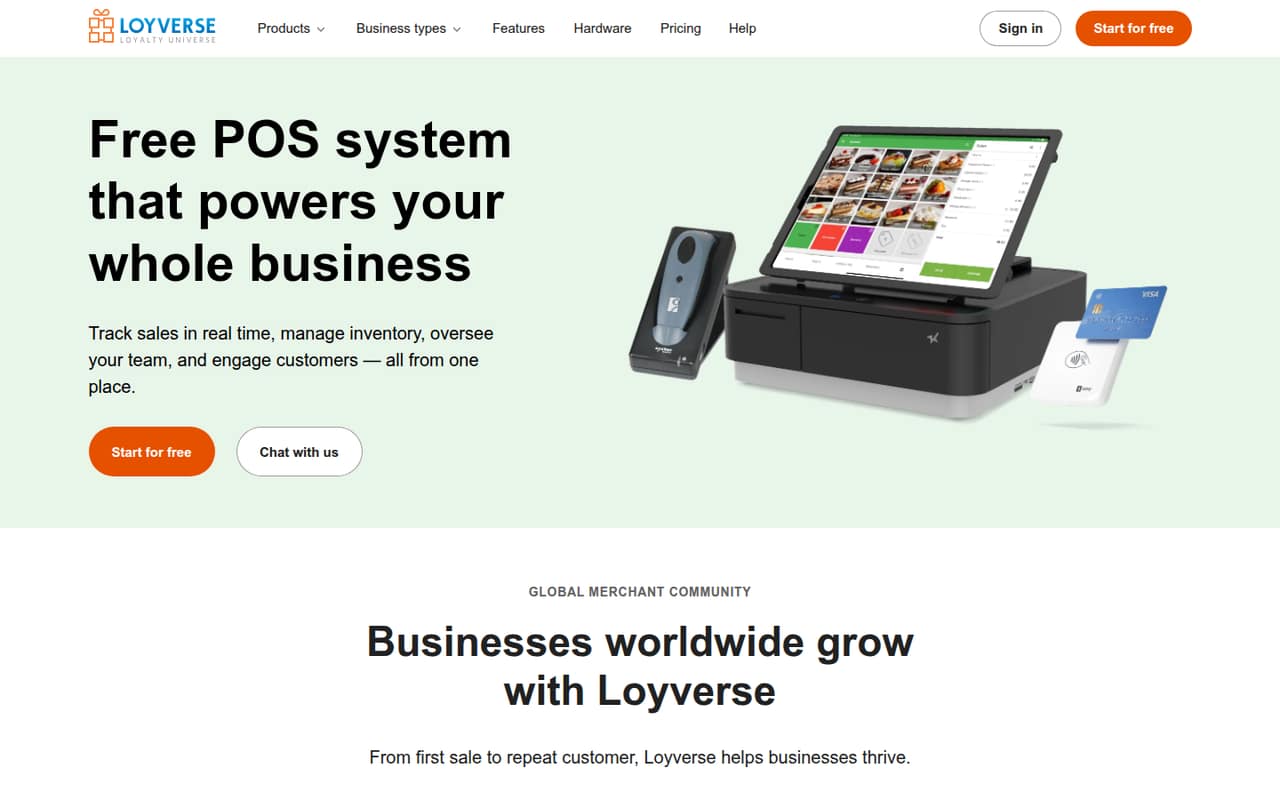
Loyverse is our leading low-cost pick for a small shop that wants POS basics alongside inventory. Its free plan and listed starting price of $4.17 make it one of the more budget-friendly choices here. The main caveat is employee management: budget for it if staff need individual permissions. It is a better match for shops, cafes, and delis than for warehouse or manufacturing workflows.
What works
- Free plan includes checkout and basic inventory
- Sales reports cover revenue, profit, and trends
- Offline sales sync when connectivity returns
What doesn't
- Free sales reports cover only 31 days
- Employee management is charged per employee
- Advanced inventory costs extra per store
- Best for shared assetsAssetTigerAssetTiger
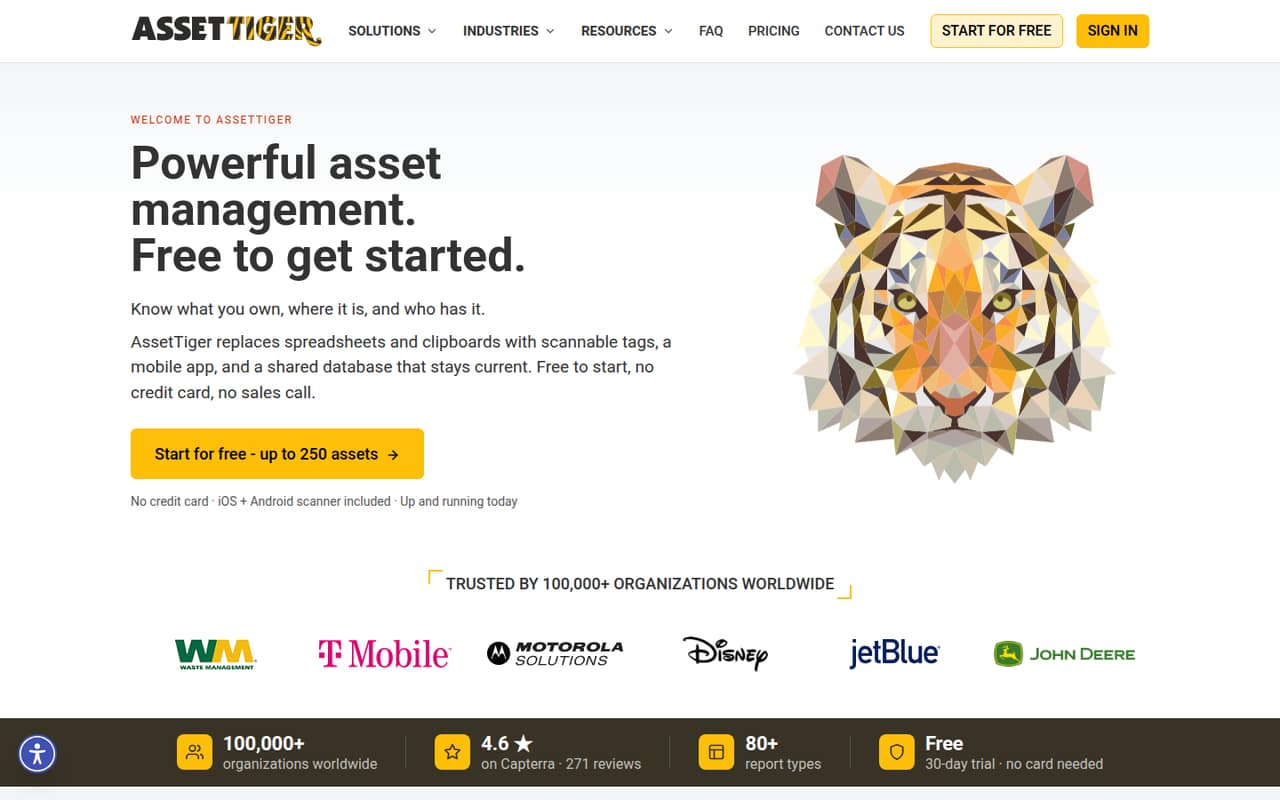
AssetTiger suits small groups tracking equipment or other shared assets, particularly when many people need access. It starts at $18, and the listing says its flat pricing favors teams with more users. The stated fit is inventories under 500 assets, so check whether your asset count fits before signing up. Choose it for asset records and scans, not as a general product-business inventory system.
What works
- Basic includes unlimited users
- Tracks assets, assignments and handoffs
- Maintenance alerts and warranty tracking
What doesn't
- No permanent free plan
- Trial capped at two users
- Basic tops out at 500 assets
- Best free multichannelVeeqoVeeqo
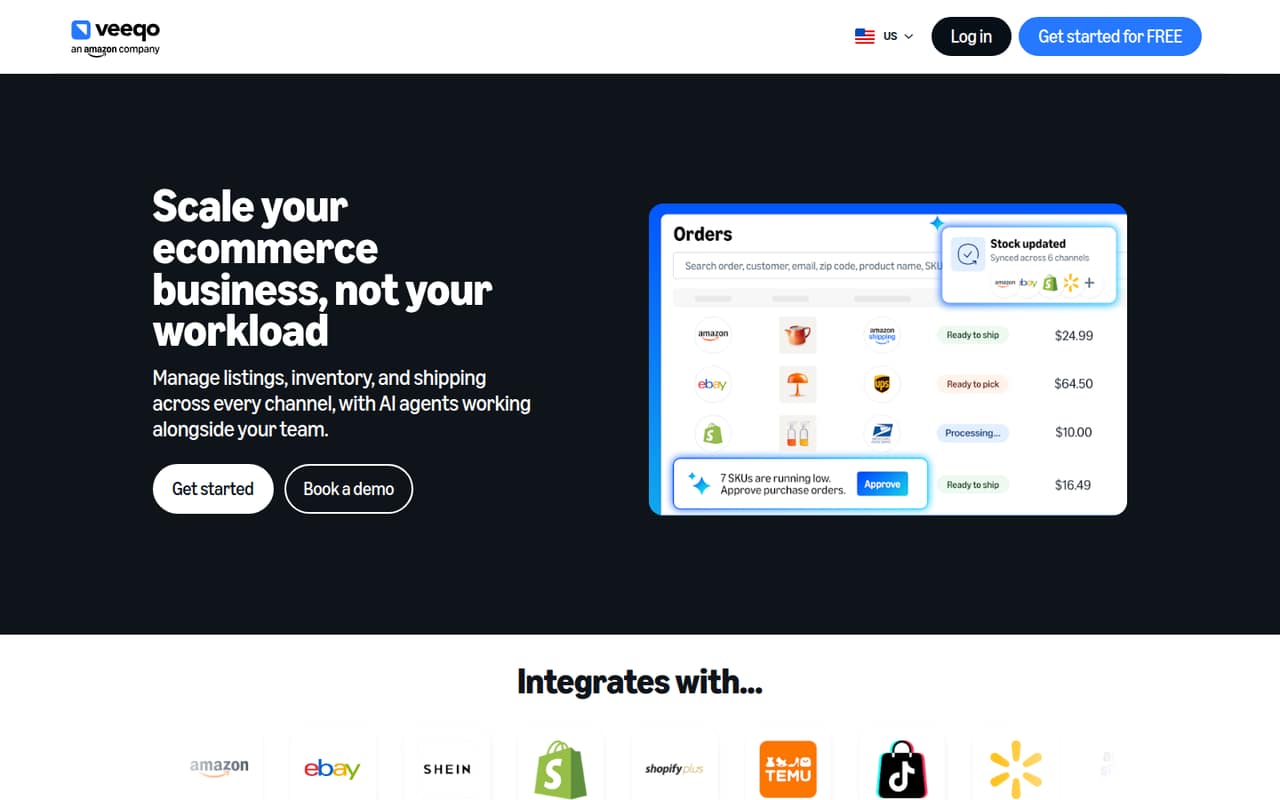
Veeqo is a strong starting point for small multichannel shipping teams that want shared inventory and a free plan. The listed starting price is $19 for inventory tools, so confirm which capabilities sit behind that paid tier before building your process around the free option. It is most relevant to sellers coordinating shipments across channels, rather than teams looking for manufacturing or asset-lifecycle features.
What works
- Free Shipping plan includes unlimited users
- Bulk ship up to 100 orders
- Inventory plan starts at $19/month
What doesn't
- Inventory price varies with order volume
- Annual billing price is not published
- Ten free monthly listings are coming soon
- Best for barcode trackingOrca ScanOrca Scan
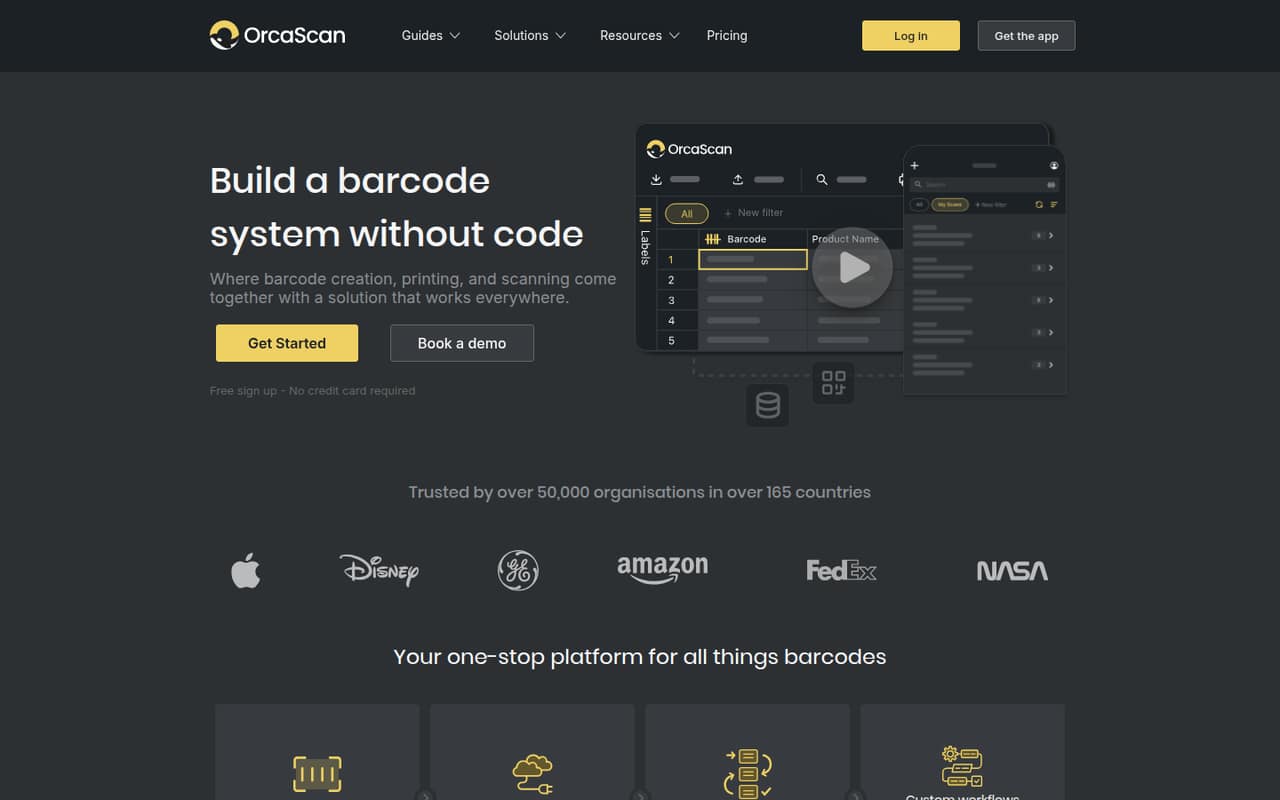
Orca Scan is a practical match for a one-person barcode project or a small team tracking assets, and the listing calls out offline scanning. It has a free plan and starts at $35. The warning for a growing team is to budget for extra seats and capacity; ask the vendor how those affect your total before more people or records depend on the system.
What works
- Free plan includes one user and one sheet
- Offline scanning is supported
- Labels can use templates or custom designs
What doesn't
- Free plan is limited to 100 rows per sheet
- Free revision history lasts seven days
- Starter includes only two users
- Best for small-batch makersCraftybaseCraftybase
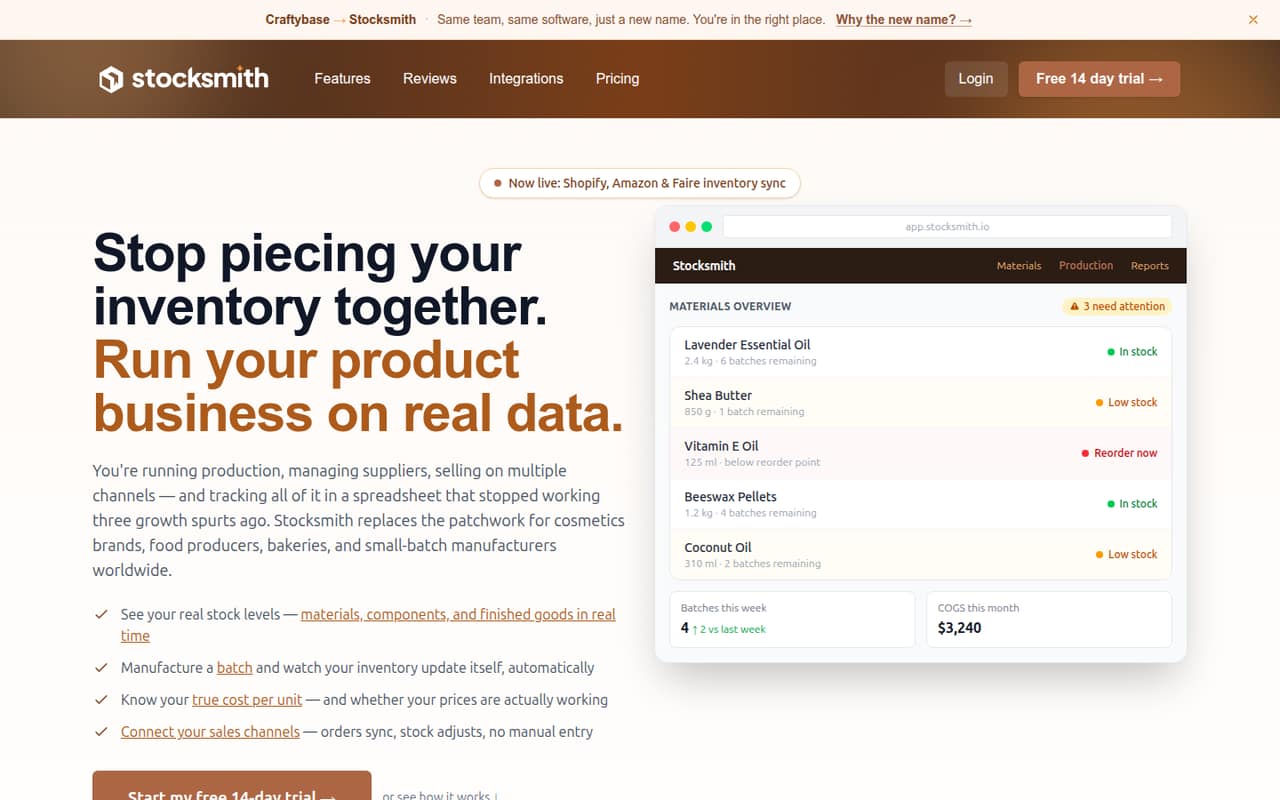
Craftybase is aimed at small-batch makers who need to track materials, cost recipes and batches, or connect sales channels. Its listed starting price is $20. That makes it a relatively accessible option for a maker whose inventory work includes production and costing, but a spreadsheet may be enough for a very small shop. Compare the paid plan with the complexity of your current batches before upgrading.
What works
- Tracks materials, components, and finished goods
- Batch production deducts materials used
- Recipe costing includes labor and overhead
What doesn't
- No free plan
- Cheapest plan includes only one sales channel
- Studio's user limit is not published
- Best for wholesalersEMERGEEMERGE
EMERGE fits B2B wholesalers, distributors, and importers coordinating sales, purchasing, and trade documents. The listing notes a small free tier and a starting price of $34.90, while paid seats are listed at $49.90 monthly. That seat cost matters for a team of several people, so ask which plan and number of users your workflow needs. It offers more wholesale focus than a basic stock tracker.
What works
- First user is free forever
- Covers sales, purchasing and inventory
- Supports multi-currency trade workflows
What doesn't
- Free plan is capped at four monthly transactions
- Paid seats cost $49.90 monthly
- Yearly billing is needed for the lowest rate
- Best visual inventorySortlySortly
Sortly is a good fit for crews tracking stock across locations who prefer visual folders and mobile barcode scans. It has a free plan and starts at $24. The key buying check is the seat and item caps: confirm both against your inventory and team size before moving records over. For simple visual stock tracking, it is an approachable option; larger needs may make its limits more important.
What works
- Free plan includes 100 unique items
- Organizes inventory into folders by location or type
- Photos and custom fields add item context
What doesn't
- Free plan is limited to one user
- Advanced includes only two user licenses
- Three users require the $149 monthly Ultra plan
- Best for QuickBooks OnlineSOS InventorySOS Inventory
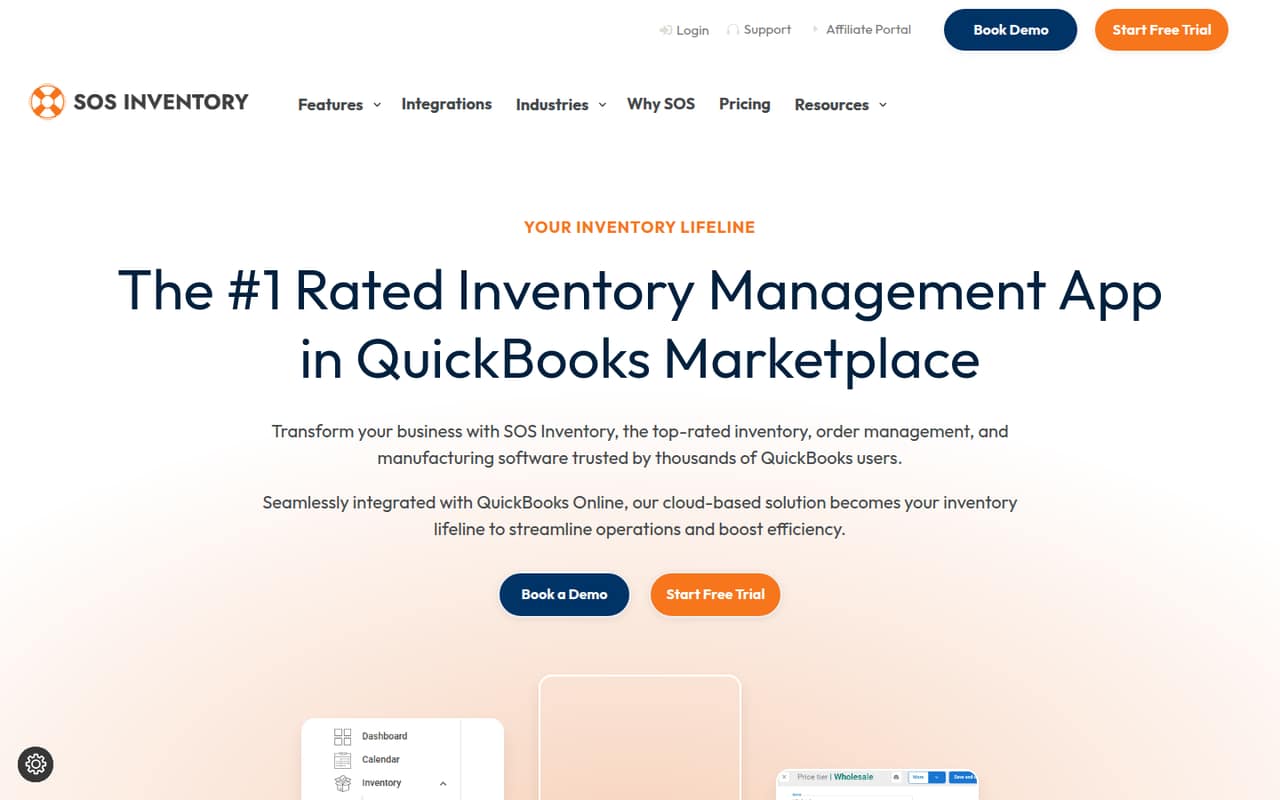
SOS Inventory is worth considering if your small team already uses QuickBooks Online and needs multiple inventory locations or work orders. It starts at $62.46, and the listing describes it as an inventory and manufacturing layer for QBO. Check seat pricing and which features your workflow requires before budgeting; the starting price alone does not establish the cost for everyone who needs access.
What works
- Syncs transactions with QuickBooks Online
- Manages orders, shipments, returns, and purchase orders
- Tracks items by serial number, lot, and barcode
What doesn't
- No permanent free plan
- Companion is limited to one location
- Extra-user pricing is inconsistent across pricing materials
- Best for POS syncingSKU IQSKU IQ
SKU IQ is designed for small retailers syncing inventory between POS and web sales, including catalog movement between platforms. Its listed starting price is $19, with no free plan noted. It is a focused option if keeping those channels in sync is the problem you need to solve. Confirm that your POS and ecommerce setup are supported, and check the total if more than one person needs access.
What works
- Basic includes unlimited linked items
- Unified order view is included on Basic
- Three plans start at $19 per month
What doesn't
- No free plan
- Annual billing prices are not published
- Order Sync add-on price is not published
- Best for shipping workflowsOrdoroOrdoro
Ordoro offers a free plan and starts at $59, which makes it worth comparing for small teams shipping across channels or routing orders to suppliers. The important cost distinction is that serious inventory tools are listed at $349 per month or more. Check whether the lower tier covers your needs before choosing it, and compare the higher inventory price with a simpler stock-focused tool.
What works
- Free shipping plan includes one user and 100 labels monthly
- Advanced shipping supports five users for $59 per month
- Inventory plans include unlimited users
What doesn't
- Free plan is limited to one sales channel
- Exceeding the free label limit temporarily locks the account
- Inventory Advanced starts at $349 per month
- Best for Amazon FBAInventoryLabInventoryLab
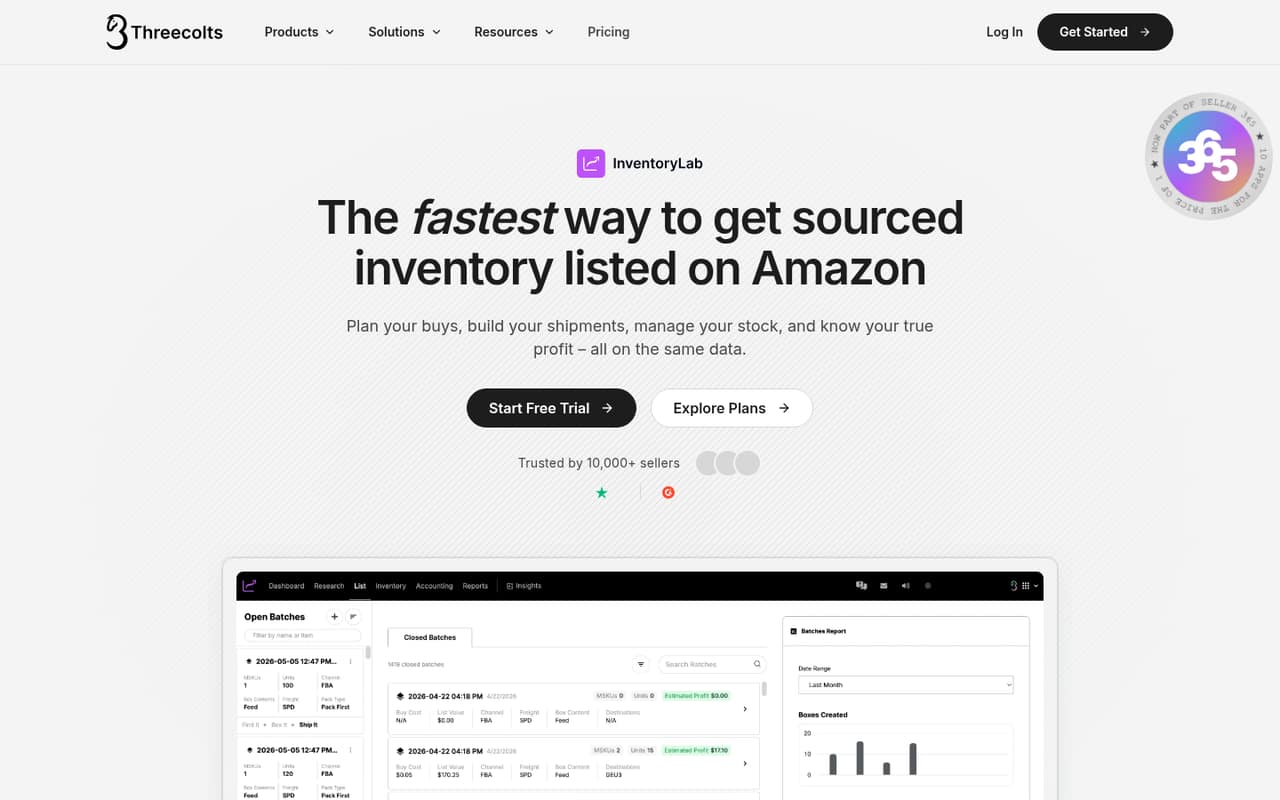
InventoryLab is a focused option for Amazon sellers managing FBA shipments, shared inventory workflows, and profit by product. It starts at $58 and has no free plan listed. That can make sense when Amazon operations are the main job, but it is less compelling as a general inventory system for a business selling through unrelated channels. Check the team price and workflow fit before subscribing.
What works
- Unlimited users on the standalone InventoryLab plan
- Tracks FBA, merchant-fulfilled and unlisted inventory
- Guided shipment workflow includes labels and tracking
What doesn't
- No free plan
- Monthly price is $69 before add-ons
- Full accounting capabilities may not be enough for every seller
- Best for physical stockinFlow InventoryinFlow Inventory
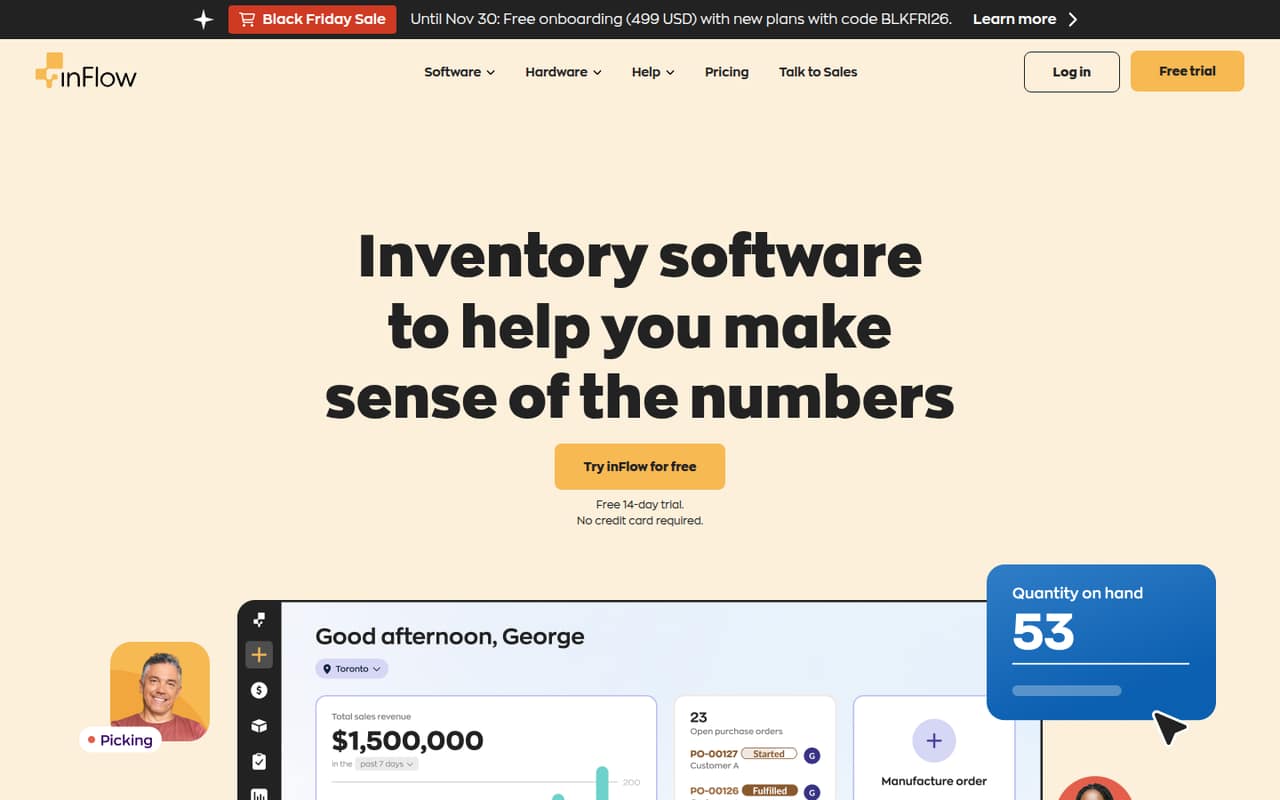
inFlow Inventory covers physical stock, purchasing, sales orders, and assembling products or kits, making it a broad fit for small businesses. The listed starting price is $99, with no free plan noted. That entry cost can stretch a small team’s budget, so compare it with the specific workflows you need. Ask how seats affect the price before deciding whether the starting tier works for everyone.
What works
- Tracks stock across locations
- Includes sales orders and invoicing
- Supports purchasing and stock reordering
What doesn't
- No free plan
- Lite starts at $99/month billed annually
- Lite includes only two team members
- Best for consignment shopsSimpleConsignSimpleConsign
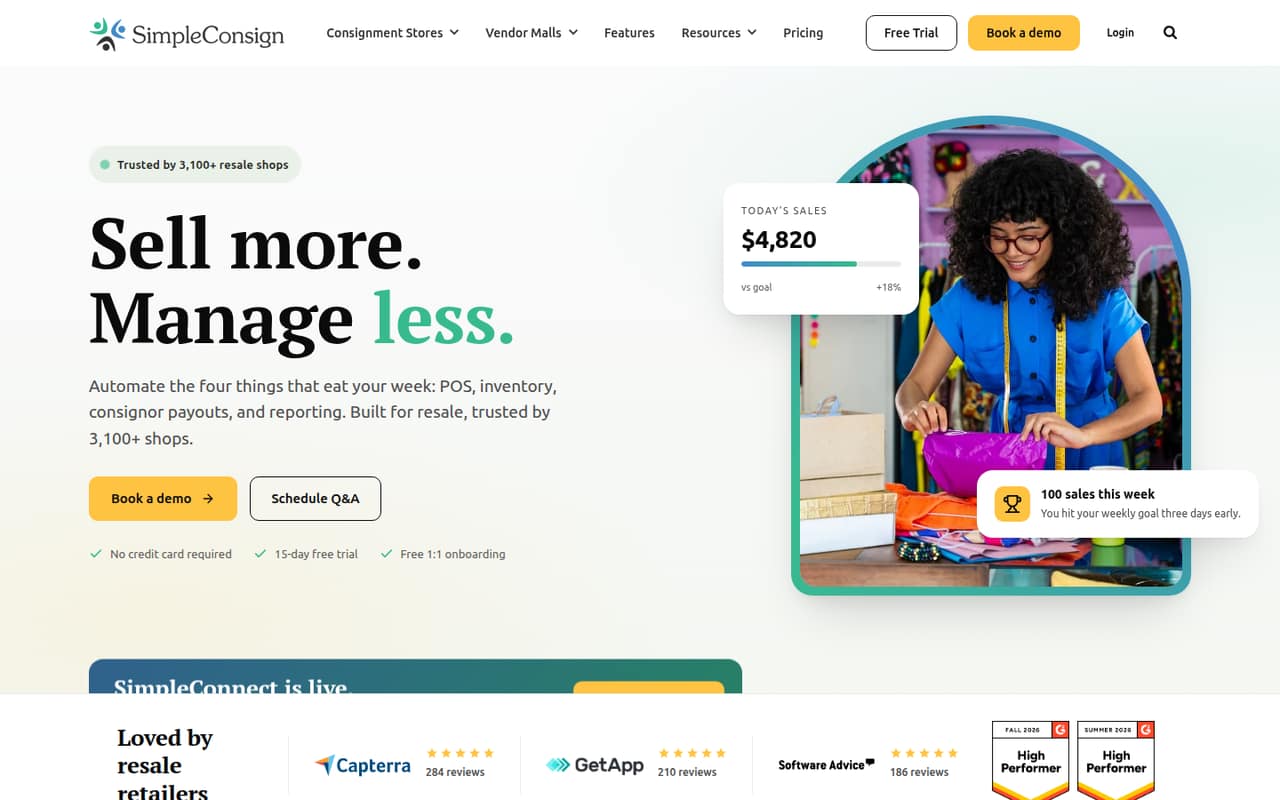
SimpleConsign is tailored to consignment shops that need inventory management, consignor payouts, or support for multiple locations. It starts at $159 and has no free plan listed, so it is a careful buy for a small shop. The listing also flags mixed reports. Compare its resale-specific workflows with your current process and ask the vendor for a full quote before committing.
What works
- Purpose-built for consignment and resale workflows
- Basic includes unlimited consignors and inventory
- Standard adds ACH payouts and a consignor portal
What doesn't
- No free plan; Basic starts at $159 monthly
- Annual pricing is not listed
- Some users report confusing screens and bugs
- Best for inventory-heavy teamsFishbowl InventoryFishbowl Inventory
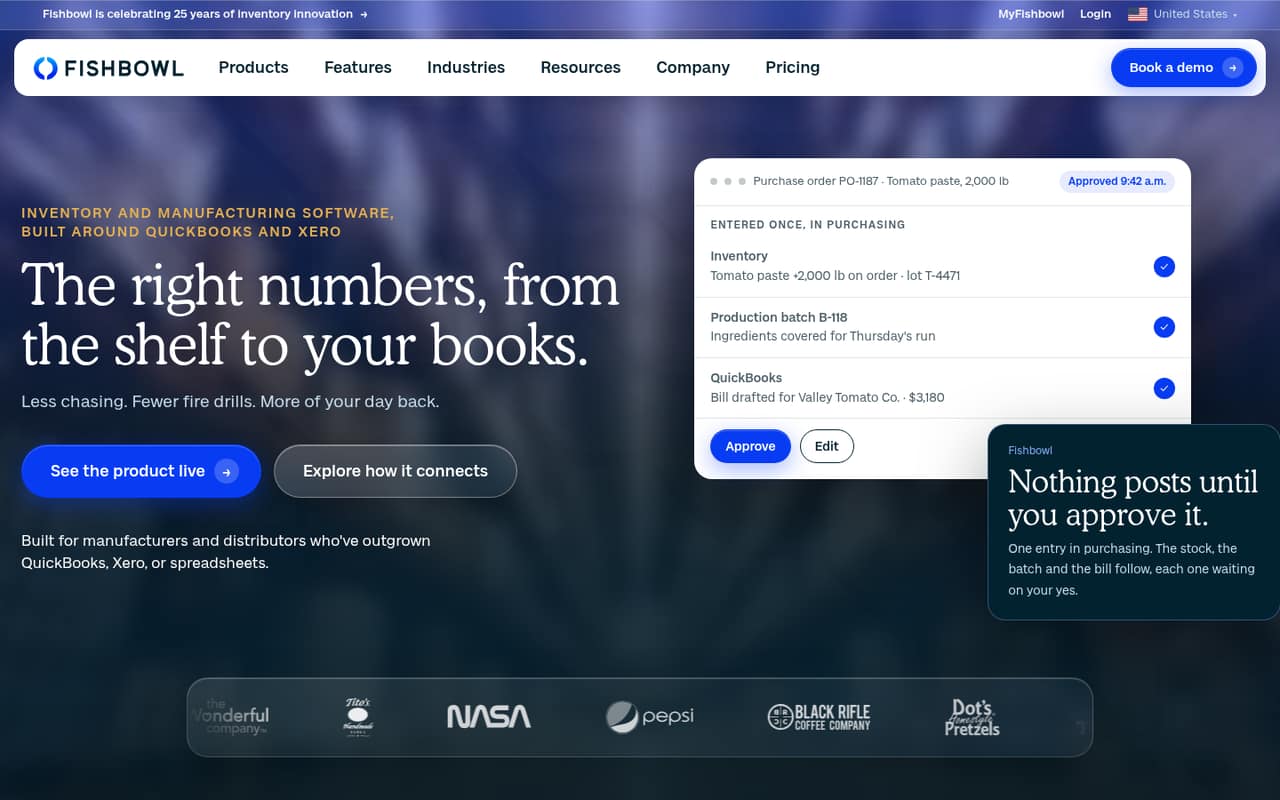
Fishbowl Inventory suits product businesses using QuickBooks or Xero, teams with multiple warehouses, and manufacturers needing inventory and production workflows. Its listed starting price is $229, making the annual starting cost steep for a small team. It is worth considering when inventory operations are central to the business, but compare the cost and setup demands with your actual warehouse or production requirements first.
What works
- Tracks inventory across locations
- Essentials includes two users
- Syncs with QuickBooks Online and Xero
What doesn't
- No free plan
- Essentials costs $229 monthly, billed annually
- Monthly billing for Essentials, Growth, and Scale isn’t listed
- Best for barcode warehousesFinale InventoryFinale Inventory
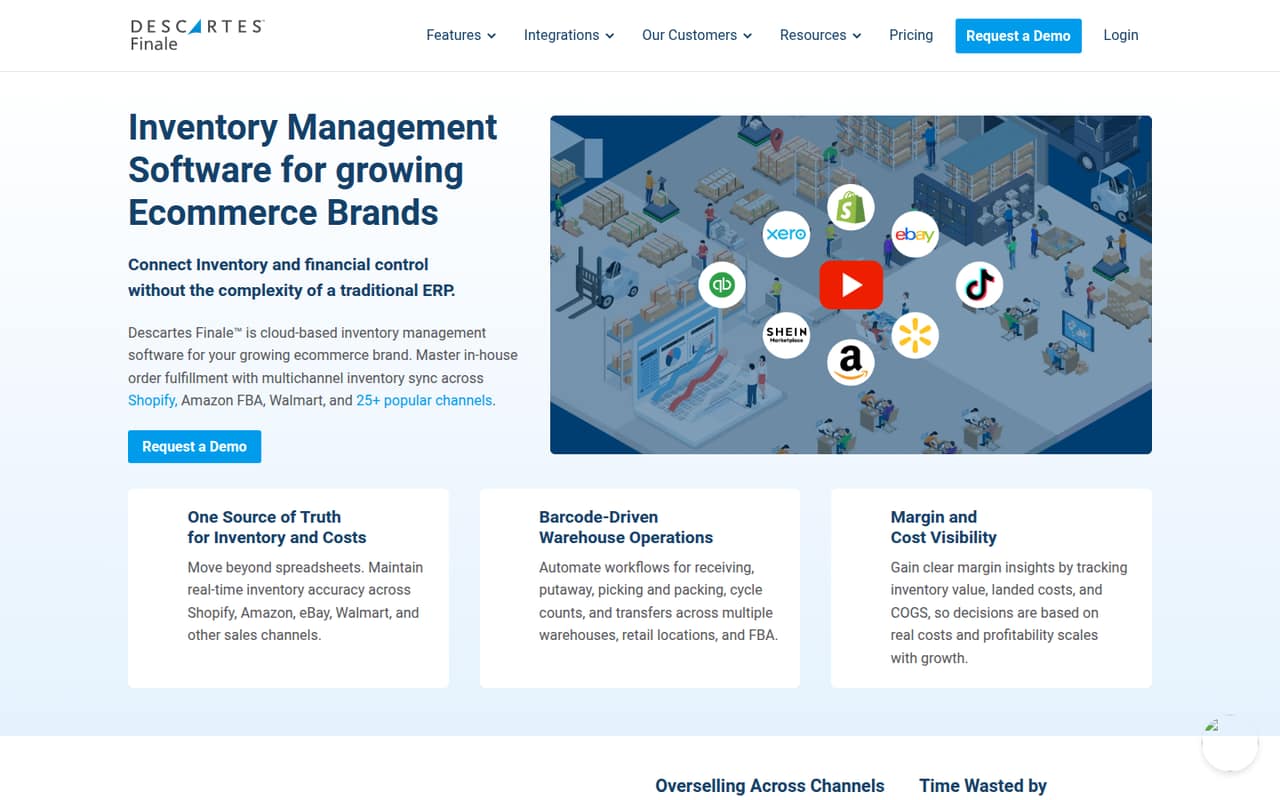
Finale Inventory is aimed at ecommerce teams with multiple stock locations and brands needing barcode warehouse workflows. It starts at $499 per month and has no free entry point listed. That price puts it beyond many small-team budgets, even if its channel and warehouse tools fit. Consider it when the warehouse workflow justifies the spend, and ask for a quote that covers your seats and required capabilities.
What works
- 40+ sales-channel integrations listed
- Multi-warehouse inventory management
- Barcode workflows available on Growth
What doesn't
- No free plan or trial published
- Essentials starts at $499 per month
- Additional-user costs are not published
- Best for rental operationsEZRentOutEZRentOut
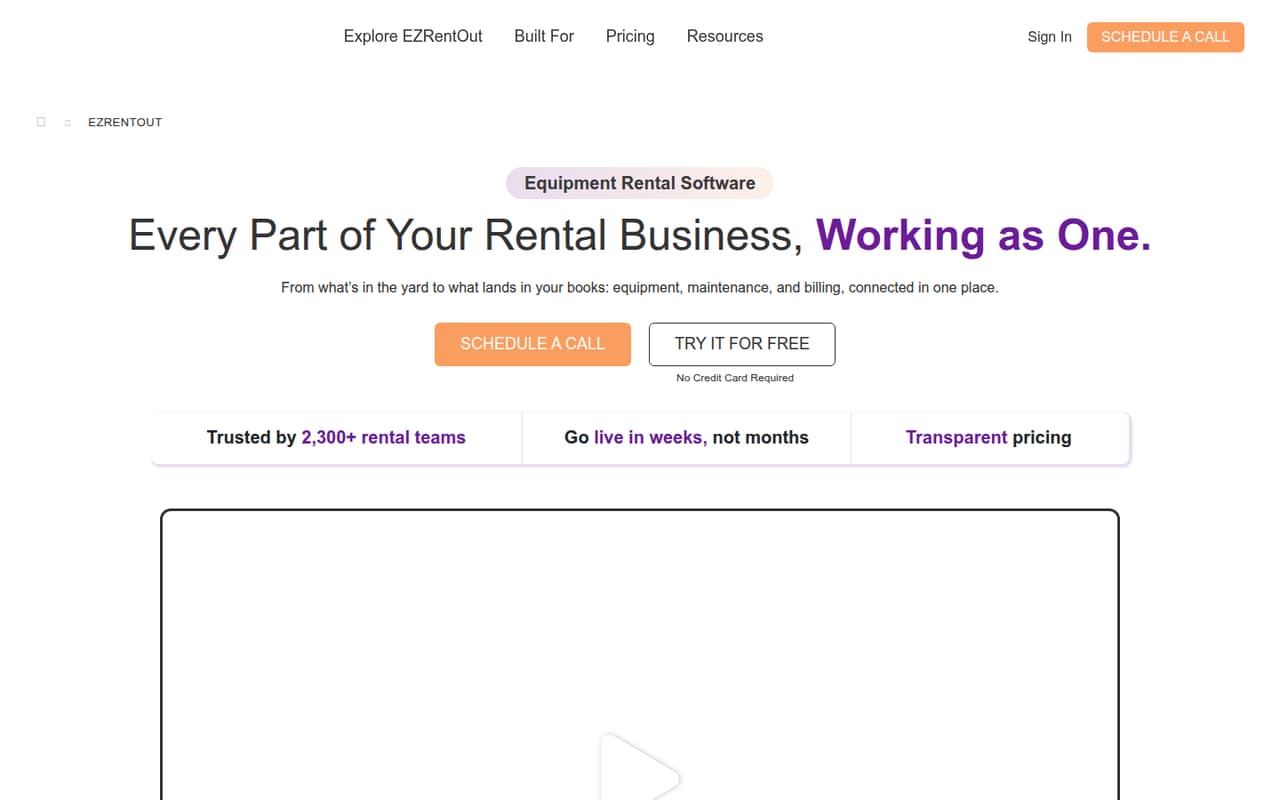
EZRentOut is a specialized choice for equipment rental businesses coordinating maintenance, returns, and recurring billing. It starts at $399, so it is not a low-cost first step for a small team. It may be worth considering if you need those rental workflows together in one system. Ask the vendor to confirm the price for your operation and compare it with the cost of your current separate tools.
What works
- Tracks equipment status, location, availability, and rental history
- Combines bookings, returns, and availability
- Includes work orders and inspection records
What doesn't
- No free plan is listed
- Growth starts at $399 per month with annual billing
- Monthly billing prices aren’t published
- Best for public safetyOperative IQOperative IQ
Operative IQ is built for EMS and fire department operations, including supplies across locations, fleet, and compliance workflows. That specialization may suit an agency better than a general stock app, but the vendor’s pricing is custom and the small-team value is uncertain. Ask for a scoped quote and confirm which workflows are included. For a team outside public safety, its specialized focus may be more than you need.
What works
- Tracks supplies across warehouses, stations, and vehicles
- Includes controlled-substance records and audit logs
- Tracks blood units and chain of custody
What doesn't
- Custom pricing requires a vendor quote
- No free plan is listed
- No free trial is listed
- Best for configurable controlsSupplyProSupplyPro
SupplyPro is a configurable inventory-control option for company-wide stock management and teams considering smart cabinets. Its price is not published, so a small team needs a vendor quote before judging whether it fits the budget. Ask which configuration matches your control needs and whether smart cabinets are part of the proposed setup. Without a scoped price, it is difficult to compare with lower-cost tools.
What works
- Inventory control is designed for company-wide use
- Smart cabinets are part of the offering
- SupplySystem has flexible configurations
What doesn't
- No free plan is listed
- No starting price is published
- Monthly and annual terms are not published
- Best for warehouse scanningRF-SMARTRF-SMART
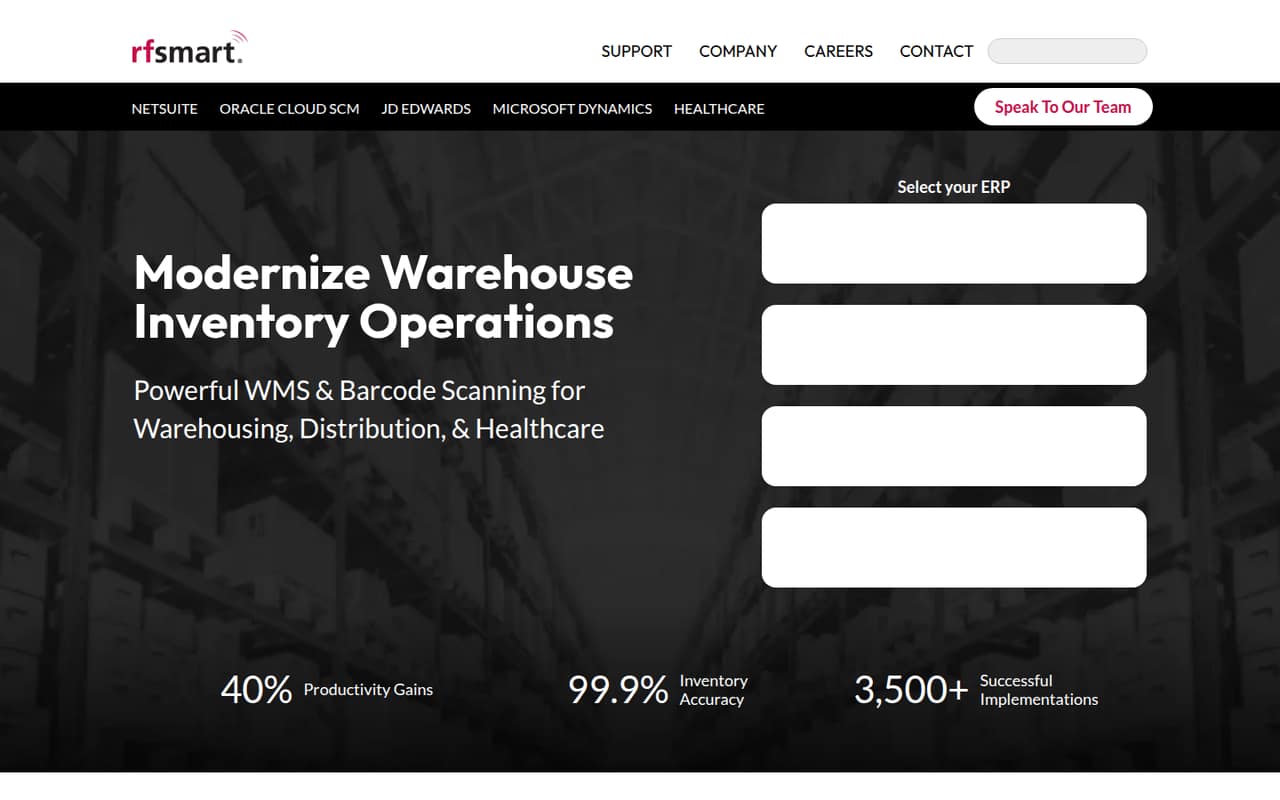
RF-SMART covers warehouse scanning, barcode workflows, and inventory movement, which may suit a small warehouse operation. Pricing is custom, so the vendor’s published information does not establish whether it is affordable for a team of 1–10. Request a quote that spells out seats and required workflows. It is worth evaluating when scanning is central to operations, but hard to compare on value without that number.
What works
- Covers warehouse inventory operations
- Supports barcode scanning workflows
- Includes cycle-counting capabilities
What doesn't
- Pricing is custom-quoted and unpublished
- No free plan is listed
- Seat and usage limits are unpublished
- Best for 3PL fulfillmentSkuVaultSkuVault
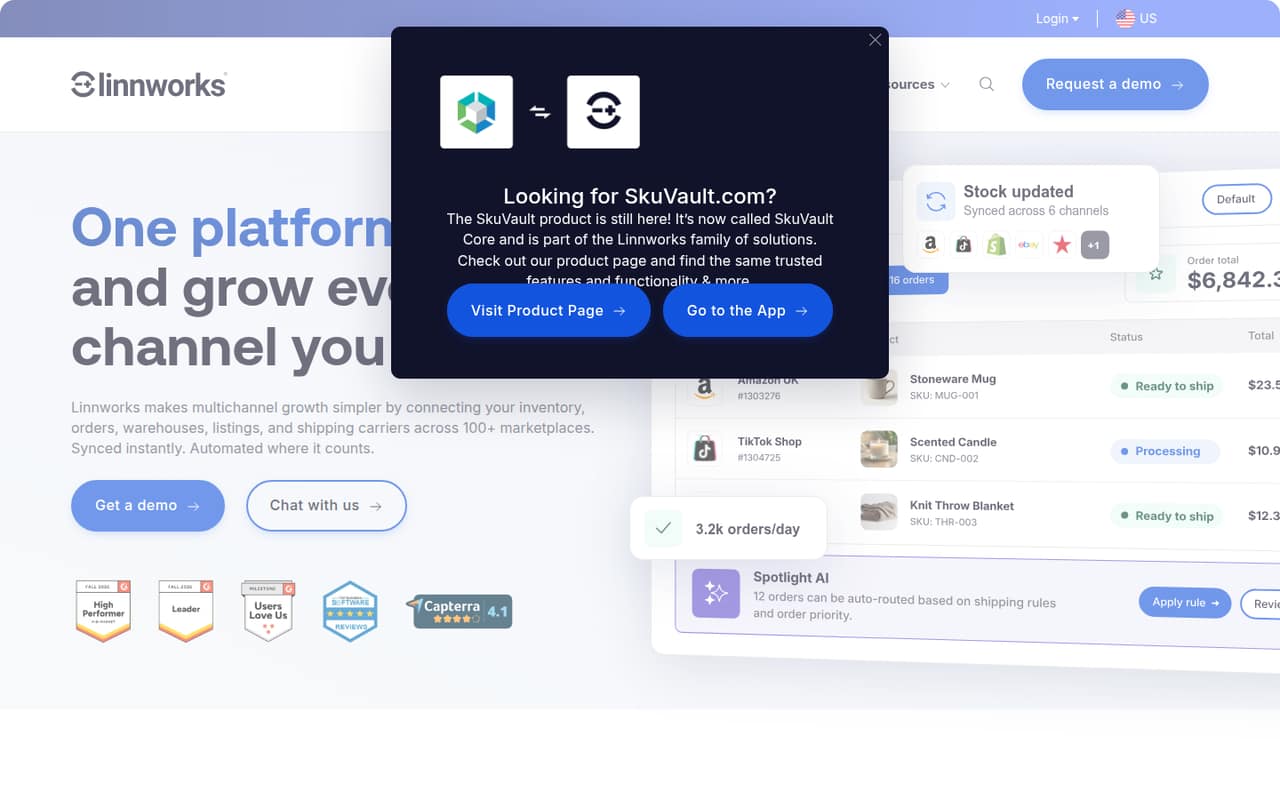
SkuVault is aimed at retailers organizing warehouse operations, managing multichannel inventory, or using 3PL fulfillment. The vendor’s pricing is not published, so a small team cannot judge the value from a starting price alone. Ask for a quote tied to your warehouse and channel needs, plus the cost of the seats you need. It is worth a look for warehouse demands, not an easy budget pick.
What works
- Covers inventory, orders, warehouse fulfillment and shipping automation
- Supports fulfillment through warehouses, 3PLs or dropship suppliers
- Pricing is based on monthly order volume, not per-seat rates
What doesn't
- No free plan is listed
- Monthly and annual prices aren't published
- Order-volume overages apply, but rates aren't published
- Best for shared equipmentCheqRoomCheqRoom
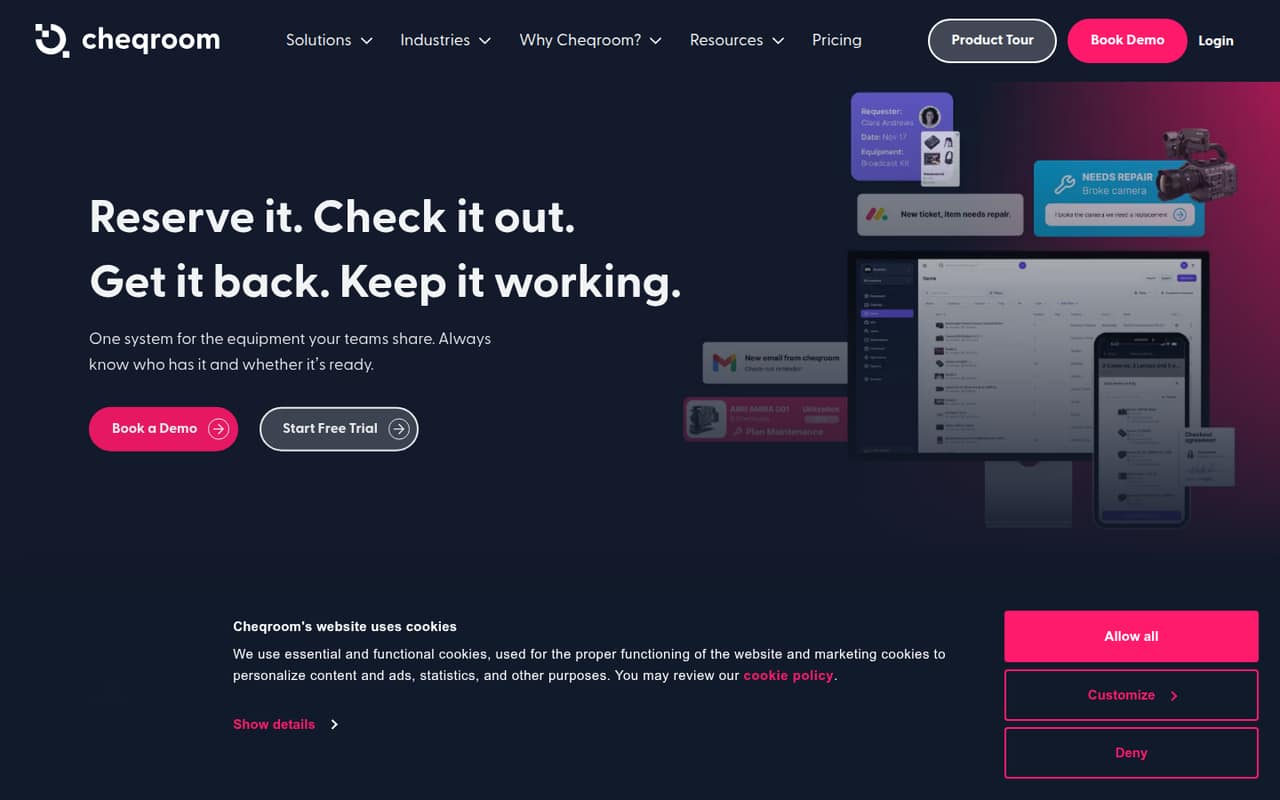
CheqRoom is designed for teams lending shared equipment, including production and AV gear managers who need custody records. Pricing is not published, which makes it difficult to recommend for a tight budget without a vendor quote. Ask for the cost for your team and confirm which custody workflows are included. If you need general product stock rather than equipment lending, compare it with a broader inventory tool.
What works
- Bookings include availability, rules and permissions
- Tracks location, condition, status and custody
- Maintenance tools can block broken items
What doesn't
- The pricing page lists no starting price
- No free plan is listed
- Trial availability is not published
- Best for fleet assetsAssetWorksAssetWorks
AssetWorks focuses on commercial fleets, government and public works, and higher education asset management. It is a specialized fit rather than a general small-business stock tracker, and the vendor’s pricing is custom with little public detail for small buyers. Ask for a scoped quote and confirm which asset workflows match your needs. For a small team without fleet or institutional requirements, a simpler tool may be easier to assess.
What works
- Purpose-built fleet management solutions
- Serves commercial and private fleets
- Includes public works asset solutions
What doesn't
- No free plan
- Starting price is not published
- Monthly and annual prices are not published

- Best for complex inventoryCin7Cin7
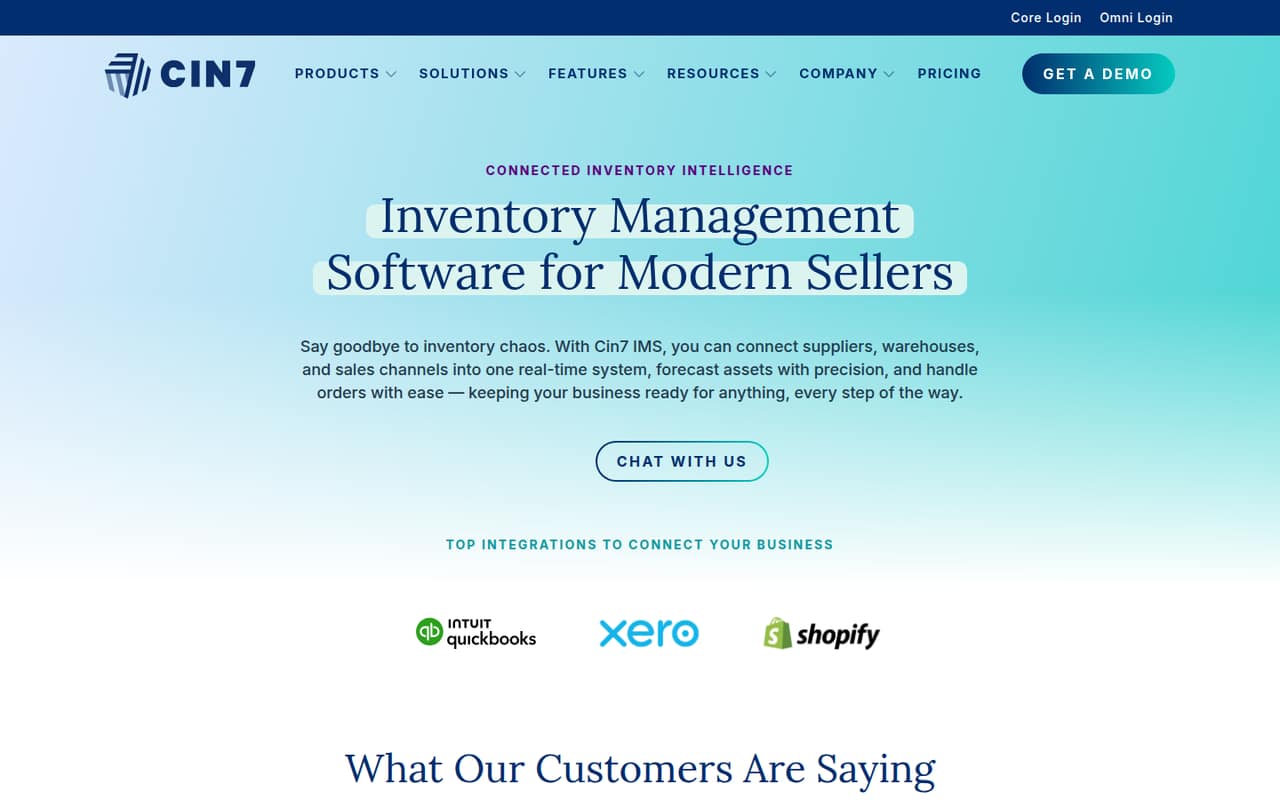
Cin7 offers broad inventory tools for product businesses with complex stock, sales across channels, or manufacturing workflows. Its listed price is $349 a month, and setup concerns make it a difficult fit for many small teams. Consider it only if those workflows justify the expense. Ask the vendor what setup involves and get a price for the seats and features your business needs before committing.
What works
- Tracks inventory across locations
- Connects orders and sales channels
- Supports manufacturing and material handling
What doesn't
- No free plan or published free trial
- Standard costs $349 per month
- Annual billing prices aren't published
- Best for commerce operationsKentroKentro
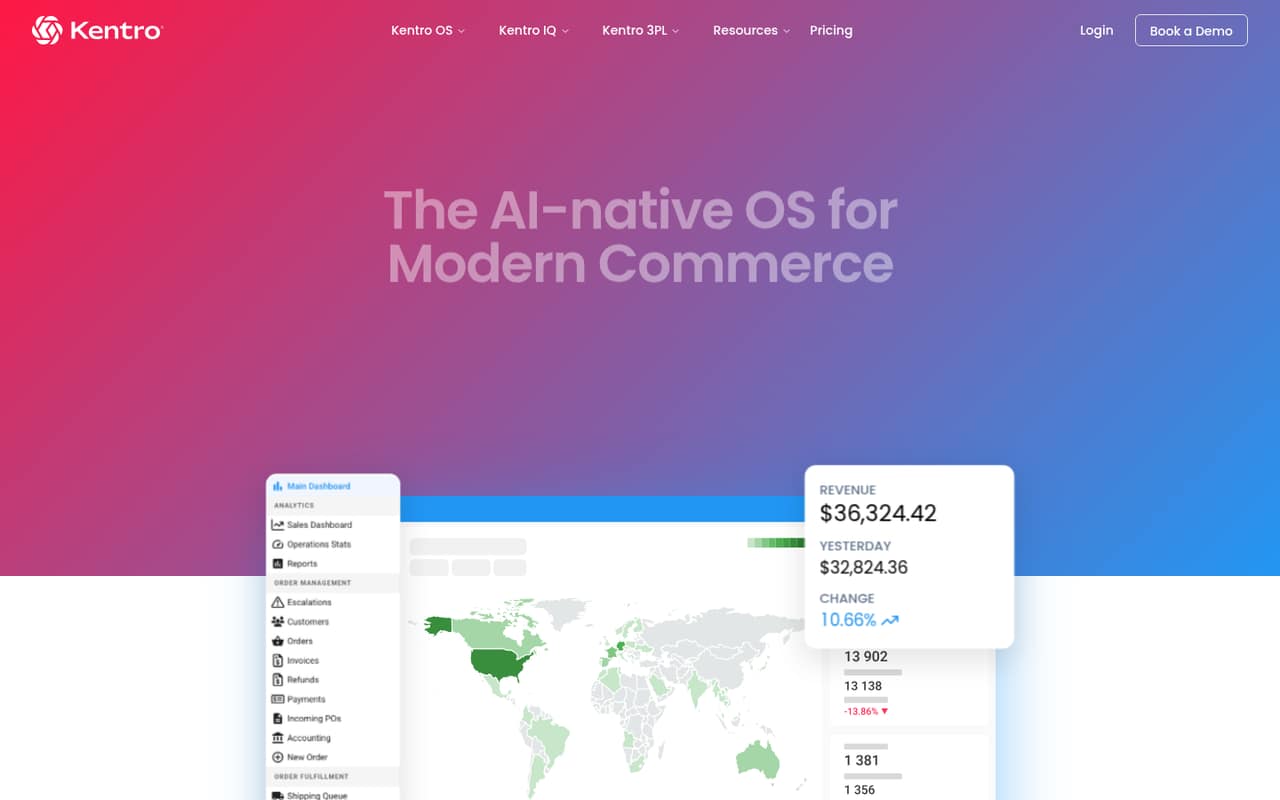
Kentro centralizes commerce operations for teams managing sales channels, orders, warehouse work, or 3PL operations. The listing shows a free plan but also a starting price of $500, so clarify exactly what the free option covers and when the paid cost applies. At $500, it is a hefty entry point for a small team. Get a quote before comparing it with more affordable tools.
What works
- Combines order, inventory, and warehouse workflows
- Supports B2C and B2B order fulfillment
- Connects sales channels through Kentro OS
What doesn't
- Kentro OS starts at $500 per month
- Free-plan features and limits are not published
- Annual billing and discounts are not published
- Best for grocery teamsAfreshAfresh
Afresh targets grocery retailers managing fresh departments, store ordering, production, and demand-based distribution-center buying. Those grocery-specific workflows make it a niche choice rather than a general stock system. The vendor does not publish pricing, so ask for a quote scoped to your stores and team before assessing value. For a small grocery operation, confirm the tool matches your ordering needs and budget.
What works
- Covers ordering, inventory, production, recipes, and DC buying
- Designed around changing fresh-product conditions
- Supports production planning to reduce waste
What doesn't
- Pricing is custom quote only
- No free plan or trial is listed
- Plan limits and seat costs aren't published
- Best for supply chainsInfor Cloud InventoryInfor Cloud Inventory
Infor Cloud Inventory is positioned for manufacturers and distribution teams with broader supply-chain needs. The vendor does not publish pricing, and the listing recommends a scoped demo and quote before committing. That makes it difficult to assess for a small team on a strict budget. Consider it when industry-specific supply-chain requirements matter, and ask the vendor to connect the proposed scope and cost to those needs.
What works
- Supply-chain planning is a named solution area
- Warehousing is included in its supply-chain scope
- Software is tailored to several industries
What doesn't
- No free plan is listed
- Starting price is not published
- Inventory-management functions are not explained
- Best for retail POSLightspeed RetailLightspeed Retail
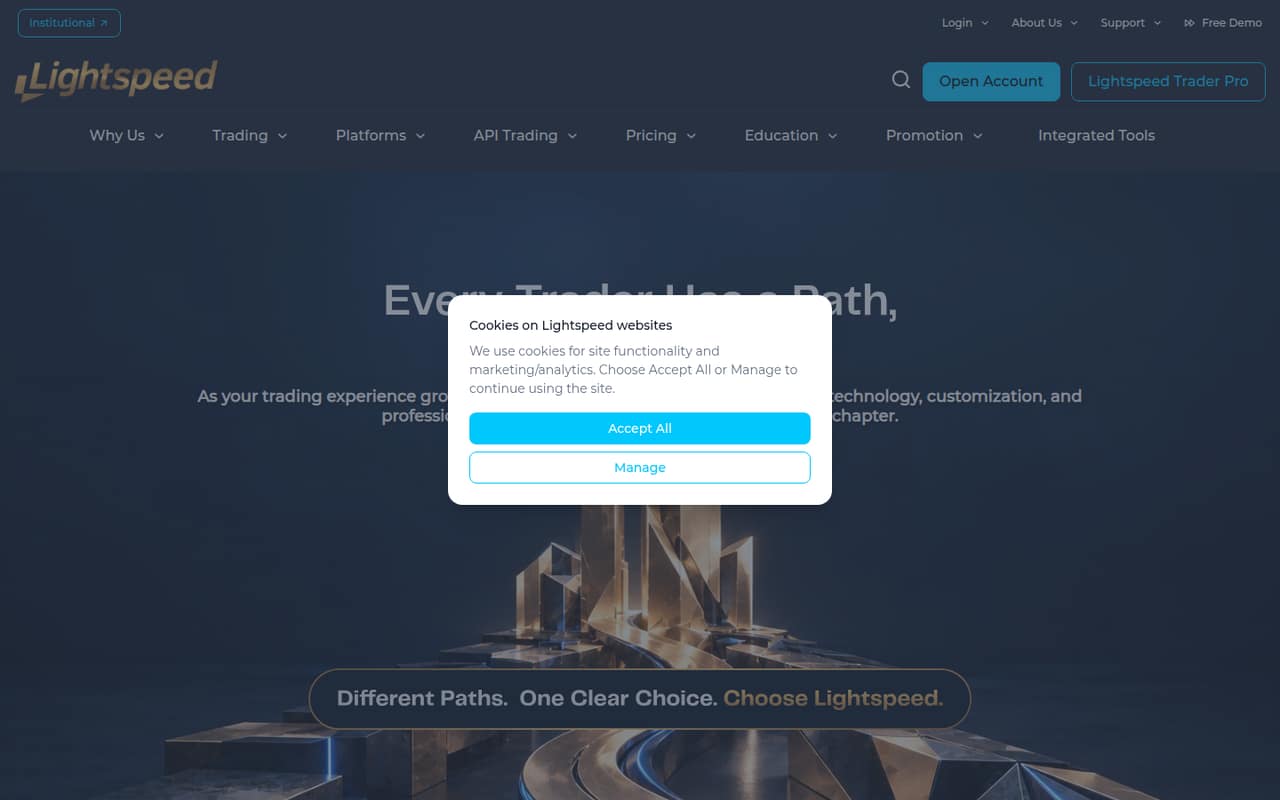
Lightspeed Retail is listed from $89 and is aimed at retailers needing a POS, including shops with one register. Confirm that you are evaluating the retail POS product before budgeting or signing up, and ask the vendor to verify seat limits. The listing calls for a verified POS quote, so do not assume the starting figure covers your team or setup without checking the details.
What works
- Retail pricing lists a Basic plan
- Basic includes one location and register
- Annual billing has a lower monthly rate
What doesn't
- Lightspeed.com describes a trading brokerage
- No free plan is listed
- Employee seat limits are not published
- Best for custom developmentSMART Inventory Planning & OptimizationSMART Inventory Planning & Optimization
SMART Inventory Planning & Optimization is a poor fit for most small teams shopping for ready-to-use inventory software: its homepage describes custom software development, not an inventory planning product. The listed starting price is $2,000. Consider it only if you are commissioning custom software and have a budget for development services. Ask what that price covers before treating it as a direct alternative to inventory tools.
What works
- Lists UX and graphic design services
- Offers web and mobile development
- Lists custom integrations
What doesn't
- Homepage doesn’t describe an inventory product
- No inventory-specific features are listed
- No free plan is listed
03How we chose
We ranked these tools for teams of 1–10, weighing whether a free plan is listed, the starting price, and how closely the described workflows fit small businesses. We also considered plan limits and the likely setup burden where the listings flag them. We look to vendor docs for plan details and setup requirements, and to Reddit sentiment where available, without treating anecdotes as proof. When pricing or seat limits are not published, we lower confidence and tell buyers what to ask the vendor. A low price does not outrank a poor workflow fit.
04Check the free plan and the real team price
A free plan is useful only if it covers the work your team actually needs. Before moving stock records, check item, seat, location, and feature limits; Sortly’s listing specifically warns buyers to check seat and item caps. Ask whether barcode scanning, shared access, or inventory tools require a paid tier. Then price the seats your team needs, not just the starting plan. Some listings call out a flat team price, while others state that paid seats cost more; several vendors publish no price at all. Ask those vendors for a written quote that includes seats, required features, and any setup costs. For tools with a published starting price, treat it as a starting point, not a confirmed total for your team.
05Match the tool to your stock and setup needs
Start with the job you need to manage: retail sales, multichannel shipping, warehouse scanning, manufacturing, consignment, or shared equipment. A focused tool can suit that workflow better than a general system, but it may be a poor fit when your business expands into different operations. Before signing up, list your locations, stock types, sales channels, and the people who need access. Ask the vendor what data needs to be imported and what setup or training is required; if setup details are not published, do not assume it will be quick. Check whether the product supports the workflows you need now, and what the next paid tier costs if you grow. If a spreadsheet still handles your stock reliably, buying software may not be necessary yet.
Questions people ask
What is the best free inventory management software for a small business?
For a small shop, Loyverse POS has a free plan and is listed from $4.17. Veeqo, Sortly, and Orca Scan also have free plans, with different focuses. Check each plan’s limits and whether the features your team needs are included before choosing.
How much does inventory software cost for a small team?
Listed starting prices range from $4.17 for Loyverse POS to $99 for inFlow among the lower-cost options here, while some tools start much higher. Your team total may differ: check seat pricing, free-plan limits, and any required paid features.
When should a small business move from spreadsheets to inventory software?
Consider software when a spreadsheet no longer handles the stock work you need, such as shared records, barcode scanning, multiple locations, or channel coordination. If your stock list is small and stable, a spreadsheet may still be enough. Match the purchase to a clear workflow need.
What should I ask before buying inventory software?
Ask what the plan includes, how many users and items it supports, and whether the features you need cost extra. Confirm setup requirements and get a quote if pricing is not published. For a growing team, also ask what happens to the price when you add seats or capacity.