
We may earn a commission if you buy through links on this page. It never changes a score or a ranking. How we make money
The bottom line
A capable compliance toolkit for small teams, with quote-only pricing and no free plan.
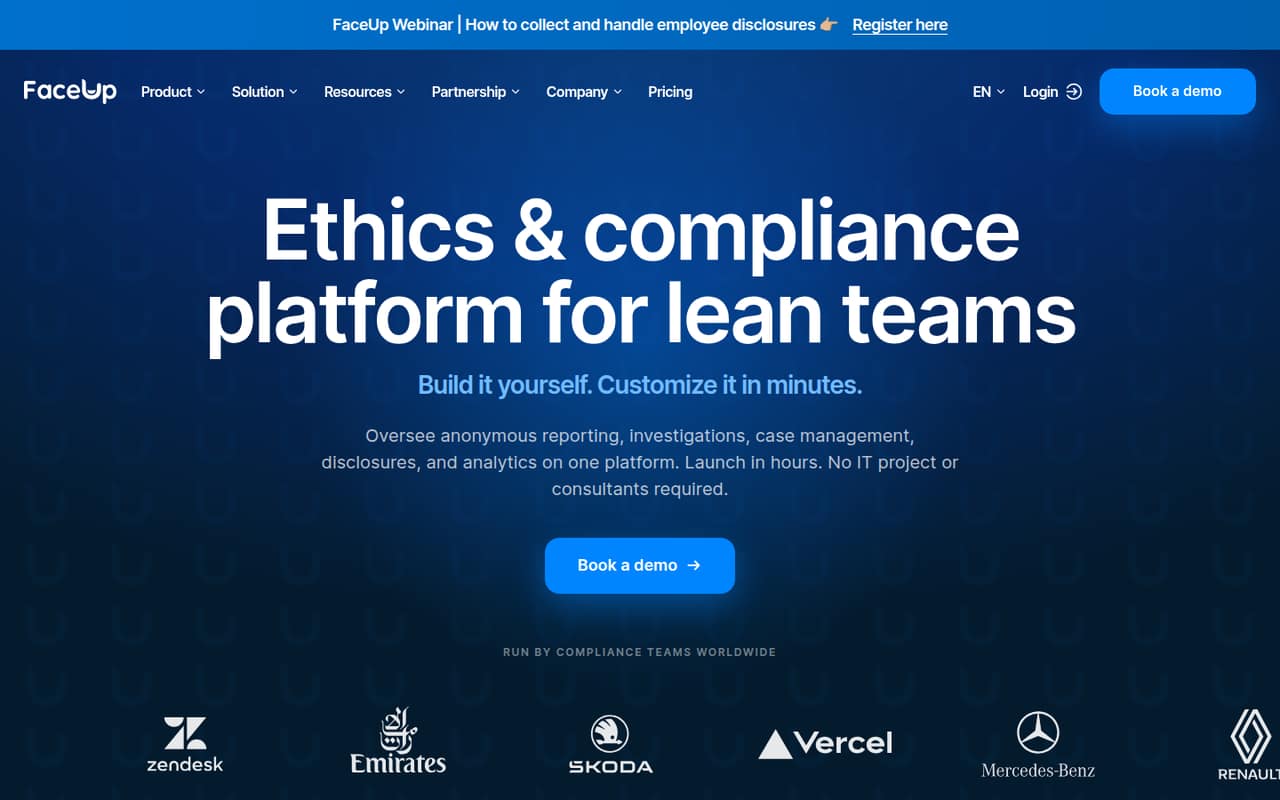
FaceUp brings anonymous reporting, case management, investigations, disclosures and analytics into one ethics and compliance platform. Teams can customize forms, workflows and permissions, and every plan supports 113 languages.
There’s no free plan, and the vendor doesn’t publish a starting price. The Base Platform / Essentials plan is the cheapest listed way in, but ask for a quote that covers your headcount and must-have capabilities before setting a budget.
Good fit if
- Small teams formalizing compliance
- Organizations needing anonymous reporting
- Multilingual reporting programs
Skip it if
- Teams that need a free tool
- Buyers needing upfront seat pricing
- Teams wanting face-editing software
ScoresHow it rates
What works
- Anonymous reporting includes two-way follow-up
- Reporting is not charged per report
- Supports 113 languages on every plan
- Custom forms support conditional logic
- Combines reporting and case management
What doesn't
- No free plan
- Starting price is not published
- Per-person and team totals are not published
- Capabilities may require add-ons
- Trial availability is not published
01Who FaceUp is for
FaceUp is for organizations that want a formal way to collect concerns and manage what happens next. A small HR, legal or compliance team can use it for anonymous reporting, case ownership, investigations, disclosures and organization-wide analytics. Reporting is metadata-free and supports two-way anonymous follow-up, while case records can track owners, stages and activity.
It may fit a team of 3 to 10 people building a compliance program, especially if it needs multilingual forms: FaceUp supports 113 languages on every plan. Custom forms, branding, workflows and permissions give teams room to shape how reports are handled. But that flexibility comes with a budgeting catch. The vendor prices by headcount and selected capabilities, yet doesn’t publish a starting price. If your team just needs a basic way to receive reports, get a quote before deciding whether the added case and disclosure tools justify the spend.
02FaceUp free plan and trial
FaceUp has no free plan. The vendor doesn’t publish whether a free trial is available, so ask before you commit or plan a rollout around trial access.
The cheapest listed way in is Base Platform / Essentials. Its price depends on headcount and selected capabilities; the pricing page lists a base platform fee, with additional capabilities available as add-ons. Reporting is not charged per report, but that doesn’t mean the platform itself is free. The vendor also doesn’t publish a starting price, so there’s no reliable figure for a small team to use as a budget baseline. Ask FaceUp for a quote covering your team size, the features you need and any setup or contract terms before comparing it with lower-cost alternatives.
03What a small team pays for FaceUp
The pricing page lists Base Platform / Essentials as headcount-based, with a base platform fee plus selected capabilities. It doesn’t publish a per-person rate or a starting price. That means the cost for one person, a three-person team or a five-person team—and the monthly total for any of them—is not published. The same is true of an annual per-seat total, so we can’t give a useful seat calculation without a quote.
Billing is available monthly, quarterly or annually; the vendor says annual billing can save up to 30%. Ask for quotes at your actual headcount and compare the same capabilities across billing terms. Potential add-ons include investigations, disclosures, surveys, additional reporting forms, AI-powered or automated phone hotlines, extra phone lines, SSO, IP allowlisting, and employee management and integrations. Enterprise Package lists SSO, advanced security and permission management, IP allowlisting, custom branding, employee management, integrations and investigations. Confirm which features are included in your quote rather than assuming they come with Essentials.
04Getting started with FaceUp
FaceUp’s configurable forms, branding, workflows and permissions mean there are decisions to make before launch: what to ask, who reviews each report, and how cases move through stages. Custom forms use drag-and-drop fields and conditional logic, so teams can shape intake rather than rely on one fixed form. The platform also supports 113 languages on every plan.
The vendor doesn’t publish a setup-time estimate in the plan details, so a small team should ask what configuration and onboarding are included. The listed capabilities cover reporting, case management, investigations, disclosures and analytics, but the pricing page treats some capabilities as add-ons. Employee management and integrations are listed with Enterprise Package or as an add-on. If an HR or identity integration is essential on day one, confirm its availability and cost for your proposed plan before signing. We can’t give a learning-curve estimate from the published plan details.
05When small teams outgrow FaceUp
FaceUp’s listed plans point to a different kind of growing-team problem: the need for more controls and capabilities, rather than a published user cap. The vendor doesn’t publish a maximum headcount or seat thresholds, so ask what happens to pricing as your organization grows. Since fees depend on headcount and selected capabilities, get updated quotes as you add employees or expand the program.
A team may need Enterprise Package as it requires single sign-on, advanced security and permission management, IP allowlisting, custom branding, employee management or integrations. Investigations are also listed in that package, while the pricing material presents investigations as an add-on too; confirm what applies to your quote. If your needs expand to surveys, disclosures, more reporting forms or phone lines, those may add cost as well. The vendor doesn’t publish enough plan pricing to identify a specific point when FaceUp becomes unaffordable. Compare a full quote against your budget before adding capabilities.
Questions people ask
Does FaceUp have a free plan?
No. FaceUp does not offer a free plan. The cheapest listed option is Base Platform / Essentials, which has a base platform fee and headcount-based pricing. The vendor doesn’t publish a starting price, so ask for a quote for your team size and required capabilities.
How much does FaceUp cost for a small team?
FaceUp’s pricing page doesn’t publish a per-person rate or starting price, so the cost for a small team is not published. Pricing depends on headcount and selected capabilities. Ask for monthly and annual quotes for your exact team size, and check which features are included or billed as add-ons.
Does FaceUp offer a free trial?
The vendor doesn’t publish whether FaceUp offers a free trial. Ask about trial availability and what features it would include before planning an evaluation. There is no free plan, and the listed Base Platform / Essentials option is priced by headcount and selected capabilities.
What does FaceUp do?
FaceUp is an ethics and compliance platform for anonymous reporting, case management, investigations, disclosures and analytics. Its reporting supports two-way anonymous follow-up. Teams can also create multilingual intake forms, manage case activity and customize workflows and permissions.
Is FaceUp a face-editing app?
No. FaceUp is an ethics and compliance platform, not an app for editing photos or faces. It helps organizations collect reports and manage compliance cases, disclosures and investigations. If you’re looking for photo-editing software, FaceUp is not the right product.