
We may earn a commission if you buy through links on this page. It never changes a score or a ranking. How we make money
The bottom line
Fieldpoint covers complex contractor work, but small teams must request a quote to learn the cost.
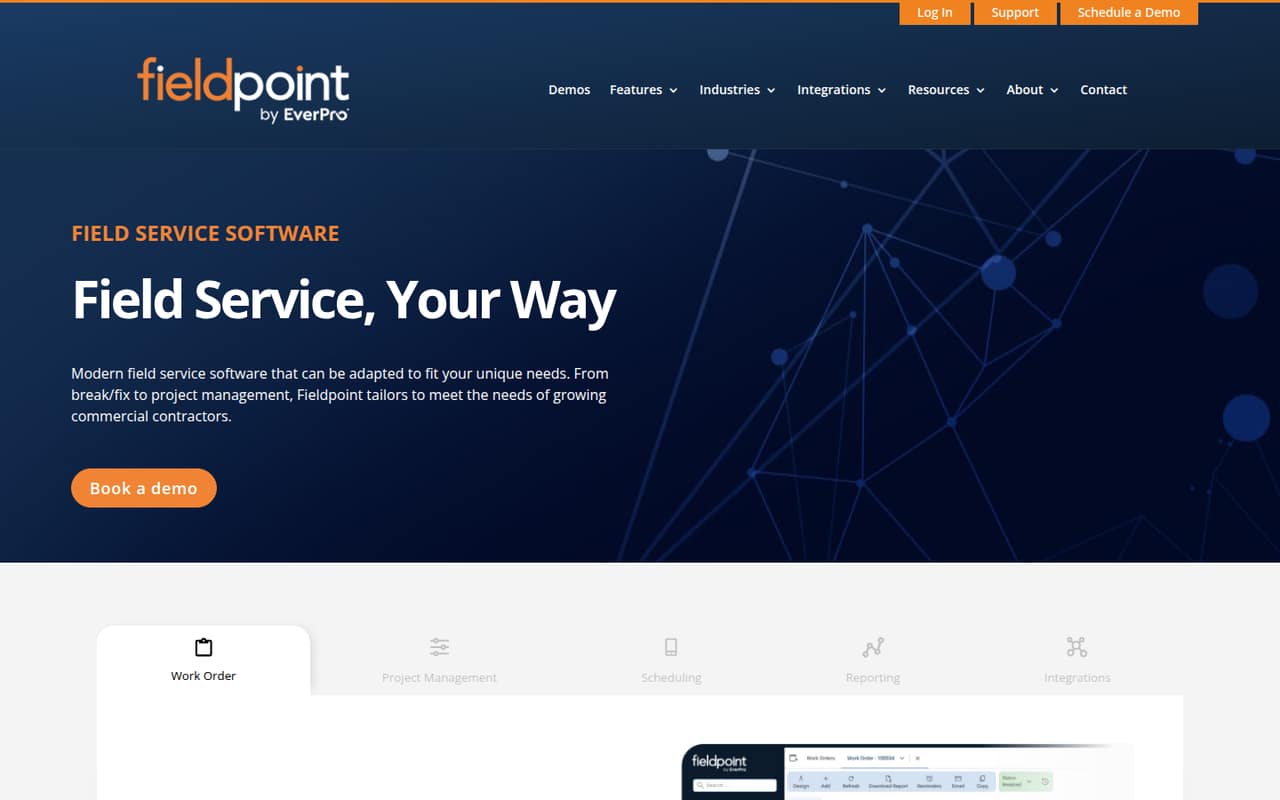
Fieldpoint brings work orders, project tracking, scheduling, reporting, mobile data capture, and ERP connections into cloud-based field service software. It’s aimed at commercial contractors whose work is more involved than straightforward service calls.
There’s no free plan, and the vendor doesn’t publish a trial or standard seat price. A small team should ask for a quote based on its headcount and integrations before deciding whether the fit justifies the unknown cost.
Good fit if
- Commercial contractors with complex jobs
- Teams coordinating multi-phase projects
- Businesses connecting service and ERP data
Skip it if
- Teams that need a free plan
- Buyers requiring published seat prices
- Simple service teams on tight budgets
ScoresHow it rates
What works
- Handles repairs, recurring maintenance, and installations
- Tracks estimates against actual project work
- Scheduling board supports dispatch decisions
- Tailored reports and dashboards
- Mobile app supports offline data capture
What doesn't
- No free plan
- Trial availability is not published
- Custom quote makes seat costs unclear
- Monthly and annual rates are not published
- Setup effort is not published
01Who Fieldpoint is for
Fieldpoint is cloud-based field service software for commercial contractors managing work orders, projects, schedules, and reporting. We’d shortlist it for a small team handling complex installations, recurring maintenance, or multi-phase jobs—not a crew looking only for a basic dispatch calendar.
The vendor says pricing depends on organization size and required integrations, so there’s no published team-size cutoff or standard budget to use as a filter. For a team of 1–10, the case is strongest when keeping field work connected to project estimates and ERP or accounting data matters enough to justify a custom quote. Technicians can update work orders and capture data offline through the mobile app. Before requesting a quote, map out the jobs you need to manage, your must-have integrations, and who needs access; those details affect both fit and price.
02Fieldpoint free plan and trial
Fieldpoint has no free plan, and the vendor doesn’t publish whether a free trial is available or what one would include. That means a small team can’t use a listed free tier to check the work-order, scheduling, reporting, or mobile features before budgeting.
The cheapest way in is to request a custom quote. The pricing page says the quote depends on organization size and required integrations, but it doesn’t list a minimum price, seat price, or billing term. Ask the vendor whether an evaluation period is available, what features it includes, and whether setup or integrations add cost. Get the quote for your actual number of users and required connections before comparing it with a fixed-price tool.
03What a small team pays for Fieldpoint
The pricing page lists one plan, Custom, with a quote based on organization size and required integrations. It does not publish a starting price, per-seat rate, or monthly or annual billing terms. So we can’t calculate a reliable cost for one person, three people, or five people—or say whether a longer billing commitment is cheaper. Ask for quotes at your current headcount and likely next team size.
The page also lists payment-processing fees: online cards cost 3.5% plus $0.30 per transaction, in-person Tap to Pay costs 2.75% plus $0.30, and ACH costs 1.00% plus $0.30. These are relevant only if your operation uses those payment options; confirm whether they apply to your intended setup and whether any other fees are included. For a small team watching every subscription, get the full recurring and transaction costs in writing before signing.
04Getting started with Fieldpoint
The vendor describes a system spanning work orders, projects, scheduling, reports, mobile data capture, and ERP or accounting connections. That breadth gives a small team several pieces to plan, but the vendor doesn’t publish a setup timeline, onboarding requirements, or details about who configures integrations. We can’t tell from the published information how much setup help is included.
Before committing, ask which ERP and accounting systems connect to your setup, whether integration work carries a separate cost, and what data needs to be prepared. Also confirm how technicians get access to the mobile app and which work-order updates are available offline. For a team of 1–10, start with the jobs and reports you actually need rather than trying to configure every possible workflow at once. Ask for a walkthrough of your own process and a clear estimate of the work required to get running.
05When small teams outgrow Fieldpoint
Fieldpoint is presented as software for growing commercial contractors, but the vendor doesn’t publish user limits, work-order limits, or plan tiers that show when an account must upgrade. There’s also no published seat price to estimate how costs change as a team grows. That makes it hard to identify a specific point at which a small team will outgrow the product—or when the price will stop making sense.
A likely pressure point is budget predictability: the custom quote depends on organization size and required integrations, so adding people or connections may change the cost. Ask the vendor to price both your current team and a realistic next-size team, and confirm what happens when you add integrations. If your work remains simple and cost transparency matters most, compare the quote against tools with published per-seat prices. If complex projects and ERP connections are central to your operation, the feature set may still justify the conversation.
Questions people ask
How much does Fieldpoint cost?
Fieldpoint’s pricing page lists a Custom plan, with the quote based on organization size and required integrations. It doesn’t publish a starting price, per-user rate, or monthly or annual terms. Request a quote for your current headcount and integrations, and ask for the total recurring cost in writing.
Does Fieldpoint offer a free plan or trial?
The pricing material says Fieldpoint has no free plan. Trial availability and terms are not published, so ask the vendor whether your team can evaluate the software before buying and what that evaluation includes. The listed entry point is a custom quote.
Can Fieldpoint’s mobile app work offline?
The product description says technicians can update work orders and capture data offline using the mobile app. It doesn’t spell out which data or actions are available offline. Ask the vendor to demonstrate the specific tasks your technicians need to complete without a connection.
Can Fieldpoint connect to ERP and accounting systems?
Fieldpoint lists ERP integrations as a feature and says it can connect ERP and accounting systems to reduce duplicate data entry. The pricing page says required integrations affect the quote. Ask whether your specific systems are supported and whether the connection carries additional setup or ongoing costs.
Is Fieldpoint a fit for a small contractor?
It may fit a small commercial contractor managing complex work orders, multi-phase projects, or ERP-connected service operations. The tradeoff is that Fieldpoint has no free plan and the vendor doesn’t publish a standard seat price. Get a quote based on your team size and required integrations before deciding.