We may earn a commission if you buy through links on this page. It never changes a score or a ranking. How we make money
A small team may not need field service software yet: a shared calendar and invoicing tool can be enough if jobs are simple. If missed appointments, repeat visits, or scattered job records are costing you time, ServiceM8, FieldEx, and Contractor+ are the most budget-friendly places to start. ServiceM8 lists a free solo plan and a $29 AUD Starter plan; Contractor+ lists a free plan and a $58 monthly PRO TEAM plan for up to two users. FieldEx lists a free plan, but check its limits and setup needs before relying on it.
Quick picksThe shortlist
 ServiceM8ServiceM8Best free · A$29/mo
 FieldExFieldExBest low-cost start · $15/mo
 Contractor+Contractor+Best for two users · $58/mo
 FieldworkFieldworkBest for small crews · $59/mo
 ToolTimeToolTimeBest for trades crews · €69/mo
 JobberJobberBest for repeat jobs · $29/mo
- Wello SolutionsWello SolutionsBest for five seats · €35/mo
 KickservKickservBest for five users · $60/mo
 BlueFolderBlueFolderBest for equipment records · $62.50/mo
 Service AutopilotService AutopilotBest for lawn care · $49/mo
 SweptSweptBest for cleaning teams · $150/mo
 FieldPulseFieldPulseBest for job tracking · Custom
- ServiceBenchServiceBenchBest for repair networks · $119/mo
 mHelpDeskmHelpDeskBest guided onboarding · $169/mo
 ServiceTitanServiceTitanBest for growing trades · Custom
 ServiceMaxServiceMaxBest for Salesforce teams · Custom
 ServicePowerServicePowerBest for mixed crews · Custom
 BuildOpsBuildOpsBest for commercial work · Custom
- FieldEaseFieldEaseBest for ComputerEase · Custom
 ServiceTradeServiceTradeBest for commercial HVAC · Custom
 FieldEdgeFieldEdgeBest for flat-rate jobs · Custom
 SimproSimproBest for inventory workflows · Custom
 UptickUptickBest for fire inspections · Custom
 FieldRoutesFieldRoutesBest for pest control · Custom
 SingleOpsSingleOpsBest for tree care · $200/mo
 ZuperZuperBest for customer portals · $299/mo
 WorkWaveWorkWaveBest for route operations · Custom
 FieldpointFieldpointBest for complex projects · Custom
 Smart ServiceSmart ServiceVerify product fit · $92.65/mo
01Compared at a glance
| Tool | Score | From | Free plan | Trial |
|---|---|---|---|---|
| ServiceM8ServiceM8 | 7.4 | A$29/mo | Yes | 14 days |
| FieldExFieldEx | 7.0 | $15/mo | Yes | 14 days |
| Contractor+Contractor+ | 6.8 | $58/mo | Yes | 14 days |
| FieldworkFieldwork | 6.8 | $59/mo | No | 14 days |
| ToolTimeToolTime | 7.0 | €69/mo | No | 7 days |
| JobberJobber | 6.8 | $29/mo | No | — |
| Wello SolutionsWello Solutions | 7.0 | €35/mo | No | — |
| KickservKickserv | 7.0 | $60/mo | No | 30 days |
| BlueFolderBlueFolder | 6.5 | $62.50/mo | No | — |
| Service AutopilotService Autopilot | 5.7 | $49/mo | No | — |
| SweptSwept | 6.6 | $150/mo | No | — |
| FieldPulseFieldPulse | 5.8 | Custom | No | — |
| ServiceBenchServiceBench | 6.2 | $119/mo | No | — |
| mHelpDeskmHelpDesk | 6.7 | $169/mo | No | — |
| ServiceTitanServiceTitan | 5.8 | Custom | No | — |
| ServiceMaxServiceMax | 5.8 | Custom | No | — |
| ServicePowerServicePower | 5.2 | Custom | No | — |
| BuildOpsBuildOps | 6.0 | Custom | No | — |
| FieldEaseFieldEase | 5.0 | Custom | No | — |
| ServiceTradeServiceTrade | 5.8 | Custom | No | — |
| FieldEdgeFieldEdge | 5.8 | Custom | No | — |
| SimproSimpro | 5.8 | Custom | No | — |
| UptickUptick | 6.2 | Custom | No | — |
| FieldRoutesFieldRoutes | 5.6 | Custom | No | — |
| SingleOpsSingleOps | 6.4 | $200/mo | No | — |
| ZuperZuper | 5.8 | $299/mo | No | — |
| WorkWaveWorkWave | 5.5 | Custom | No | — |
| FieldpointFieldpoint | 5.2 | Custom | No | — |
| Smart ServiceSmart Service | 5.2 | $92.65/mo | No | — |
02The picks, in detail
- Best freeServiceM8ServiceM8
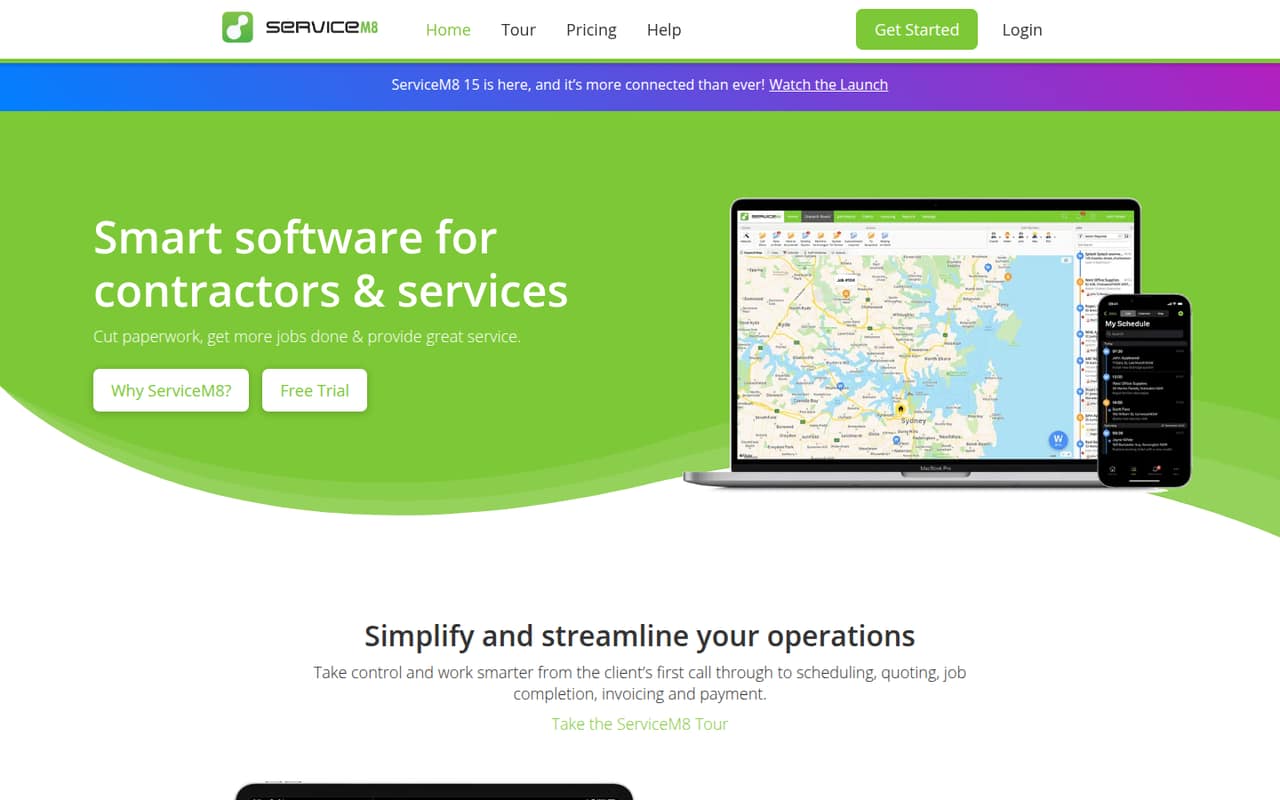
ServiceM8 is our top small-team pick because its free plan is aimed at solo tradespeople with fewer than 30 jobs monthly, and its Starter plan is listed at a flat $29 AUD. It also supports shared job records and customizable forms. Check whether the free job limit fits your workload and whether the plan covers the number of people who need access.
What works
- Free plan includes one user and 30 jobs monthly
- Starter allows unlimited users for $29 AUD monthly
- Quotes and invoices can be created on site
What doesn't
- Free plan is limited to one user
- Starter caps teams at 50 jobs monthly
- Included SMS is limited by plan
- Best low-cost startFieldExFieldEx
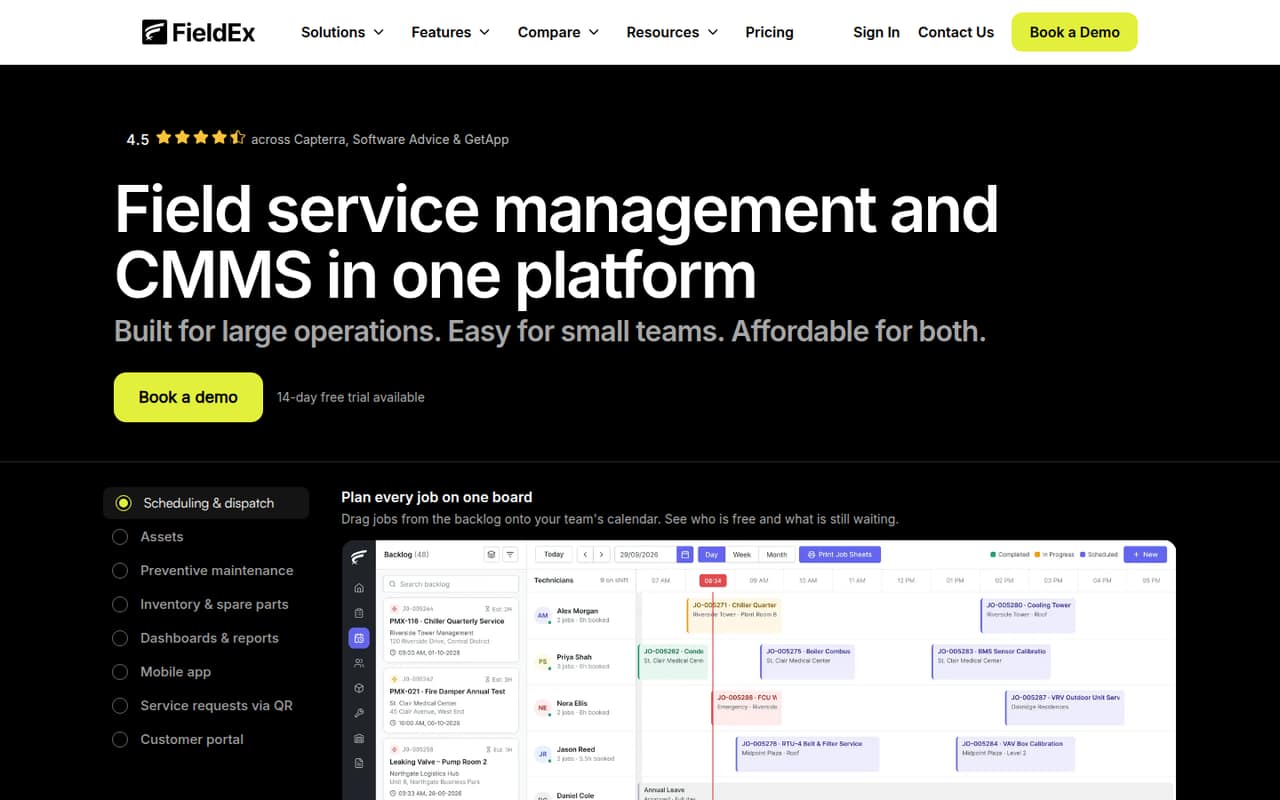
FieldEx lists a free plan and starts at $15, with coverage for jobs, equipment, scheduled inspections, and parts by location. That makes it promising for a small maintenance crew watching costs. The free-plan limits and setup effort need checking before you commit; ask the vendor what the free tier includes and what a few paid seats would cost.
What works
- Work orders support custom forms, steps and checklists
- Asset records include history, parts and maintenance plans
- Preventive maintenance can use dates or meter readings
What doesn't
- Free-plan features and limits aren't published
- Pro costs substantially more per user than Growth
- Enterprise requires annual billing
- Best for two usersContractor+Contractor+
Contractor+ offers a free starting point for solo contractors testing a CRM, while its PRO TEAM plan costs $58 monthly for up to two users. It is aimed at small teams needing job and customer management, with multiple workspaces as an option. If you have three or more users, ask for the next plan’s price before building your workflow around it.
What works
- FREEDOM plan costs $0 per month
- Desktop, mobile, and tablet access
- Shared inbox covers calls, texts, email, voicemail
What doesn't
- FREEDOM caps estimates or invoices at five monthly
- PRO TEAM adds $20 monthly per extra user
- Annual contract prices are not published
- Best for small crewsFieldworkFieldwork
Fieldwork starts at $59 per field user monthly and includes free office seats, according to its listing. It is built for small residential service teams needing scheduling, customer records, and billing. The per-field-user price can add up as you add technicians, so count field users separately from office staff and confirm which plan limits apply.
What works
- Customer profiles and appointment calendars
- Supports repeating and one-time appointments
- Invoicing and payments through several channels
What doesn't
- No free plan
- Startup starts at $59 per field user monthly
- Annual billing prices are not shown
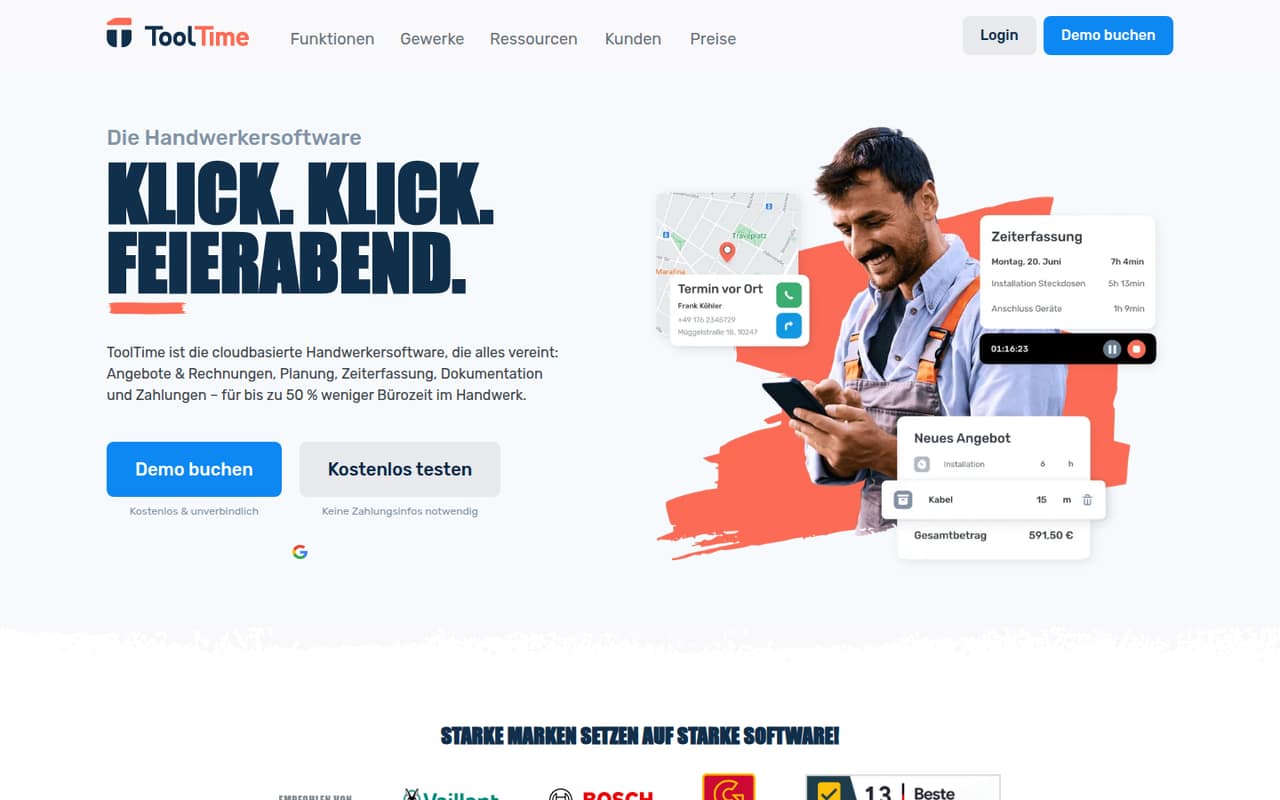
- Best for trades crewsToolTimeToolTime
ToolTime starts at $69 and is aimed at tradespeople handling jobs, paperwork, e-invoices, and scheduling. Its listing says it suits crews of up to five employees, but also flags an annual commitment. That can work for a compact crew that will use the full workflow; ask what the subscription includes and whether the quoted price covers your intended users.
What works
- Quotes, invoices and scheduling in one platform
- Mobile app supports job-site documentation
- XRechnung and ZUGFeRD e-invoices included
What doesn't
- No free plan
- Annual pricing requires a 12-month contract
- Annual rates rise at renewal
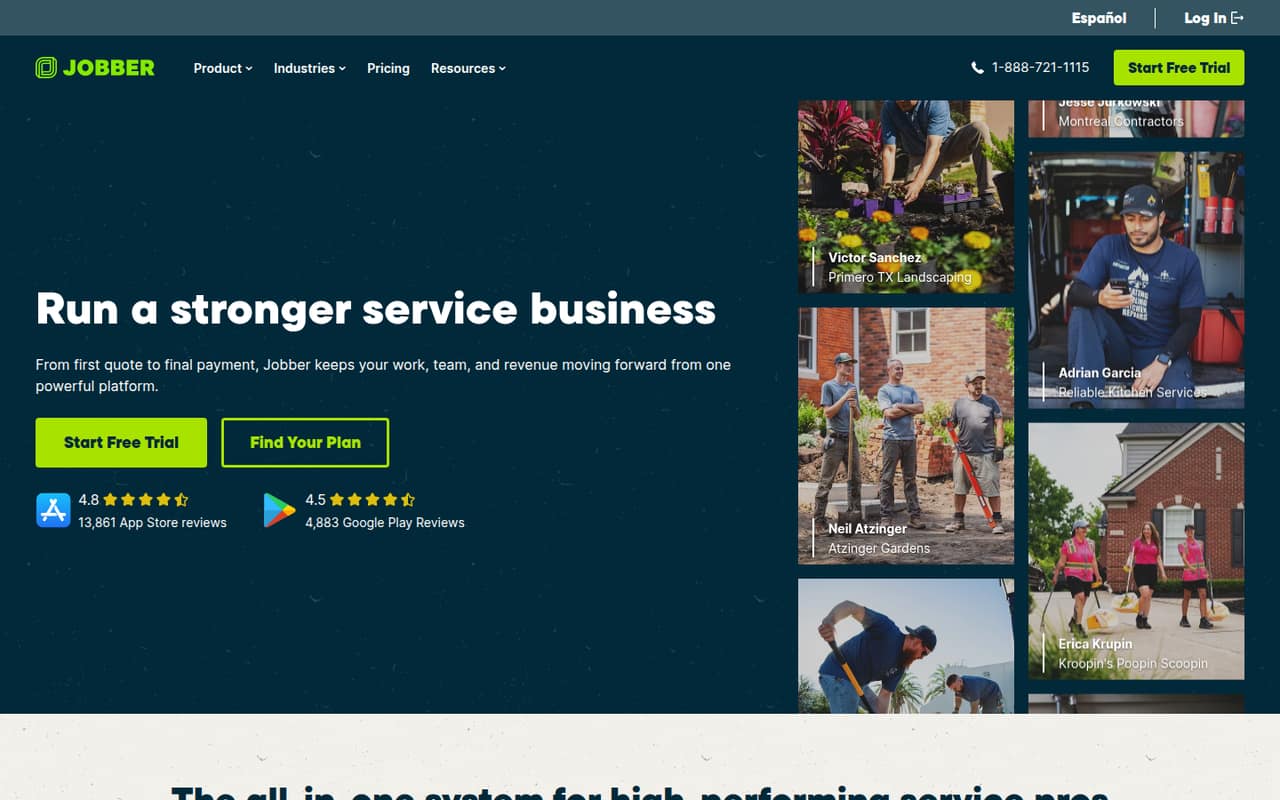
- Best for repeat jobsJobberJobber
Jobber starts at $29 and suits service businesses managing jobs from quotes through online payments, with repeat-client follow-ups. There is no free plan, and extra seats can push up the cost. For a team of several people, get the total price with each required user before comparing it with flat-price or free-plan alternatives.
What works
- Combines scheduling, customer management, quotes, and invoicing
- Accepts online payments through quotes and invoices
- Core includes website and built-in reporting
What doesn't
- No free plan is listed
- Free trial terms are not published
- Extra users cost $29 per month each
- Best for five seats
Wello SolutionsWello Solutions
Wello Solutions starts at $35 per user, but its five-seat minimum makes the cheapest plan €175 per month. It focuses on technician scheduling and asset-based repair and maintenance, and is specifically positioned for five-person field service teams. It may fit a crew already at that size; smaller teams should ask whether the minimum can be reduced.
What works
- Work orders cover repairs, maintenance, and installations
- Mobile app supports offline work and later syncing
- AI scheduling matches skills and availability
What doesn't
- Five-user minimum raises the entry price
- No free plan is listed
- Trial availability and terms aren’t published
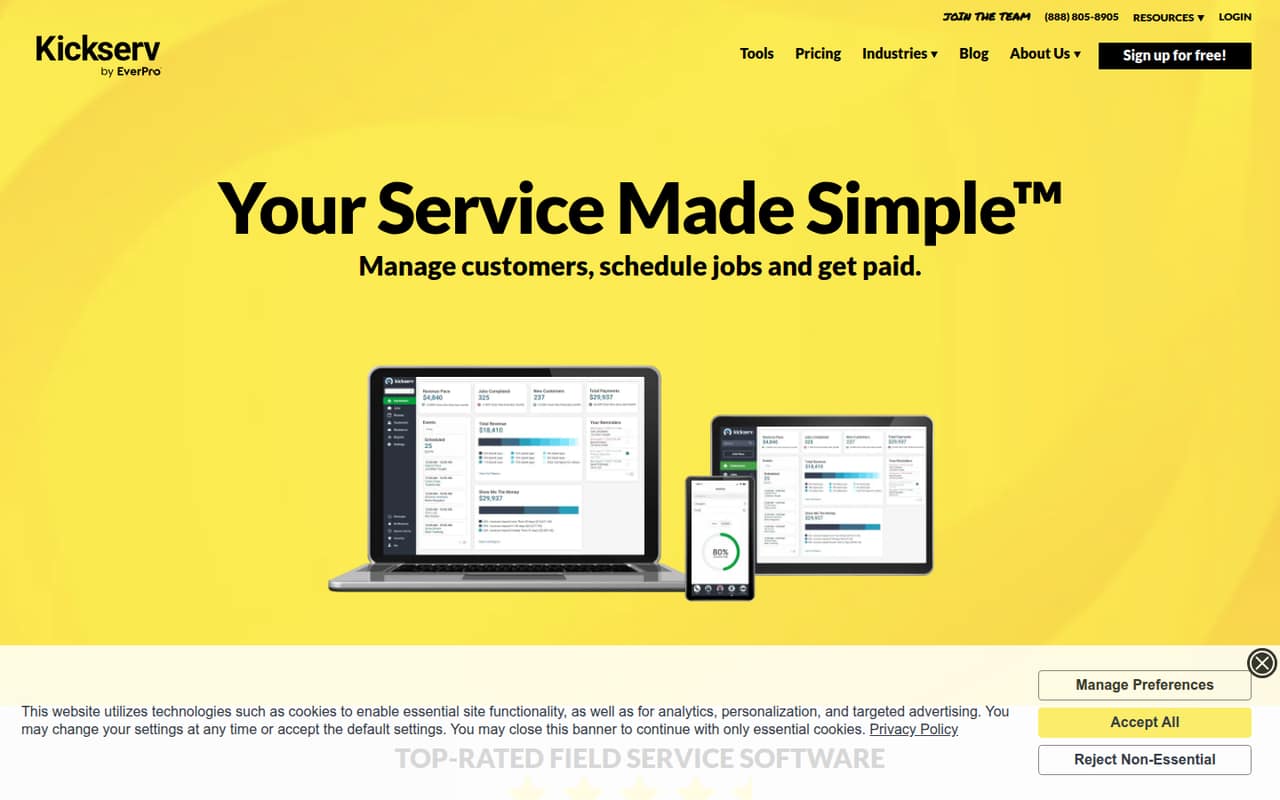
- Best for five usersKickservKickserv
Kickserv starts at $60 and covers scheduling and invoicing, with QuickBooks Online compatibility. Its cheapest plan starts at five users, so a one- or two-person business may pay for unused seats. It is a more plausible fit for a crew near that size; ask which features and integrations are included at the entry tier.
What works
- Combines customers, estimates, jobs and invoices
- Start includes up to five users
- QuickBooks Online integration is included on Start
What doesn't
- No free plan
- Start costs $60 monthly even for one user
- Custom reports require the Run plan
- Best for equipment recordsBlueFolderBlueFolder
BlueFolder starts at $62.50, has a $125 monthly minimum, and does not offer a free plan. It suits teams tracking equipment and service history alongside recurring field jobs, and is aimed at service teams with two or more users. The minimum matters more than the per-seat starting figure, so request a written total for your team size.
What works
- Tracks work orders from creation through completion
- Includes dispatch and Outlook or Google Calendar sync
- Stores equipment records, photos and service history
What doesn't
- No free plan is listed
- Pro requires at least two users
- Annual billing prices are not published
- Best for lawn careService AutopilotService Autopilot
Service Autopilot starts at $49 and targets lawn and landscape businesses automating recurring work, with job and payment tools. Its listing cautions small teams to budget for training and annual-plan costs. It could suit a recurring-service operation, but ask about onboarding, contract length, and the total for your users before switching.
What works
- Scheduling, dispatch, and routing tools
- Invoicing with integrated payments
- Expense tracking is included at Startup
What doesn't
- No free plan or published free trial
- A sign-up fee applies; amount is unpublished
- Monthly-billing prices are not published
- Best for cleaning teamsSweptSwept
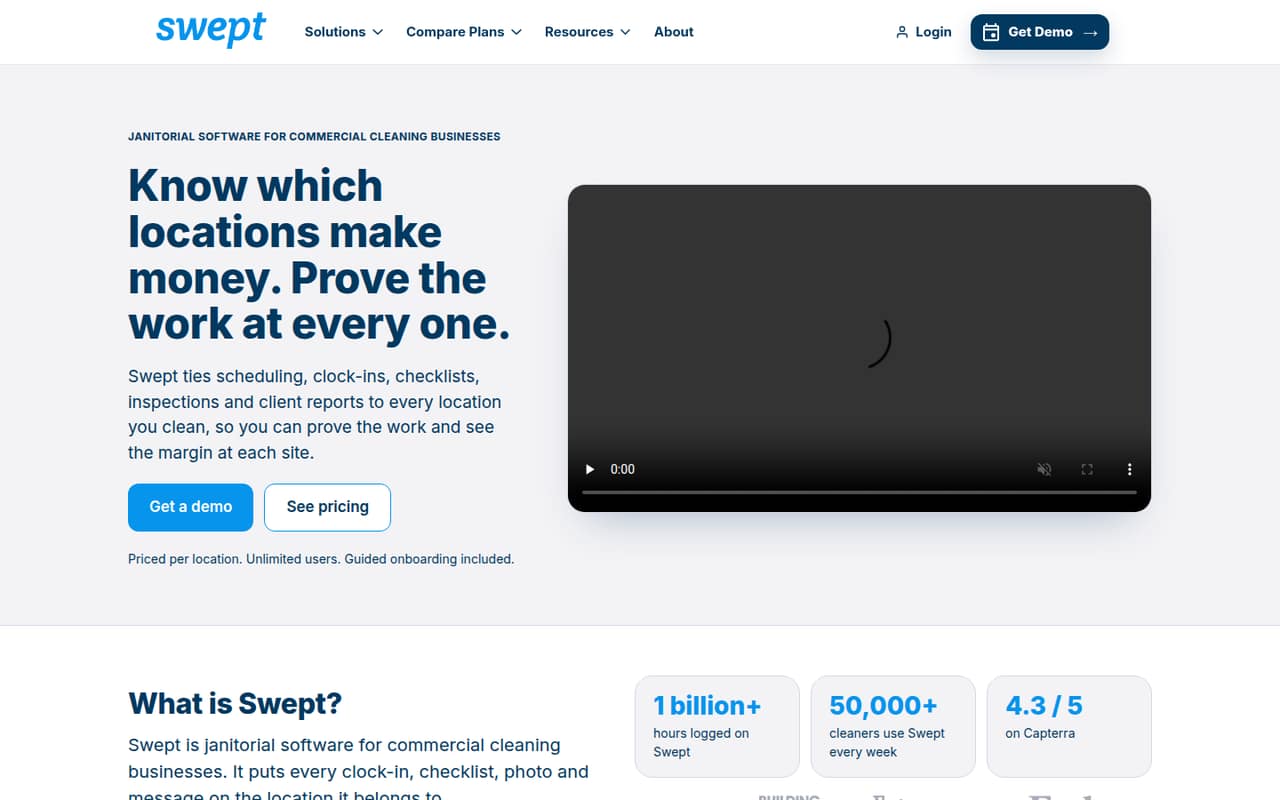
Swept starts at $150, charges by location, and offers unlimited users rather than billing by seat. It is designed for commercial cleaners managing multiple sites, with location-based checklists and client inspection reports. A small operation with just one site may not get enough value from the starting price; ask how locations are counted and what the base plan includes.
What works
- Unlimited employees and subcontractors on Optimize
- Scheduling and shifts organized across locations
- Geofenced clock-ins and late-arrival alerts
What doesn't
- No free plan
- Optimize starts at $150 monthly
- Pricing is by location, not by seat
- Best for job trackingFieldPulseFieldPulse
FieldPulse is aimed at trade businesses replacing spreadsheets and job tracking, and its listed strengths include field-service features and AI call handling. It has no free plan, and seat prices are not published, making a small-team budget hard to calculate. Request a quote for your exact user count and ask what setup and support are included.
What works
- Scheduling and dispatching for field teams
- Work orders and job-stage management
- Estimates, invoices, and customer records
What doesn't
- No free plan
- Monthly and annual prices are unpublished
- Add-on prices are unpublished
- Best for repair networks
ServiceBenchServiceBench
ServiceBench starts at $119 and targets repair teams coordinating service networks, claims, and parts. Its listing also highlights offline job access, which may matter for field workers without reliable connectivity. The per-person cost is unclear, so ask whether $119 is a base fee or covers a set number of users before comparing it with per-seat tools.
What works
- Manages service events, technicians, claims and parts
- Supports offline jobs in the mobile app
- Includes technician assignment and coverage-area management
What doesn't
- No free plan is listed
- Free-trial availability is not published
- The $119 monthly listing has no stated seat basis
- Best guided onboardingmHelpDeskmHelpDesk
mHelpDesk starts at $169 and offers job-to-payment workflows, with guided onboarding support noted as a fit for three-person crews. That price makes it a meaningful commitment for a small team, even if the shared workflow is useful. Ask what user count the starting price covers and whether onboarding is included or costs extra.
What works
- Tracks jobs from request through payment
- Keeps customer records in one place
- Automates scheduling, communication and billing
What doesn't
- No free plan is listed
- Pro starts at $169 per month
- Annual billing prices are not published
- Best for growing tradesServiceTitanServiceTitan
ServiceTitan offers broad job-cycle tools for trade businesses with employees and teams standardizing workflows. Its price is not published, and the listing warns that setup may be heavy for small teams. That makes it harder to judge against simpler, priced options. Request a quote and a clear implementation plan before deciding whether the operational breadth is worth the effort.
What works
- Covers dispatch, field work and customer management
- Includes accounting and billing automation tools
- Offers payments and reporting capabilities
What doesn't
- Starting price isn't published
- Plan limits and included features aren't published
- No free plan or trial is listed
- Best for Salesforce teamsServiceMaxServiceMax
ServiceMax is aimed at asset-centric service teams with complex work orders, especially teams already using Salesforce. Its pricing is custom, so small teams cannot readily estimate the cost from a published starting price. Ask for a quote covering your users and required workflows, and confirm how much configuration is needed for your current systems.
What works
- Covers scheduling, dispatch, work execution, and invoicing
- Supports online and offline technician tools
- Tracks asset health and maintenance history
What doesn't
- Pricing is custom-quoted, with no public starting price
- No free plan or trial is listed
- Per-seat costs for small teams are unknown
- Best for mixed crewsServicePowerServicePower
ServicePower suits enterprise field-service operations managing frequent work orders and a mix of employees and contractors. Small teams need a quote to learn whether it fits their budget, and the listing does not give a starting price. Ask the vendor to price your team size and explain what implementation or administration the system requires.
What works
- Scheduling and dispatch for employed and contracted workforces
- Customer self-service is included in listed plans
- Mobile access gives field workers job visibility
What doesn't
- No free plan is listed
- Monthly and annual prices aren't published
- Trial availability isn't published
- Best for commercial workBuildOpsBuildOps
BuildOps covers commercial contractor service and project workflows, and is aimed at teams consolidating several operations. Its listing describes a guided implementation, while the price is custom. That focus may be more than a small service crew needs. Ask for both a total quote and the time and staff commitment expected during implementation.
What works
- Combines service, project, financial, and sales workflows
- Lists support for several commercial trades
- Includes a mobile app
What doesn't
- No free plan or published trial
- Custom pricing makes small-team costs hard to compare
- Seat limits are not published
- Best for ComputerEase
FieldEaseFieldEase
FieldEase is a field-to-office fit for ComputerEase construction teams, including field crews entering timesheets and teams handling service work orders. The vendor quote determines whether it fits a small-team budget; no starting price is listed. It is most relevant if ComputerEase is already part of your operation. Ask what the quote includes and how field staff are set up.
What works
- Connects field activity with ComputerEase
- Covers time entry and job cost codes
- Includes service tickets and equipment histories
What doesn't
- No free plan
- Starting price isn't published
- Monthly and annual rates aren't published
- Best for commercial HVACServiceTradeServiceTrade
ServiceTrade targets commercial HVAC and fire contractors coordinating office and field work, inspections, and proposals. Seat costs are not published, and the listing flags administrative work as a small-team risk. Before choosing it, request pricing for your headcount and ask which recurring admin tasks the software can reduce, as well as what setup requires.
What works
- Scheduling and dispatch with real-time visibility
- Mobile inspections and compliance-ready reports
- Parts management across trucks and warehouses
What doesn't
- The vendor doesn’t publish plan prices
- No free plan is listed
- Technician limits aren’t published

- Best for flat-rate jobsFieldEdgeFieldEdge
FieldEdge covers contractor office and field workflows, including flat-rate job pricing and coordination across multiple technicians. Its costs are unclear, and the listing notes mixed reports about its mobile app. Ask for a full quote and have field users confirm the mobile workflow suits their jobs before moving the team onto it.
What works
- Combines dispatch, work orders, and customer records
- Supports field payments and paperless invoices
- Offers flat-rate pricing and repair options
What doesn't
- No free plan or listed free trial
- Plan prices and billing cadence are unpublished
- Extra mobile license costs are unpublished
- Best for inventory workflowsSimproSimpro
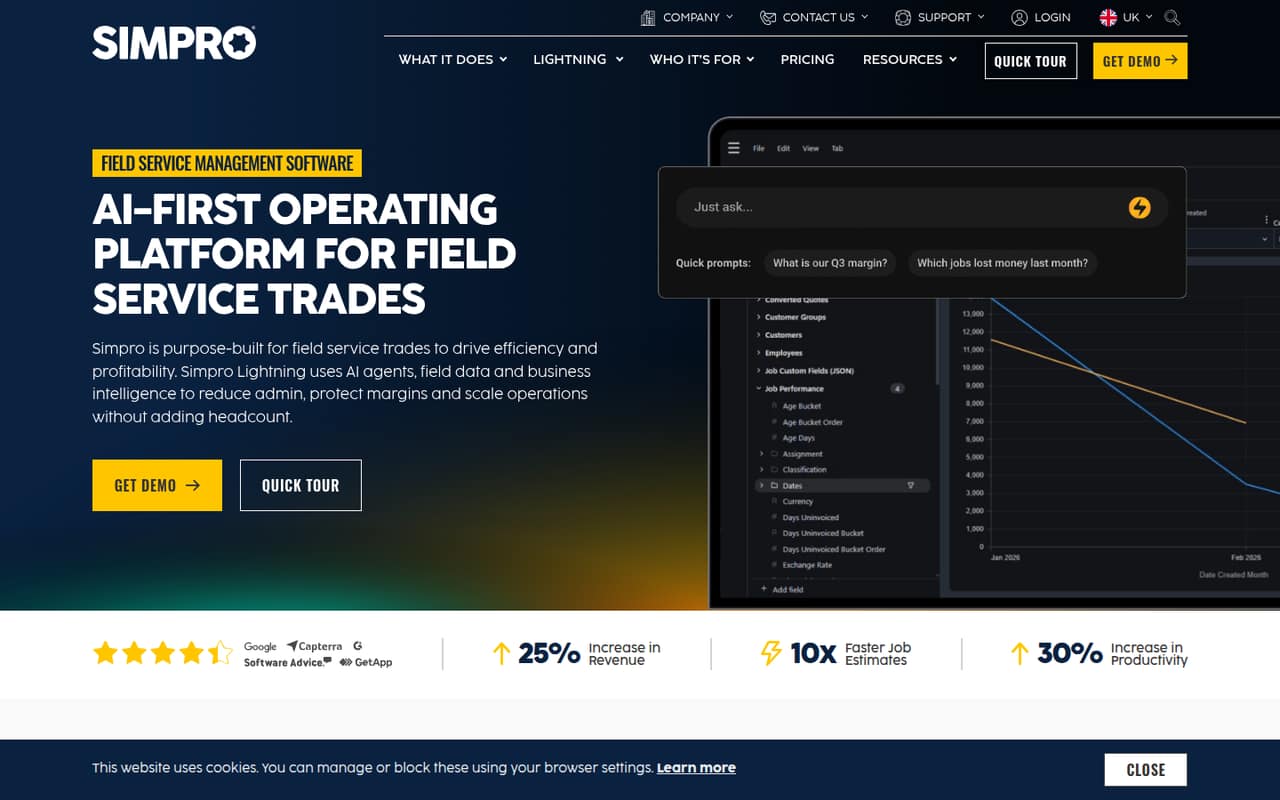
Simpro is aimed at trades managing projects and service jobs, with inventory and purchasing tools. Its price is not published, and the listing advises small teams to check both cost and rollout carefully. If inventory is central to your work, ask for a quote by user count and a written outline of the setup effort before signing.
What works
- Covers service jobs, projects and customer work
- Base Plan lists quoting and estimating
- Includes scheduling, dispatch and inventory tools
What doesn't
- Starting price and billing terms are not published
- No free plan or trial is listed
- Digital Forms and other tools cost extra
- Best for fire inspectionsUptickUptick
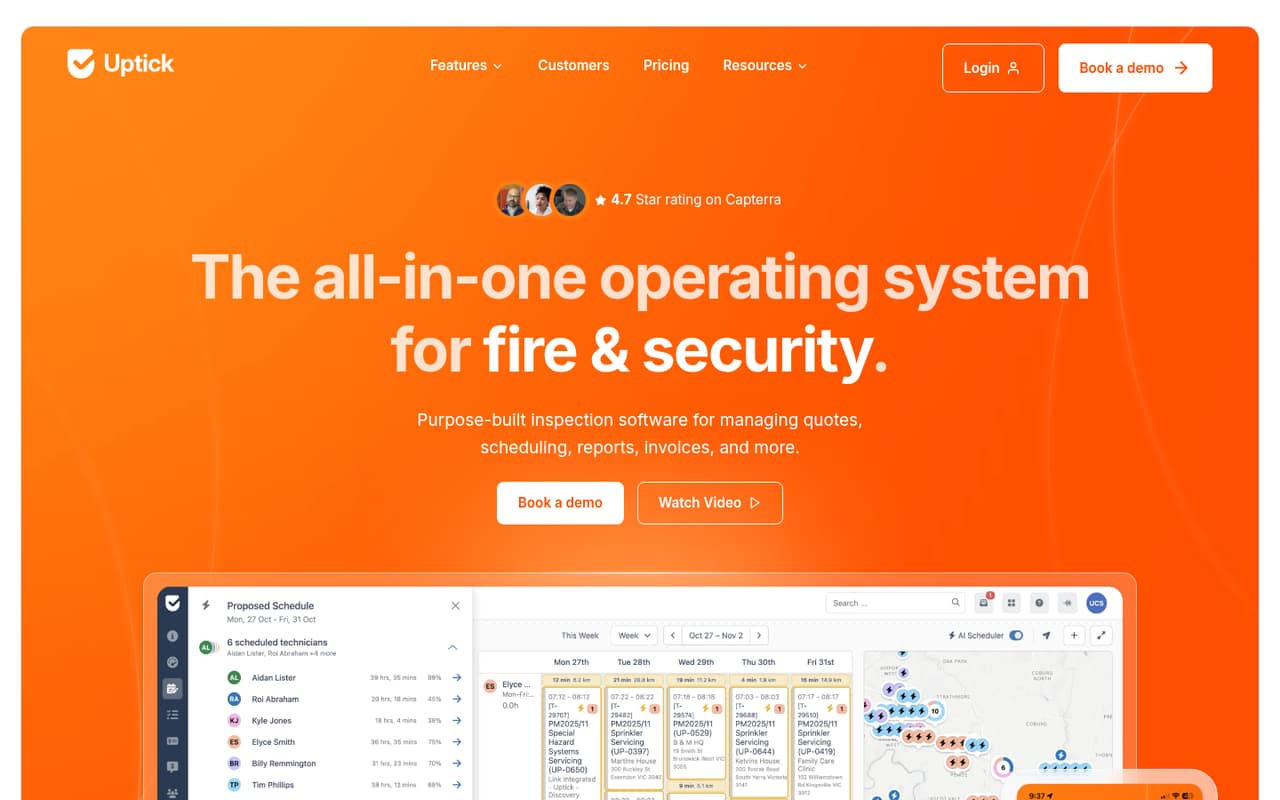
Uptick specializes in fire-protection inspection contractors, recurring inspections, and links between field and office work. Pricing is per user but must be requested, so even a small crew cannot calculate its total from the listing. Ask for a quote that includes all staff who need access and clarify whether recurring inspection workflows require extra setup.
What works
- Inspection forms can be customized
- Schedules recurring inspections and routes
- Customers can approve quotes online
What doesn't
- No free plan is listed
- A free trial isn't listed
- Per-user price isn't published
- Best for pest controlFieldRoutesFieldRoutes
FieldRoutes is built for pest-control businesses that want routing and billing together. Its price is not published, and the listing flags setup complaints as a reason for caution. For a team of one to ten, request a quote and ask the vendor to explain the onboarding steps, time commitment, and available support before moving customer records.
What works
- Routing and scheduling tools in one platform
- Dashboards bring customer and payment data together
- Mobile app supports contracts and payments
What doesn't
- No free plan or trial is listed
- The vendor doesn’t publish plan prices
- Plans are priced by active-customer count
- Best for tree careSingleOpsSingleOps
SingleOps is made for tree-care businesses, with tree records by property and a focus on replacing separate job tools. The starting price is $200 monthly, a substantial commitment for one crew. It could make sense if those specialized records are central to your work; compare the cost with your current tools before consolidating.
What works
- Tree records can include condition, risk, and work history
- Essential covers estimating, scheduling, clients, and invoicing
- Crew users are free on Essential
What doesn't
- No free plan is listed
- Cheapest plan starts at $200 per month annually
- Included office and sales seat count is not published
- Best for customer portalsZuperZuper
Zuper offers scheduling, work orders, and customer self-service for field-service teams. Pricing is quote-only, so small teams cannot judge the cost without contacting the vendor. Ask for a quote based on your number of technicians and office users, and confirm which customer-facing features are part of the proposed plan.
What works
- Coordinates office teams, technicians and customers
- Includes scheduling, dispatch and work orders
- Tracks routes, GPS and customer ETAs
What doesn't
- No free plan is listed
- Starter, Core and Premium prices aren't published
- Standard platform contracts require an annual commitment

- Best for route operationsWorkWaveWorkWave
WorkWave serves pest-control and lawn-care teams coordinating field operations, with route and operations tools and analytics. Its price is not published, so a small team needs a quote before comparing it with priced alternatives. Ask the vendor to price your headcount and explain which route and reporting features are included.
What works
- Products target specific service industries
- Wavelytics connects operational data and insights
- Lists route optimization software
What doesn't
- No free plan
- Starting price is not published
- Trial terms are not published

- Best for complex projectsFieldpointFieldpoint
Fieldpoint is aimed at commercial contractors handling complex jobs, multi-phase projects, and links between service and ERP data. Small teams need a quote to learn the cost, and the listing does not give a starting price. It is most relevant when those connected workflows matter; ask about setup and ongoing administration before buying.
What works
- Handles repairs, recurring maintenance, and installations
- Tracks estimates against actual project work
- Scheduling board supports dispatch decisions
What doesn't
- No free plan
- Trial availability is not published
- Custom quote makes seat costs unclear
- Verify product fitSmart ServiceSmart Service
Smart Service’s listed fit is unclear for field service: its best-for descriptions name Seattle-area Subaru owners and Honda and Toyota repair customers, while also advising teams to confirm software pricing. We would verify that the product matches your business before treating the listed $92.65 starting price as relevant. Ask the vendor to identify the product and plan being quoted.
What works
- Repairs Subaru, Honda and Toyota vehicles
- Lists factory-required Subaru maintenance services
- Offers diagnostics and Subaru head gasket expertise
What doesn't
- The repair shop and software pricing describe different offerings
- No free plan is listed for the software
- Software pricing has a five-user baseline

03How we chose
We ranked these options for a team of one to ten, giving extra weight to a free plan, a clear price for a few seats, and a fit that does not assume a large operation. We also considered plan limits, seat minimums, annual commitments, and any setup burden called out in the listings. Where prices or implementation details are unclear, we treat that uncertainty as a buying drawback. Before signing, use the vendor’s docs and ask current users about setup and day-to-day administration; we do not claim to have tested these products.
04Work out the real cost for your crew
Do not compare starting prices without checking how seats are counted. Fieldwork lists $59 per field user monthly but free office seats; Wello Solutions has a five-seat minimum that makes its cheapest plan €175 monthly. Kickserv’s lowest plan starts at five users. Swept charges by location and allows unlimited users, while BlueFolder has a $125 monthly minimum despite its $62.50 starting price.
Count everyone who needs to view or update jobs: technicians, dispatchers, and office staff. Then ask for the monthly total at your actual headcount, including any minimums or annual commitment. Check whether a free plan has job, user, or feature limits that would block your daily work. If a vendor does not publish a price, request a written quote before moving your records or changing your process.
05Keep setup proportional to the problem
A small crew should not take on a complicated rollout just to replace a calendar. Start by listing the problems you need to solve: scheduling, quotes, invoices, repeat visits, equipment records, inspections, or routing. Choose a tool that covers those needs without making every employee learn a long list of features.
Setup effort is a real cost, even when it is not itemized. ServiceTitan’s listing flags potentially heavy setup; BuildOps describes a guided implementation, and Service Autopilot advises budgeting for training. Ask each vendor who imports customer and job records, how staff are trained, and what work your team must do before launch. Check the documentation for the workflows you actually need, and ask comparable teams about ongoing admin. Keep your existing process until the new one is ready.
Questions people ask
Does a small field service team need dedicated software?
Not always. If a shared calendar and basic invoicing cover your jobs, dedicated software may add cost and admin without solving a pressing problem. Consider it when scheduling mistakes, repeat visits, quotes, or scattered customer and job records are becoming hard to manage.
What is the cheapest option with a free plan?
ServiceM8 lists a free solo plan for tradespeople handling fewer than 30 jobs monthly, plus a $29 AUD Starter plan. Contractor+ also lists a free plan for solo contractors, and FieldEx lists a free plan. Check each vendor’s limits before assuming a free tier will support multiple users.
How should we compare prices for a few seats?
Ask each vendor for the total price at your actual number of field and office users. Pay attention to per-user pricing, seat minimums, free office seats, and location charges. For example, Wello Solutions has a five-seat minimum, while Swept charges by location and lists unlimited users.
What should we ask before choosing a quote-only tool?
Request a written quote for your current team size and ask what user count, features, onboarding, and support it covers. Also ask what your team must do to set up job records and train staff. This makes quote-only options easier to compare with vendors that publish starting prices.