
We may earn a commission if you buy through links on this page. It never changes a score or a ranking. How we make money
The bottom line
Good for sending big files; confirm Business seat pricing before budgeting for a team.
Filemail’s free plan covers occasional transfers up to 5 GB, while paid plans add longer availability, more storage, and larger transfers. The cheapest paid option is $6/month for one user; teams needing shared workflows should look at Business, listed at $24/month.
A Reddit commenter reports years of mostly good use and likes the client upload page, but also describes a failed upload that had to start over. Filemail looks best for teams that need a straightforward way to send or receive large files, not a general-purpose shared drive.
Good fit if
- Small teams sending large files
- Client uploads through a portal
- Occasional free file transfers
Skip it if
- Teams needing a shared drive
- Frequent transfers above 250 GB
- Buyers needing clear annual pricing
ScoresHow it rates
What works
- Free plan allows unlimited downloads
- Paid plans offer longer file availability
- Business lists transfers of any size
- Upload forms support incoming client files
- Outlook add-in sends encrypted files
What doesn't
- Free transfers are capped at 5 GB
- Basic files last only seven days
- Annual prices are not published
- Business seat billing needs confirmation
- One user reports a failed upload restarting
01Who Filemail is for
Filemail is for individuals and small teams that need to send or receive large files by email or secure link. That could mean sharing video or design files with a client, or giving clients an upload page for incoming work. It is a file-transfer service, not a general team workspace.
A one-person team can start free or pay $6/month for Personal. For a team of 3–5 people that needs shared file workflows, Business is listed at $24/month, though the pricing details do not explicitly say whether that price is per seat. Confirm the billing unit before building a budget. Business includes multi-user and multi-admin access, any-size transfers, and 1 TB of initial storage per user. If you only send files now and then, the free plan may be enough. If files need to stay available longer or you need shared controls, a paid plan is more relevant.
02Filemail free plan and trial
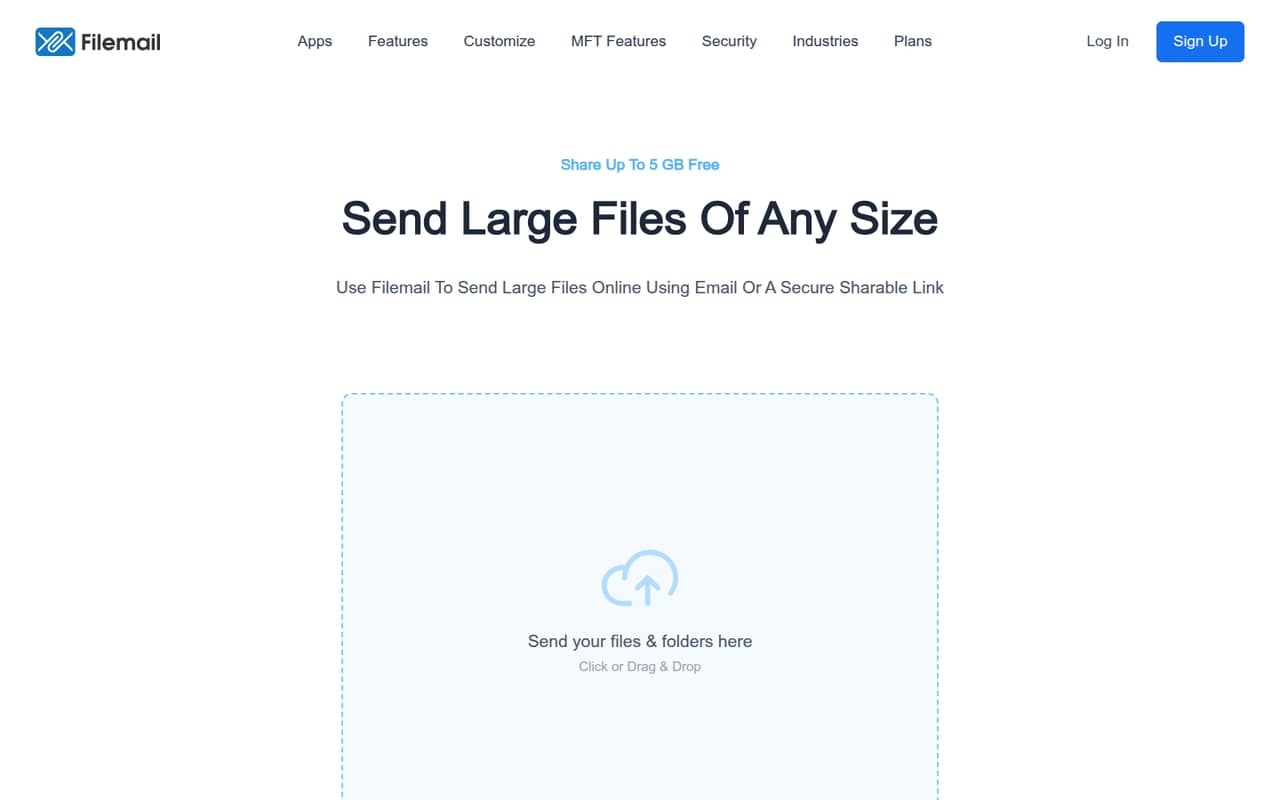
Basic is free for one user. It allows transfers up to 5 GB, keeps files available for seven days, and includes unlimited downloads. That works for occasional sharing when recipients can download the files within a week. It is a tight fit for larger transfers or files that need to remain accessible longer.
The pricing information also lists a seven-day free trial, but does not specify which plan the trial covers. Ask Filemail which features are included before relying on it to test a team workflow. The lowest paid plan, Personal, costs $6/month for one user and keeps files available for 30 days. It retains the 5 GB transfer limit, but adds 250 GB of storage and unlimited transfers. Teams needing shared workflows should compare Business rather than treating Personal as a multi-user plan.
03What a small team pays for Filemail
Personal is the cheapest paid plan: $6/month for one user, or $72 over 12 months at the listed monthly rate. It includes a 5 GB maximum transfer, 30-day availability, and 250 GB of storage. Pro is $14/month for one user, with transfers up to 250 GB, permanent file availability, and 1 TB of initial storage.
Business is listed at $24/month and includes multi-user access, multiple admins, any-size transfers, and 1 TB of initial storage per user. If $24 is the per-seat price, three seats would be $72/month and five would be $120/month. The pricing details do not explicitly confirm that billing unit, so ask Filemail to verify the total for your team before signing up. Monthly and yearly billing are offered; yearly plans advertise two months free, but annual per-month prices are not published. Business customers can buy more storage, but its price is not published.
04Getting started with Filemail
Setup effort is not published. The listed features suggest a simple starting point for basic sending: choose email or a secure link, then share the file. Teams receiving files from clients can use upload forms, file requests, portals, or custom subdomains. Filemail also lists desktop and mobile apps for sending and receiving files.
For a team that works in Outlook, Filemail offers an add-in for sending encrypted files from the email client. Security features listed include encryption, two-factor authentication, password protection, and virus scanning. File previews and an operations dashboard are included on paid plans. A small team can decide which of those it needs before setup; there is no published setup-time estimate to help plan onboarding. One Reddit commenter says a client upload page was convenient because it gave clients one link to remember.
05When small teams outgrow Filemail
The first reason to upgrade is a transfer limit. Basic and Personal cap transfers at 5 GB, while Pro raises that to 250 GB. Teams sending files above that size need a plan with any-size transfers, such as Business, or Enterprise MFT. Business also lists permanent file availability and multi-user, multi-admin access, which may suit a team coordinating recurring client transfers.
Cost and storage are the other pressure points. Business is listed at $24/month, but confirm whether that is per user; if it is, seat costs rise with the team. Extra Business storage is available, but its price is not published. Enterprise MFT has custom pricing and configurable file availability. One Reddit commenter says Filemail worked well in most situations over several years, but reports that a failed client upload meant restarting the whole process. That is one user’s account, not a measure of how often it happens, but teams with critical long transfers may want to ask Filemail about recovery options.
From the threadsWhat users say
The Reddit comment available is mostly positive about long-term use and the client upload page, with a clear caveat about restarting a failed transfer. That is useful context, but it is one user’s experience rather than a broad reliability measure.
We’ve used Filemail for 7 or so years and switched over to it during some less than satisfactory Hightail experiences
You can configure an upload page for your clients to send you stuff - it’s only one link that you need to remember
if your client is sending you a lot of files and it craps out the whole process would have to be started again
Longform picture and audio tho we used other solutions
Questions people ask
Is Filemail free?
Yes. Basic is free for one user and includes transfers up to 5 GB, seven-day file availability, and unlimited downloads. It is suited to occasional sharing, but the 5 GB cap and short availability window may not work for bigger files or recipients who need more time.
What is Filemail’s maximum transfer size?
Basic and Personal list a 5 GB maximum transfer. Pro raises the limit to 250 GB. Business and Enterprise MFT list transfers of any size. If your team regularly sends files larger than 250 GB, check the Business or Enterprise terms and confirm the plan price before buying.
How much does Filemail cost for a team?
Business is listed at $24/month and includes multi-user access, but the pricing details do not explicitly confirm whether that is a per-seat price. If it is, three seats would cost $72/month and five would cost $120/month. Confirm your team’s total with Filemail before committing.
Is Filemail safe for file transfers?
Filemail lists encryption, two-factor authentication, password protection, and virus scanning as security features. Paid plans also include larger transfer limits or more storage, depending on the plan. Check with Filemail about the security controls and settings your team needs before sending sensitive files.
Can I send files through Outlook with Filemail?
Filemail lists an Outlook add-in for sending encrypted files from Microsoft Outlook. It also offers desktop and mobile apps, plus browser-based sharing by email or secure link. Check the add-in’s plan requirements and setup steps with Filemail if Outlook is central to your team’s workflow.