
We may earn a commission if you buy through links on this page. It never changes a score or a ranking. How we make money
The bottom line
A free SQL database for capable small teams; paid management plans start at $575/month.
Firebird is an open-source relational SQL database with reference manuals, drivers, and community-developed tools. Its free plan has no license fees or installation or activation restrictions, and supports embedded and enterprise deployments.
The catch for a small team is the paid pricing: Professional starts at $575 a month for up to 10 servers, not a handful of user seats. Choose Firebird for its free database or when its server-based paid features fit your deployment needs.
Good fit if
- Teams that want a free SQL database
- Developers comfortable working with databases
- Deployments needing embedded or enterprise options
Skip it if
- Teams seeking simple per-seat pricing
- Small budgets needing paid management tools
- Teams wanting published annual plan prices
ScoresHow it rates
What works
- Open-source plan costs $0
- No installation or activation restrictions on the free plan
- Supports embedded and enterprise deployments
- Reference manuals and developer resources are available
- Homepage highlights materialized views and query optimization
What doesn't
- Professional starts at $575 per month
- Paid pricing is based on server count, not seats
- Annual-billing prices are not published
- Extra Professional servers cost $49 each monthly
- Setup effort and support terms are not clearly specified
01Who Firebird is for
Firebird is a relational SQL database for small teams that need to store and query structured data, and have someone comfortable working with database software. The free Open Source plan makes it a plausible option for a one-person project or a team of three to five that wants to keep licensing costs at zero. It supports embedded and enterprise deployments, so the same product can suit different deployment sizes.
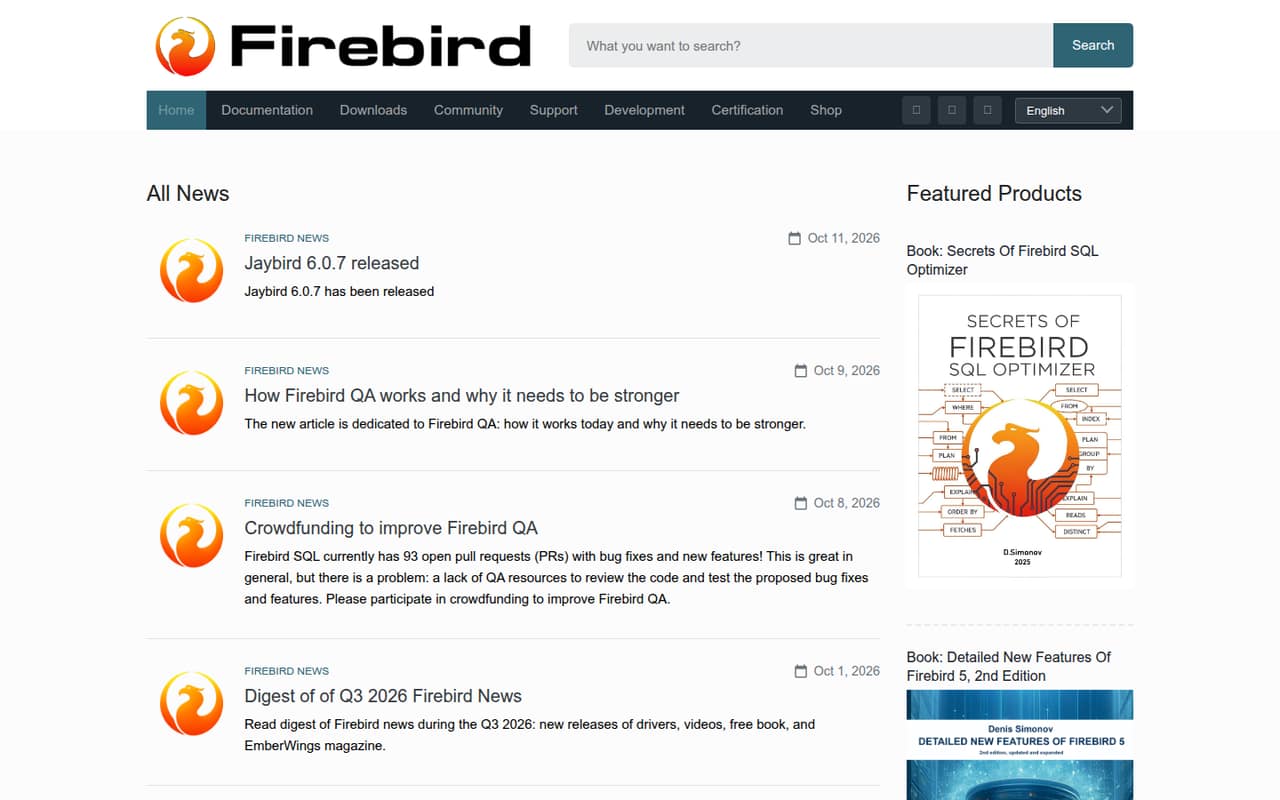
The site features materialized views, query optimization resources, reference manuals, and announcements for the Jaybird and Node.js drivers. Those are useful signals for a team building or maintaining software around a database. They don’t make Firebird a turnkey business app, though: teams should expect to make their own decisions about deployment and database administration. If you need paid management tools, the pricing changes sharply: the Professional plan starts at $575 monthly and covers up to 10 servers, rather than charging by user.
02Firebird free plan and trial
The Open Source plan costs $0, with no license fees and no installation or activation restrictions. The pricing lists support for embedded and enterprise deployments, so the free option is not described as a time-limited trial or a plan restricted to a particular deployment type. There is no paid trial listed.
That makes the free plan the cheapest way for a small team to run Firebird. The distinction is what comes with the paid packages: Professional lists HQbird for up to 10 servers, HQCenter for one site, 50 migrations per month, and 100 MQFS One queries per month. The free plan’s feature list does not include those paid-package items. If you need them, ask the vendor to confirm which package and server count apply before budgeting.
03What a small team pays for Firebird
The Open Source plan is $0. The pricing page lists Professional at $575 per month for up to 10 servers, with annual-billing prices not published. That is the lowest listed paid plan; it includes HQbird for 10 servers, HQCenter for one site, 50 migrations per month, and 100 MQFS One queries per month.
Firebird’s paid pricing is per deployment capacity, not per person. If one server is enough, one person, three people, or five people would still pay $575 monthly for Professional; divided for comparison, that is $575, about $191.67, or $115 per person each month. Those are not seat prices, and the actual bill doesn’t fall when fewer people use the database. Professional’s extra servers cost $49 per month each. Enterprise is $1,450 monthly for 11–100 servers, and extra servers cost $10 per server monthly. For a small team, check whether the free plan covers the job before committing to paid management features.
04Getting started with Firebird
Firebird’s site provides reference manuals and developer resources, and its homepage points to materialized views, query optimization material, and driver updates. It names Jaybird and a Node.js driver, which may be relevant if your application uses those languages. The site description does not spell out a step-by-step setup path or a time estimate, so we would not treat deployment as a one-click task based on the available details.
A small team should first identify where its database will run, who will handle installation and administration, and which driver its application needs. The free plan has no installation or activation restrictions, but that does not remove the work of configuring and maintaining a database. Before relying on a particular integration or support route, check the relevant reference manual and ask the vendor whether it fits your environment.
05When small teams outgrow Firebird
The first reason to move beyond the free option is a need for the paid package items rather than a larger headcount. Professional includes HQbird for up to 10 servers, HQCenter for one site, 50 migrations per month, and 100 MQFS One queries per month. Its $575 monthly starting price can be a tough fit for a small team that only needs a database and has no use for those extras.
Server growth is the clearest listed upgrade trigger. Professional covers up to 10 servers, with additional servers priced at $49 each monthly; Enterprise covers 11–100 servers at $1,450 monthly, with extra servers at $10 per server monthly. Dedicated is listed at $4,300 monthly for unlimited servers. Those are substantial jumps, and annual prices are not published. If your needs exceed the listed server ranges or you need a different paid arrangement, ask the vendor for a quote and confirm the limits before planning a migration.
Questions people ask
Is Firebird free to use?
The Firebird Open Source plan is listed at $0, with no license fees and no installation or activation restrictions. It supports embedded and enterprise deployments. Paid plans are also listed, starting with Professional at $575 per month for up to 10 servers, but you do not need a paid plan simply to access the open-source database.
How much does Firebird cost for a small team?
The open-source plan costs $0. Professional starts at $575 per month for up to 10 servers. That price is based on server capacity, not the number of people on your team, so a team of one, three, or five does not get a separate per-seat price. Annual-billing prices are not published.
Does Firebird charge per user or per server?
The listed paid plans are organized by server count, not by user seats. Professional costs $575 per month for up to 10 servers; extra servers cost $49 each monthly. Enterprise covers 11–100 servers at $1,450 per month, with extra servers listed at $10 per server monthly.
Does Firebird have a free trial?
A free trial is not listed. Instead, Firebird has a $0 Open Source plan with no license fees and no installation or activation restrictions. It supports embedded and enterprise deployments. If you need paid features such as the management tools listed with Professional, ask the vendor whether a trial or evaluation arrangement is available.
What drivers and developer resources does Firebird offer?
Firebird’s site links to reference manuals and developer resources, and its homepage announces Jaybird driver releases and updates to the Node.js driver. It also features materialized views and query optimization material. Check the relevant documentation for compatibility and setup details for your application.