
We may earn a commission if you buy through links on this page. It never changes a score or a ranking. How we make money
The bottom line
Good remote-support coverage, but no free plan and a meaningful per-seat bill.
FixMe.IT is for teams that need to support computers remotely, including unattended machines. Its listed features cover live connections, file transfers, session switching and activity reports. Each paid seat includes one concurrent technician and up to 200 unattended computers.
There’s no free plan. The 15-day trial is the only listed no-cost option; after that, annual billing starts at $32.50 per seat monthly, billed at $390 per year. That means $1,170 a year for three seats or $1,950 for five.
Good fit if
- Small IT support teams
- Teams managing unattended computers
- Technicians handling multiple sessions
Skip it if
- Teams that need a free plan
- One-person teams on tight budgets
- Buyers needing published integration details
ScoresHow it rates
What works
- Unlimited attended connections per seat
- Up to 200 unattended computers per seat
- File transfers between connected computers
- Switch between sessions in one click
- Activity reports for remote sessions
What doesn't
- No free plan
- Trial lasts 15 days
- Annual plan requires $390 per seat upfront
- Additional seat pricing is not published
- Setup steps and integrations are not specified
01Who FixMe.IT is for
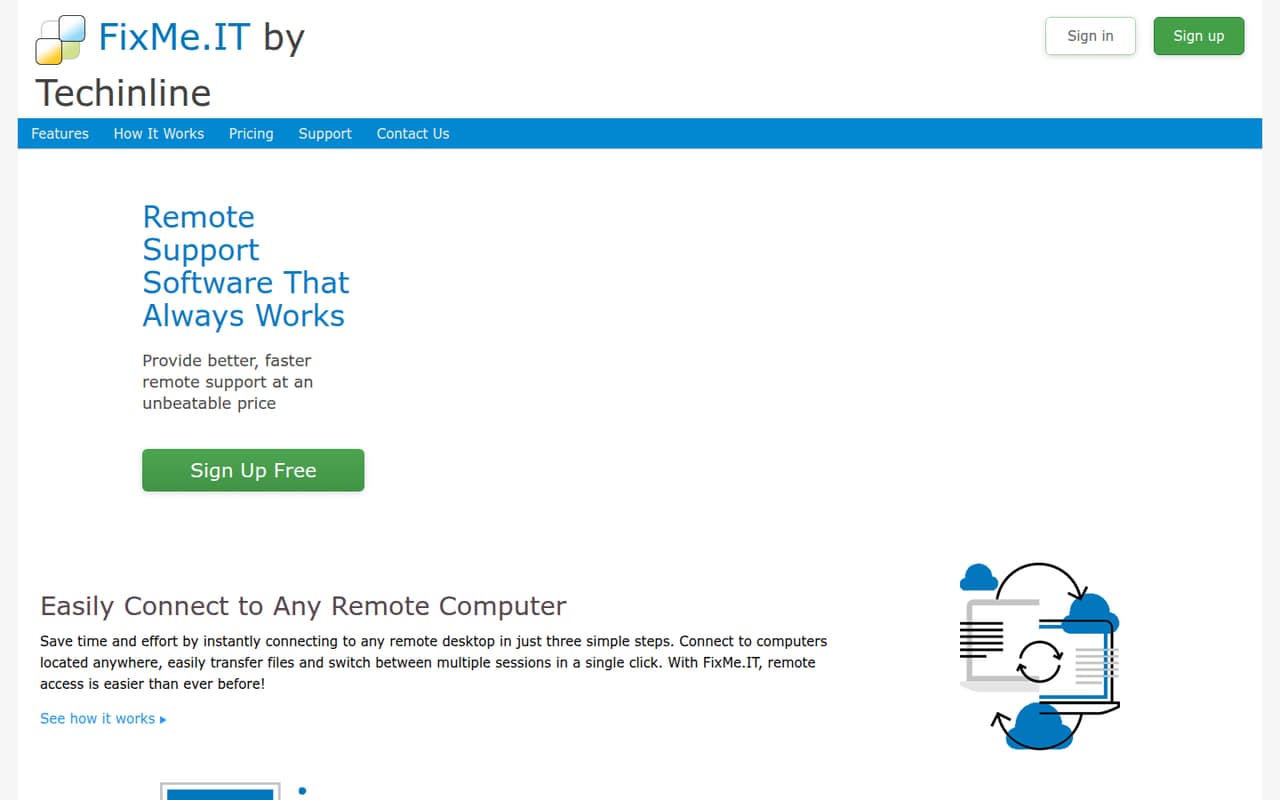
FixMe.IT fits a small IT or support team that regularly connects to customers’ or coworkers’ computers. It lets a technician provide live support, access a configured computer when nobody is there, transfer files and switch between sessions. Activity reports give teams a way to review remote-session activity.
Its per-seat model is clearest for teams that can use the included capacity: one concurrent technician, unlimited attended connections and up to 200 unattended computers per seat. That can suit a small service desk or a business supporting a fleet of remote machines. It is less attractive if you only need occasional access and want to avoid a recurring bill; there’s no free plan, and even one seat costs $390 for a year on annual billing. We’d also check whether its setup and integrations fit your workflow before committing, since those details aren’t specified on the homepage.
02FixMe.IT free plan and trial
FixMe.IT has no free plan. The pricing details list a 15-day free trial, but they don’t specify what features or connection limits the trial includes. If you’re considering it, confirm with the vendor whether the trial includes the paid plan’s allowance of unlimited attended connections and up to 200 unattended computers per seat.
After the trial, the lowest listed rate is the Annual plan at $32.50 per seat per month, billed as $390 per seat per year. If you’d rather pay month to month, the listed rate is $39 per seat monthly. There’s no lower-cost permanent tier listed, so a team that needs occasional remote help should weigh whether it will use the paid seat often enough.
03What a small team pays for FixMe.IT
The pricing page lists two plans, both priced per seat. Monthly billing costs $39 per seat per month. Annual billing costs $390 per seat per year, or $32.50 per seat per month when averaged across the year.
For one person, that’s $39 each month or $390 upfront for a year. Three seats cost $117 monthly, or $1,170 per year on the Annual plan. Five seats cost $195 monthly, or $1,950 per year annually billed. Annual billing saves $6.50 per seat each month compared with paying month to month, but requires paying the full year’s amount upfront.
Each seat includes one concurrent technician, unlimited attended connections, up to 200 unattended computers and up to three user logins at no extra cost. Additional seats are available, but their price isn’t published. The listed pricing doesn’t identify other paid add-ons. Ask the vendor to confirm the cost of extra seats and whether any account needs more capacity than the included allowance.
04Getting started with FixMe.IT
The listed features describe the work FixMe.IT supports, but the homepage information doesn’t lay out setup steps, deployment time or a learning path. We can’t put a reliable number on setup effort from those details alone. Before buying, ask the vendor what technicians and remote users need to install or configure, especially for unattended access to computers or servers.
The basic workflow sounds suited to support tasks: connect for live help, transfer files, switch between sessions and review activity reports. But the vendor’s homepage doesn’t specify integrations, so check whether it connects with the ticketing, identity or device-management tools your team already uses. The same goes for security requirements: the homepage says communications use encryption technology, but it doesn’t provide further detail in the listed feature summary. A short trial may help your team assess the workflow, though the trial’s exact inclusions aren’t specified.
05When small teams outgrow FixMe.IT
The first pressure point is likely to be seats. Each seat allows one concurrent technician, so a team that needs more technicians working at the same time will need enough seats to cover that concurrency. At the listed rates, each added seat costs $39 per month or $390 per year with annual billing. The vendor says additional seats are available, but doesn’t publish their price separately.
The unattended-computer allowance is up to 200 per seat. Teams with more machines to manage should ask the vendor how that limit applies across seats and what additional capacity costs. FixMe.IT lists unlimited attended connections, but that doesn’t remove the concurrent-technician limit.
A growing team may also need integrations or setup controls that aren’t detailed on the homepage. We wouldn’t assume they’re unavailable, but buyers should confirm them before expanding. If the answers don’t fit your workflow—or the per-seat bill grows faster than the support work it covers—it may be time to compare other tools.
Questions people ask
Does FixMe.IT have a free plan?
No. FixMe.IT’s listed pricing has no free plan. It offers a 15-day free trial, but the pricing details don’t specify exactly what the trial includes. The lowest listed paid option is annual billing at $390 per seat per year, equivalent to $32.50 per seat per month.
How much does FixMe.IT cost for three technicians?
Three seats cost $117 per month on monthly billing, at $39 per seat. With annual billing, three seats cost $1,170 per year, equivalent to $97.50 per month. Each seat includes one concurrent technician, so three seats cover three concurrent technicians.
How many unattended computers can a FixMe.IT seat access?
The listed plans include access to up to 200 unattended computers per seat. Each seat also includes unlimited attended connections and one concurrent technician. If your team needs to cover more than 200 unattended computers per seat, ask the vendor how it handles added capacity and what it costs.
What does a FixMe.IT seat include?
The Monthly and Annual plans each include one concurrent technician per seat, unlimited attended connections, up to 200 unattended computers per seat and up to three user logins per seat at no extra cost. The feature list also includes file transfers, session switching and activity reports.
Does FixMe.IT support file transfers and session reports?
Yes. FixMe.IT lists file transfers between connected computers, the ability to switch between sessions in a single click and activity reports for reviewing activity and auditing remote desktop sessions. The homepage also says communications are protected with encryption technology.