
We may earn a commission if you buy through links on this page. It never changes a score or a ranking. How we make money
The bottom line
A capable product-visual tool with a useful free tier and plan details to confirm before adding seats.
Flair AI helps small teams create product photos, videos, and ads using a digital scene canvas, reusable templates, and AI models. The free plan includes five images and one video generation, enough to try the workflow.
Paid plans start at $8 monthly, but the listing doesn't clarify whether prices are per person or shared across a team. Pro+ costs $26 monthly and adds 80 images and a company commercial license; confirm seat billing and annual totals before committing.
Good fit if
- Small teams making product ads
- Brands testing AI product imagery
- Creators needing custom models
Skip it if
- Teams needing known seat pricing
- Businesses requiring published integrations
- Teams needing generous free image volume
ScoresHow it rates
What works
- Free plan includes five images and one video generation
- Drag-and-drop canvas for staging product scenes
- Reusable templates support repeatable creative work
- Custom AI models can reflect chosen traits
- Pro+ lists a company commercial license
What doesn't
- Free image generation is limited to five images
- Plan listing does not clarify per-seat billing
- Pro image quota is not listed
- Annual billing totals are not published
- Priority support appears only on Scale Tier 1
01Who Flair AI is for
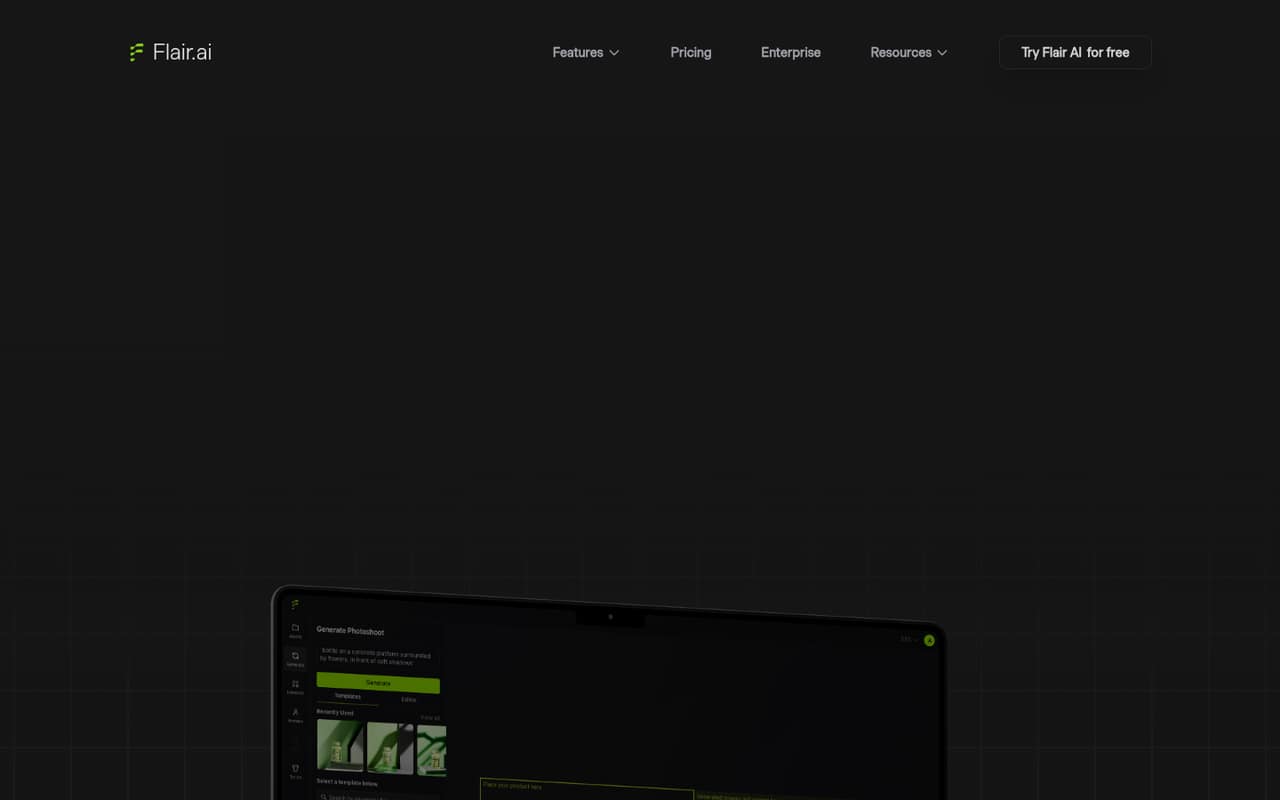
Flair AI is for small teams that need a steady flow of product visuals but don't have the time or budget for a full photoshoot every time they test an idea. It combines a drag-and-drop canvas for arranging products and props with AI-generated scenes, models, videos, and ads. Templates let a team reuse a visual direction rather than start each concept from scratch.
For a one-person shop, the free plan is a low-risk way to see whether generated product content fits the brand. A small team making campaign assets regularly may find Pro+ more relevant: it lists 80 generated images and a company commercial license for $26 per month. Flair also describes real-time collaboration, but its plan listing does not explain seat allowances. Teams of one to ten should confirm whether the price covers a workspace or each person before putting it in the budget.
02Flair AI free plan and trial
The free plan costs $0 per month and includes one custom model, five generated images, and one video generation. That gives a solo creator or small team a way to make a few concepts before paying. The plan listing also says instant image and ad generation use four times the image quota, so those faster actions could consume the limited image allowance quickly.
Flair does not list a separate free trial in its pricing details; the free plan is the way to try the product. It is a small sample, not a generous ongoing content allowance. If you need more than five images, Pro+ lists 80 generated images for $26 monthly. Pro costs $8, but its image quota is not listed, so ask Flair what volume it includes before choosing it for regular production.
03What a small team pays for Flair AI
The pricing page lists Pro at $8 per month, Pro+ at $26, and Scale Tier 1 at $38. These are monthly prices; the page mentions an annual discount but does not publish annual totals. It also does not say whether prices are per person or per workspace, so confirm the billing basis with Flair.
For a budget estimate only, if each teammate needs a separate Pro subscription, one person costs $8 monthly, three cost $24, and five cost $40. At Pro+ rates, those totals would be $26, $78, and $130 per month. The listing includes no add-ons, but small teams may need to step up if they need Pro+'s 80 images or company commercial license; Scale Tier 1 lists 150 images and priority support. Pro lists faster rendering, upscales, variations, and two video generations, but no image quota. Ask which plan covers your intended usage and seats before calculating an annual commitment.
04Getting started with Flair AI
The product is built around a drag-and-drop canvas: teams stage product assets with digital props, then use templates and AI generation to create scenes, models, videos, or ads. That suggests a visual, hands-on workflow rather than a tool that depends on a long technical setup, but Flair does not publish a setup-time estimate in its plan listing.
The feature description includes real-time team collaboration, though the listed plans do not specify how many collaborators each plan supports. They also do not name integrations. For a small team, the sensible first step is to try the free allowance with one product and check whether its generated imagery matches your brand. Before inviting more people, ask Flair about seat access, file or asset handoff, and any integrations your current workflow requires. Those details can determine whether setup is a quick creative exercise or a larger process change.
05When small teams outgrow Flair AI
The first constraint is image volume. Free includes five generated images, while Pro's image allowance is not listed; Pro+ specifies 80, and Scale Tier 1 specifies 150. A team that regularly produces more than those stated amounts should ask about usage limits and costs before planning campaigns around the tool. Free also includes only one video generation, compared with two on Pro, three on Pro+, and five on Scale Tier 1.
The next pressure point is team and business requirements. Pricing does not clarify seat counts, so a growing group cannot confidently forecast costs from the monthly price alone. Pro+ includes a company commercial license; teams that need that should verify whether their chosen tier covers their use. Scale Tier 1 adds early access to the AI Product Photography API and priority customer support. Enterprise lists custom credit amounts, unlimited API access, custom model training, SAML-based SSO, and a dedicated success manager, but its price is custom. Get a quote if those needs become essential.
Questions people ask
Does Flair AI have a free plan?
Yes. Flair AI lists a free plan at $0 per month with one custom model, five generated images, and one video generation. The listing says instant image and ad generation use four times the image quota, so check how those actions affect your limited image allowance.
How much does Flair AI cost?
The listed monthly prices are $8 for Pro, $26 for Pro+, and $38 for Scale Tier 1. Enterprise pricing is custom. Flair mentions an annual discount but does not publish annual totals, and its plan listing does not clarify whether prices are per seat or per workspace.
What is included with Flair AI Pro+?
Pro+ costs $26 per month and lists up to eight Standard or two Fast custom models, 80 generated images, three video generations, first-priority rendering speed, and a company commercial license. Confirm how model types and team access work for your account before buying.
Can Flair AI create product videos and ads?
Yes. Flair AI describes tools for creating product videos and ads. The free plan lists one video generation, Pro lists two, Pro+ lists three, and Scale Tier 1 lists five. The free plan's instant image and ad generation use four times the image quota.
Does Flair AI pricing cover a whole team?
The plan listing gives monthly prices but does not state whether they cover a shared workspace or individual seats. Since Flair describes real-time team collaboration, ask the vendor how many people can collaborate on each plan and whether adding teammates changes the bill.